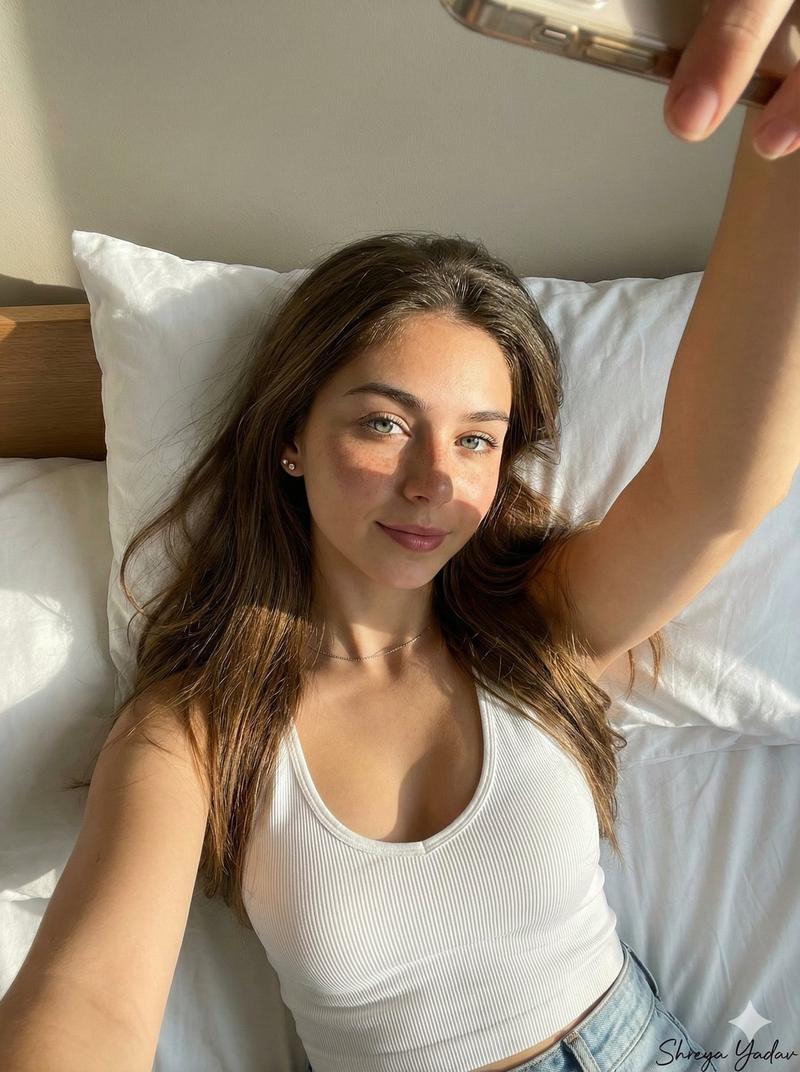
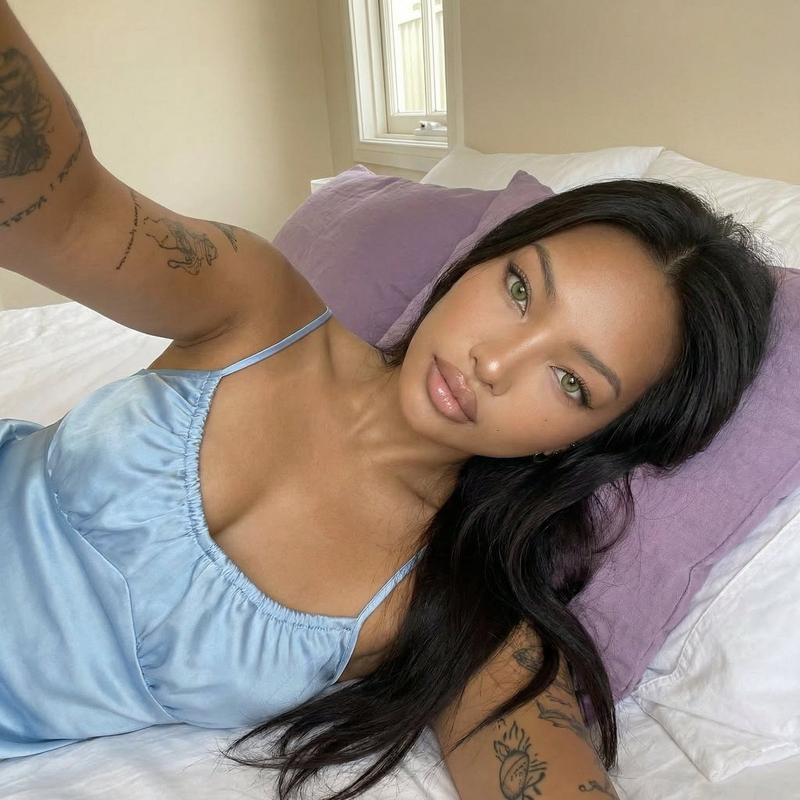
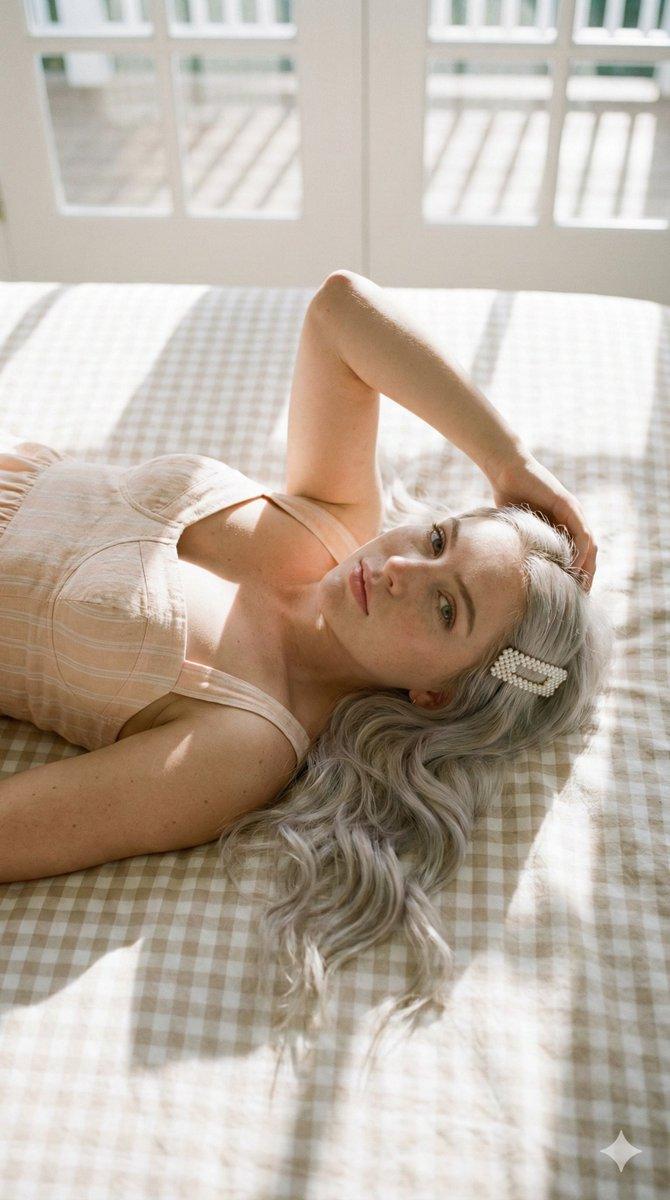
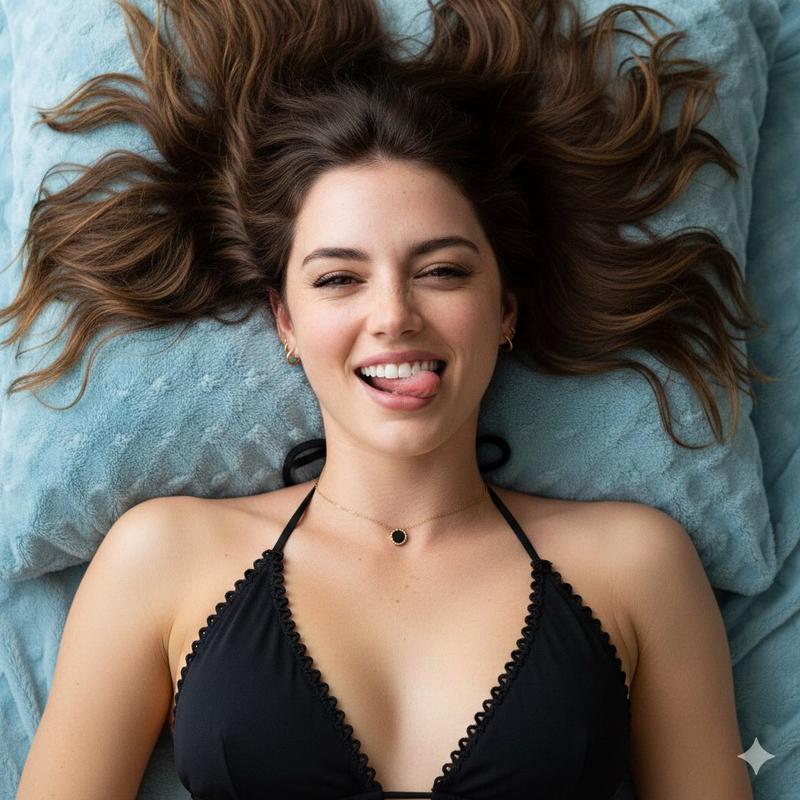
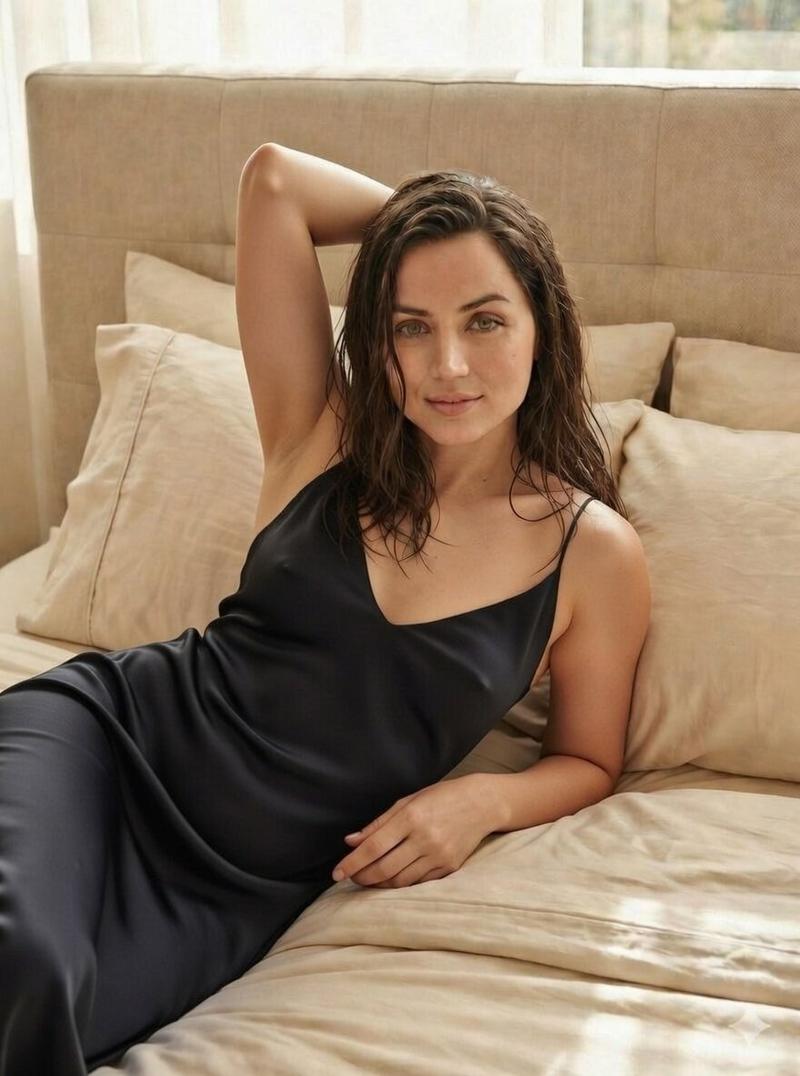
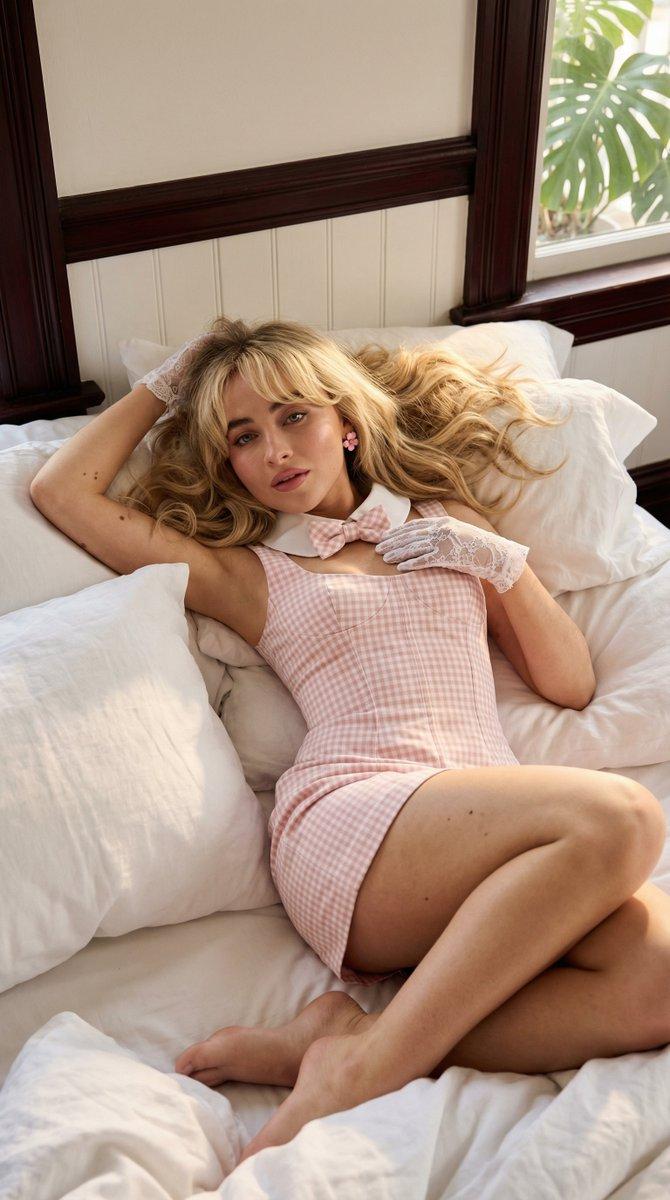
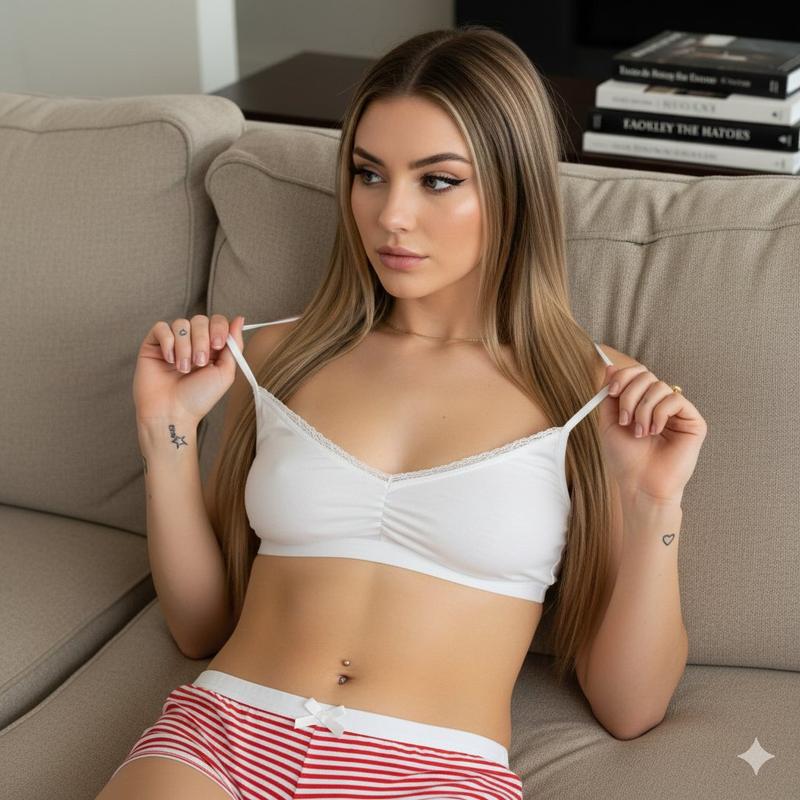
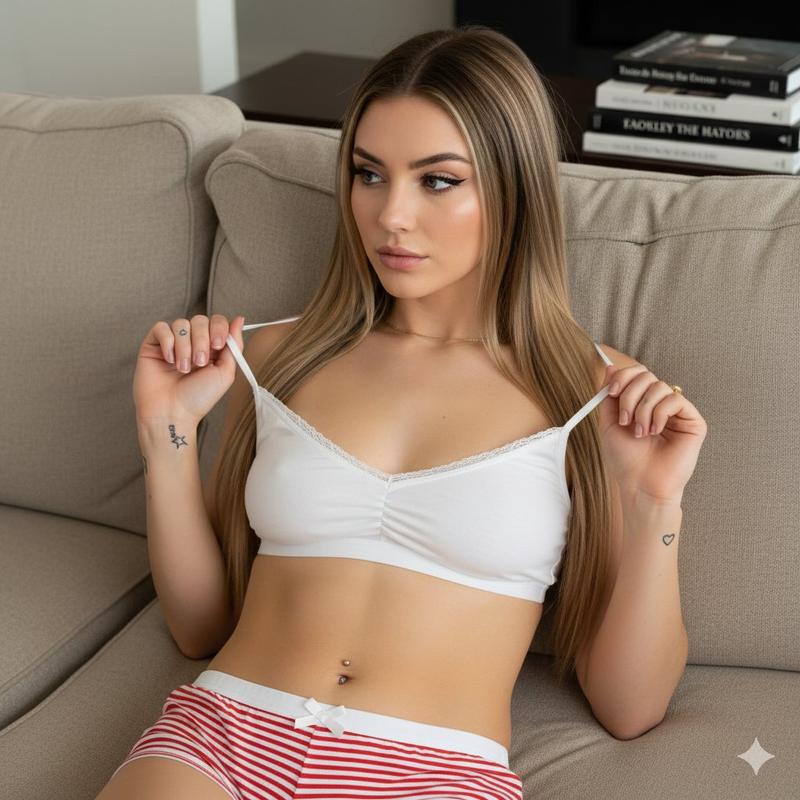
暖灯下戴耳机的静谧缎面少女
Prompt
{ "meta": { "style": "ultra-realistic intimate lifestyle photography", "quality": "8K ultra high resolution, hyper-detailed", "camera": "Full-frame mirrorless camera", "lens": "85mm f/1.8 portrait lens", "aperture": "f/1.8", "iso": 160, "shutter_speed": "1/160s", "white_balance": "warm indoor tungsten balanced", "color_grading": "soft peach, beige and warm golden highlights", "aspect_ratio": "4:5 vertical", "focus": "sharp focus on subject, creamy bokeh background" }, "scene": { "location": "cozy modern bedroom interior", "time_of_day": "late evening", "lighting": { "primary": "warm bedside lamp glow", "secondary": "soft ambient fairy lights along the wall", "mood": "romantic, calm, dreamy ambiance", "shadows": "soft natural shadow falloff with gentle contrast" }, "background_elements": [ "soft beige upholstered headboard", "light pastel bed sheets", "decorative pillows with subtle floral patterns", "wooden nightstand with ceramic lamp", "warm fairy string lights", "sheer curtains slightly diffusing outside light" ], "atmosphere": "intimate, relaxed, serene, feminine aesthetic" }, "subject": { "gender": "female", "age": "young adult", "body_type": "slim with soft feminine curves", "skin_tone": "fair with warm undertones", "hair": { "color": "long honey-blonde", "style": "loose and flowing naturally over pillow" }, "expression": "eyes gently closed, relaxed peaceful expression", "pose": { "position": "lying comfortably on back on bed", "arms": "resting loosely above head", "head": "slightly tilted into pillow", "legs": "naturally extended and relaxed" }, "wardrobe": { "outfit_type": "soft satin lounge set", "top": "delicate pastel bralette-style top with subtle lace trim", "bottom": "matching high-waisted satin shorts", "style_description": "romantic, delicate, feminine, pastel tones" }, "accessories": [ "minimal gold necklace", "over-ear metallic headphones" ], "emotion": "peaceful, immersed in music, comfortable in private space" }, "composition": { "camera_angle": "top-down soft overhead perspective", "framing": "centered balanced composition", "depth_of_field": "shallow depth with subject in crisp focus", "leading_lines": "bed edges and pillow lines guide attention toward subject", "visual_balance": "fairy lights create soft glowing frame above" }, "textures": [ "smooth satin fabric", "soft cotton bedding", "natural skin highlights", "wood grain furniture texture", "warm glowing light bulbs" ], "rendering_details": { "skin_detail": "natural skin texture with subtle shoulder and collarbone highlights", "fabric_detail": "fine satin sheen with visible stitch- Category
- Posters & Typography
- Model
- Nano Banana Pro
- Creator
- @tumuaipromptx
- Source ID
- 12048
- Published
- Apr 21, 2026
Views54