16

Y2K闪光灯下的电光紫发时尚辣妹
Enlarge

Y2K闪光灯下的电光紫发时尚辣妹

Prompt
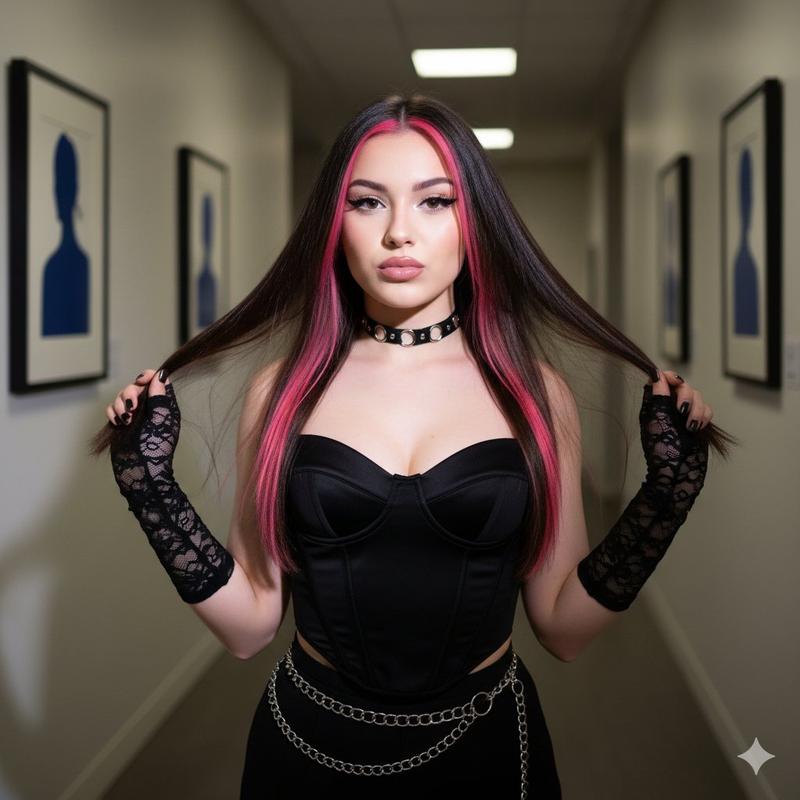
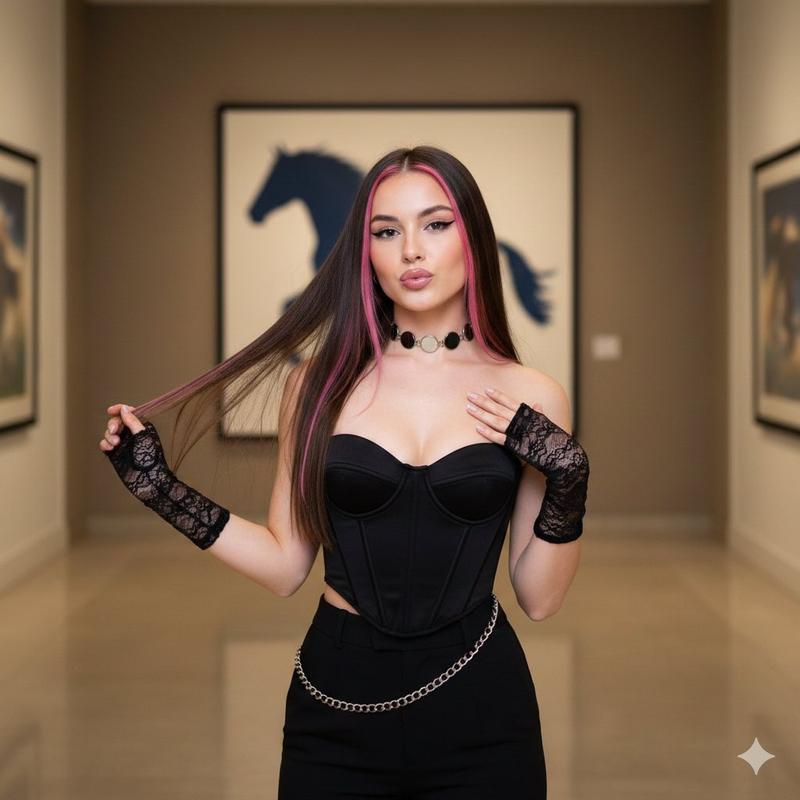
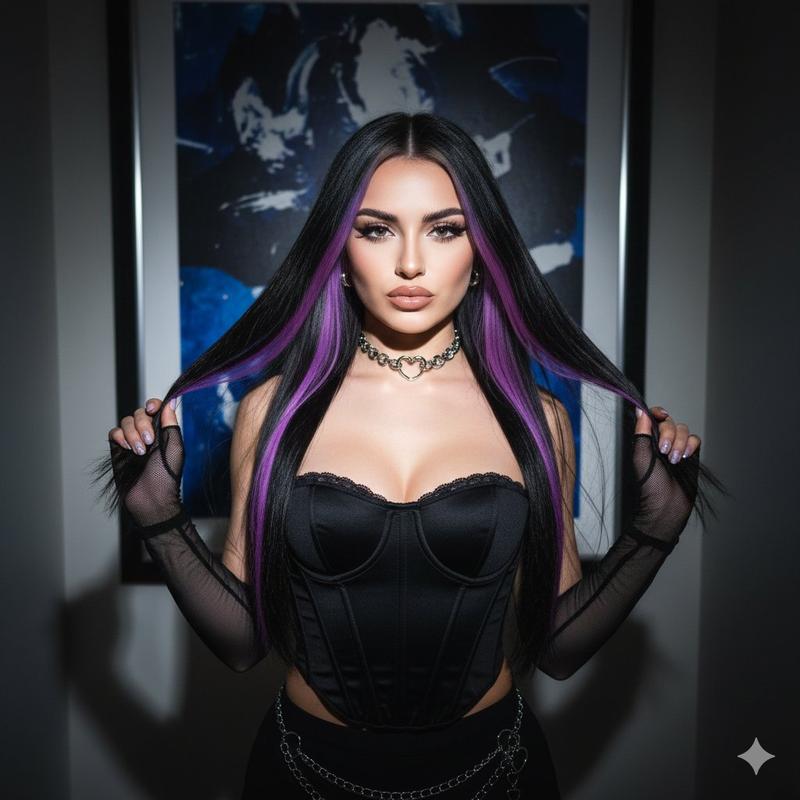
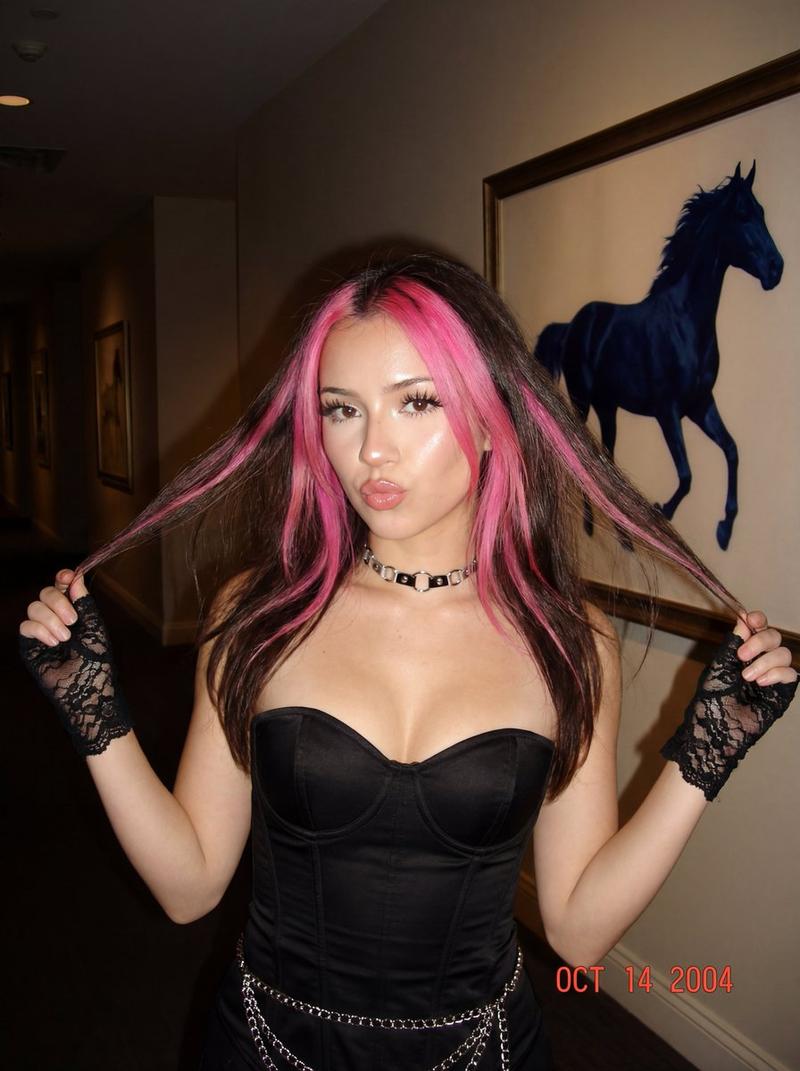
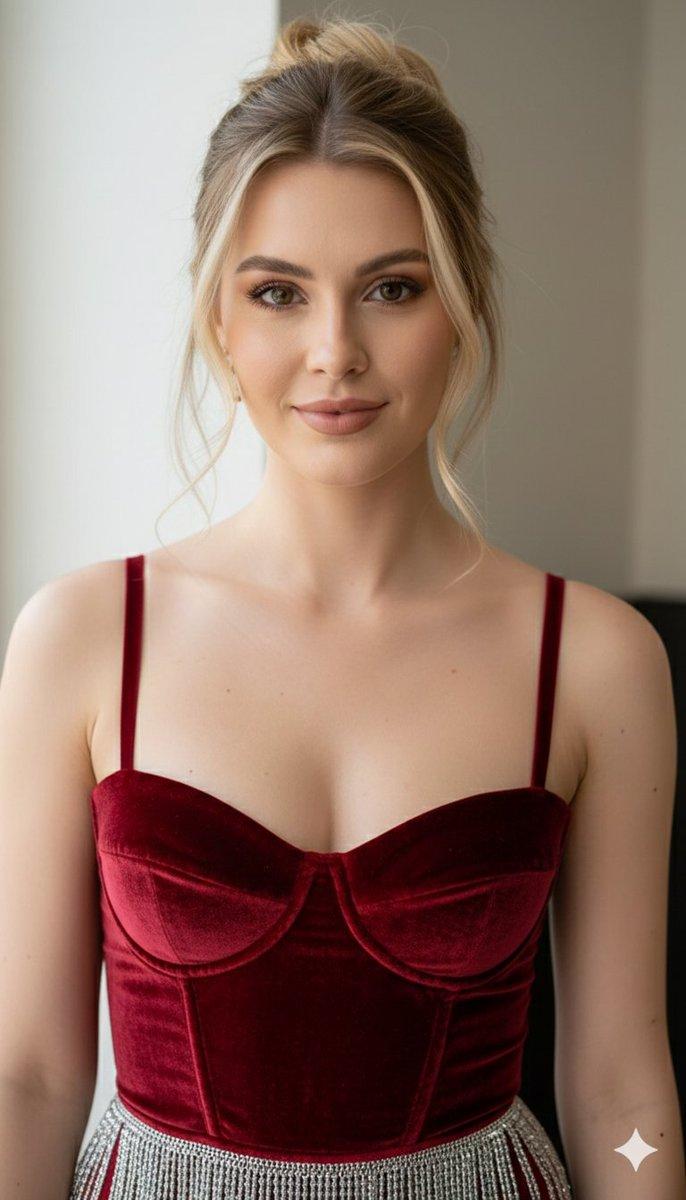
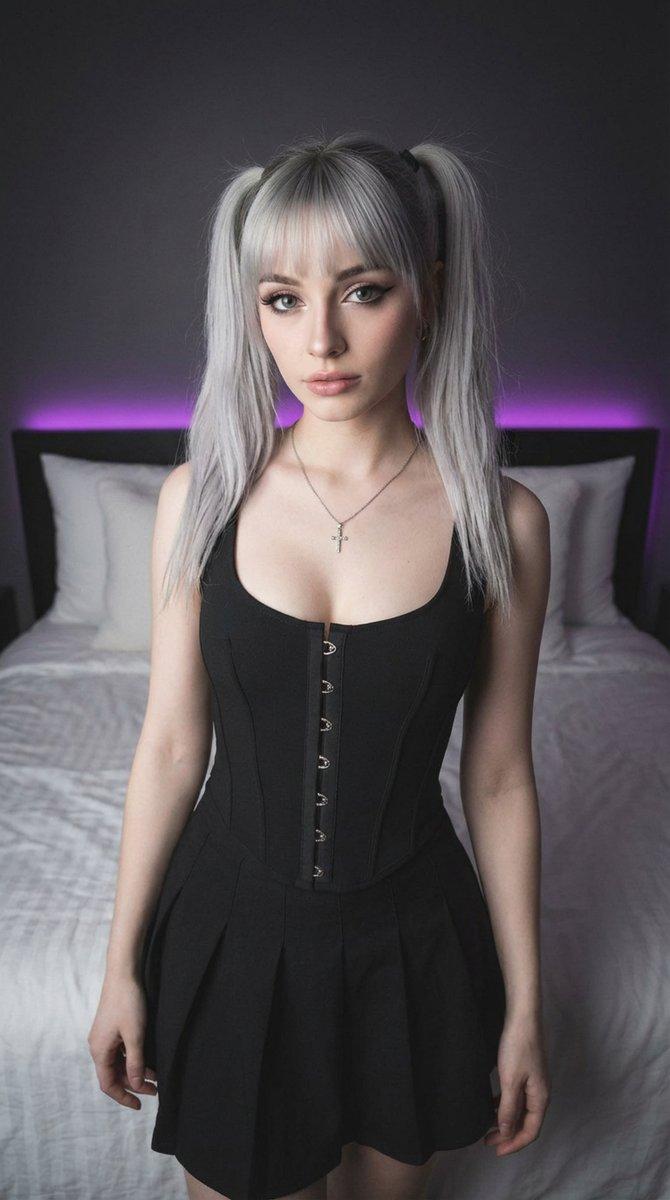
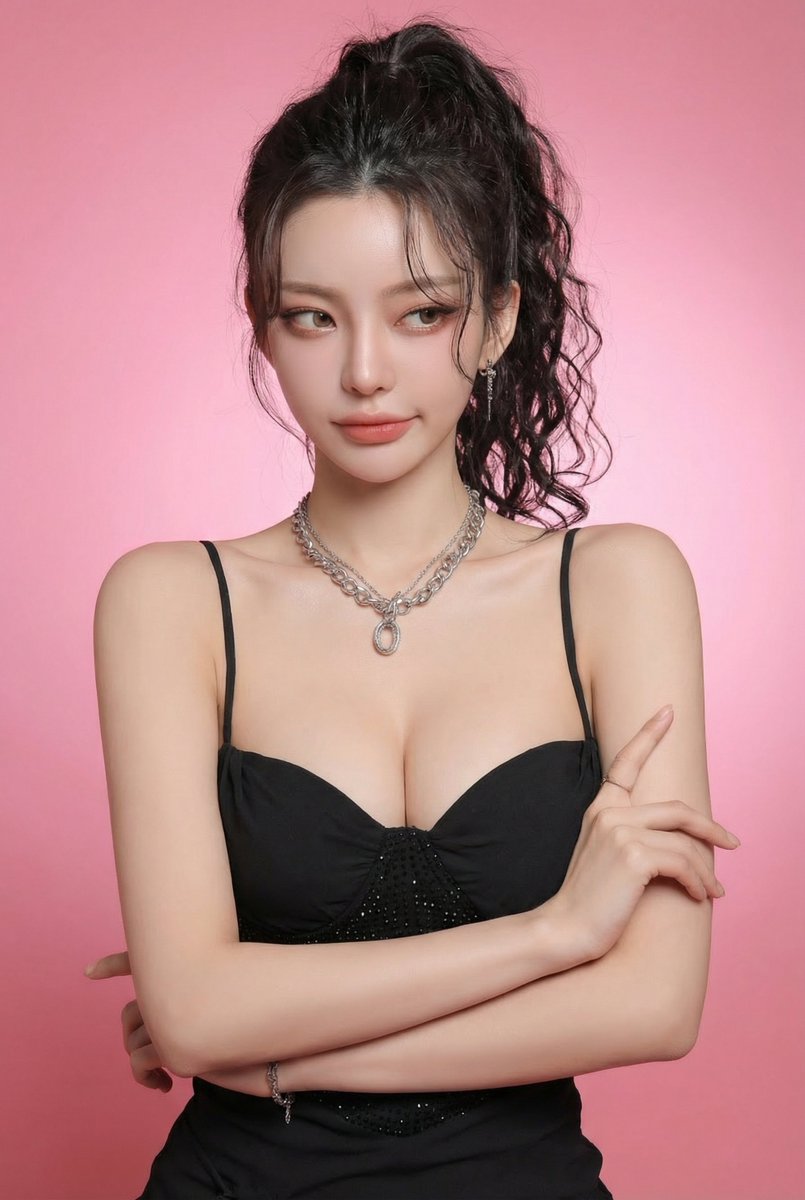
{ "prompt_structure": { "subject": { "demographics": "Young woman, light skin tone", "hair": "Straight dark brown hair with electric fuchsia face - framing highlights", "expression": "Relaxed pout with confident eyes", "pose": "Standing facing forward, hands lifting hair outward near shoulders" }, "outfit": { "top": "Black corset - style strapless top with structured boning", "accessories": [ "Black lace fingerless gloves", "Chrome choker necklace", "Silver hip chain" ] }, "makeup": { "eyes": "Defined lashes, bold eyeliner", "lips": "High - shine nude - pink gloss" }, "environment": { "location": "Indoor exhibition space", "background": "Beige wall with framed dark - blue artwork" }, "lighting_and_style": { "aesthetic": "2000s digital cam, influencer flash aesthetic", "lighting": "Direct flash with reflective highlights", "quality": "Clean focus, candid snapshot realism" } } }
Category
Architecture & Spaces
Model
Nano Banana Pro
Views45
Source ID
6967
Published
Mar 19, 2026

Guide

About "Y2K闪光灯下的电光紫发时尚辣妹"

What is this prompt for?

"Y2K闪光灯下的电光紫发时尚辣妹" AI image prompt for Nano Banana Pro (Architecture & Spaces). { "prompt_structure": { "subject": { "demographics": "年轻女性,浅肤色", "hair": "直的深棕色…

The full copyable prompt and example visuals above are ready for AI image generation or one-click recreate in Picva.

How to use this prompt

  1. Step 1

    Open the prompt detail

    Review the example visuals, category, and full prompt text for "Y2K闪光灯下的电光紫发时尚辣妹".

  2. Step 2

    Copy the prompt

    Copy the prompt body from this page, or load it directly in Studio.

  3. Step 3

    Pick a model (Nano Banana Pro)

    Prefer Nano Banana Pro. If you switch models, keep subject and composition and tweak style terms.

  4. Step 4

    Generate and export

    Recreate the look in Picva, or export into your workflow for editing and publishing.

FAQ

What is the "Y2K闪光灯下的电光紫发时尚辣妹" prompt?
It is an AI image-generation prompt for Nano Banana Pro in the Architecture & Spaces category. This page includes the full prompt text, example visuals, and a one-click recreate path in Picva.
How do I use this prompt to generate an image?
Copy the prompt from this page, or use Generate / Studio. Paste it into a compatible image model, or recreate the look in Picva with optional reference images.
Which model is this prompt for?
This page lists Nano Banana Pro. Most descriptive prompts also transfer to nearby image models such as GPT Image, Flux, or Midjourney with light style tweaks.
Can I use the result commercially?
You can usually copy the prompt for creation, but commercial use of the final image depends on the model terms, reference-image rights, and the generated content. Follow the source author and platform rules.