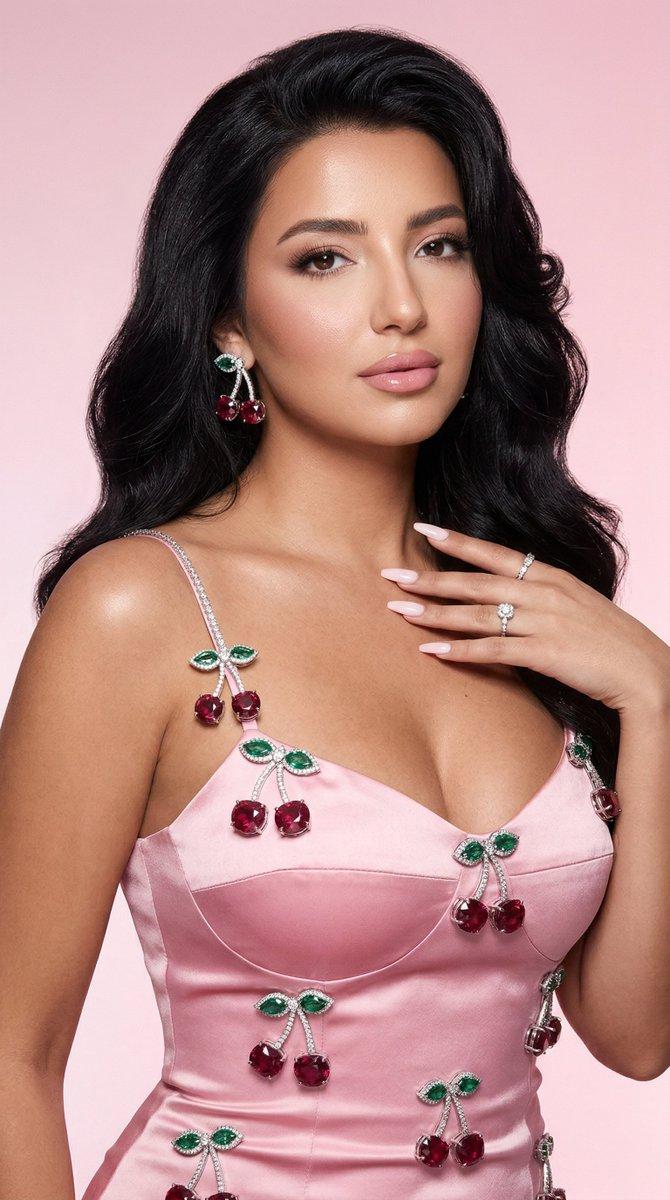
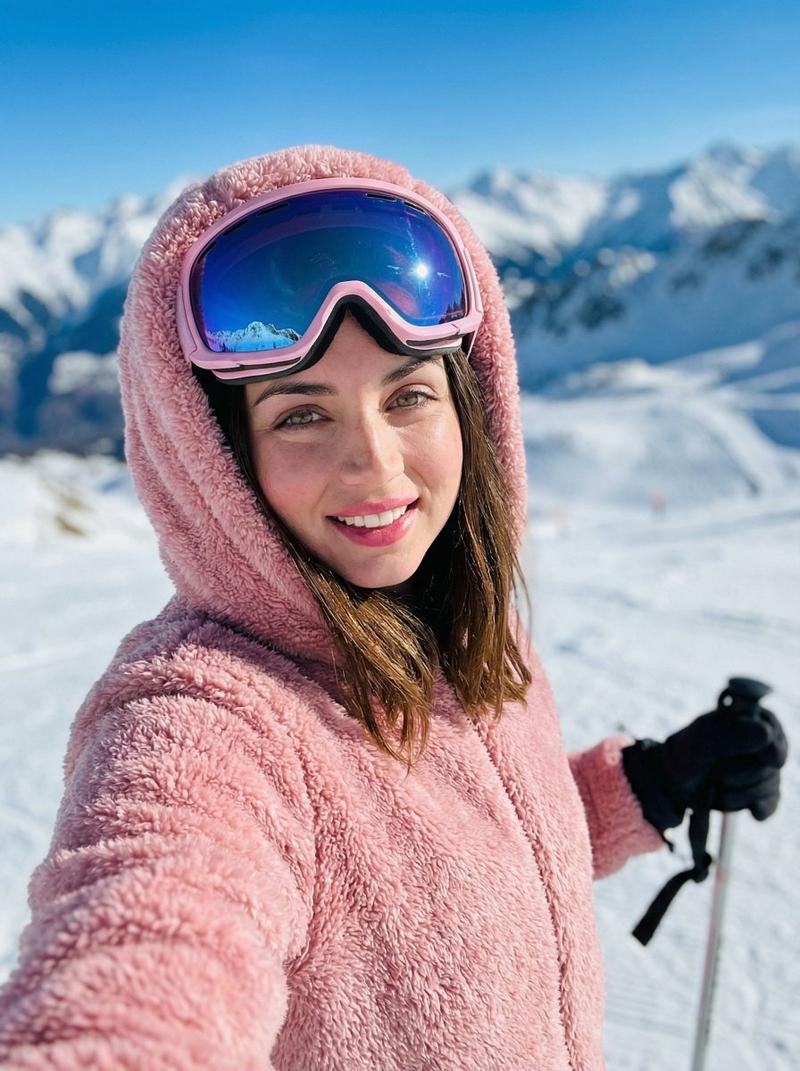
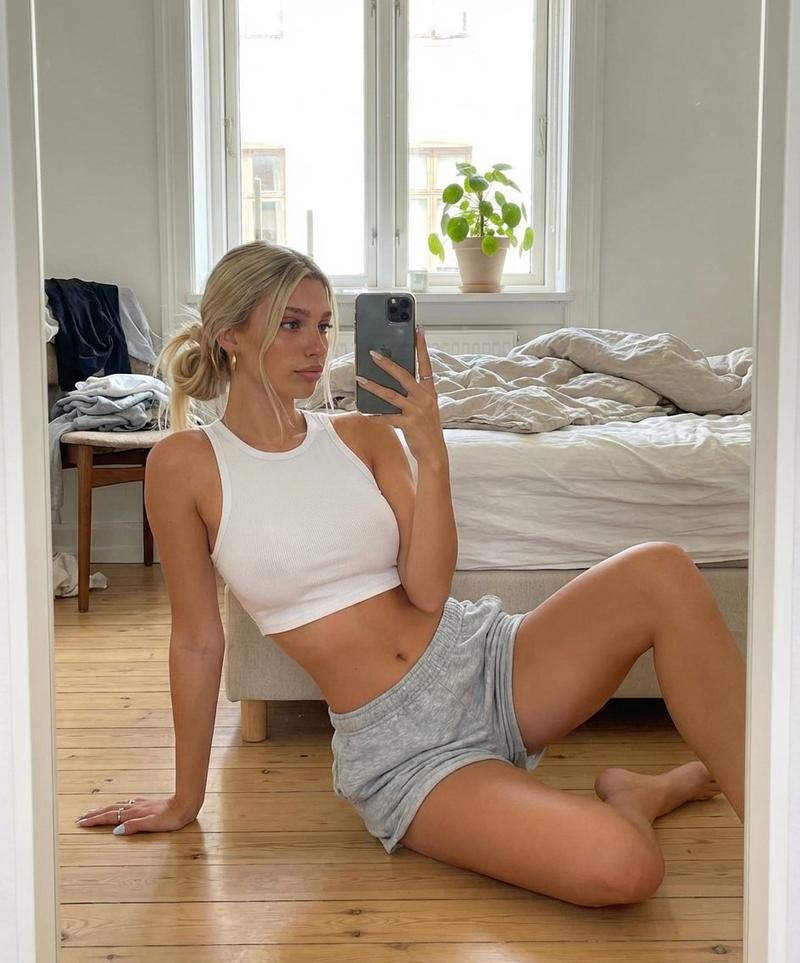
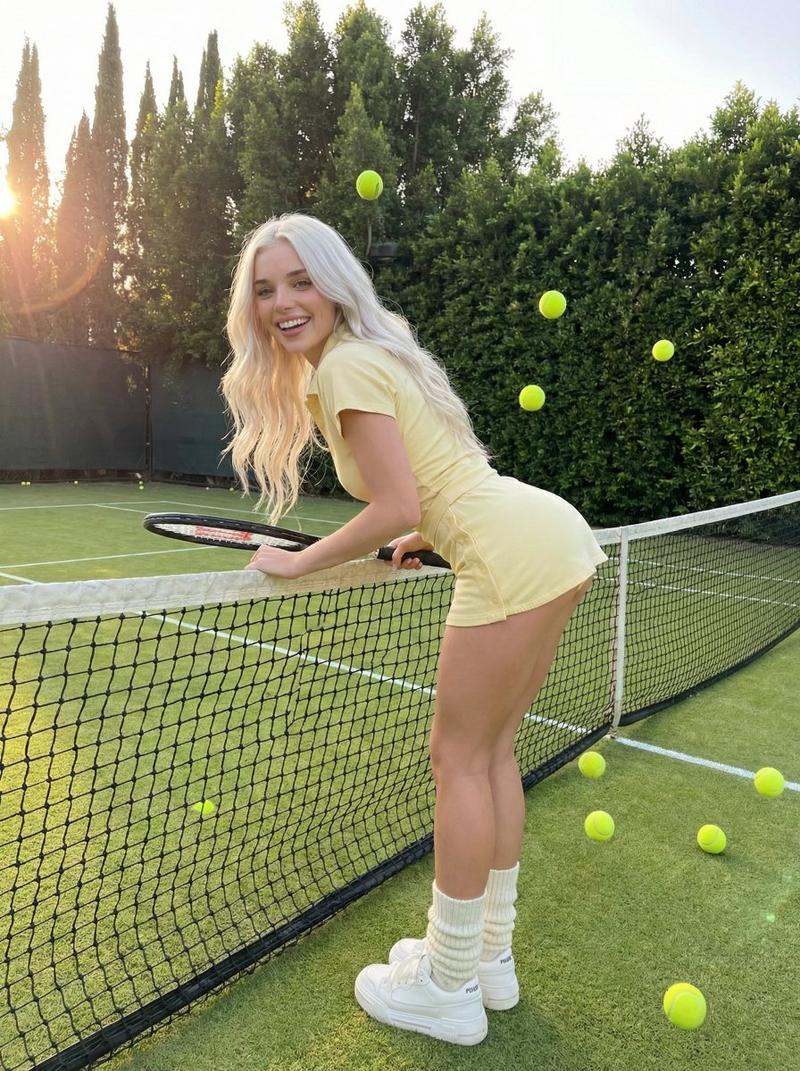
千禧红缎吊带少女复古胶片底片
Prompt
{ "generation_request": { "meta_data": { "tool": "NanoBanana Pro", "task_type": "photobooth_contact_sheet_fashion_grid", "version": "v1.0_RED_SATIN_SPAGHETTI_GRID_EN", "priority": "highest", "language": "en" }, "input": { "mode": "text_to_image", "notes": "Create a 4x4 contact sheet grid (16 frames) of the same adult woman with consistent identity, same hair, makeup and outfit in every frame." }, "output_settings": { "aspect_ratio": "4:5", "orientation": "portrait", "resolution_target": "ultra_high_res", "num_images": 1, "layout": { "type": "grid", "rows": 4, "cols": 4, "gutter": "thin_black_borders", "outer_border": "black_frame" }, "sharpness": "slightly_soft_flash", "film_grain": "medium_analog", "color_grade": "warm_2000s_flash_tone", "dynamic_range": "natural_not_hdr" }, "creative_prompt": { "scene_summary": "Early 2000s disposable camera photobooth contact sheet. Same woman in all 16 frames wearing a red satin spaghetti-strap top. Playful, candid, flash-lit aesthetic.", "environment": { "background": "plain white wall indoors", "lighting": "direct on-camera flash, slight hard shadow behind subject, subtle hotspot on skin, authentic point-and-shoot look" }, "subject": { "identity_consistency": "exact same face and features in all frames", "hair": "medium-length loose hair, slightly messy natural volume, soft face-framing strands", "makeup": "soft natural glam, subtle eyeliner, warm blush, natural lips, realistic skin texture", "wardrobe": "red satin spaghetti-strap top, silky texture, visible sheen, fitted but elegant", "accessories": "minimal gold jewelry simple bracelet" }, "poses_and_expressions": [ "hands on hips confident pose", "soft pout toward camera", "gentle smile", "hand on chin thoughtful look", "playful wink", "hands in hair", "slight shoulder turn", "looking off to the side", "serious model face", "soft laugh", "blowing a kiss", "tilted head cute expression", "crossed arms relaxed pose", "side glance over shoulder", "chin resting on hand", "natural relaxed expression" ], "style": { "aesthetic": "2000s photobooth disposable camera", "texture": "visible film grain, dust particles, tiny scratches, mild vignetting", "color": "slightly warm faded tones, subtle flash flattening", "lens": "35mm point-and-shoot softness" } }, "negative_prompt": [ "text", "logos", "watermark", "different outfit between frames", "different hairstyle", "different person", "overly polished editorial look", "HDR", "AI glow", "plastic skin", "anime", "cartoon", "misaligned grid", "broken borders" ] } }- Category
- Posters & Typography
- Model
- Nano Banana Pro
- Creator
- @astronomerozge1
- Source ID
- 12361
- Published
- Apr 15, 2026
Views124