13

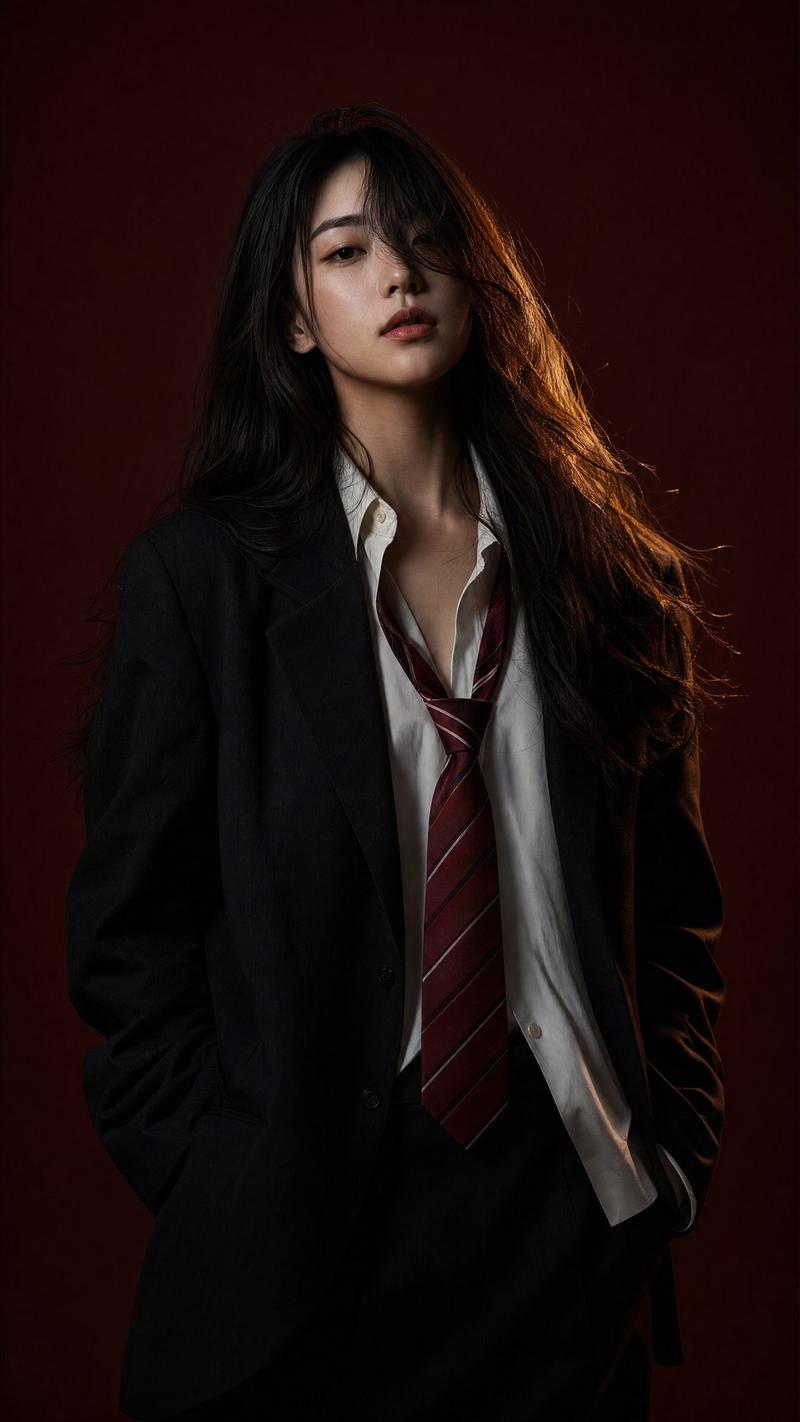
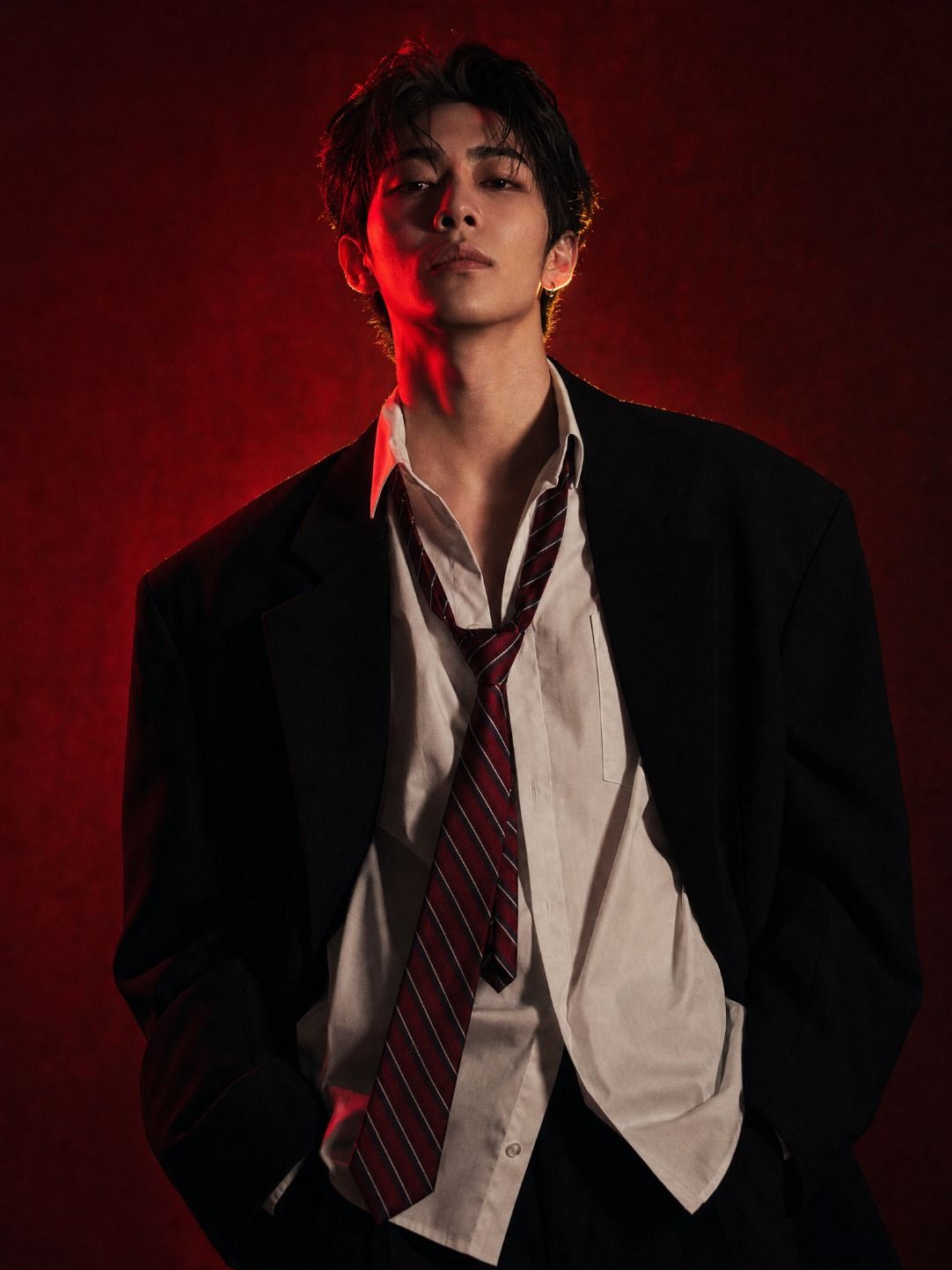
东亚青年深红影调时尚肖像
Enlarge

Example images

东亚青年深红影调时尚肖像

Prompt
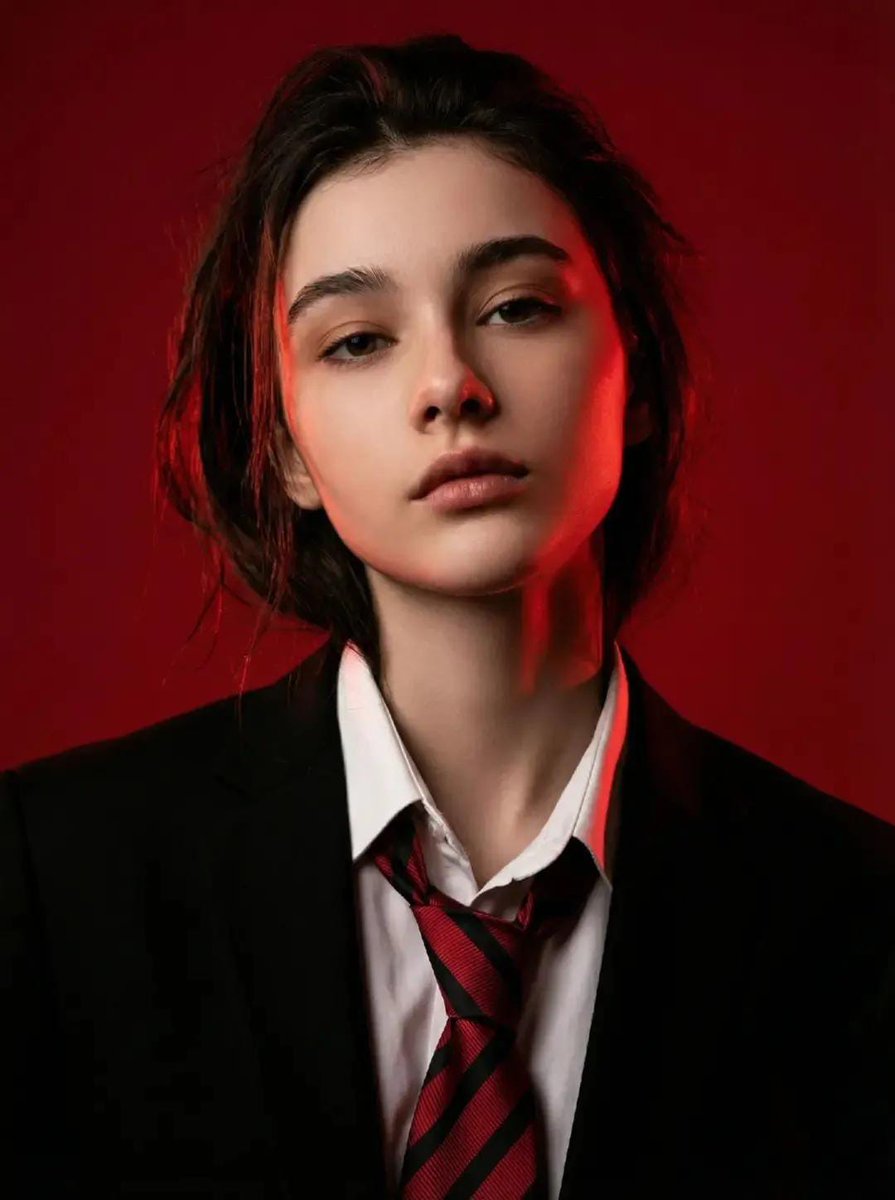
A young East Asian person with striking facial features and an intense, confident gaze, wearing an oversized black blazer over an open-collar white dress shirt with a loosely knotted red diagonal-striped tie worn undone. Relaxed power stance, hands in pockets or at sides, slight three-quarter body angle. Studio portrait shot against a deep crimson-to-burgundy textured background. Dramatic split lighting with a bold red gel light raking across one side of the face, deep shadow falling on the opposite side, warm amber rim light defining the jawline and shoulders. High-contrast chiaroscuro lighting. Cinematic editorial fashion photography. Shallow depth of field, subject in sharp focus against softly rendered background. Moody, brooding, mysterious atmosphere. Film grain texture. 4K ultra-detailed.
Category
Photography & Realism
Model
ChatGPT
Views80
Source ID
14968
Published
May 25, 2026

Guide

About "东亚青年深红影调时尚肖像"

What is this prompt for?

"东亚青年深红影调时尚肖像" AI image prompt for ChatGPT (Photography & Realism). 一位拥有鲜明面部特征和强烈、自信目光的东亚年轻人,身穿大号黑色西装外套,内搭敞领白色正装衬衫,配以松散打结且解开的红色斜纹领带。放松的力量姿态,双手放在口袋或身体两侧,身体呈微小的四…

The full copyable prompt and example visuals above are ready for AI image generation or one-click recreate in Picva.

How to use this prompt

  1. Step 1

    Open the prompt detail

    Review the example visuals, category, and full prompt text for "东亚青年深红影调时尚肖像".

  2. Step 2

    Copy the prompt

    Copy the prompt body from this page, or load it directly in Studio.

  3. Step 3

    Pick a model (ChatGPT)

    Prefer ChatGPT. If you switch models, keep subject and composition and tweak style terms.

  4. Step 4

    Generate and export

    Recreate the look in Picva, or export into your workflow for editing and publishing.

FAQ

What is the "东亚青年深红影调时尚肖像" prompt?
It is an AI image-generation prompt for ChatGPT in the Photography & Realism category. This page includes the full prompt text, example visuals, and a one-click recreate path in Picva.
How do I use this prompt to generate an image?
Copy the prompt from this page, or use Generate / Studio. Paste it into a compatible image model, or recreate the look in Picva with optional reference images.
Which model is this prompt for?
This page lists ChatGPT. Most descriptive prompts also transfer to nearby image models such as GPT Image, Flux, or Midjourney with light style tweaks.
Can I use the result commercially?
You can usually copy the prompt for creation, but commercial use of the final image depends on the model terms, reference-image rights, and the generated content. Follow the source author and platform rules.