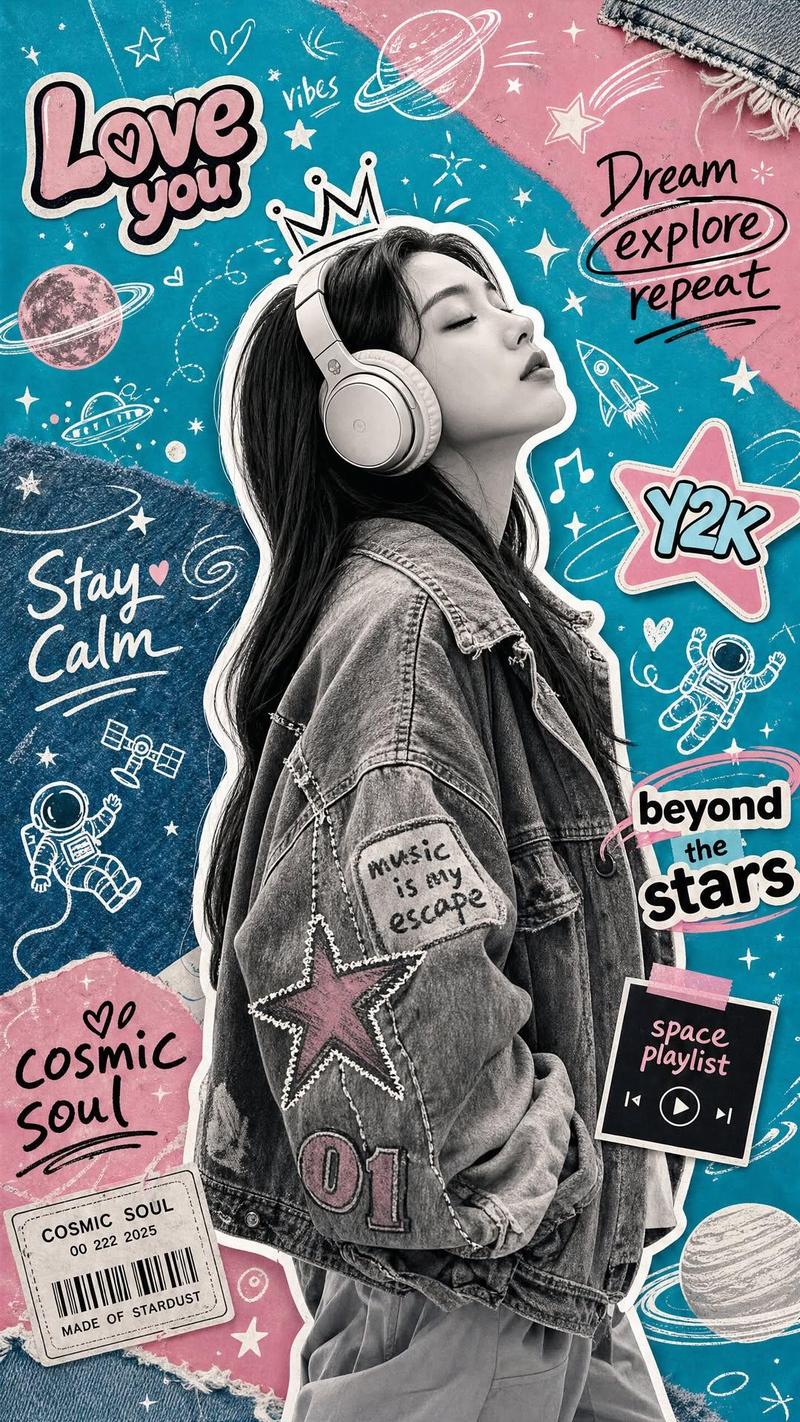
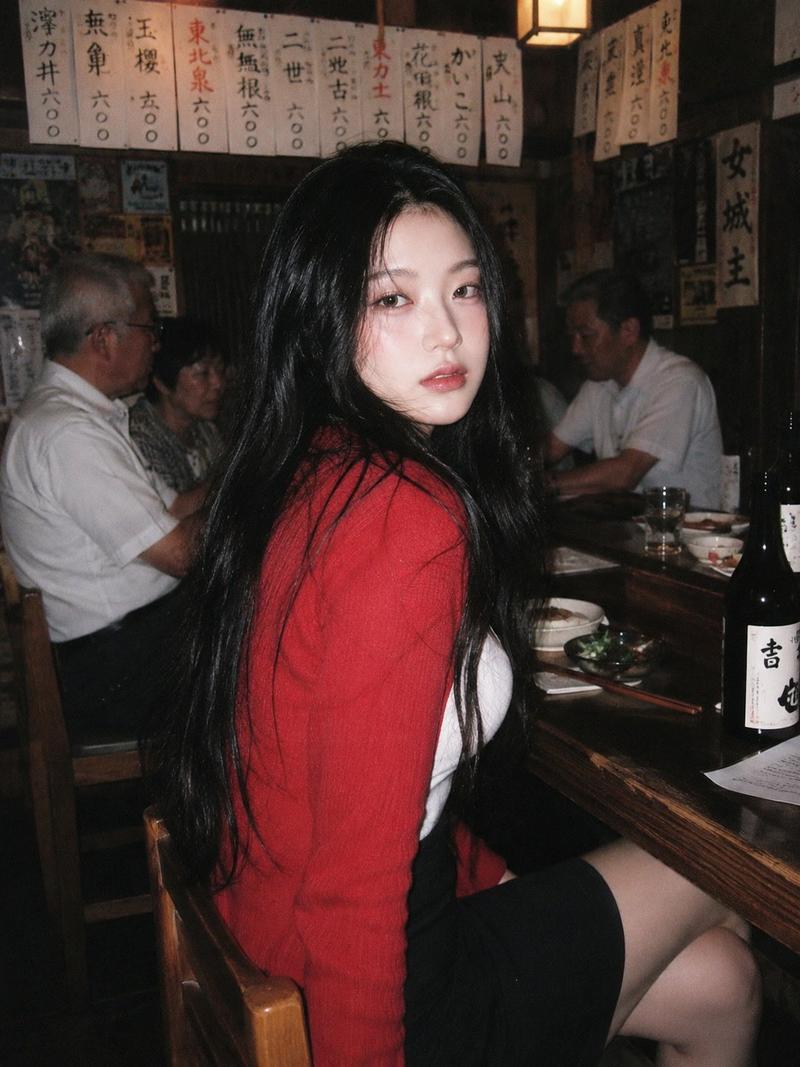
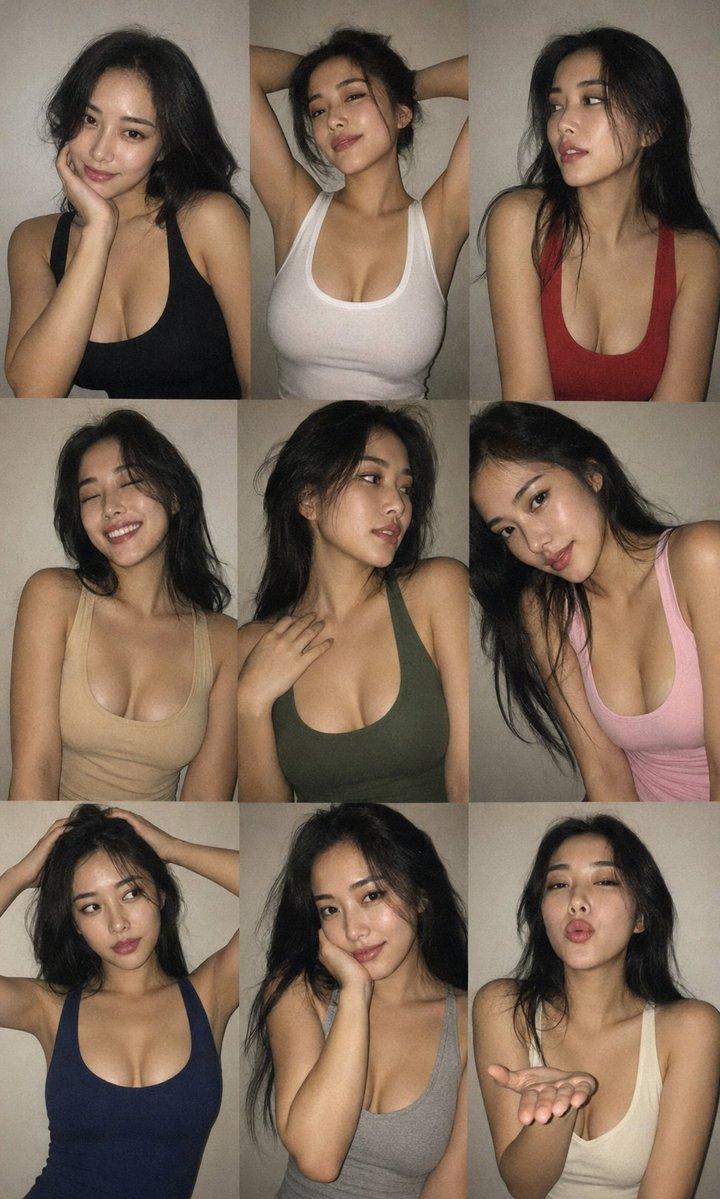
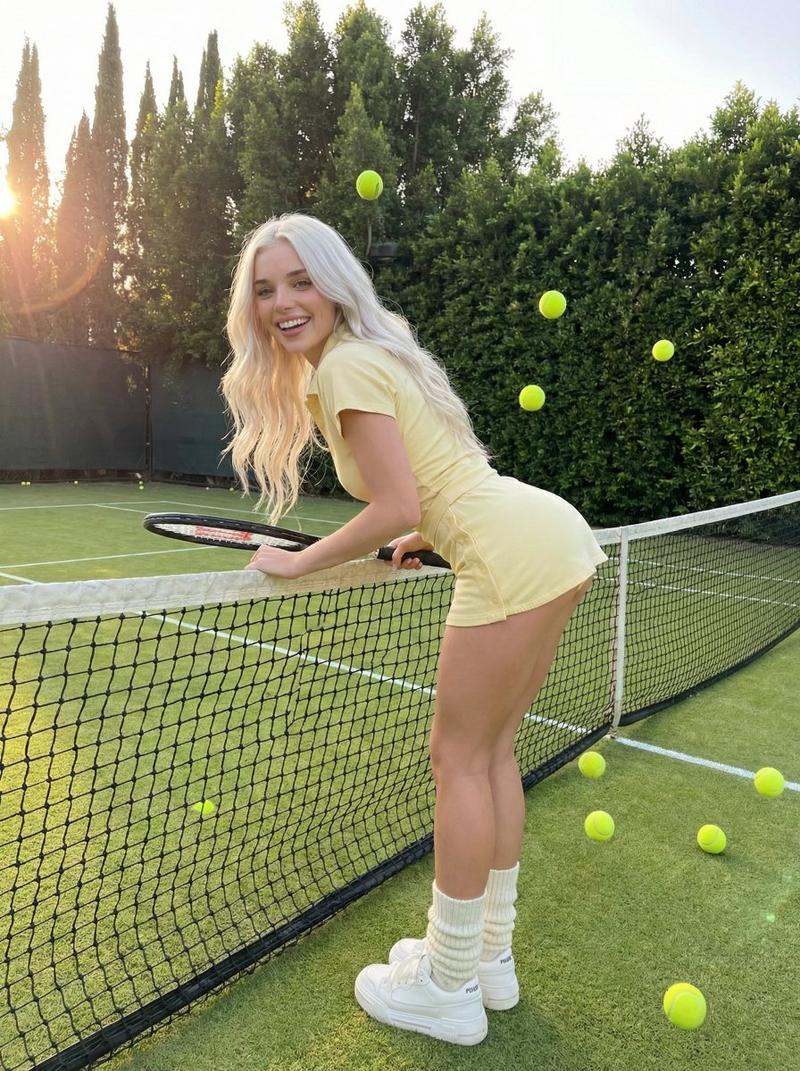
少女时尚角色介绍海报
Prompt
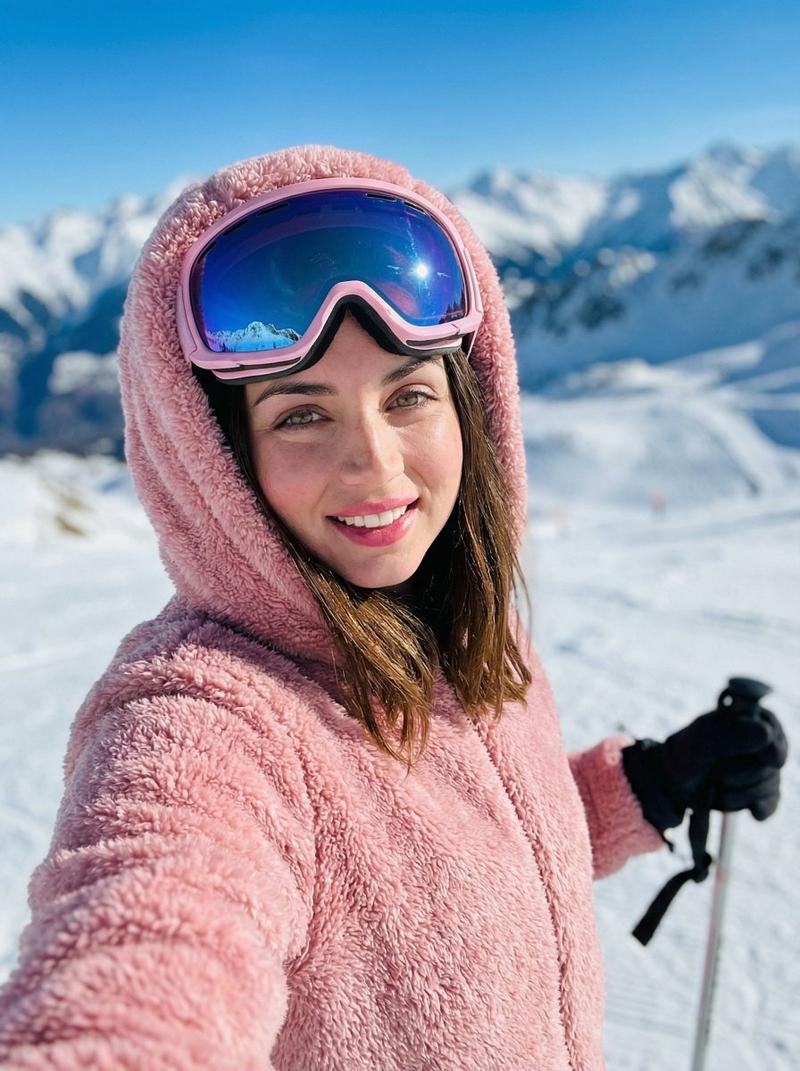
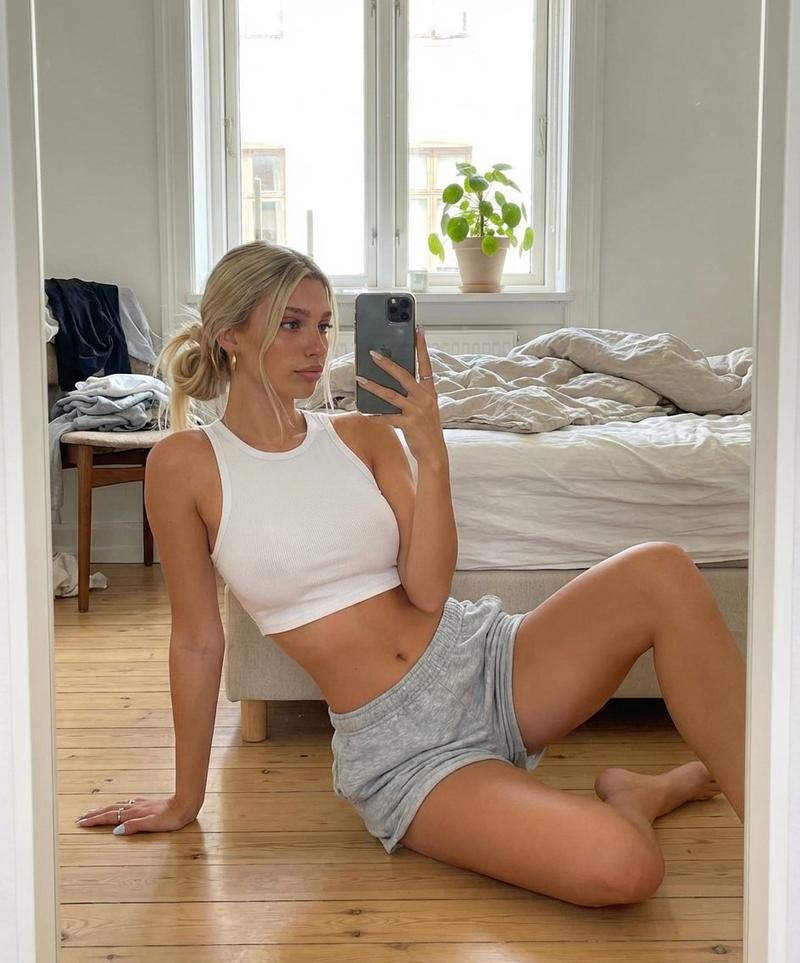
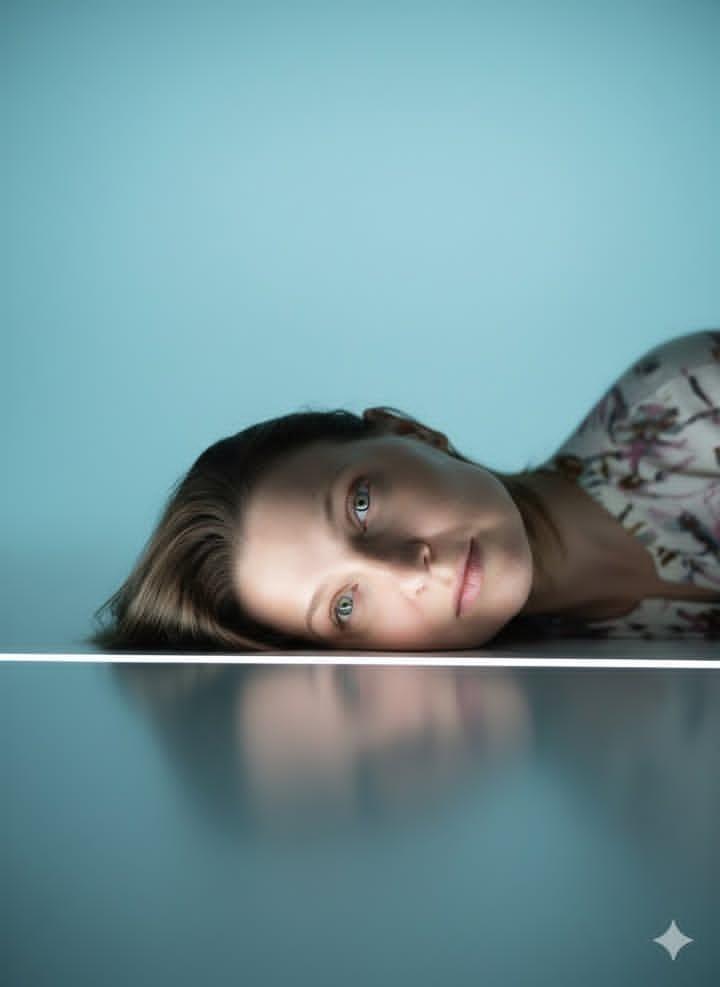
Create an ultra high-quality 9:16 character introduction poster based on the reference image. Preserve the same young woman’s facial identity, face shape, skin tone, long dark hair, soft sweet temperament, and recognizable overall appearance.

Transform her into a stylish fashion-forward character with a sweet yet cool personality. Replace her original outfit with a trendy contemporary street-fashion look: layered cream and beige clothing, cropped top or fitted inner layer, lightweight jacket, short skirt or shorts, stylish belt, metallic chain accessories, bracelets, necklace, fashion bag, slouchy leg warmers, and chunky platform sneakers. The outfit should feel youthful, trendy, elegant, and cohesive.

The main character should appear as a full-body hero portrait in the center of the poster, posing confidently with a cool attitude while giving a sweet playful wink. Her pose should feel fashionable, relaxed, and editorial.

Design the poster as a rich multi-panel character profile layout. Around the central figure, add several irregular cinematic inset frames showing different details of the same character: eyes, hair, waist, hands, legs, face, and feet. Each inset frame must show a different angle, different crop, and different pose or gesture. The panels should overlap and interweave at different depths, creating an irregular layered collage composition with strong visual rhythm.

Add modern trendy graphic elements: translucent panels, chrome accents, metallic heart stickers, star sparkles, thin framing lines, grid patterns, barcode-style labels, tape details, motion lines, handwritten notes, fashion magazine typography, and stylish character information blocks. Include clean English poster text such as “CHARACTER INTRODUCTION”, “EYES”, “HAIR”, “WAIST”, “HANDS”, “LEGS”, “FACE”, and “FEET”. Keep the text elegant, minimal, and visually integrated.

Use a soft cream, beige, ivory, and light metallic color palette. The background should be clean but visually rich, with subtle depth, soft studio lighting, layered shadows, and premium editorial design. The overall poster should feel trendy, innovative, sweet, cool, polished, and commercially finished.

Ultra high resolution, ultra detailed, realistic skin texture, natural facial features, beautiful hair strands, clean makeup, accurate anatomy, elegant hands, realistic legs and feet, crisp fabric texture, premium fashion editorial photography, soft cinematic lighting, refined composition, high-end character design poster, visually fresh and stylish.
- Category
- Posters & Typography
- Model
- ChatGPT
- Creator
- @Shinning1010
- Source ID
- 14025
- Published
- May 10, 2026
Views185