19

Sadie Sink 置身都市夜景
Enlarge

Sadie Sink 置身都市夜景

Prompt
{
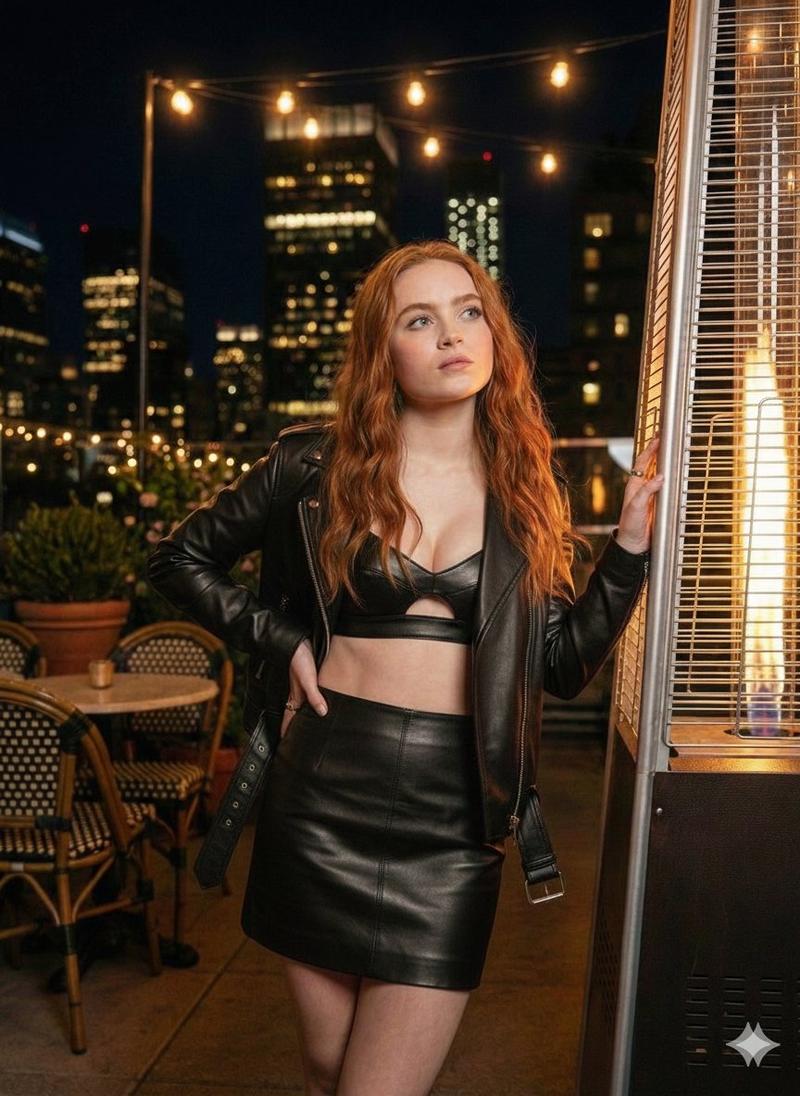
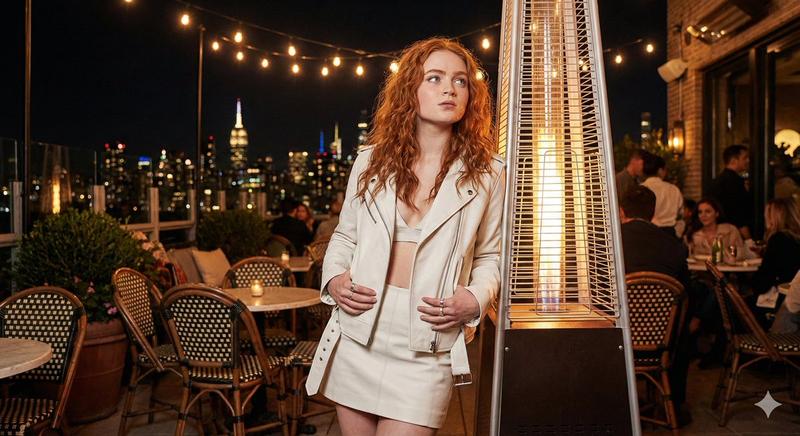
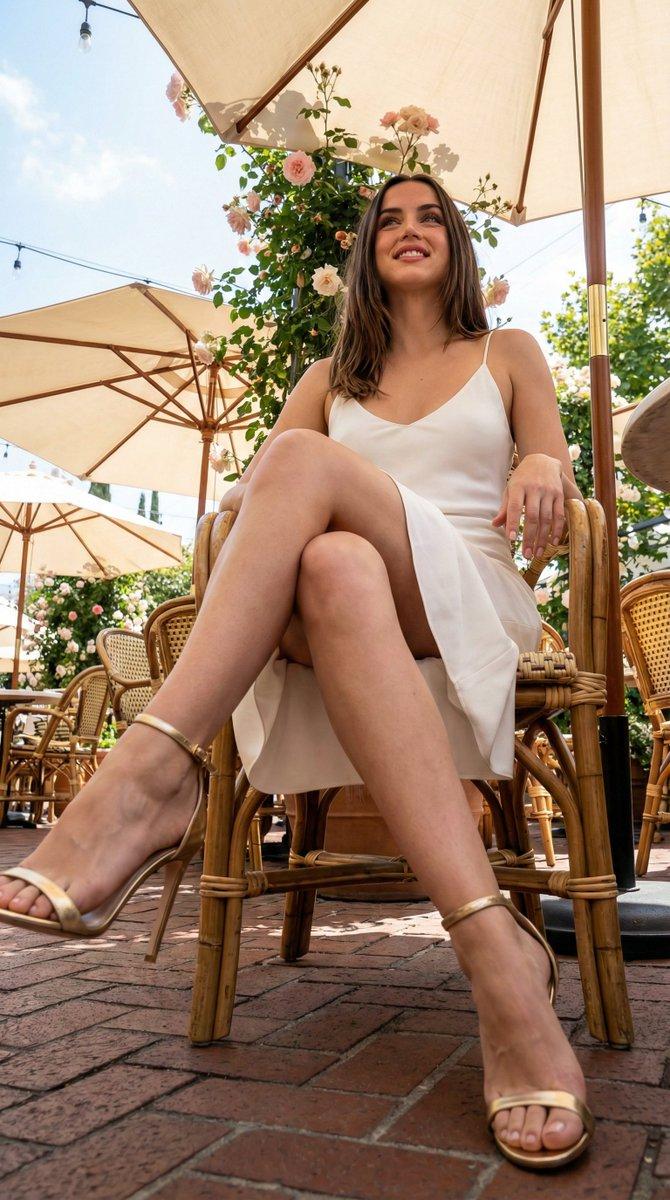
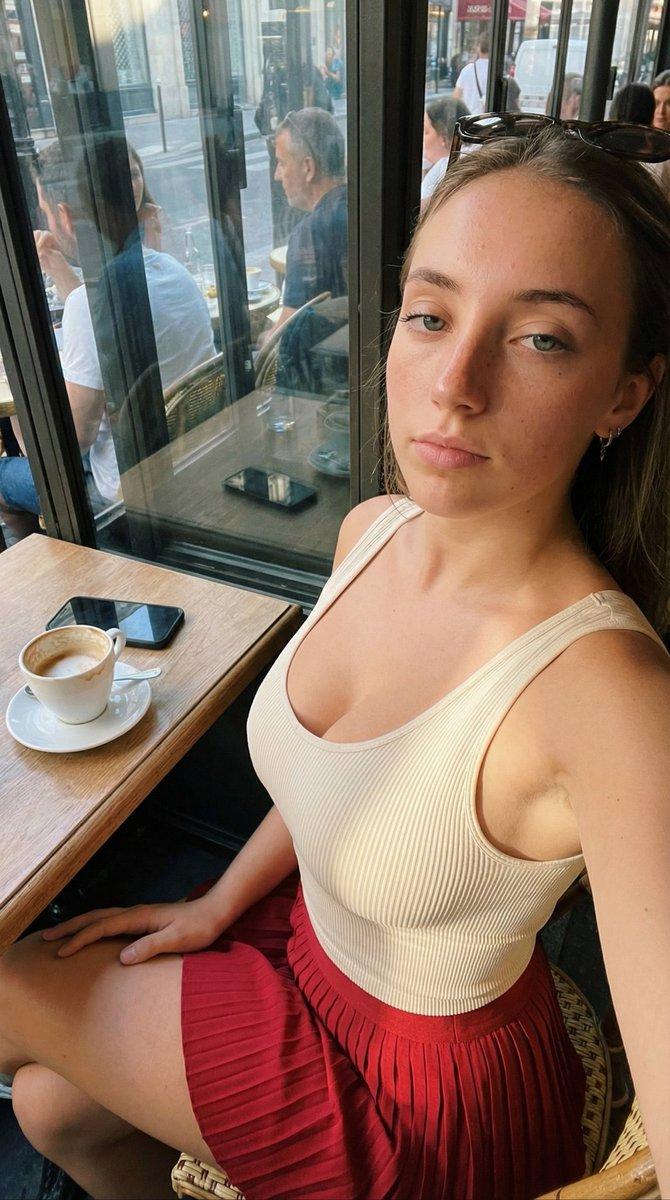
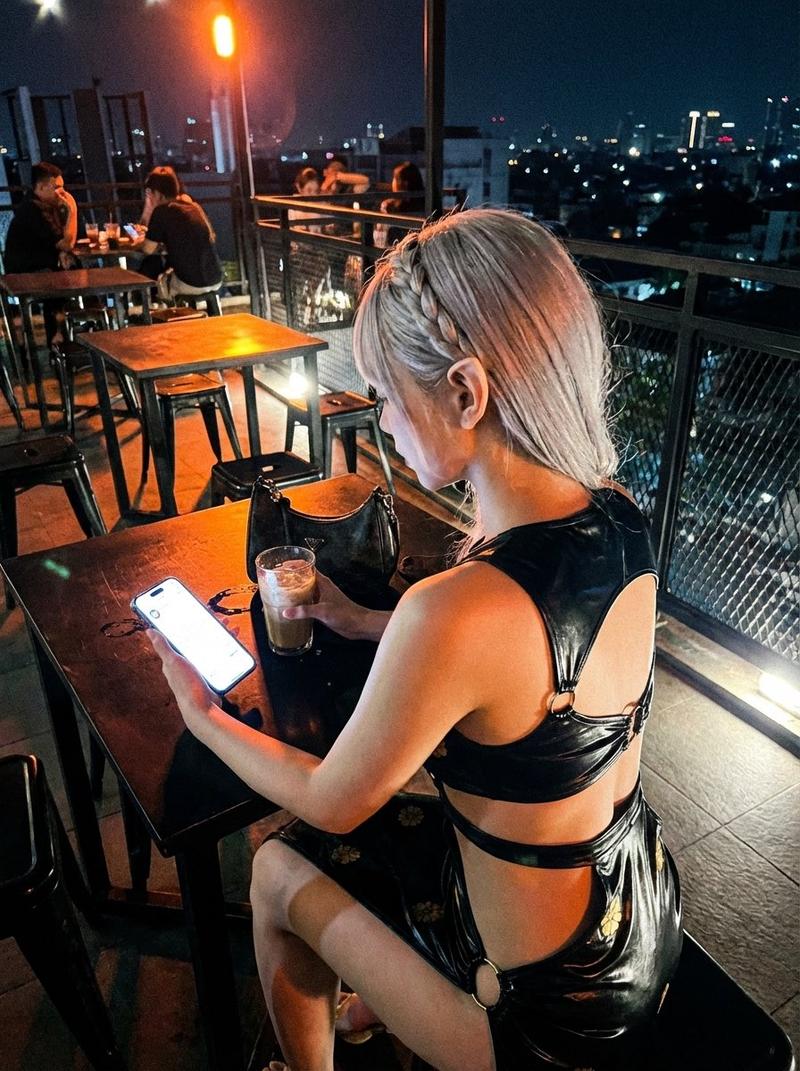
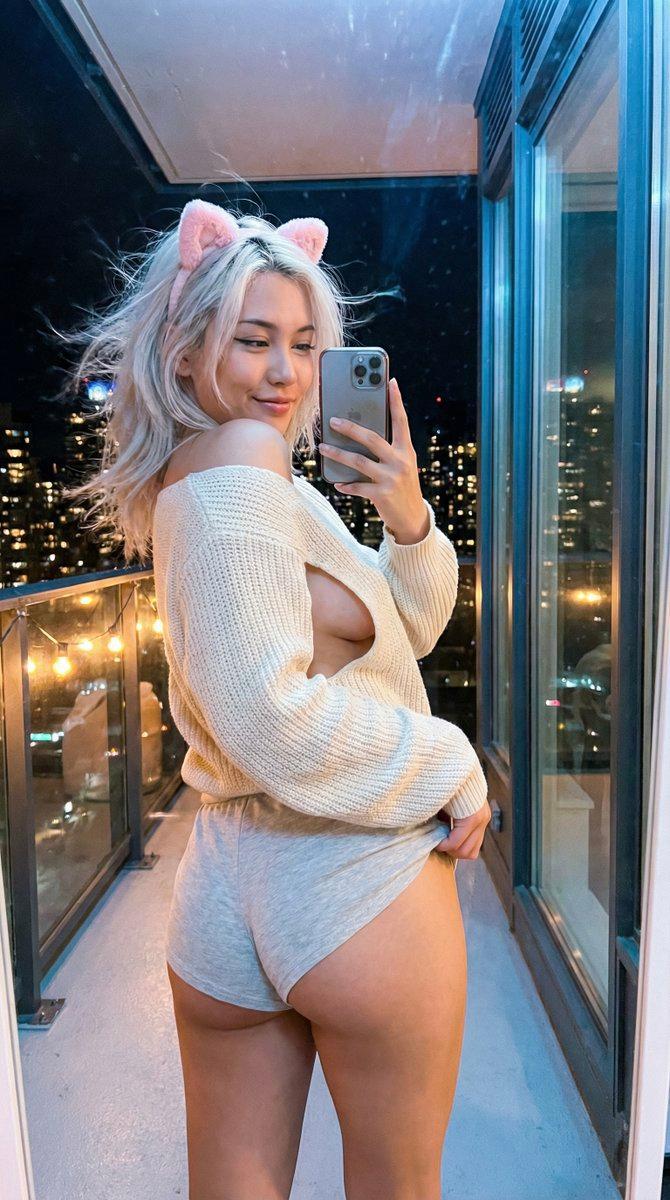
  "description": "A young woman with long wavy red hair standing outdoors at night in a city setting. She is wearing a white cropped top with a small cutout in the center, a matching white mini skirt, and a light white cardigan. She is leaning casually beside a tall outdoor heater. Warm string lights are hanging above, and tall buildings with lights are visible in the background, creating a cozy urban night atmosphere.",
  "location": "outdoor city cafe at night",
  "lighting": "warm ambient lighting from string lights and heater",
  "pose": "standing and leaning slightly to the side while looking away",
  "outfit": {
    "top": "white cropped top with center cutout",
    "skirt": "white mini skirt",
    "outerwear": "light white cardigan"
  },
  "hair": "long wavy red hair",
  "accessories": ["rings"],
  "mood": "calm, stylish, evening city vibe"
}
Category
创意图片
Model
Nano Banana Pro
Views5
Source ID
9ba96f58-2e2c-45f4-9d66-50fdac396099
Published
Mar 8, 2026

Guide

About "Sadie Sink 置身都市夜景"

What is this prompt for?

"Sadie Sink 置身都市夜景" AI image prompt for Nano Banana Pro (创意图片). 一个结构化的提示,旨在生成女演员萨迪·辛克(Sadie Sink)身穿白色服装的写实图像,她站在户外夜间的城市咖啡馆场景中,被温暖的串灯和户外取暖器照亮,捕捉到一种平静、时尚的夜晚氛围。 -…

The full copyable prompt and example visuals above are ready for AI image generation or one-click recreate in Picva.

How to use this prompt

  1. Step 1

    Open the prompt detail

    Review the example visuals, category, and full prompt text for "Sadie Sink 置身都市夜景".

  2. Step 2

    Copy the prompt

    Copy the prompt body from this page, or load it directly in Studio.

  3. Step 3

    Pick a model (Nano Banana Pro)

    Prefer Nano Banana Pro. If you switch models, keep subject and composition and tweak style terms.

  4. Step 4

    Generate and export

    Recreate the look in Picva, or export into your workflow for editing and publishing.

FAQ

What is the "Sadie Sink 置身都市夜景" prompt?
It is an AI image-generation prompt for Nano Banana Pro in the 创意图片 category. This page includes the full prompt text, example visuals, and a one-click recreate path in Picva.
How do I use this prompt to generate an image?
Copy the prompt from this page, or use Generate / Studio. Paste it into a compatible image model, or recreate the look in Picva with optional reference images.
Which model is this prompt for?
This page lists Nano Banana Pro. Most descriptive prompts also transfer to nearby image models such as GPT Image, Flux, or Midjourney with light style tweaks.
Can I use the result commercially?
You can usually copy the prompt for creation, but commercial use of the final image depends on the model terms, reference-image rights, and the generated content. Follow the source author and platform rules.