{"intent":"Photorealistic image generation utilizing the provided depth map as a strict structura...
Prompt
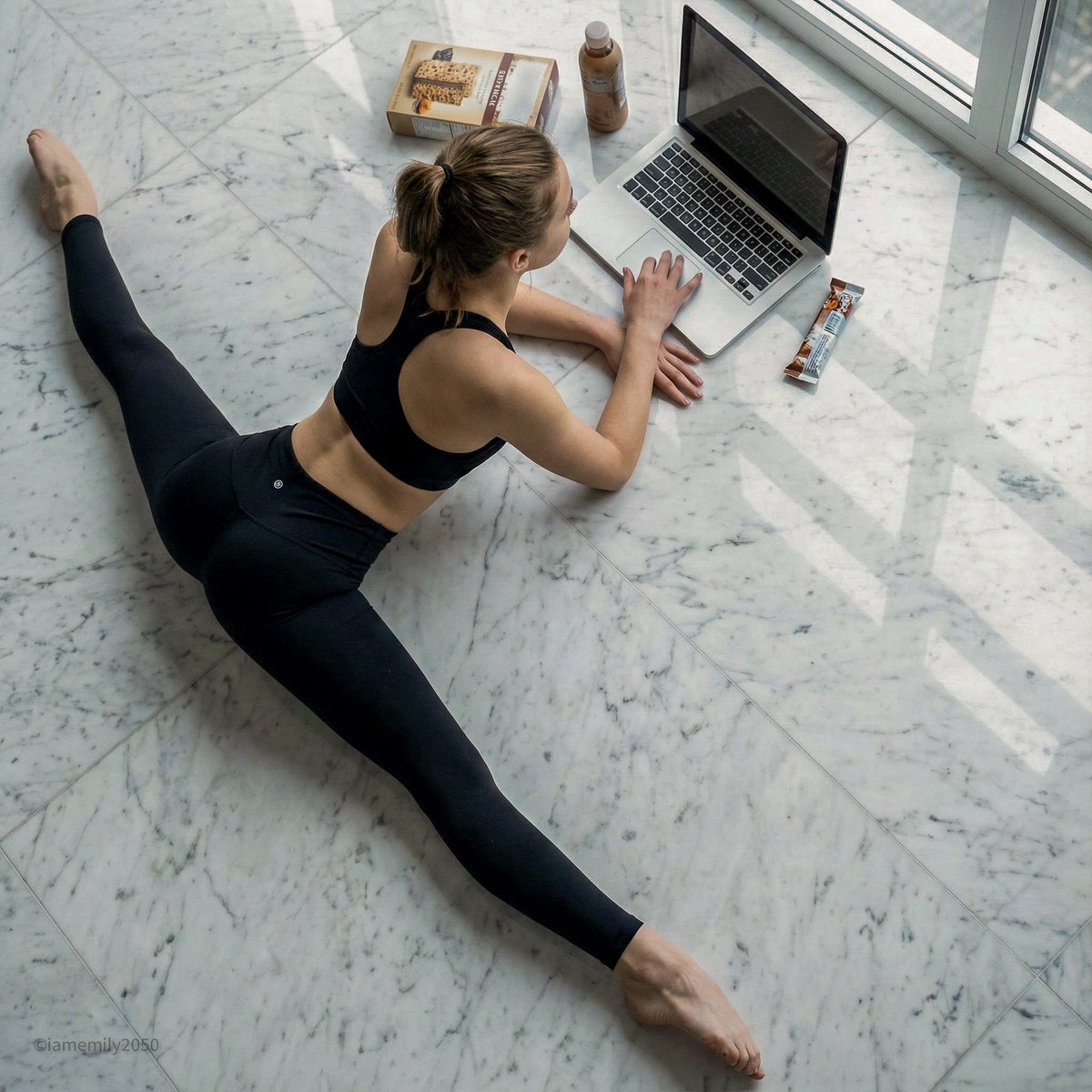
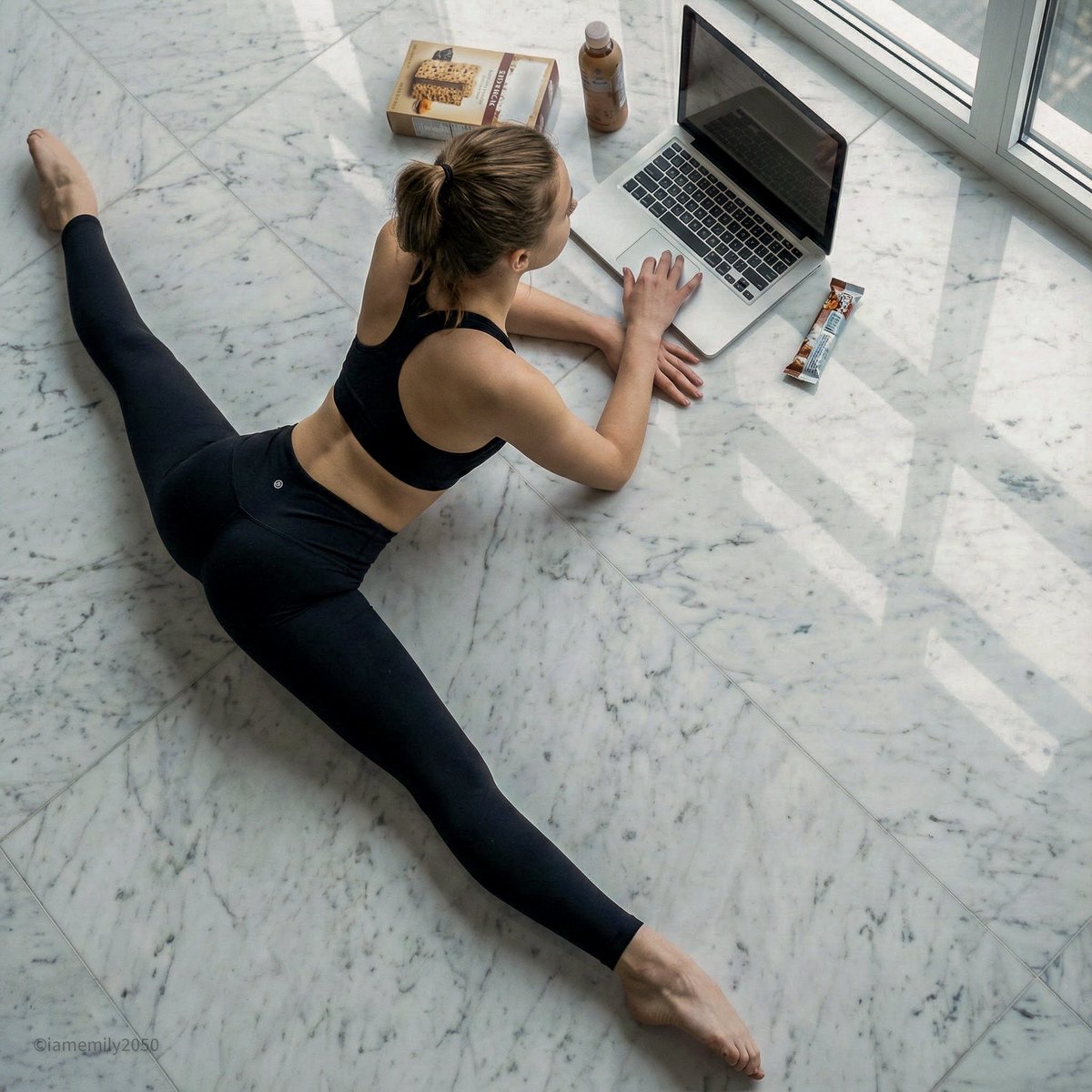
{"intent":"Photorealistic image generation utilizing the provided depth map as a strict structural control signal to replicate the specific pose and composition.","frame":{"aspect_ratio":"1:1","composition":"High-angle, overhead bird's-eye view strictly adhering to the geometry of the uploaded depth map. The subject is centered diagonally.","control_guidance":{"type":"Depth Map ControlNet","strength":"1.0","instruction":"Strictly follow the spatial arrangement and depth gradients of the input image to maintain the exact body position and object placement."}},"subject":{"identity":"Young adult female with an athletic, flexible physique.","pose":"Performing a full center split (straddle split) on the floor, leaning forward to rest elbows on the ground, exactly matching the depth silhouette.","wardrobe":"Tight-fitting athletic wear. Specifically, opaque black high-waisted leggings that conform to the leg musculature, paired with a matching black sports bra.","action":"Operating a laptop placed on the floor in front of her, resting chin in one hand while using the trackpad with the other.","details":"Barefoot, natural skin texture visible on arms and back."},"environment":{"location":"Luxurious interior space featuring a high-gloss, polished marble floor.","surface_texture":"White Carrara marble with distinctive soft grey veining. The surface is highly reflective, casting faint reflections of the subject and objects.","props":"A silver laptop open on the floor. Surrounding items include a rectangular snack box, a small beverage bottle, and a wrapper, positioned exactly as indicated by the depth map blocks."},"lighting":{"type":"Soft, cool daylight diffused through a window.","interaction":"Light reflects sharply off the polished marble floor, creating specular highlights and soft, cool shadows beneath the subject's legs and the laptop.","color_temperature":"5600K","quality":"Even, shadow-softening illumination suitable for a clean, modern aesthetic."},"camera":{"sensor_format":"Full-frame digital.","lens":"35mm wide-angle lens to capture the spread of the split from above.","camera_position":"Directly overhead (zenith view), parallel to the floor.","focus":"Sharp focus on the subject and the immediate floor area, utilizing the depth map to determine the focal plane."},"negative":{"style":"No wood grain, no carpet, no rustic textures, no anime, no sketch, no low-quality render.","content":"No incorrect limb positioning, no floating objects, no matte floor finish, no distortion of the laptop screen."}}- Category
- creative_scene
- Model
- Nano Banana Pro
- Creator
- Pixshop
- Source ID
- a8fca12b-97dc-4e01-ab39-6b805b59ee66
- Published
- Jan 14, 2026
Views5