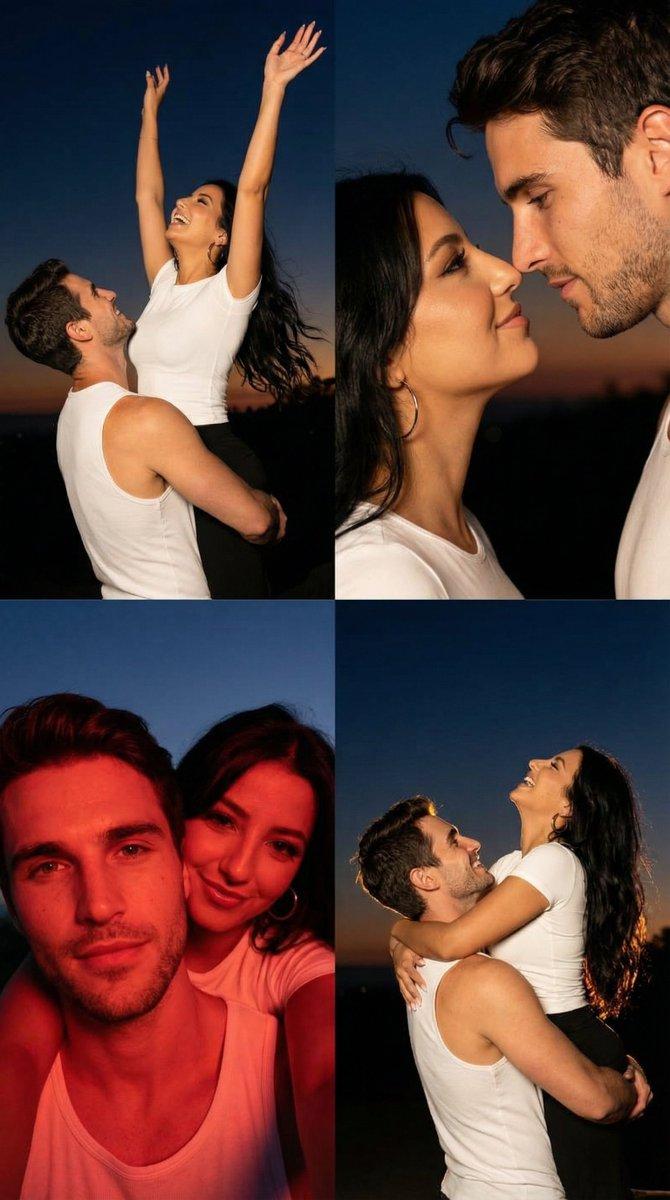
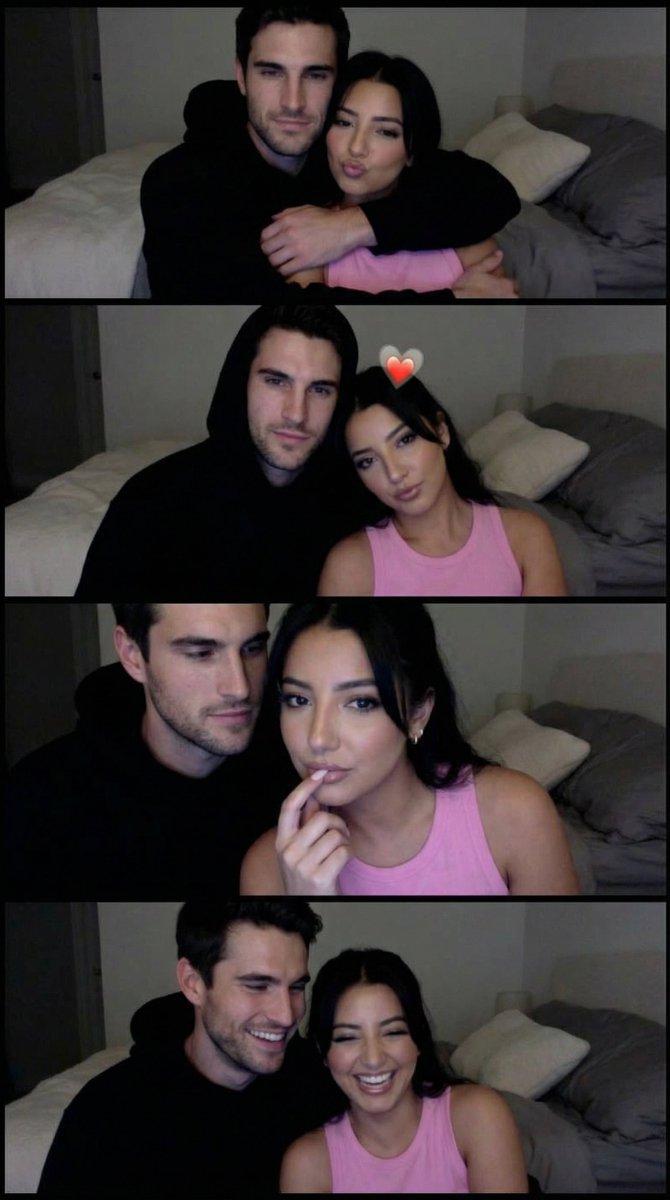
逼真情侣自拍网格,带身份锁定
Prompt
{
  "generation_request": {
    "meta_data": {
      "tool": "NanoBanana Pro",
      "task_type": "photorealistic_multi_panel_grid",
      "version": "v1.0",
      "priority": "high"
    },
    "references": {
      "male_character_reference_image": "UPLOAD_MALE_REFERENCE (REQUIRED)",
      "female_character_reference_image": "UPLOAD_FEMALE_REFERENCE (REQUIRED)",
      "reference_rules": {
        "preserve_uploaded_character_identities": true,
        "identity_lock_strength": 0.99,
        "do_not_copy_any_unprovided_identity": true,
        "same_people_every_panel": true
      }
    },
    "output_settings": {
      "layout": {
        "type": "2x1_grid_vertical",
        "border": "thin_white_gutter",
        "frame_consistency_rule": "same_couple_same_outfits_same_location_same_lighting"
      },
      "aspect_ratio": "4:5",
      "orientation": "portrait",
      "resolution": "ultra_high_res",
      "render_style": "photorealistic_editorial_selfie",
      "sharpness": "high",
      "film_grain": "subtle"
    },
    "creative_prompt": {
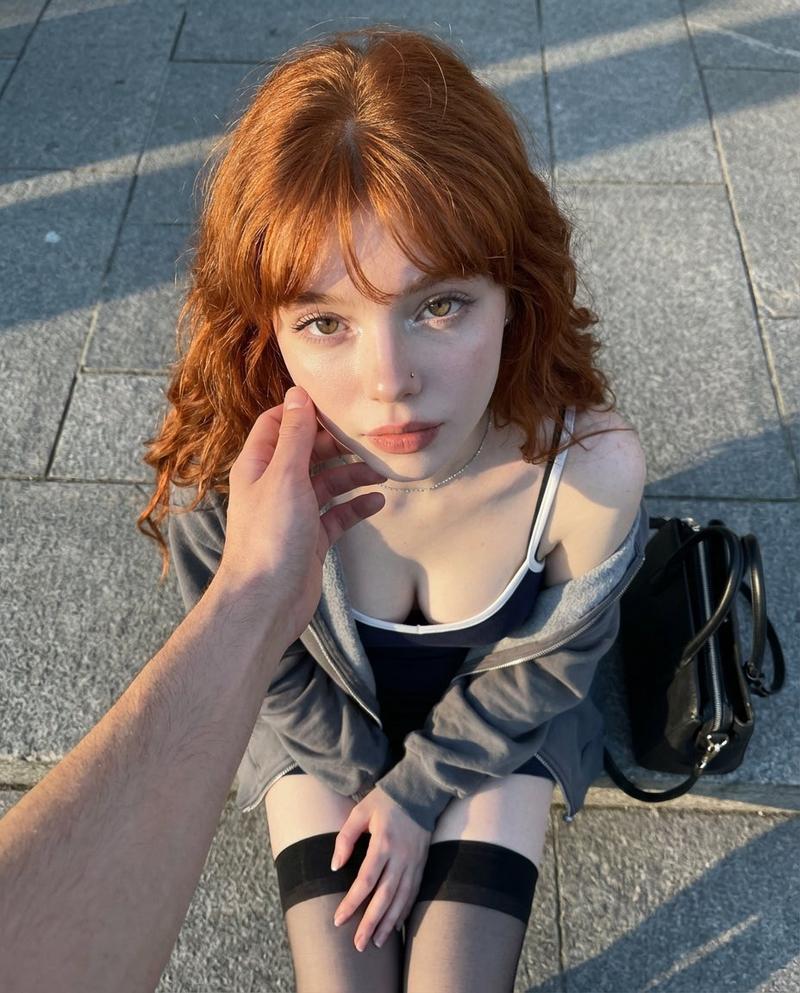
      "scene_summary": "Create a two-panel vertical collage (2x1). Photorealistic couple selfie shot from a phone held overhead (top-down angle). Outdoor setting on gray stone pavement tiles. Bright natural daylight, clean colors, crisp skin texture, realistic pores. Keep both identities strictly matching the uploaded male and female references. No text/logos/watermarks.",
      "environment": {
        "location": "outdoors",
        "background": "gray stone pavement tiles, slightly out of focus, clean modern sidewalk",
        "lighting": "natural daylight, soft but clear, mild highlights on forehead/cheeks, no harsh shadows"
      },
      "camera": {
        "type": "smartphone selfie camera",
        "angle": "strong top-down selfie angle",
        "lens_look": "wide selfie (24-28mm equivalent), mild perspective distortion",
        "focus": "faces sharp, background slightly soft"
      },
      "wardrobe_and_style": {
        "consistency_rule": "same outfits across both panels",
        "male": {
          "top": "black t-shirt or black top (simple, no logos)"
        },
        "female": {
          "top": "deep red halter/strap top (clean, minimal)"
        }
      },
      "panel_plan": [
        {
          "panel": 1,
          "action": "Both faces close together looking into the camera. Woman has a calm/soft pout expression. Man has a gentle smile. Heads touching lightly.",
          "framing": "tight selfie, both faces fully visible, shoulders partially visible"
        },
        {
          "panel": 2,
          "action": "Man kisses the woman’s cheek. Woman winks with a big playful smile. The phone-hand/arm is visible at the bottom edge like a real selfie.",
          "framing": "same angle and distance as panel 1, keep both faces readable (no heavy occlusion)"
        }
      ],
      "quality_rules": [
        "ultra realistic skin "
      ]
    }
  }
}- Category
- 创意图片
- Model
- Nano Banana Pro
- Creator
- Özge Döner
- Source ID
- a9e21bf0-44d5-4bb5-92aa-6a6c0623a1ce
- Published
- Mar 8, 2026
Views0