20

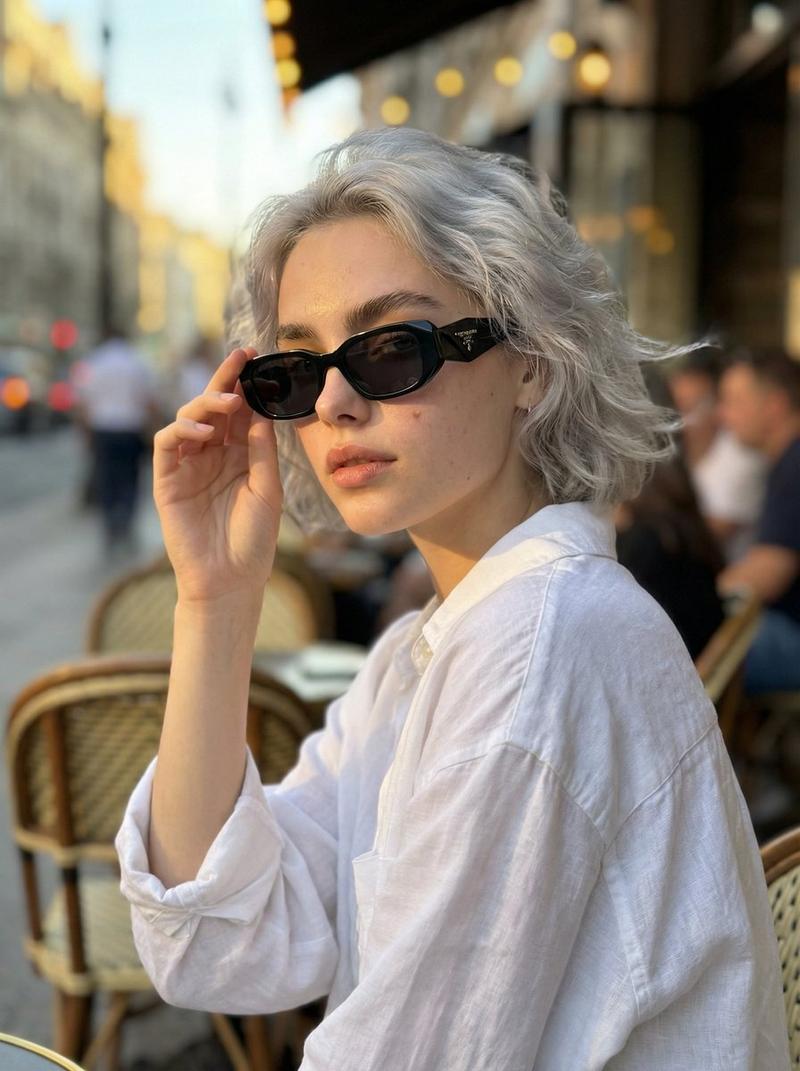
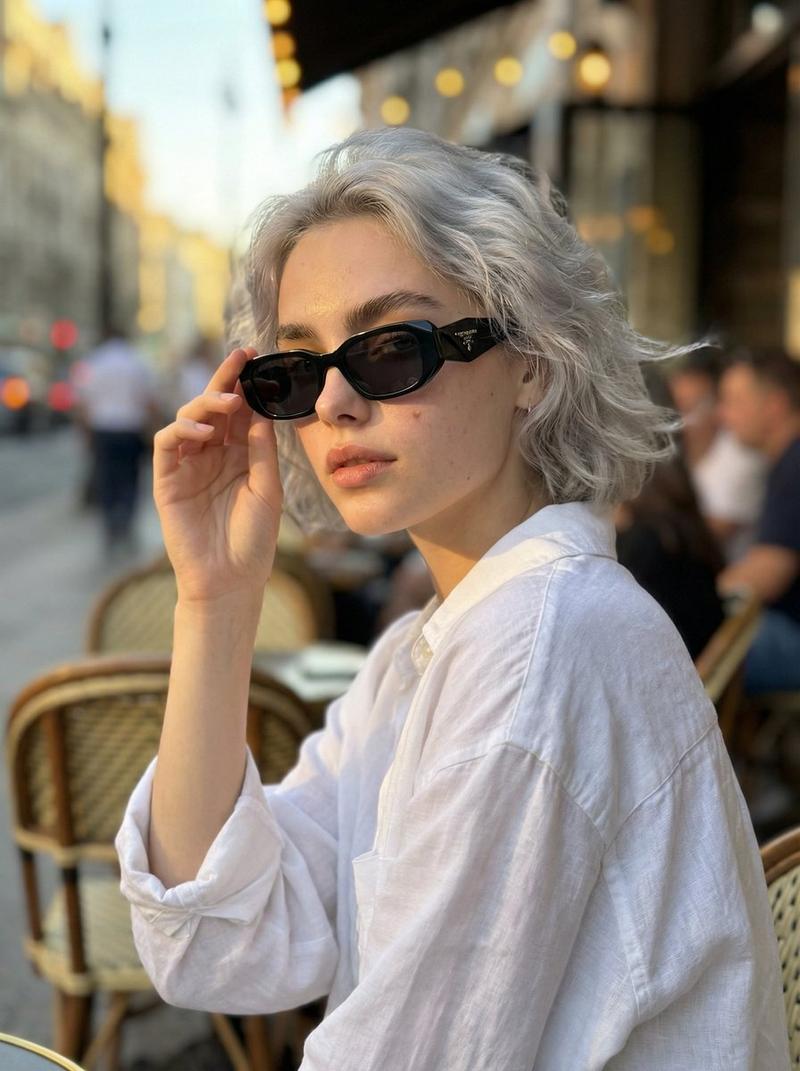
超逼真电影街头摄影提示词
Enlarge

超逼真电影街头摄影提示词

Prompt
{
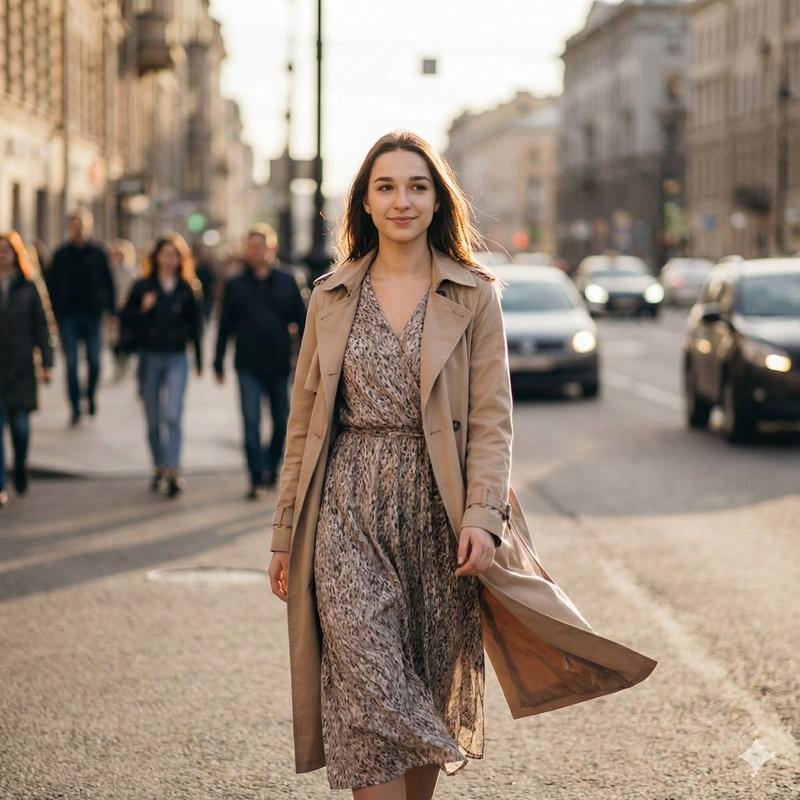
  "prompt": "Ultra-realistic candid street photograph of the SAME girl from the reference image, natural expression, soft smile, walking confidently through a busy city street. 3/4 walking angle toward the camera instead of full side profile. Golden hour warm light, subtle rim light on hair, shallow depth of field. Background people slightly motion-blurred to show movement, cars and city elements softly blurred, cinematic look. She has the same face, same hairstyle and same age as the reference. She is wearing a flowing patterned dress with a light beige trench coat gently moving in the wind, minimal makeup, natural color tones. Shot on full-frame lens, 50mm, f1.8, realistic skin texture, high detail, sharp subject with motion blur in background, editorial street photography style.",
  "negative_prompt": "overprocessed skin, plastic face, doll-like eyes, extra fingers, distortion, low resolution, overly dramatic lighting, cartoon, painting, anime, deformed body, heavy makeup, exaggerated smile",
  "style": "cinematic, documentary street photography, natural color grading",
  "camera": {
    "lens": "50mm",
    "aperture": "f1.8",
    "shutter_speed": "1/60",
    "shot_type": "mid length portrait"
  },
  "quality": "8k, ultra-detailed, photorealistic"
}
Category
创意图片
Model
Nano Banana Pro
Creator
Johnn
Views5
Source ID
2c282f36-6c6e-46de-a35f-1b4a8d844dae
Published
Mar 8, 2026

Guide

About "超逼真电影街头摄影提示词"

What is this prompt for?

"超逼真电影街头摄影提示词" AI image prompt for Nano Banana Pro (创意图片). 一个结构化的 JSON 提示词,用于生成一张超逼真、自然的街头女孩照片。该提示词要求使用参考图像来确保人物身份、面部特征和发型的一致性。提示词指定在黄金时段以 3/4 步行角度拍摄,背景元素带有运动模…

The full copyable prompt and example visuals above are ready for AI image generation or one-click recreate in Picva.

How to use this prompt

  1. Step 1

    Open the prompt detail

    Review the example visuals, category, and full prompt text for "超逼真电影街头摄影提示词".

  2. Step 2

    Copy the prompt

    Copy the prompt body from this page, or load it directly in Studio.

  3. Step 3

    Pick a model (Nano Banana Pro)

    Prefer Nano Banana Pro. If you switch models, keep subject and composition and tweak style terms.

  4. Step 4

    Generate and export

    Recreate the look in Picva, or export into your workflow for editing and publishing.

FAQ

What is the "超逼真电影街头摄影提示词" prompt?
It is an AI image-generation prompt for Nano Banana Pro in the 创意图片 category. This page includes the full prompt text, example visuals, and a one-click recreate path in Picva.
How do I use this prompt to generate an image?
Copy the prompt from this page, or use Generate / Studio. Paste it into a compatible image model, or recreate the look in Picva with optional reference images.
Which model is this prompt for?
This page lists Nano Banana Pro. Most descriptive prompts also transfer to nearby image models such as GPT Image, Flux, or Midjourney with light style tweaks.
Can I use the result commercially?
You can usually copy the prompt for creation, but commercial use of the final image depends on the model terms, reference-image rights, and the generated content. Follow the source author and platform rules.