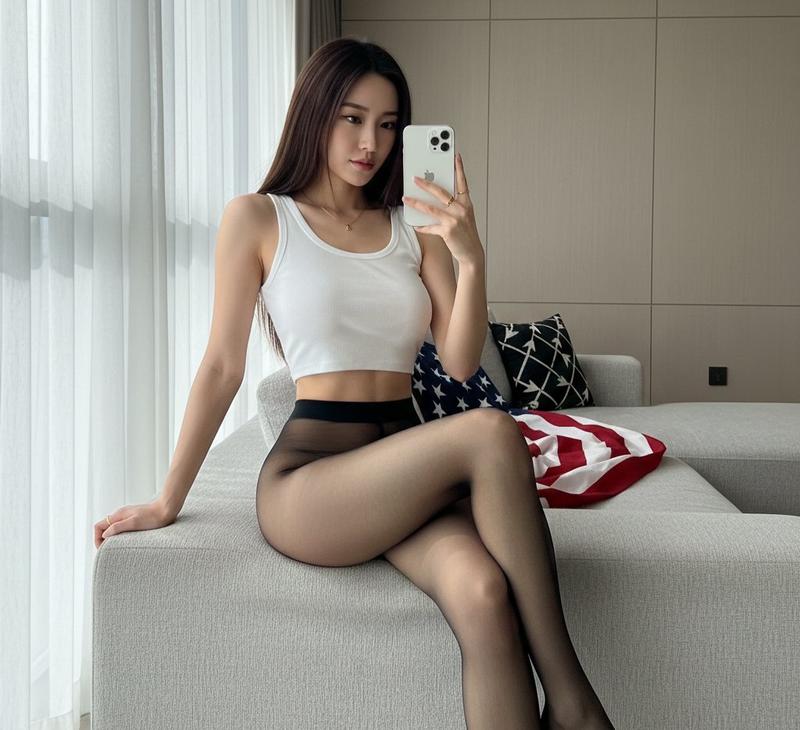
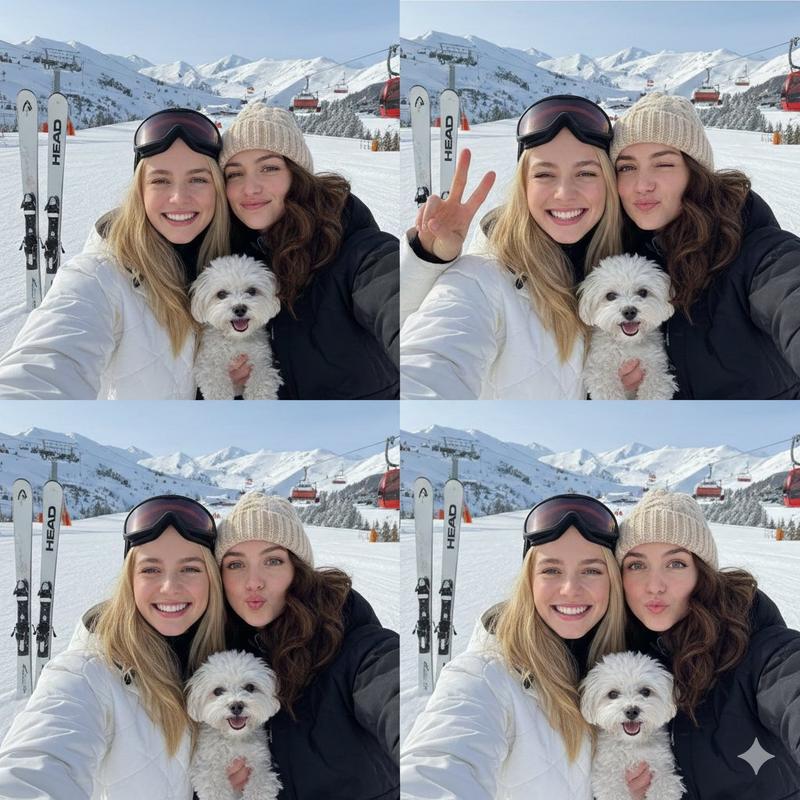
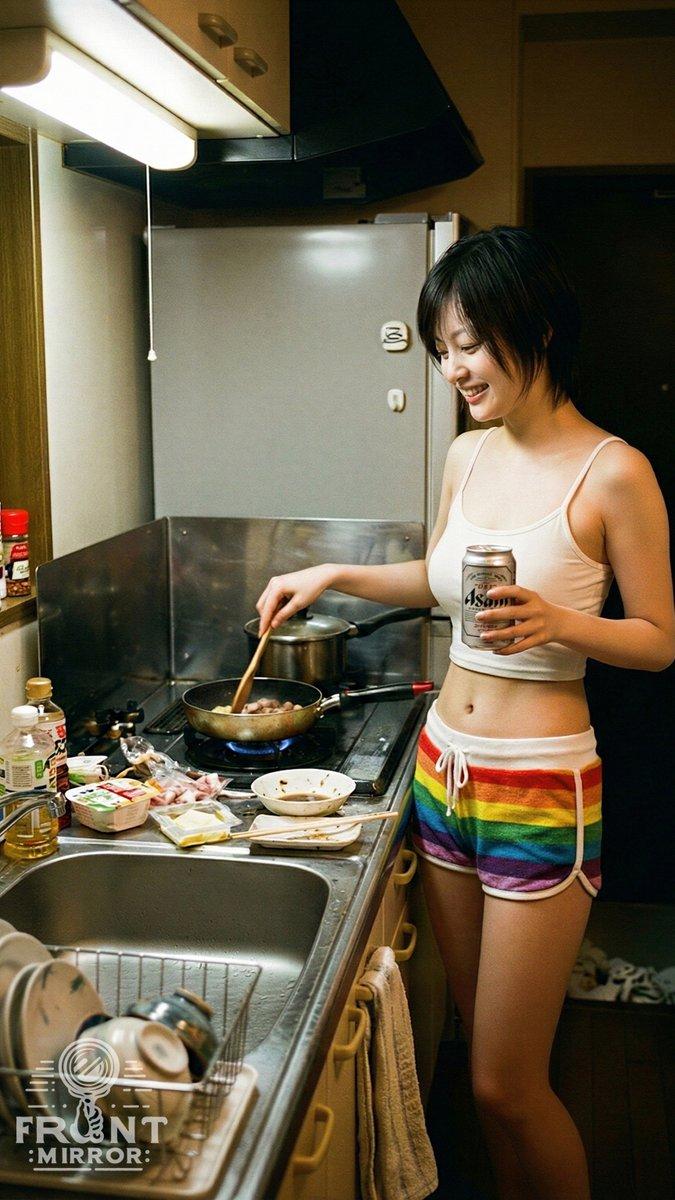
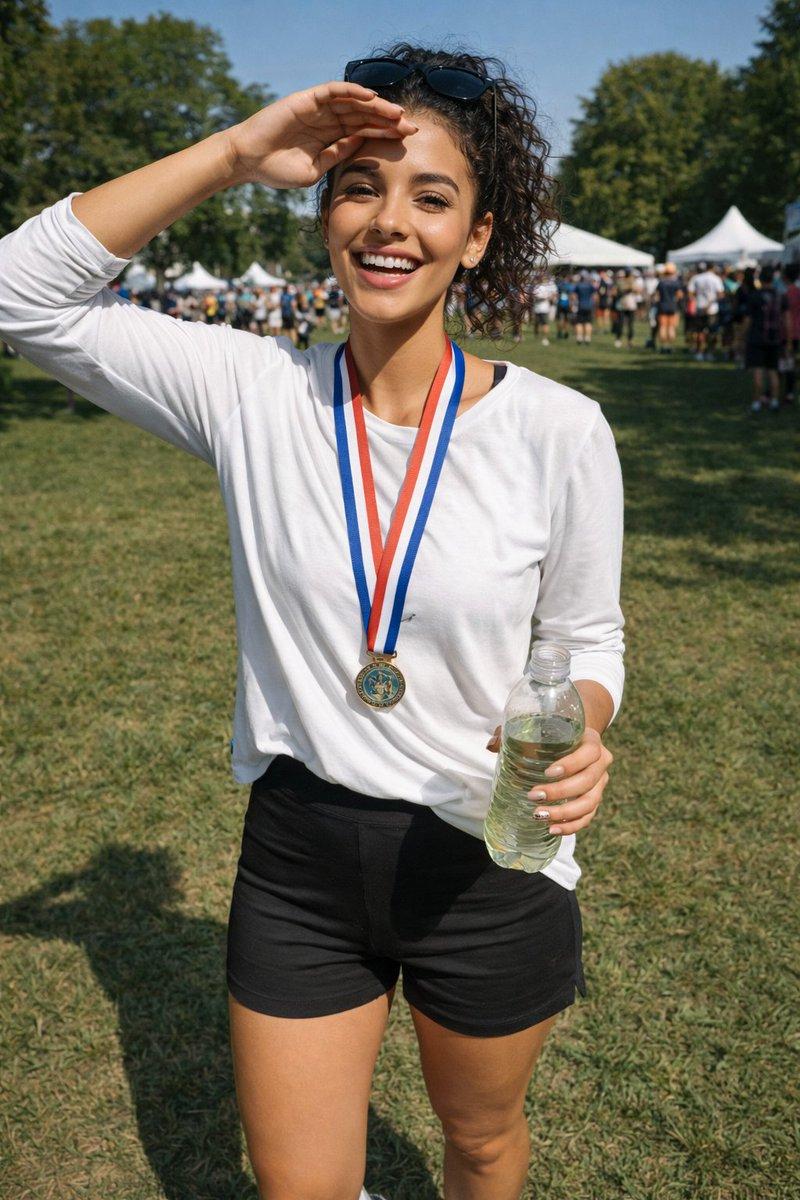
卧室镜子自拍
Prompt
{
  "scene": "Woman taking a mirror selfie while lying in bed.",
  "subject": {
    "character": "Young woman",
    "face": {
      "structure": "Soft features",
      "skin": "Fair, clear",
      "eyes": {
        "shape": "Almond",
        "color": "Dark brown",
        "expression": "Gazing into mirror"
      },
      "mouth": {
        "lips": "Natural, neutral expression"
      },
      "makeup": "Natural/Minimal"
    },
    "hair": {
      "color": "Dark brown",
      "length": "Medium",
      "texture": "Casual, slightly messy",
      "style": "Lying back against pillows",
      "shine": "Natural"
    },
    "held_object": {
      "item": "Smartphone",
      "details": "Used for mirror selfie, case visible"
    }
  },
  "pose": {
    "overall": "Lying down mirror selfie",
    "position": {
      "base": "Lying in bed on back/side",
      "orientation": "Angled towards the mirror"
    },
    "torso": {
      "direction": "Facing upward and slightly right",
      "posture": "Reclined against pillows"
    },
    "arms": {
      "right_arm": "Raised holding phone",
      "left_arm": "Resting down on bed"
    },
    "legs": {
      "position": "Bent, partially covered",
      "visible": "Thighs visible in shorts"
    },
    "head": {
      "turn": "Slightly turned towards mirror",
      "expression": "Calm gaze"
    }
  },
  "outfit": {
    "loungewear": {
      "top": {
        "item": "Tank top",
        "color": "Grey",
        "material": "Ribbed cotton",
        "style": "Scoop neck, sleeveless"
      },
      "bottoms": {
        "type": "Shorts",
        "pattern": "Grey and white paisley/floral",
        "details": "Drawstring waist"
      }
    }
  },
  "body": {
    "type": "Slender",
    "skin": "Fair",
    "cleavage": "Visible due to top cut and pose"
  },
  "environment": {
    "location": "Bedroom",
    "bedding": {
      "material": "Linen",
      "color": "Beige/Natural",
      "items": "Duvet, pillows"
    },
    "fixtures": {
      "window": "Visible on the left with white trim",
      "mirror_frame": "White frame visible around image perimeter"
    },
    "background": {
      "wall": "Plain, neutral color"
    }
  },
  "lighting": {
    "type": "Natural daylight",
    "quality": {
      "intensity": "Soft",
      "direction": "From the left (window)"
    },
    "on_subject": {
      "skin": "Illuminates left side and chest",
      "hair": "Soft highlights"
    }
  },
  "photography": {
    "angle": "Mirror selfie view",
    "framing": "Framed by the mirror itself",
    "focus": "Sharp on subject and phone",
    "style": "Casual, candid",
    "device": "Smartphone captured in reflection"
  },
  "color_palette": {
    "subject": {
      "hair": "Dark brown",
      "skin": "Fair",
      "outfit": "Grey, white"
    },
    "environment": {
      "bedding": "Beige linen",
      "walls": "Light neutral"
    }
  },
  "vibe": {
    "energy": "Relaxed",
    "mood": "Cozy, intimate",
}- Category
- 创意图片
- Model
- Nano Banana Pro
- Creator
- Sedra
- Source ID
- 69a44b97-4a36-4738-bac4-c9f817406fec
- Published
- Mar 8, 2026
Views1