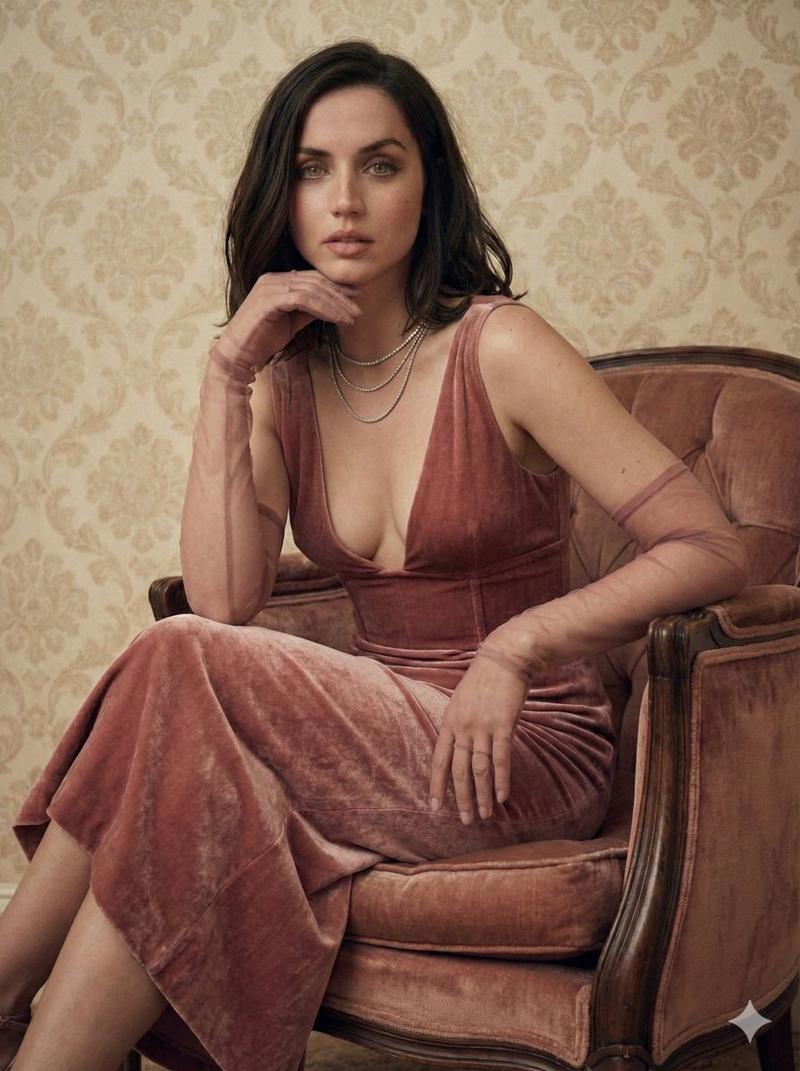
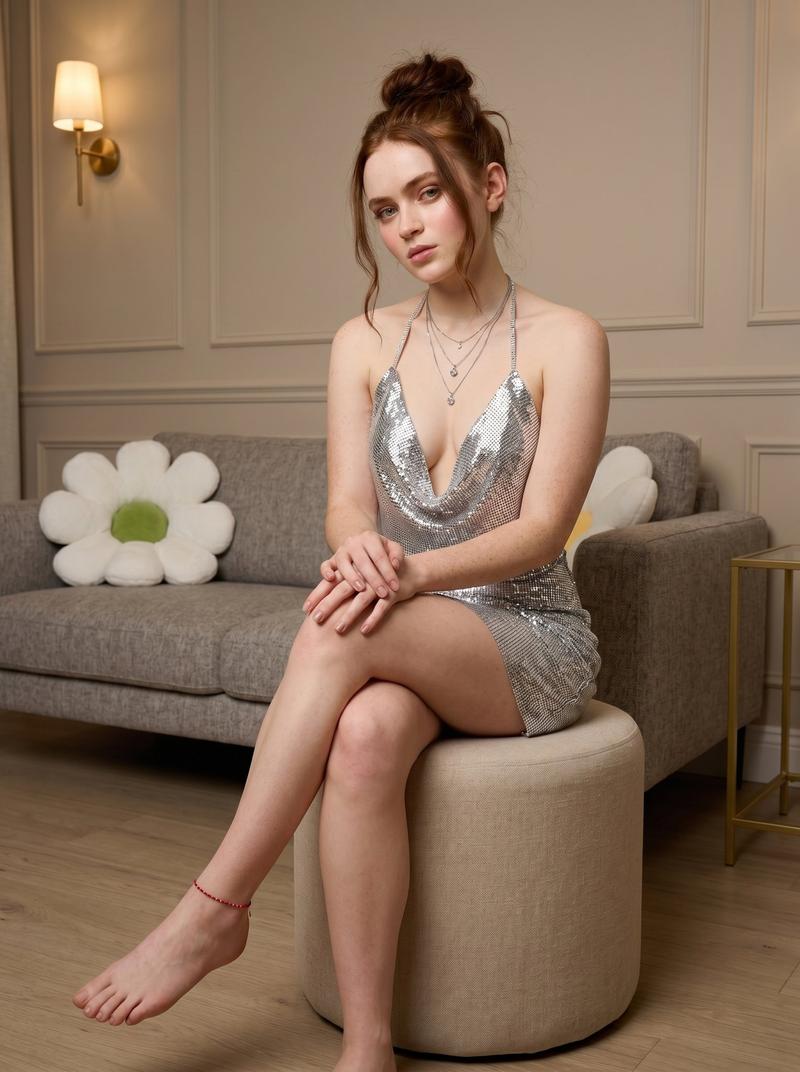
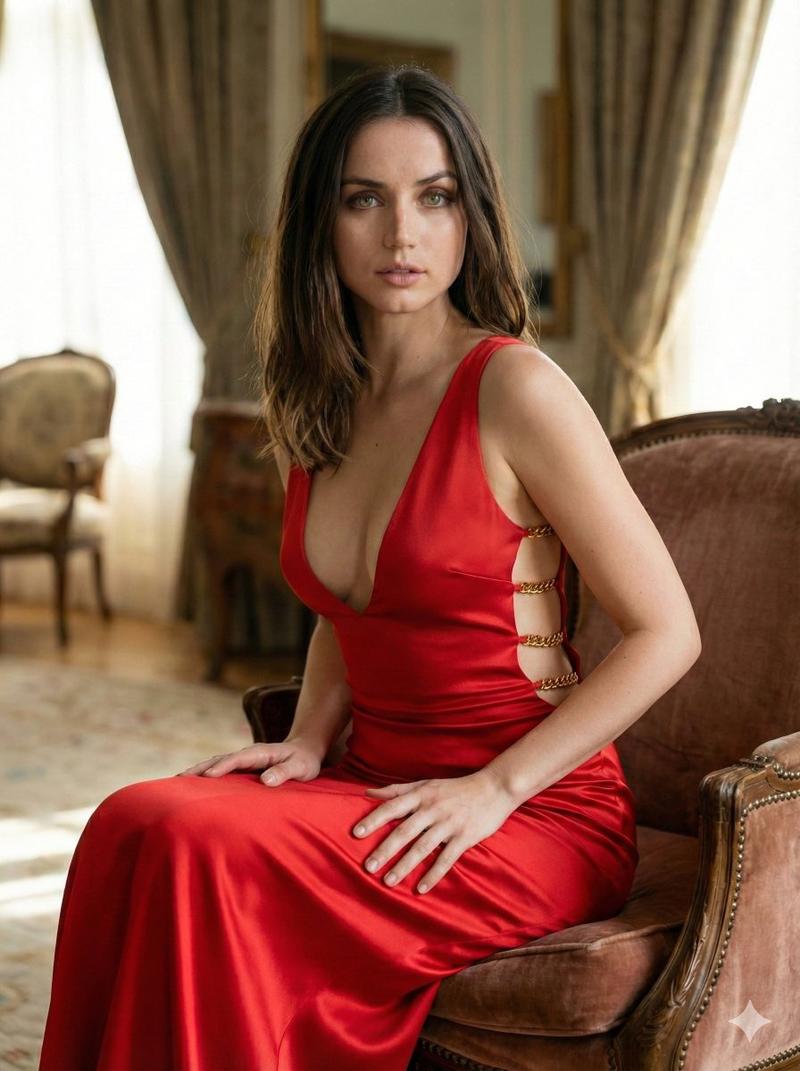
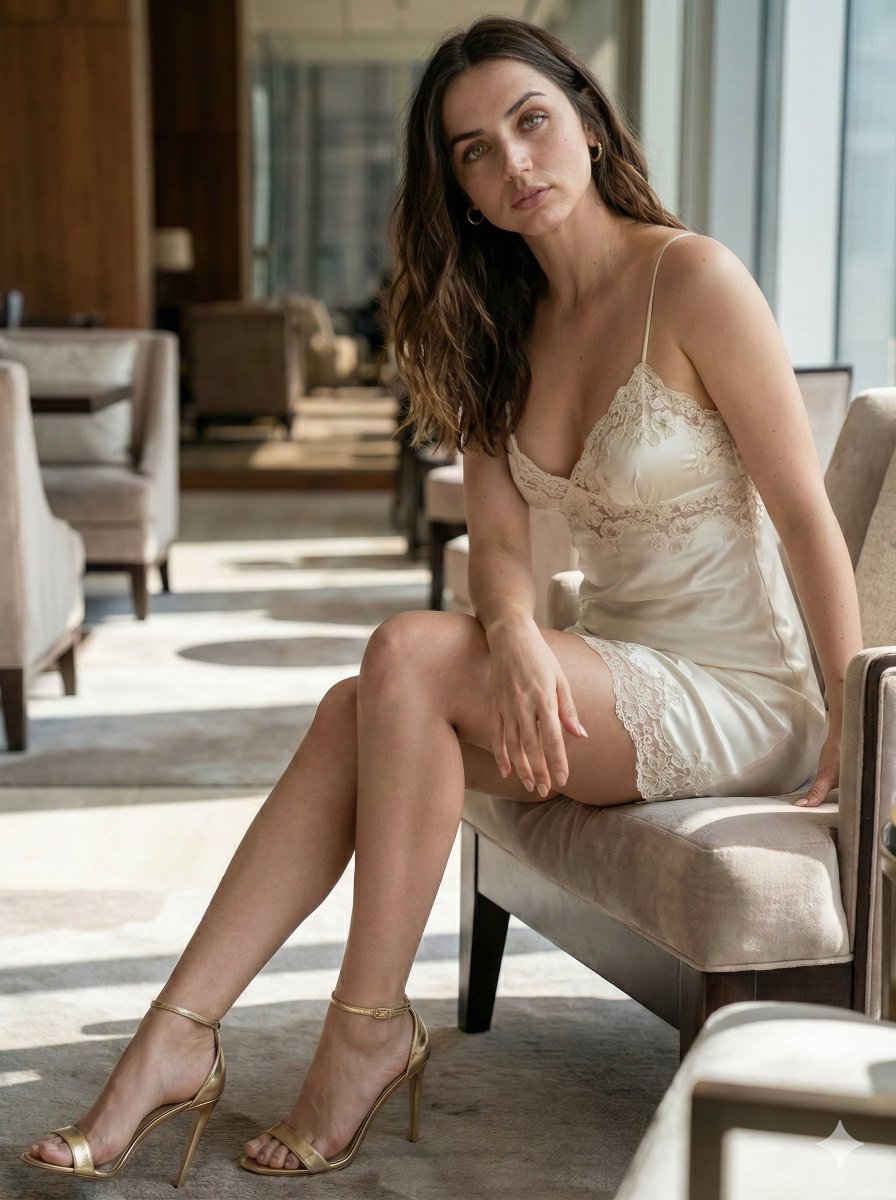
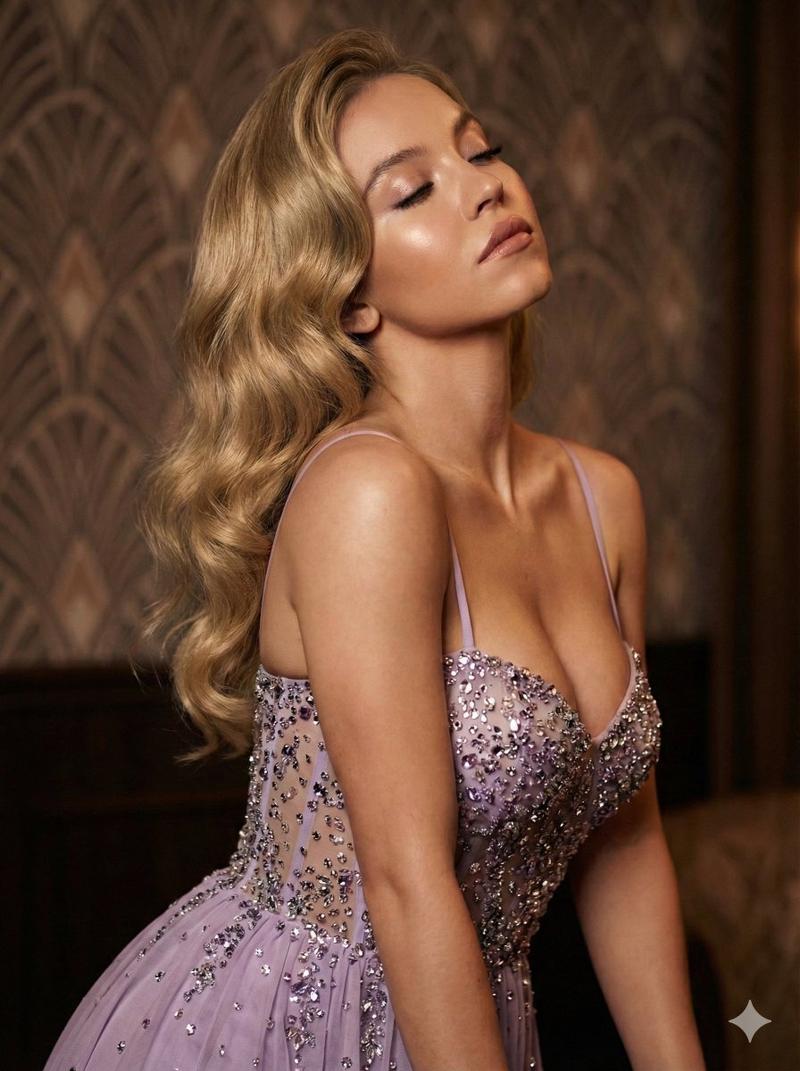
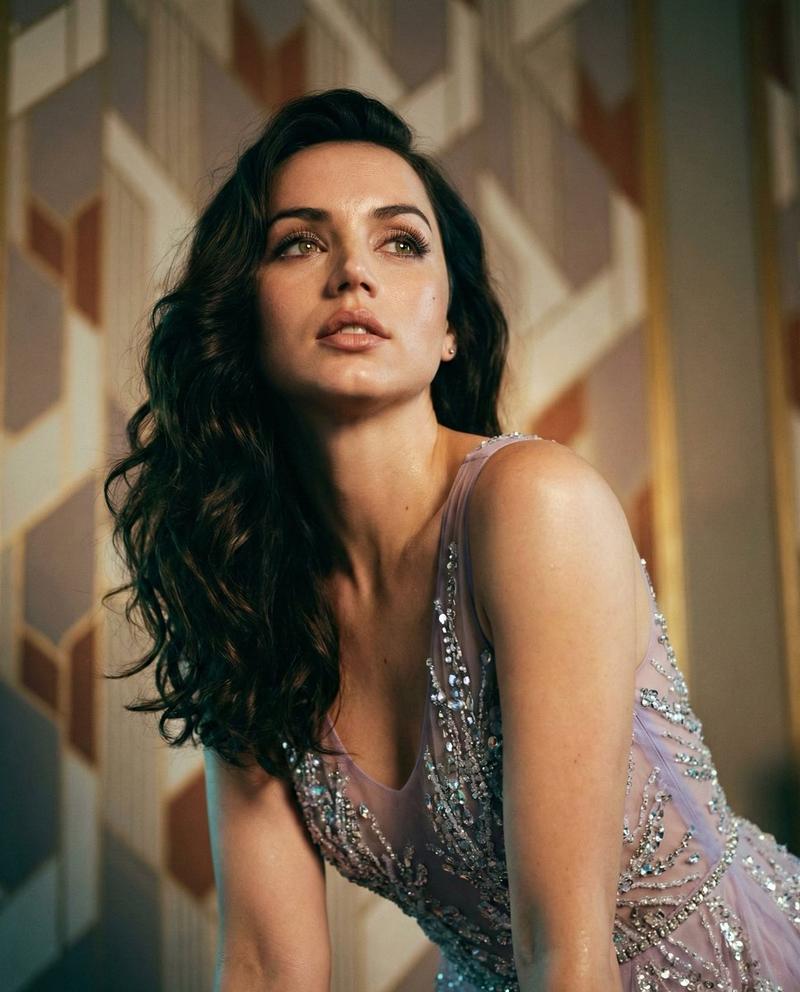
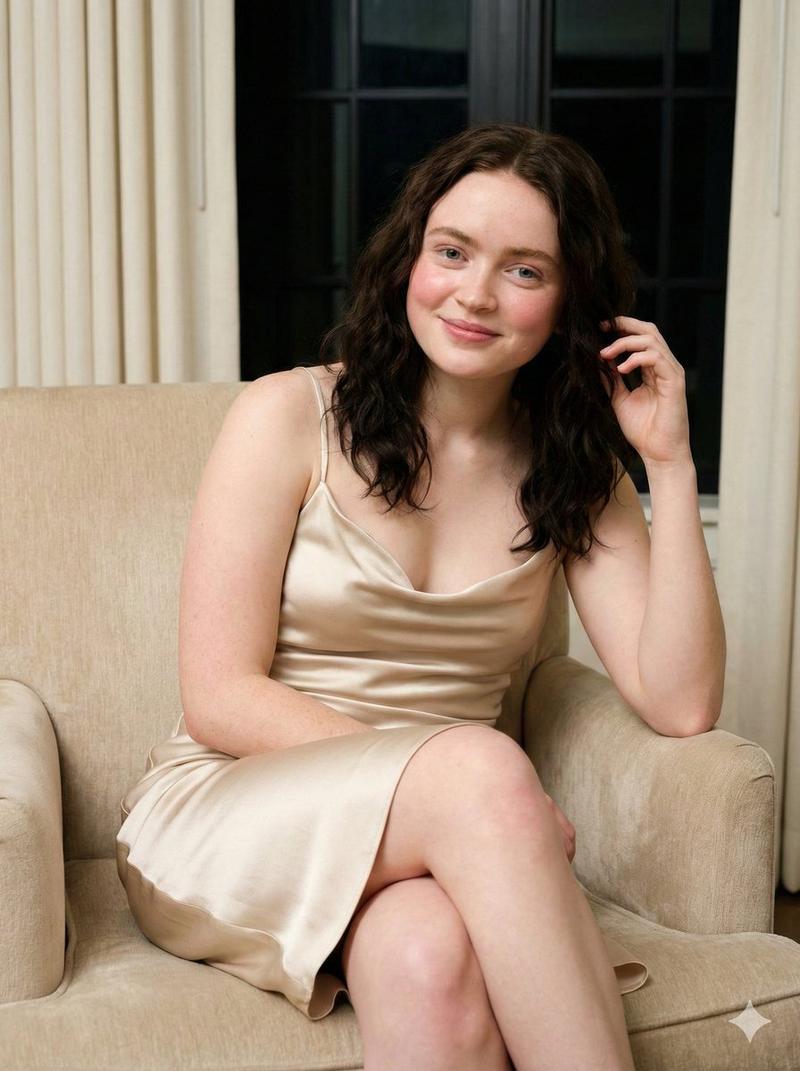
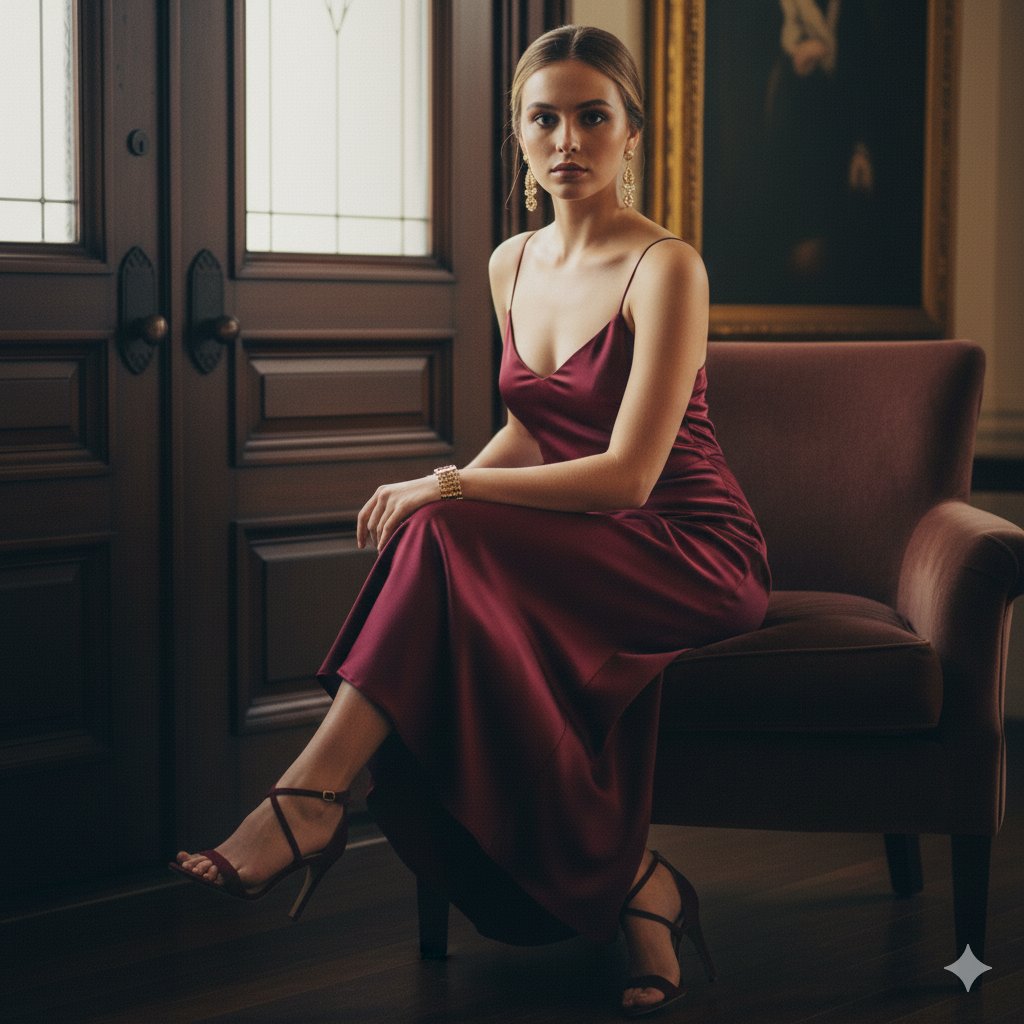
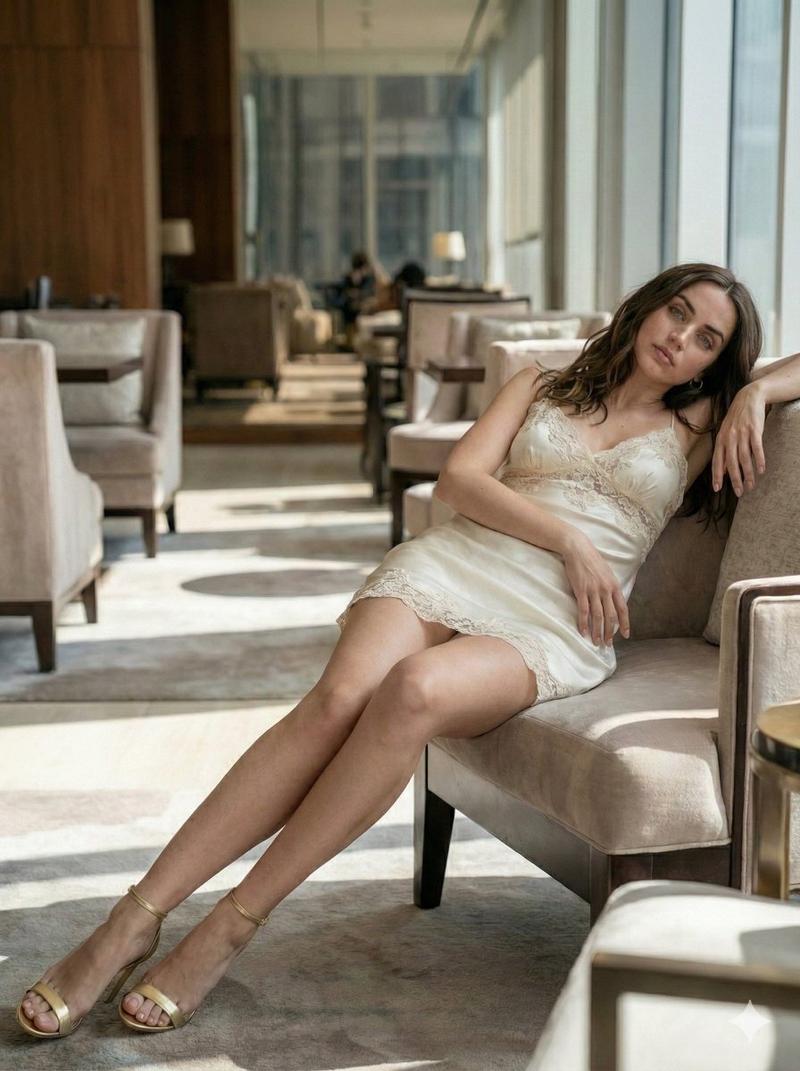
奢华高级时装编辑肖像,带身份锁定提示(图像到图像)
Prompt
{
  "image_request": {
    "identity_lock": {
      "face_reference": "Use the uploaded reference image",
      "constraints": [
        "Preserve exact facial features",
        "No face alteration",
        "No morphing or beautification",
        "Maintain true bone structure, proportions, and asymmetry"
      ]
    },
    "subject": {
      "type": "Adult woman {argument name=\"subject name\" default=\"Sydney Sweeney\"} ",
      "style": "Luxury high-fashion editorial portrait"
    },
    "face_and_expression": {
      "features": "Striking, refined facial features identical to reference",
      "expression": "Calm, confident, elegant",
      "skin": {
        "finish": "Natural, flawless, realistic texture",
        "tone": "Warm, even, unedited"
      }
    },
    "makeup": {
      "style": "Luxury nude makeup",
      "color_palette": "Brown and bronze tones",
      "eyes": {
        "shadow": "Softly smudged bronze-brown",
        "liner": "Subtle, diffused",
        "lashes": "Defined but natural"
      },
      "contour": "Soft sculpting with bronzed warmth",
      "lips": {
        "shape": "Naturally full",
        "finish": "Glossy, well-contoured nude-bronze"
      },
      "overall": "Elegant, high-end, polished without excess"
    },
    "hair": {
      "color": "Deep dark brown / black",
      "length": "Very long",
      "style": "Voluminous, flowing waves",
      "finish": "Glossy, luxurious, red-carpet ready"
    },
    "wardrobe": {
      "dress": {
        "type": "Gala gown",
        "material": "Fully covered in silver crystals",
        "effect": "Intensely reflective, high sparkle",
        "straps": "Thin straps",
        "neckline": "Extremely deep V-neck",
        "slit": "High thigh slit",
        "fit": "Figure-enhancing, elegant, couture-level"
      }
    },
    "lighting": {
      "style": "Cinematic editorial lighting",
      "quality": "Bright highlights on crystals, soft sculpting on face",
      "mood": "Luxurious, dramatic, red-carpet glamour",
      "contrast": "Balanced with refined shadows"
    },
    "camera_and_quality": {
      "resolution": "Ultra-HD 8K",
      "realism": "Hyper-realistic photographic quality",
      "focus": "Sharp focus on face, hair, and crystal details",
      "depth_of_field": "Natural, editorial"
    },
    "aesthetic": {
      "theme": "High-glamour evening couture",
      "vibe": [
        "Elegant",
        "Powerful",
        "Luxury",
        "Timeless"
      ]
    },
    "negative_prompt": [
      "face alteration",
      "beauty morphing",
      "cartoon",
      "CGI",
      "3D render",
      "plastic skin",
      "over-retouching",
      "low detail",
      "blur",
      "illustration" Ratio 3.4
    ]
  }
}- Category
- 创意图片
- Model
- Nano Banana Pro
- Source ID
- 9e20f6f9-1a8f-4648-9274-8032a9416462
- Published
- Mar 8, 2026
Views2