19

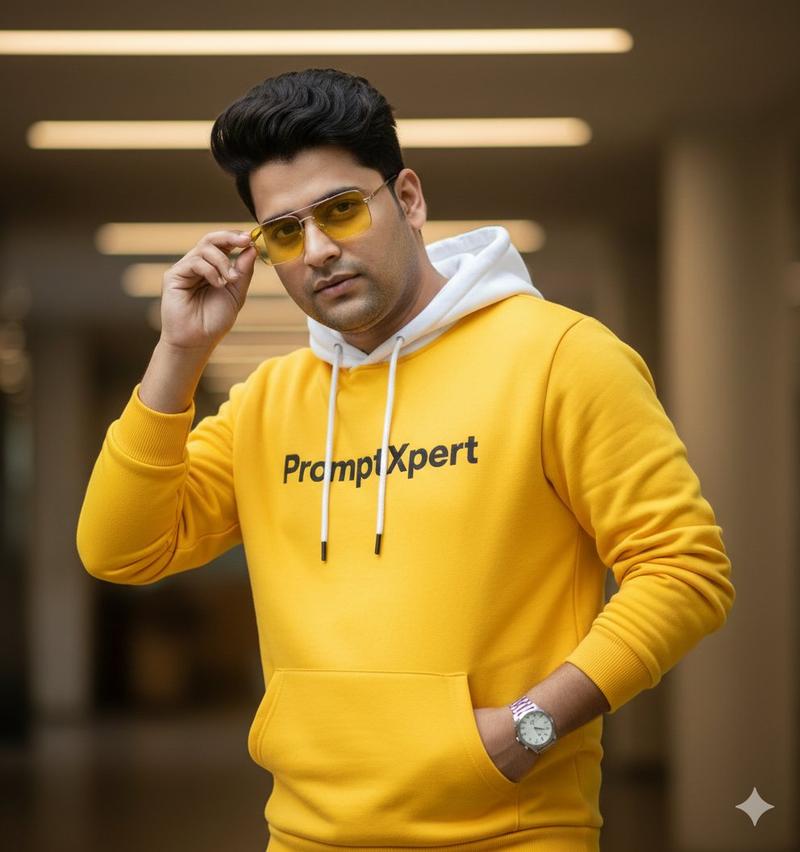
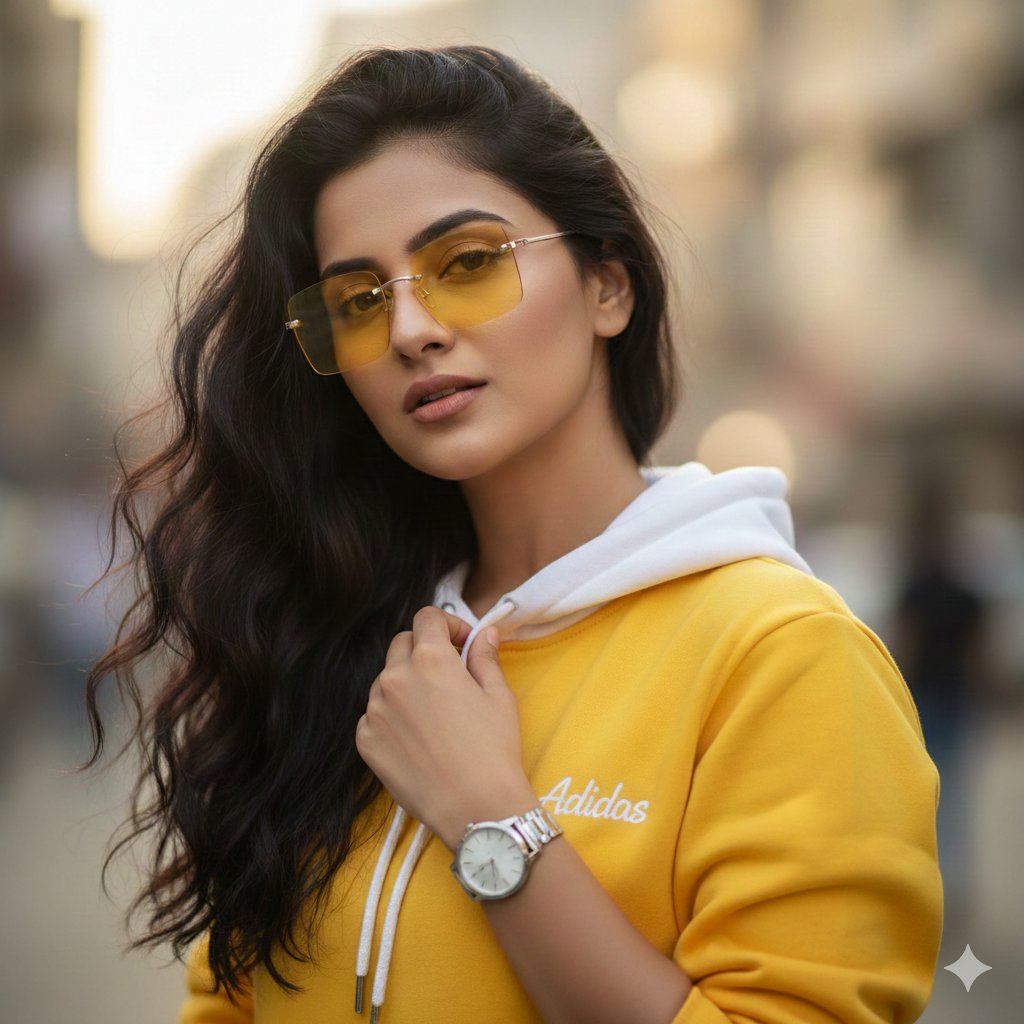
16K 电影级人像,带身份锁定和黄色连帽衫
Enlarge

16K 电影级人像,带身份锁定和黄色连帽衫

Prompt
Create a 16K ultra-realistic cinematic portrait of the same young man, keeping his face exactly the same as in the uploaded photo with no changes or edits. He is a stylish 22-year-old with voluminous, sharp dark hair, wearing a {argument name="hoodie color" default="yellow"} hoodie with a white hood, featuring the “{argument name="logo text" default="PromptXpert"}” logo clearly on the chest. Add square rimless gradient yellow sunglasses and a single watch as minimal, modern accessories. In this version, he stands in a confident, dynamic pose, upper body slightly turned toward the light, one hand casually adjusting his sunglasses while the other rests near the hoodie pocket, projecting a cool, attitude-filled expression. Use cinematic lighting, ultra-detailed textures, and a soft, minimal blurred background to achieve a polished, hyper-realistic, fashion-editorial magazine look
Category
创意图片
Model
Nano Banana Pro
Views3
Source ID
57befe26-445a-4489-8d2f-c2b17e7dcd4f
Published
Mar 8, 2026

Guide

About "16K 电影级人像,带身份锁定和黄色连帽衫"

What is this prompt for?

"16K 电影级人像,带身份锁定和黄色连帽衫" AI image prompt for Nano Banana Pro (创意图片). 一个专为图生图设计、需要严格保持上传照片面部特征的提示词。它生成一张 16K 超逼真电影级肖像,描绘一位年轻男士,身穿黄色 “PromptXpert” 连帽衫,戴无框黄色墨镜,重点突…

The full copyable prompt and example visuals above are ready for AI image generation or one-click recreate in Picva.

How to use this prompt

  1. Step 1

    Open the prompt detail

    Review the example visuals, category, and full prompt text for "16K 电影级人像,带身份锁定和黄色连帽衫".

  2. Step 2

    Copy the prompt

    Copy the prompt body from this page, or load it directly in Studio.

  3. Step 3

    Pick a model (Nano Banana Pro)

    Prefer Nano Banana Pro. If you switch models, keep subject and composition and tweak style terms.

  4. Step 4

    Generate and export

    Recreate the look in Picva, or export into your workflow for editing and publishing.

FAQ

What is the "16K 电影级人像,带身份锁定和黄色连帽衫" prompt?
It is an AI image-generation prompt for Nano Banana Pro in the 创意图片 category. This page includes the full prompt text, example visuals, and a one-click recreate path in Picva.
How do I use this prompt to generate an image?
Copy the prompt from this page, or use Generate / Studio. Paste it into a compatible image model, or recreate the look in Picva with optional reference images.
Which model is this prompt for?
This page lists Nano Banana Pro. Most descriptive prompts also transfer to nearby image models such as GPT Image, Flux, or Midjourney with light style tweaks.
Can I use the result commercially?
You can usually copy the prompt for creation, but commercial use of the final image depends on the model terms, reference-image rights, and the generated content. Follow the source author and platform rules.