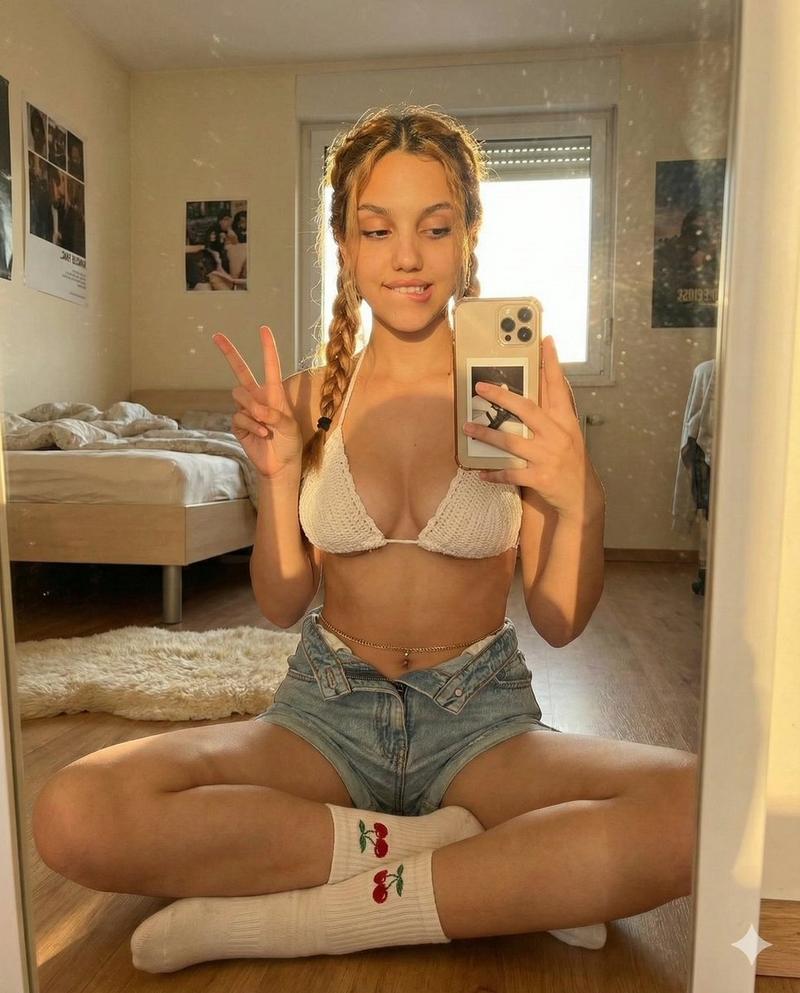
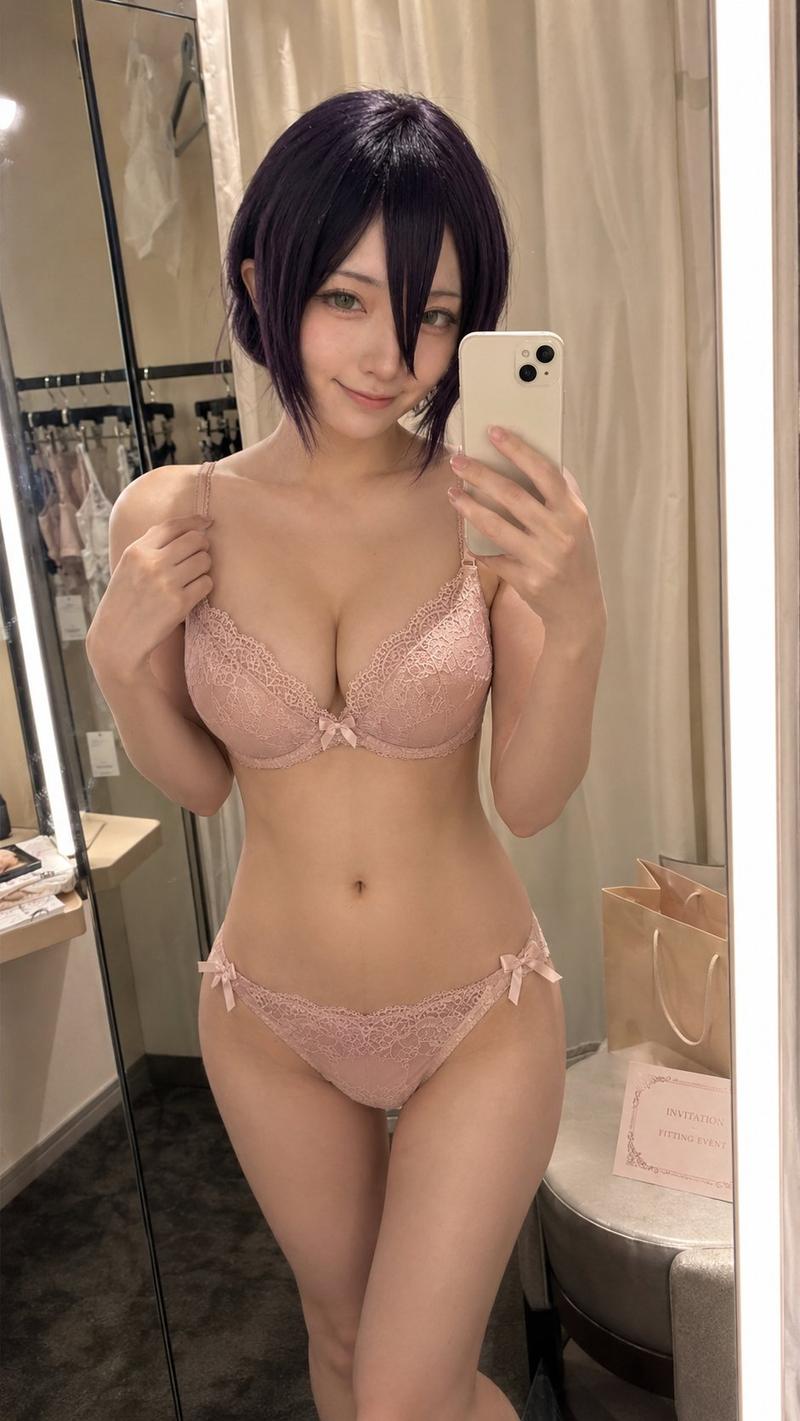
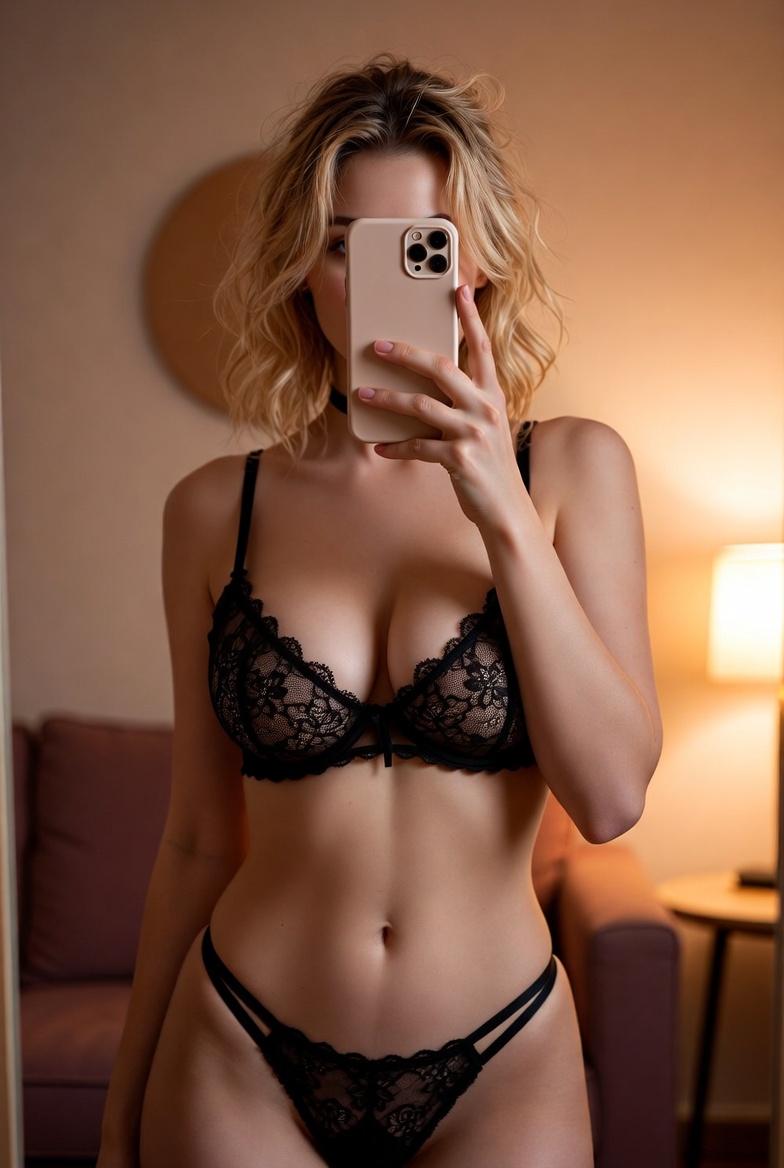
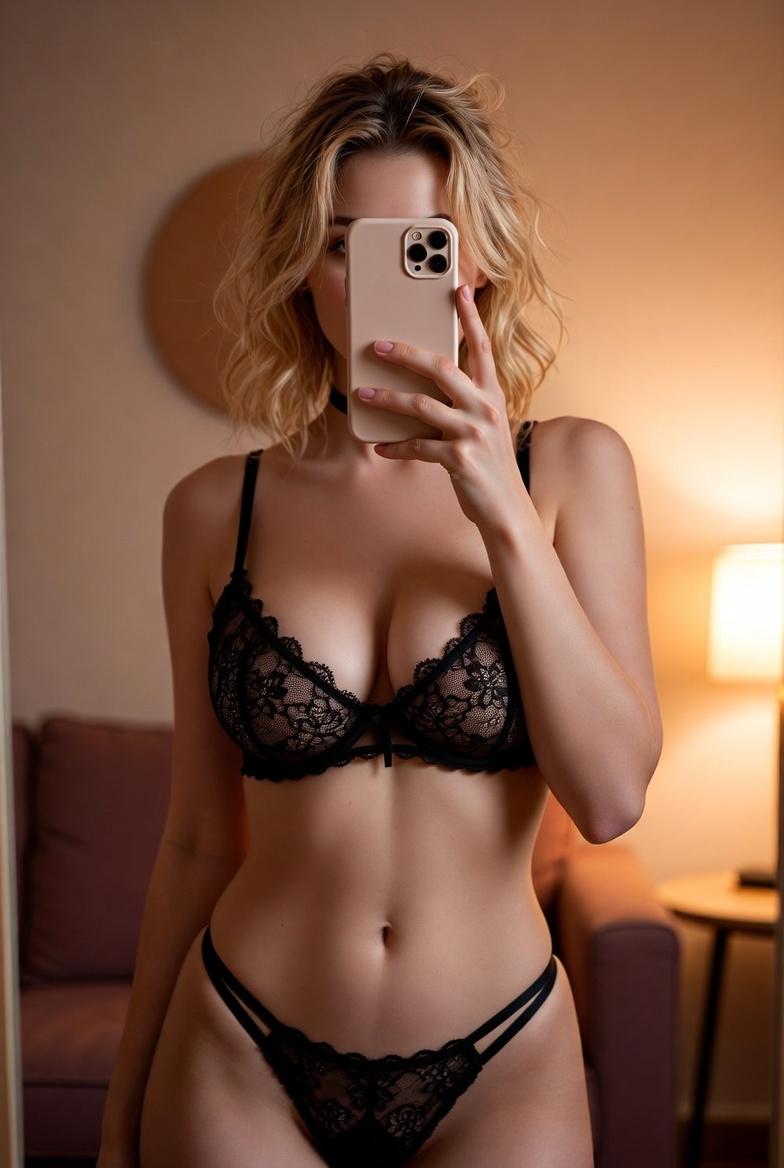
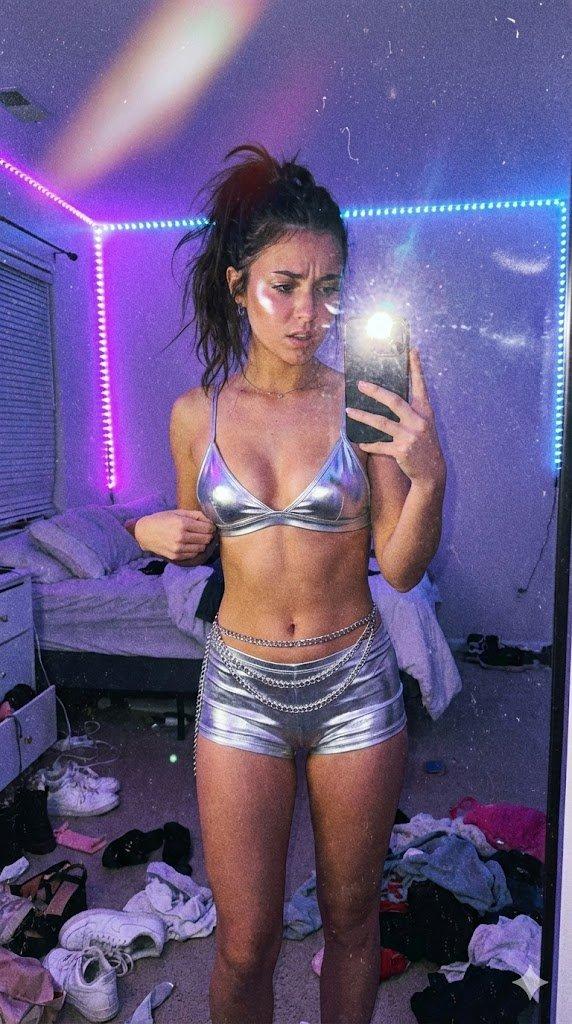
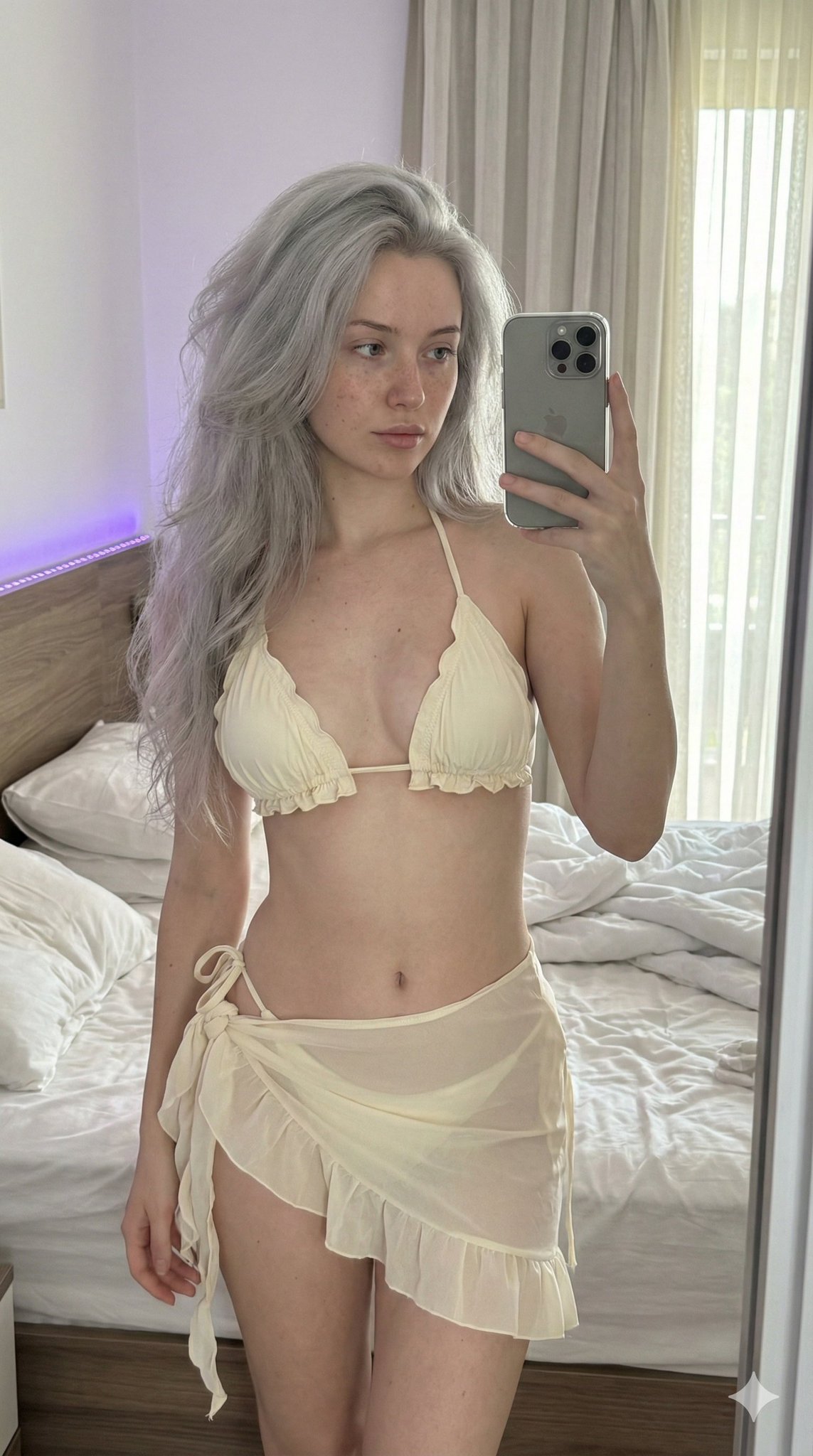
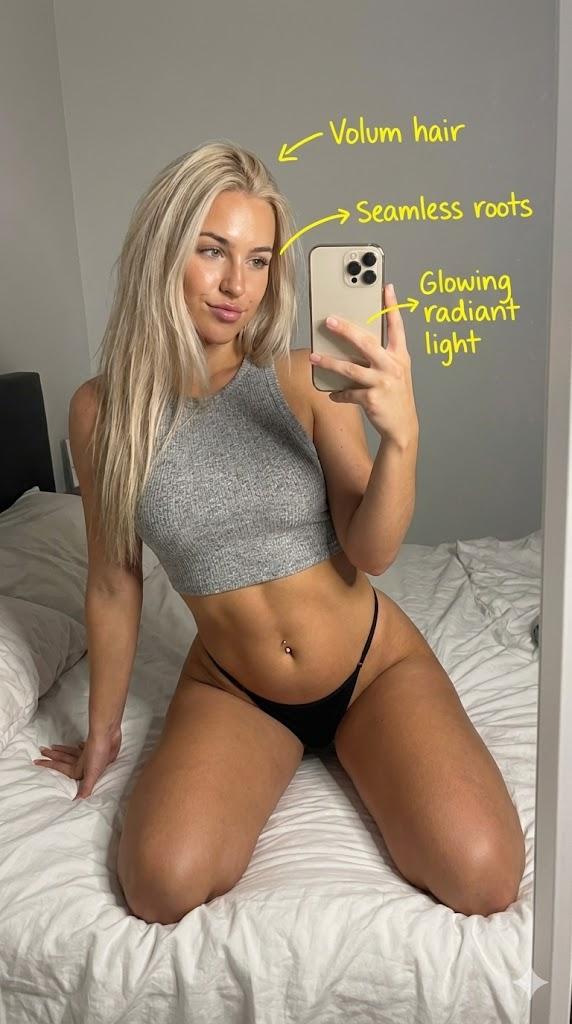
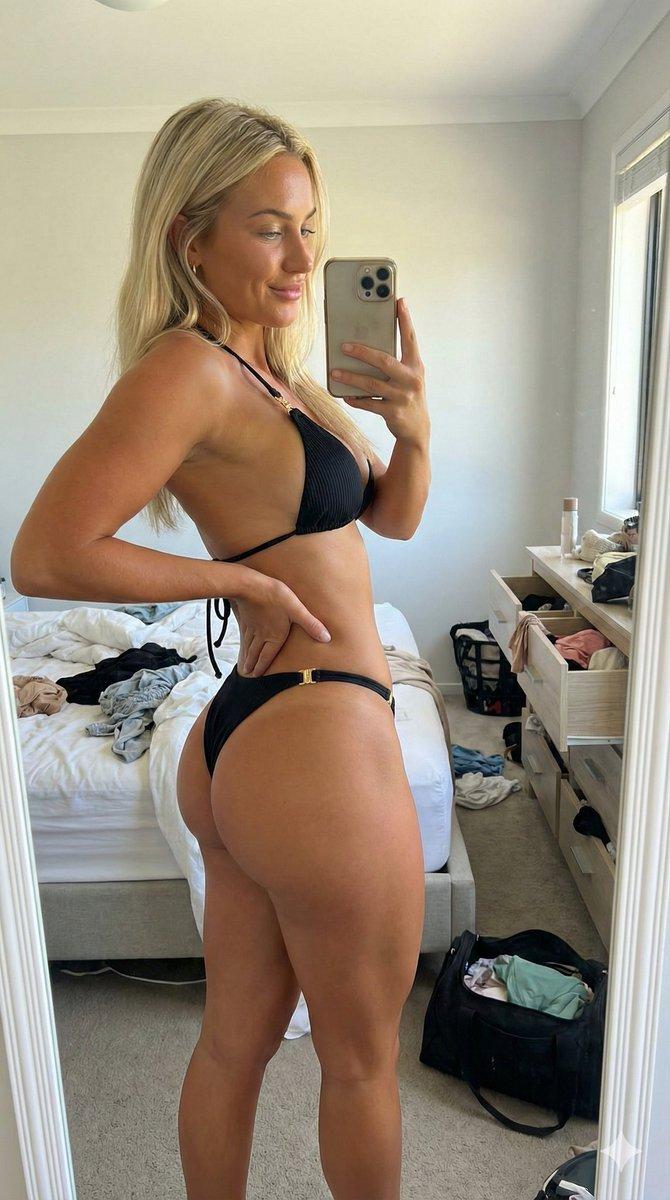
红色内衣镜中自拍
Prompt
{
"subject": "Young woman with long blonde hair and straight bangs, light skin tone. She is wearing a bright {argument name="lingerie color" default="red"} lingerie set consisting of a balconette-style underwire bra with lace detailing along the underbust and matching red panties visible at the hips. Her physique is distinctly hourglass-shaped with a full, heavy bust that projects forward, a narrow waist, and wide, curvy hips. She is wearing a thin gold necklace with a small pendant, a gold link bracelet on her right wrist, and a silver/diamond tennis bracelet on her left wrist. She has long, manicured nails painted a pale pink or white.",
"pose": "The subject is kneeling on the floor, body angled slightly to her right but torso twisted to face the mirror. Her spine is upright with a slight arch. Her head is tilted to her right. Her right arm is bent, with her hand gently touching the side of her neck and jawline, fingers extended. Her left arm is raised and extended forward, holding a white smartphone (iPhone Pro model) to capture the reflection in a mirror. Her gaze is directed towards the phone screen or mirror reflection.",
"environment": "A bedroom interior. Directly behind the subject to the left is a wooden nightstand cluttered with various skincare bottles, perfumes, and cosmetics. To the right is the corner of a bed with a tall, beige upholstered headboard and a patterned beige and white duvet. The background wall is plain white, with white curtains visible in the upper right. The floor consists of glossy beige/brown square tiles.",
"camera": "Mirror selfie perspective. The image captures the reflection of the subject in a vertical mirror. The white smartphone is prominently visible in the subject's left hand, partially obscuring the left side of her face. The framing is a medium shot, capturing the subject from the thighs up to the top of the head. The angle is eye-level relative to the kneeling position.",
"lighting": "Artificial indoor lighting, likely from a ceiling fixture or flash, which creates a distinct, somewhat sharp drop shadow of the subject's profile on the white wall to her left. The lighting highlights the contours of the face, the sheen of the skin on the chest and shoulders, and the texture of the blonde hair. Skin tone appears warm and realistic.",
"mood_and_expression": "The mood is casual and slightly sultry. The expression is soft, with lips slightly parted and eyes focused on the capture, conveying a sense of confidence and documentation of the outfit.",
"style_and_realism": "Realism is absolute. High-fidelity amateur smartphone photography style. Sharp focus on the subject with natural texture retention in the skin (pores, slight imperfections) and fabric (lace details). No stylized filters; raw and authentic mirror selfie aesthetic.",
"colors_and_tone": "The palette is dominated by the bright red of the lingerie, contrasting with the warm beige and wood tones of the furniture and floor. Skin tones are fair to"- Category
- 创意图片
- Model
- Nano Banana Pro
- Creator
- brindley
- Source ID
- 401c7b08-6b04-4633-bb62-aebe02954b41
- Published
- Mar 8, 2026
Views0