14

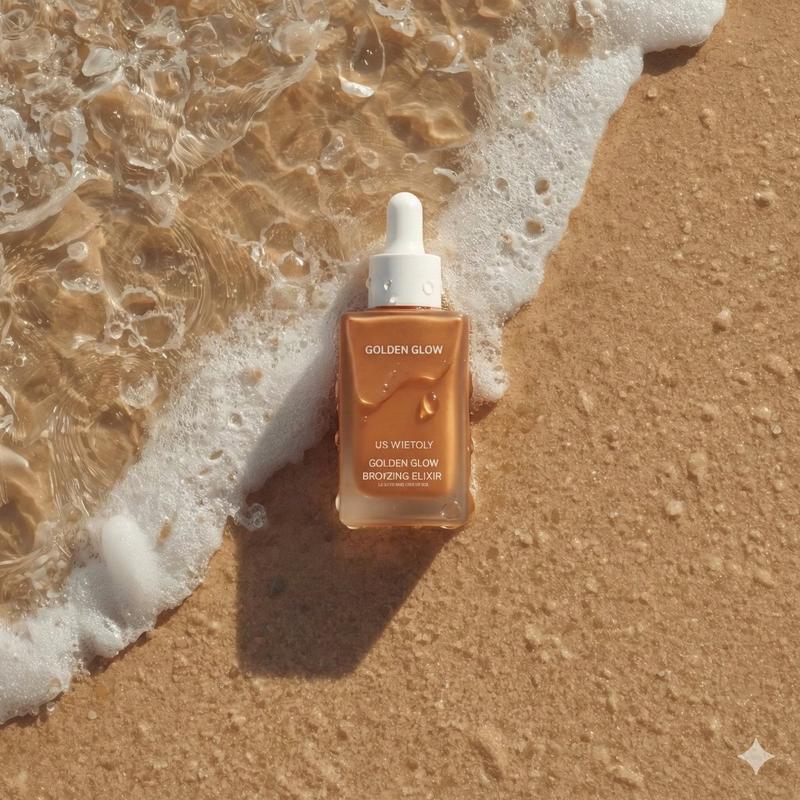
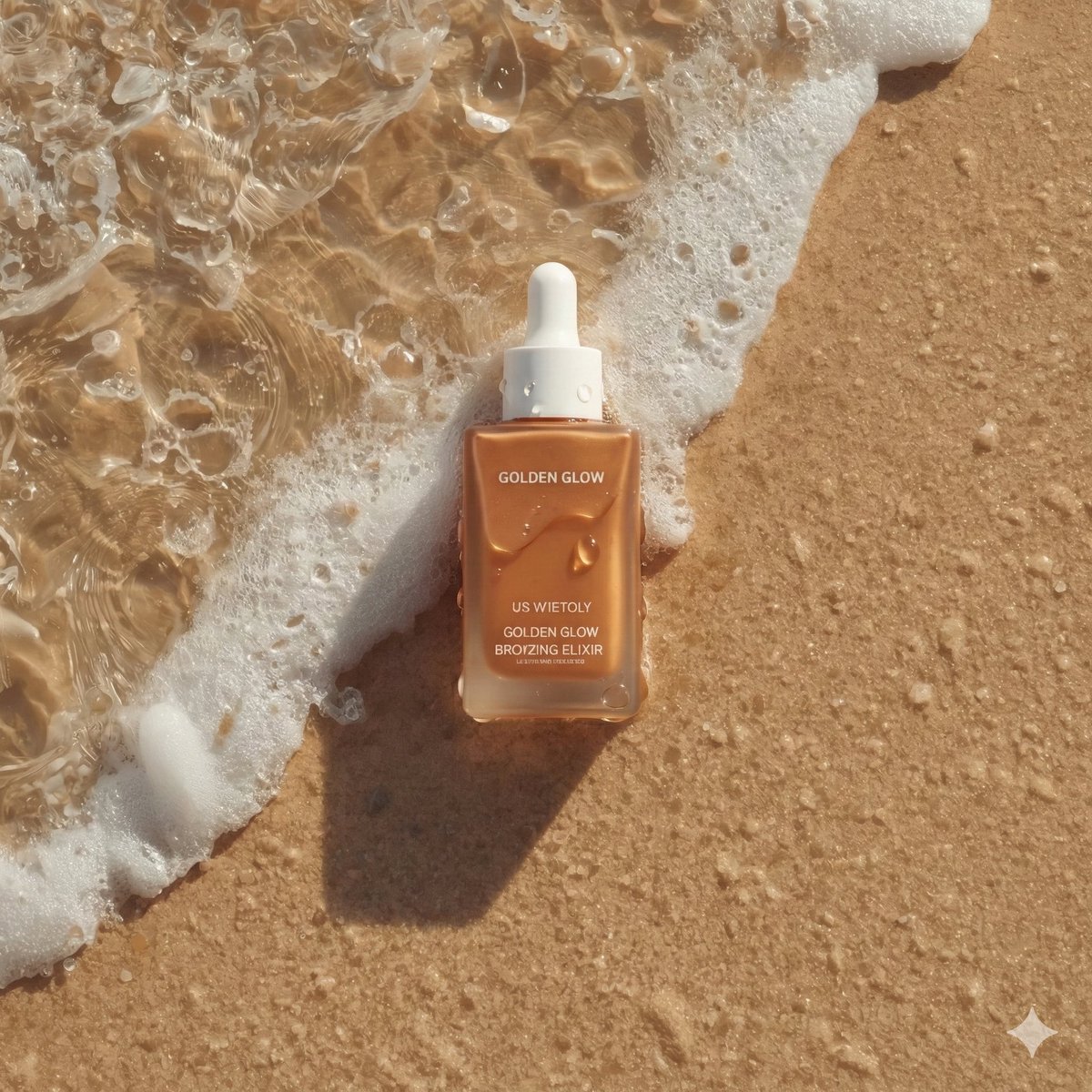
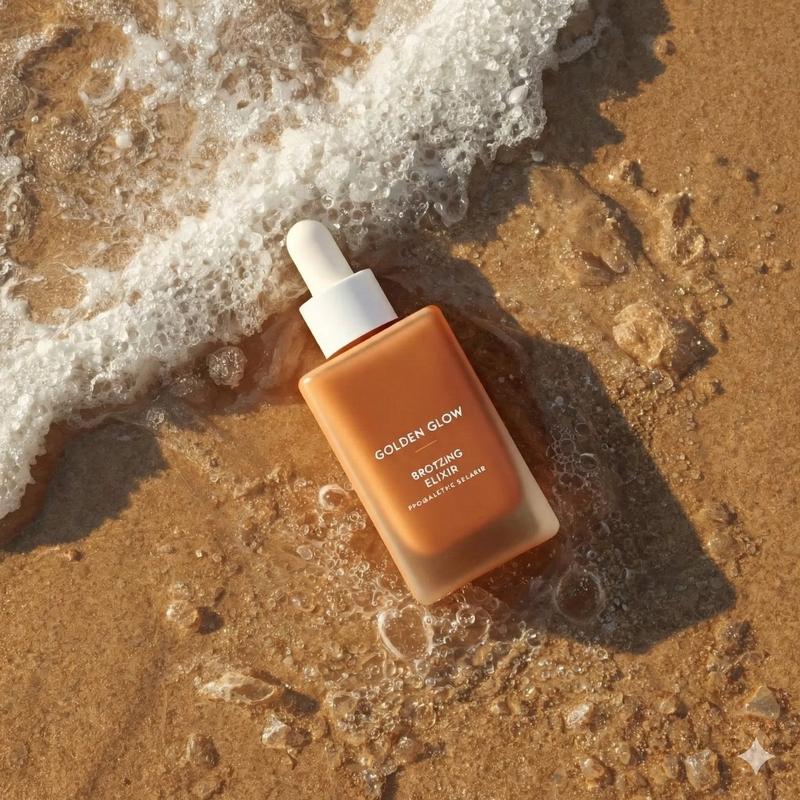
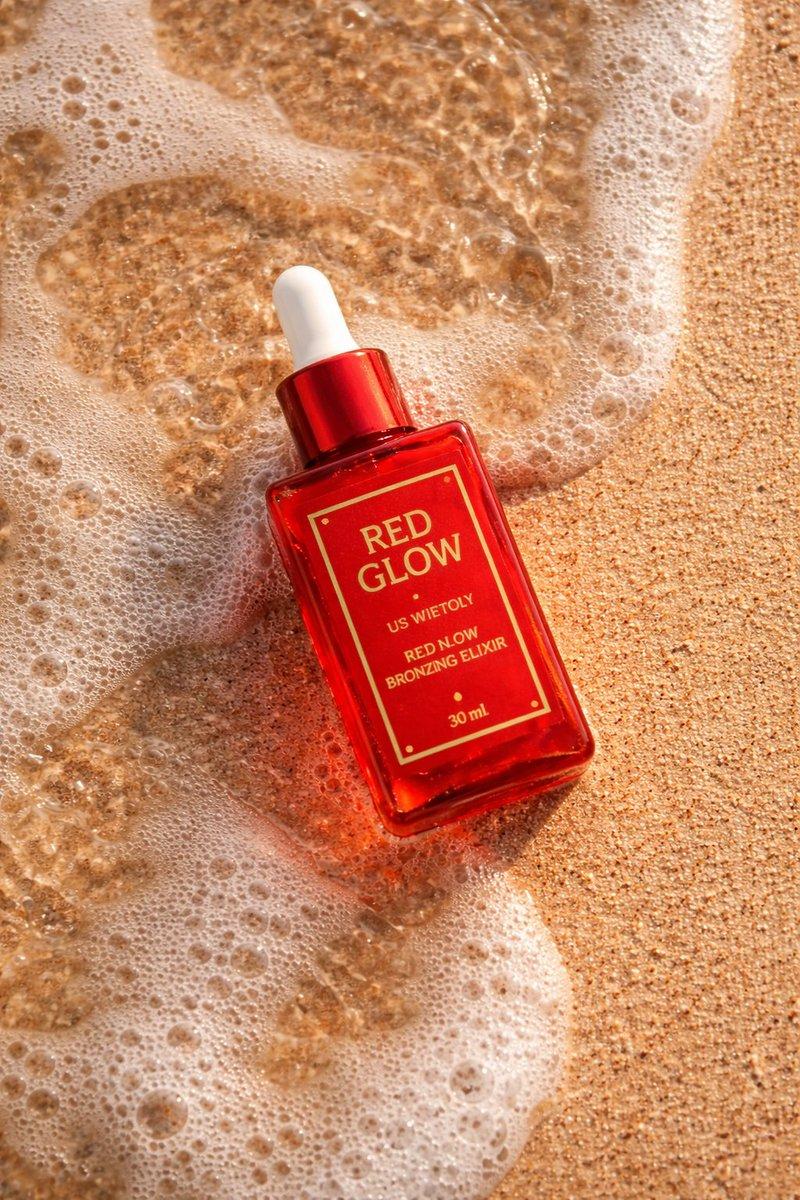
湿润沙滩上的超逼真护肤品摄影
Enlarge

湿润沙滩上的超逼真护肤品摄影

Prompt
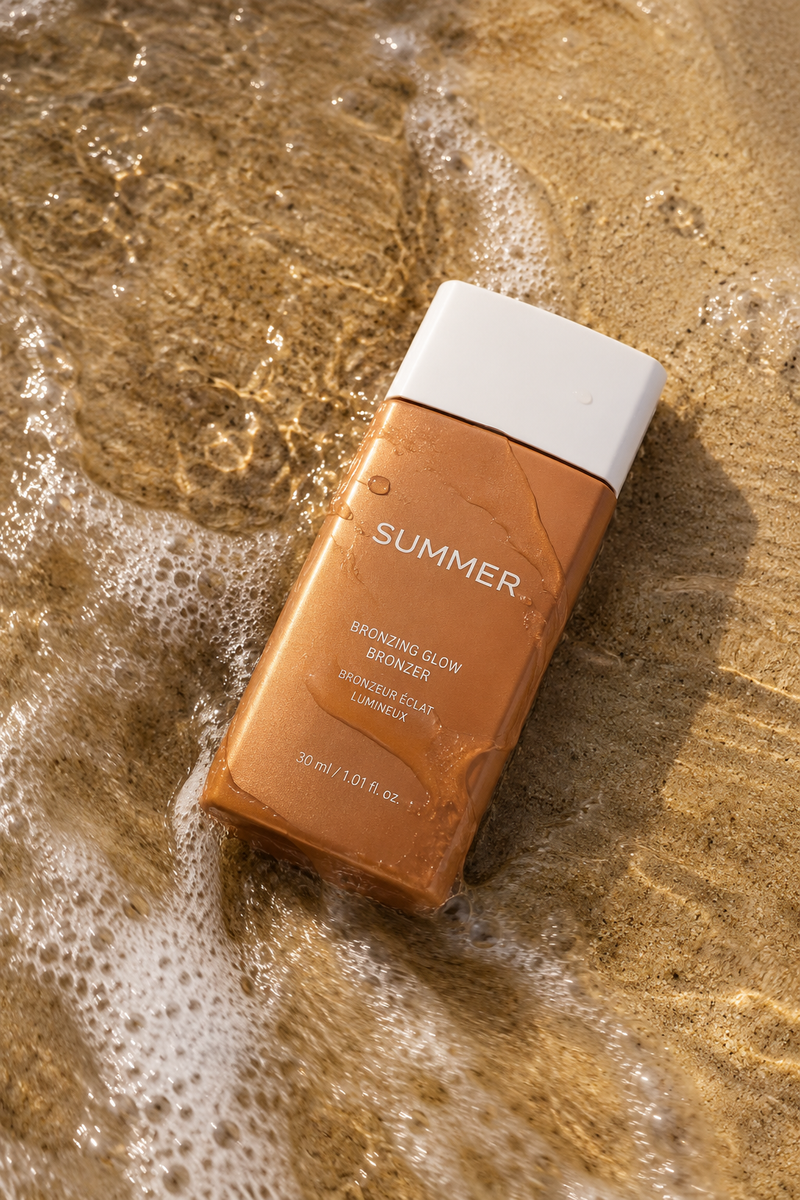
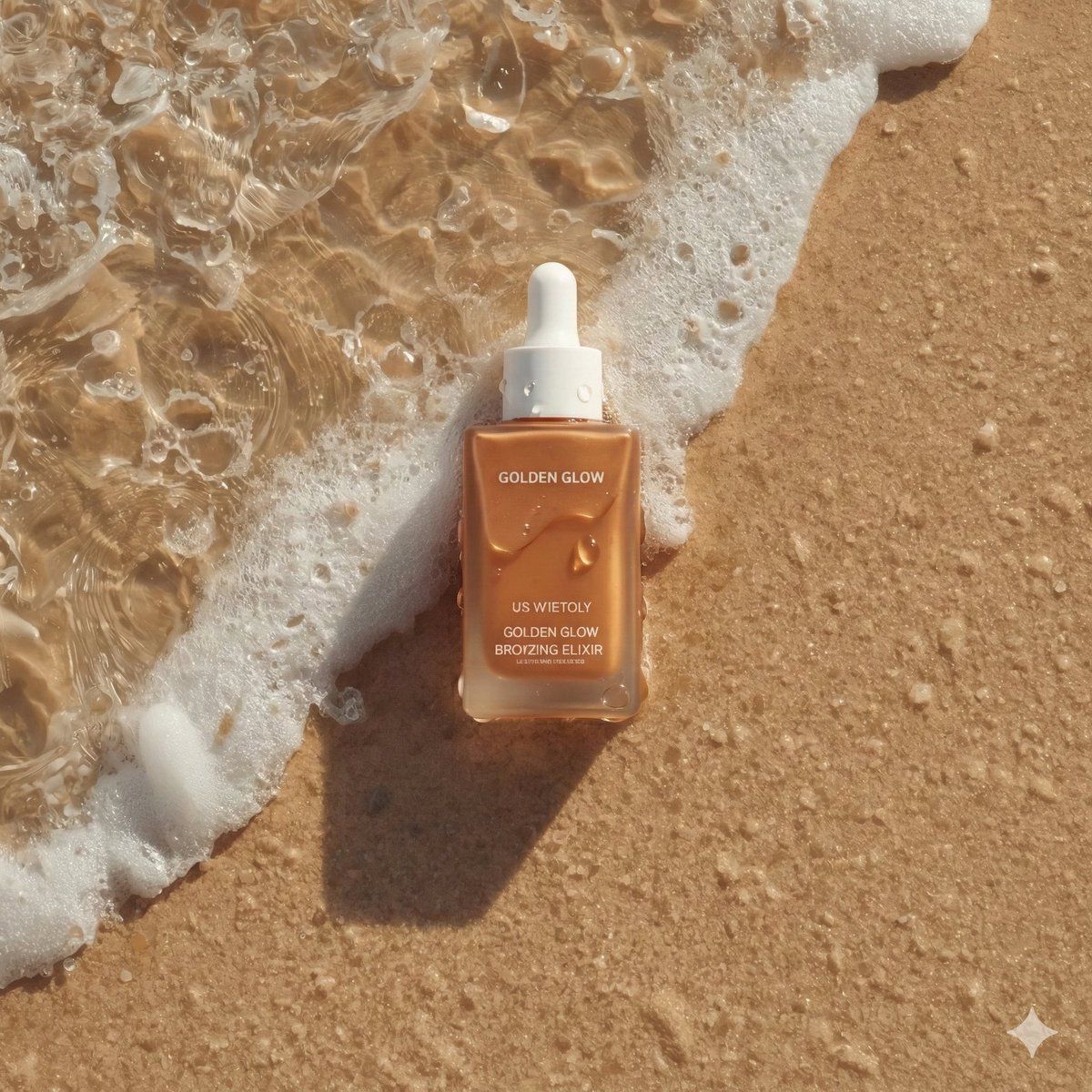
Ultra-realistic summer skincare product photography of a bronzing drop bottle named "{argument name="product name" default="Golden Glow - Bronzing Elixir"}", rectangular matte bottle in warm sun-kissed bronze tone with a clean white cap, placed diagonally on wet beach sand as a gentle ocean wave washes over it, delicate sea foam and tiny bubbles surrounding the base, water partially flowing across the label, fine sand texture visible beneath shallow clear water, golden sunlight casting natural highlights and soft shadows, high-detail water ripples and realistic foam patterns, fresh summer aesthetic, minimal clean branding centered and sharp, warm golden-hour beach lighting, cinematic top-down flat lay composition, natural reflections on wet surface, editorial beauty campaign style, ultra-detailed, photorealistic 8K, soft warm color grading, luxury skincare advertisement Aspect ratio 4.5
Category
创意图片
Model
Nano Banana Pro
Views0
Source ID
a6a5c3b9-f39a-449d-ba65-2caad46573ba
Published
Mar 8, 2026

Guide

About "湿润沙滩上的超逼真护肤品摄影"

What is this prompt for?

"湿润沙滩上的超逼真护肤品摄影" AI image prompt for Nano Banana Pro (创意图片). 一个详细的提示,用于生成古铜色精华液瓶的超逼真产品摄影。瓶身斜置于湿润的沙滩上,以电影般的俯视平铺构图,捕捉到轻柔的海浪、海沫和金色阳光。 --- 超逼真的夏季护肤产品摄影,一款名为“{argum…

The full copyable prompt and example visuals above are ready for AI image generation or one-click recreate in Picva.

How to use this prompt

  1. Step 1

    Open the prompt detail

    Review the example visuals, category, and full prompt text for "湿润沙滩上的超逼真护肤品摄影".

  2. Step 2

    Copy the prompt

    Copy the prompt body from this page, or load it directly in Studio.

  3. Step 3

    Pick a model (Nano Banana Pro)

    Prefer Nano Banana Pro. If you switch models, keep subject and composition and tweak style terms.

  4. Step 4

    Generate and export

    Recreate the look in Picva, or export into your workflow for editing and publishing.

FAQ

What is the "湿润沙滩上的超逼真护肤品摄影" prompt?
It is an AI image-generation prompt for Nano Banana Pro in the 创意图片 category. This page includes the full prompt text, example visuals, and a one-click recreate path in Picva.
How do I use this prompt to generate an image?
Copy the prompt from this page, or use Generate / Studio. Paste it into a compatible image model, or recreate the look in Picva with optional reference images.
Which model is this prompt for?
This page lists Nano Banana Pro. Most descriptive prompts also transfer to nearby image models such as GPT Image, Flux, or Midjourney with light style tweaks.
Can I use the result commercially?
You can usually copy the prompt for creation, but commercial use of the final image depends on the model terms, reference-image rights, and the generated content. Follow the source author and platform rules.