13

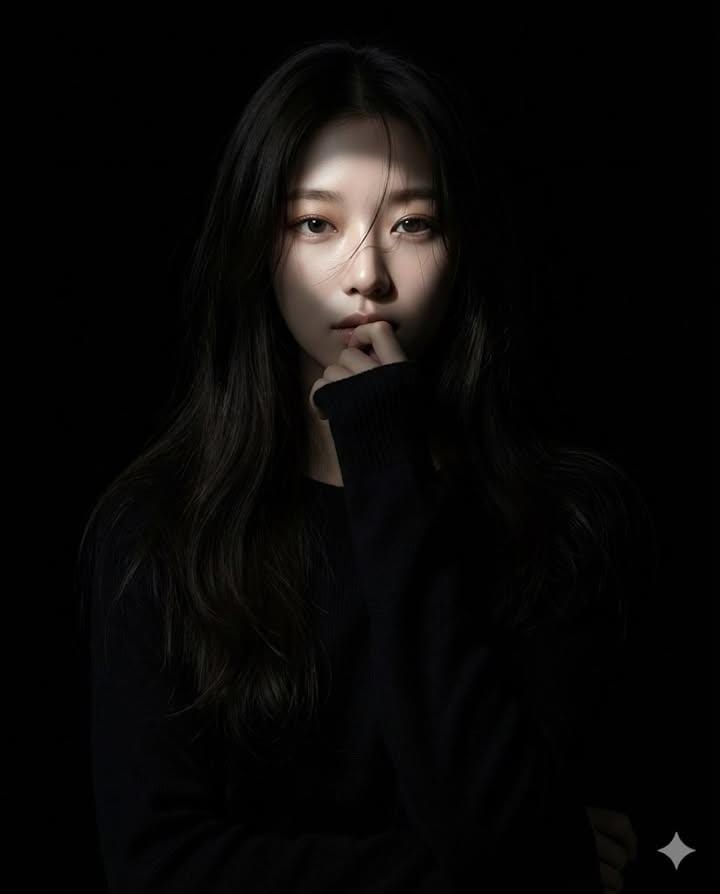
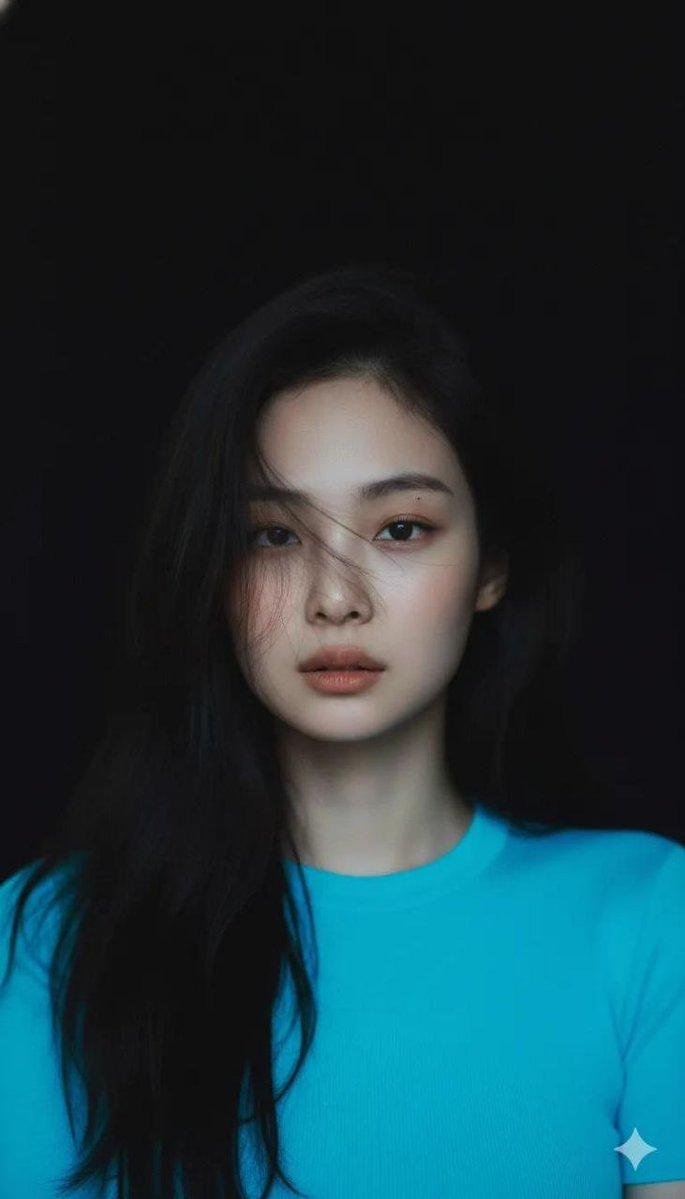
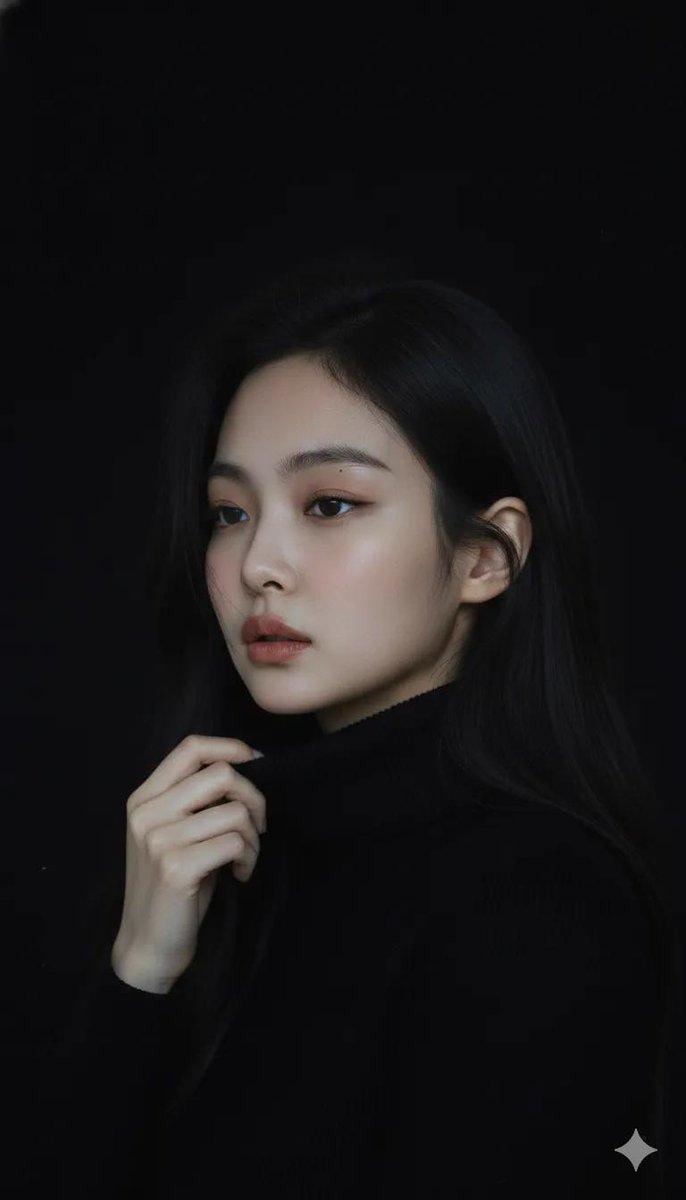
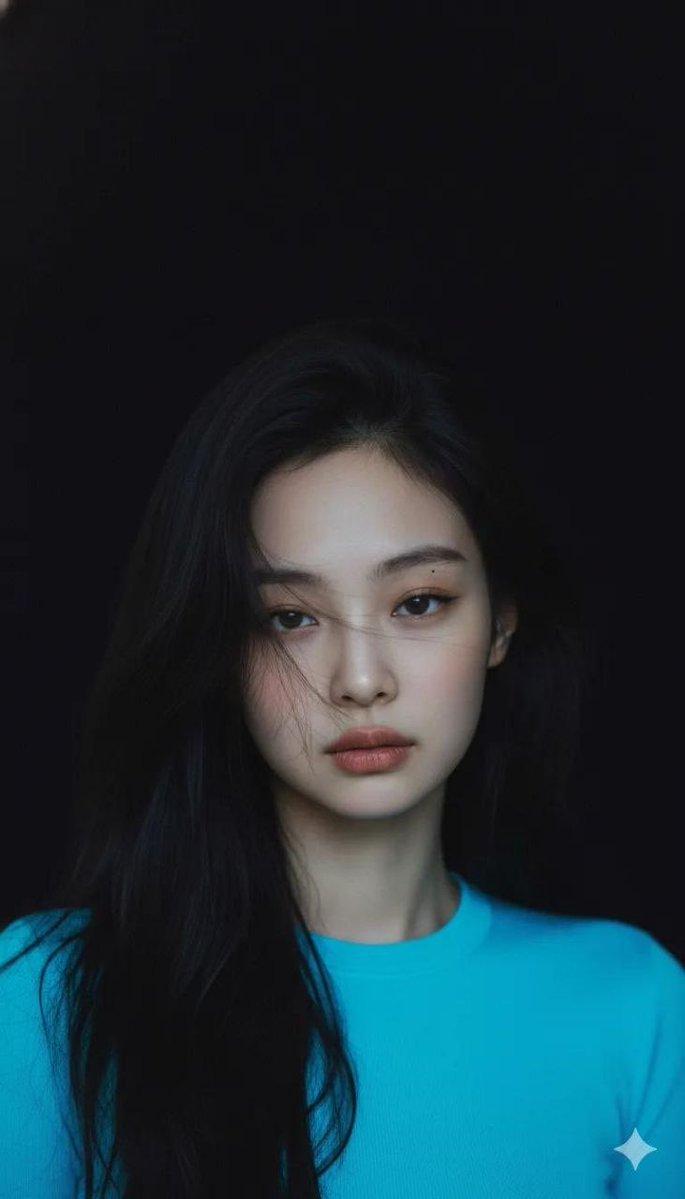
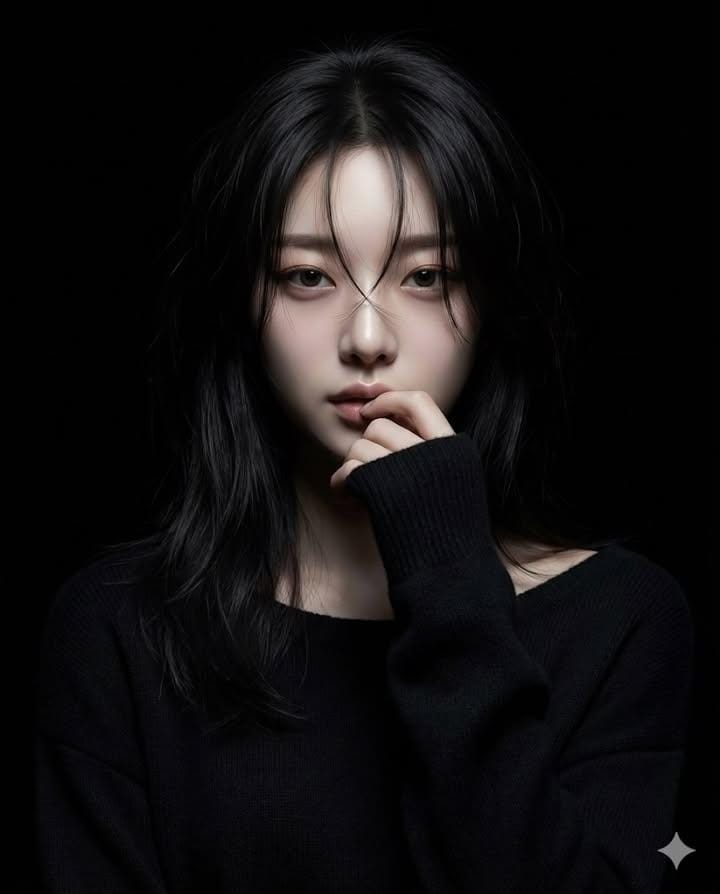
超写实风格的女性角色肖像
Enlarge

Example images

超写实风格的女性角色肖像

Prompt
Generate a hyperrealistic realistic-anime portrait of a female character
standing in a completely black background.
Lighting: use a **narrow beam spotlight** focused only on the center of the face.
The edges of the light must be sharp and dramatic.
All areas outside the spotlight should fall quickly into deep darkness
(high falloff shadow), almost blending into the black background.
Not soft lighting.
Hair: long dark hair with some strands falling over the face. The lower parts of the hair should fade into the shadows.
Pose: one hand raised gently to the lips in a shy, hesitant gesture.
Eyes looking directly at the camera with a mysterious mood.
Clothing: black long-sleeve knit sweater;
the sweater and body should mostly disappear into the darkness with minimal detail.
Overall tone: dark, moody, dramatic, mysterious.
High-contrast only in the lit portion of the face.
Everything outside the spotlight should be nearly invisible.
Category
figure_toy
Model
Nano Banana Pro
Views9
Source ID
3c18929f-1db7-444e-8e8b-fe1d9dfdddc9
Published
Dec 27, 2025

Guide

About "超写实风格的女性角色肖像"

What is this prompt for?

"超写实风格的女性角色肖像" AI image prompt for Nano Banana Pro (figure_toy). figure_toy Copy it on Picva and recreate the look in one click.

The full copyable prompt and example visuals above are ready for AI image generation or one-click recreate in Picva.

How to use this prompt

  1. Step 1

    Open the prompt detail

    Review the example visuals, category, and full prompt text for "超写实风格的女性角色肖像".

  2. Step 2

    Copy the prompt

    Copy the prompt body from this page, or load it directly in Studio.

  3. Step 3

    Pick a model (Nano Banana Pro)

    Prefer Nano Banana Pro. If you switch models, keep subject and composition and tweak style terms.

  4. Step 4

    Generate and export

    Recreate the look in Picva, or export into your workflow for editing and publishing.

FAQ

What is the "超写实风格的女性角色肖像" prompt?
It is an AI image-generation prompt for Nano Banana Pro in the figure_toy category. This page includes the full prompt text, example visuals, and a one-click recreate path in Picva.
How do I use this prompt to generate an image?
Copy the prompt from this page, or use Generate / Studio. Paste it into a compatible image model, or recreate the look in Picva with optional reference images.
Which model is this prompt for?
This page lists Nano Banana Pro. Most descriptive prompts also transfer to nearby image models such as GPT Image, Flux, or Midjourney with light style tweaks.
Can I use the result commercially?
You can usually copy the prompt for creation, but commercial use of the final image depends on the model terms, reference-image rights, and the generated content. Follow the source author and platform rules.