20

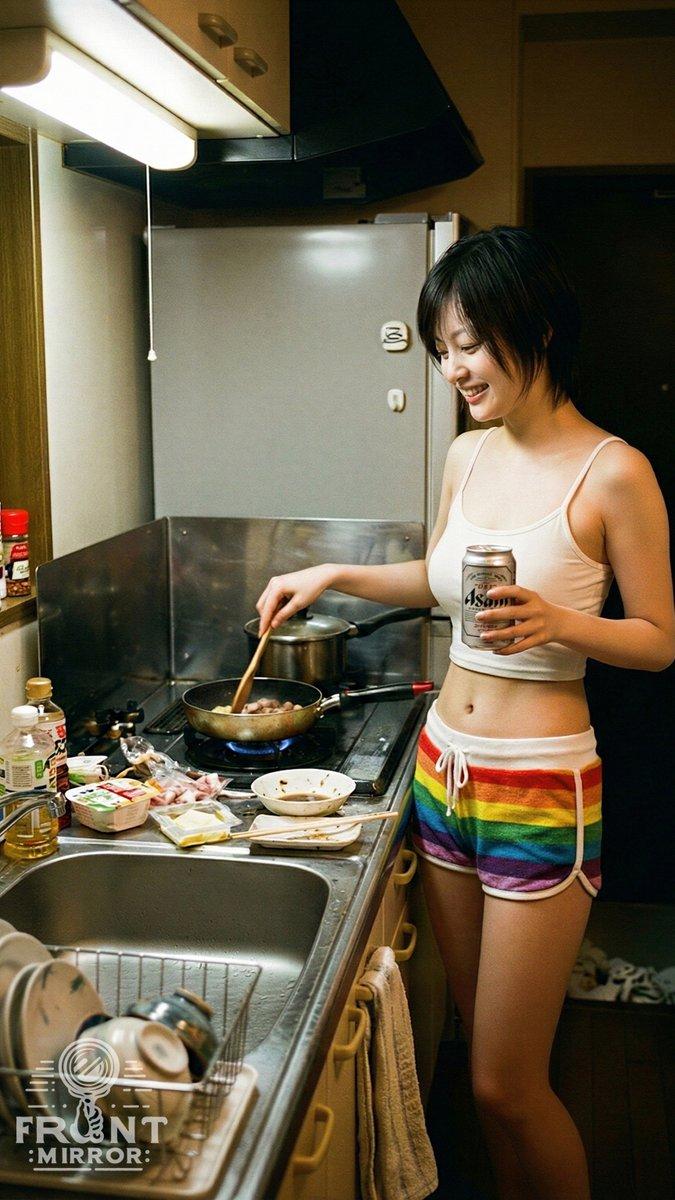
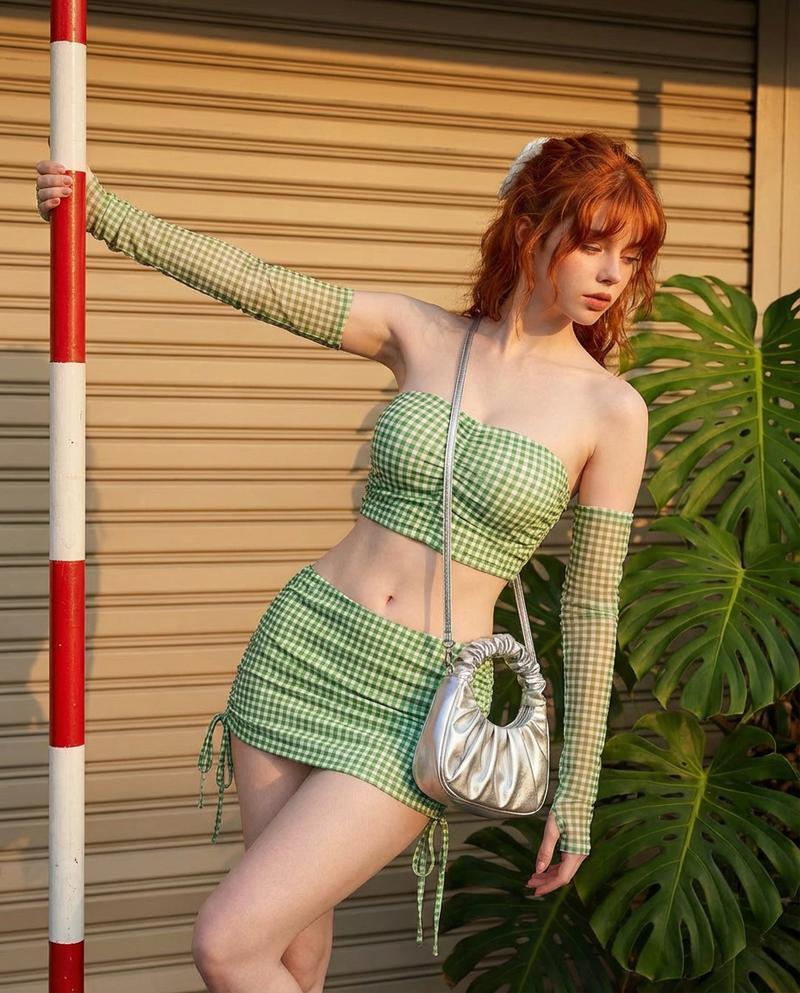
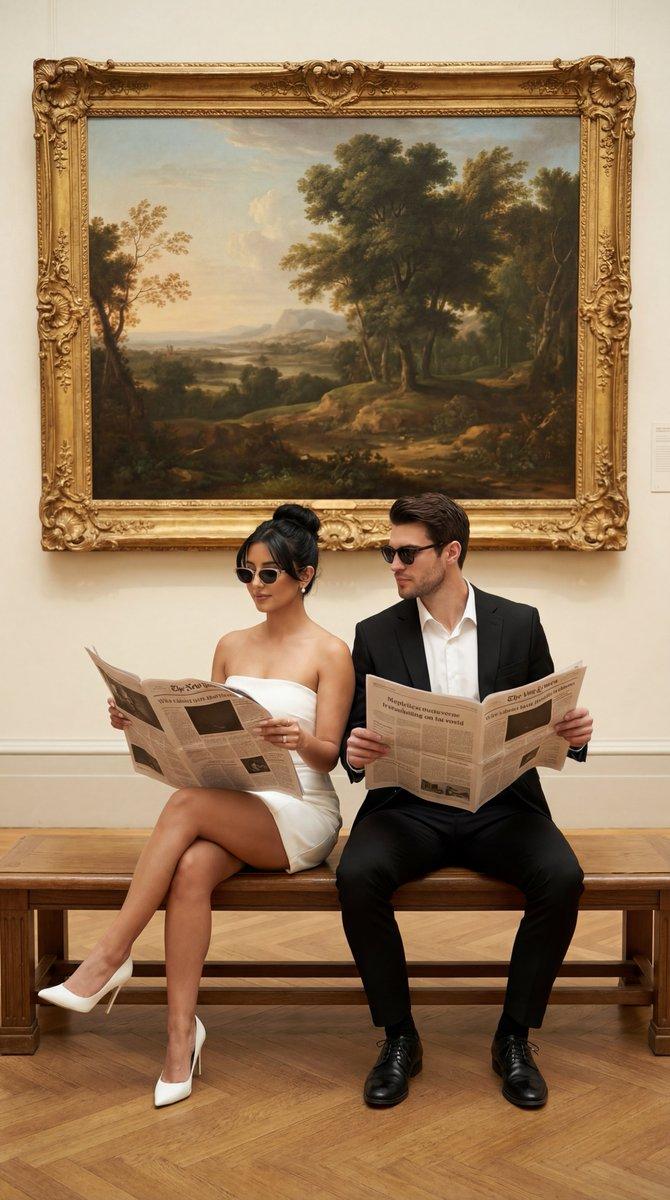
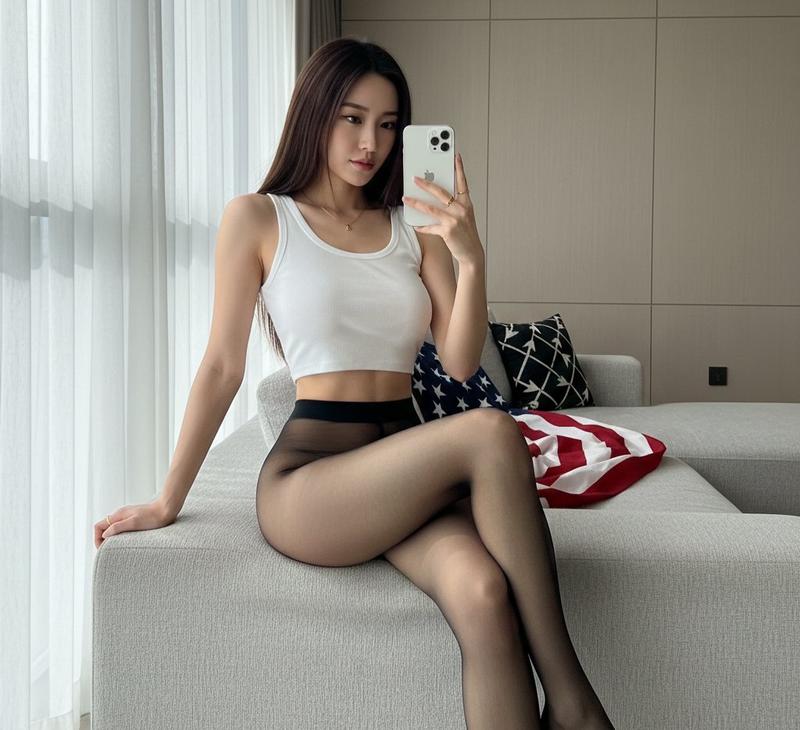
一张竖版服装海报 (变体 2)
Enlarge

一张竖版服装海报 (变体 2)

Prompt
以上传的照片为唯一人物参考,生成一张竖版服装海报。

【布局硬性规则】
- 必须正好有 6 张卡片,2 行 × 3 列(横向 3 列,纵向 2 行down)
- 第 1 行:造型 1、2、3 | 第 2 行:造型 4、5、6
- 禁止使用:9格网格、3行×2列、2栏布局、额外卡片、顶部标题/标题

【画布与布局】
- 垂直4:5宽高比,背景#F7F5F2
- 网格占据画布高度的 92% ≥ ,底部边距为 3% ≤
  外边距 2%,行距 1.5%,严格对齐

【卡片规格】
- 白色背景#FFFFFF ,圆角 5%,描边 1px #E5E7EB
- 顶部标题栏:高度 12%,背景色#F3F4F6 ,文本颜色 #111827
- 无衬线字体,对齐方式始终一致

【角色一致性】
- 这6个人必须是同一个人,只是穿着不同的衣服:同样的脸,同样的发型,同样的身材比例,同样的举止。
- 禁止:换人/改变容貌/改变性别特征/极端瘦身或拉长腿部

【摄影质量】
- 大师级影棚全身写真集,85mm 人像镜头拍摄效果
- 柔光箱主光 + 轻微补光,自然肌肤纹理,轻微修图
- 纯色无缝背景(白色/浅灰色/米白色),无杂物

【统一裁剪】
- 4:5 全身照,从头到脚完整呈现
- 以受试者为中心,身高 88%±2%
  头部空间2-4%,脚部空间3-5%,鞋子完全可见
- 所有六张照片:相机高度/焦距/光线/姿势均保持一致

【穿搭规则】
- 根据受试者年龄(成人/儿童)自动调整
- 每套造型≤ 3件核心单品,每套服装最多3种颜色,配饰≤ 2件
- 6 看起来截然不同,但风格统一:简约/干净/精致/易于复刻

【标题集】
成人:商务/经典→休闲/周末→商务休闲/晚装→度假/休闲→运动休闲/活力→叠穿/过渡装
儿童:日常/干净→上学/整洁→周末/玩耍→派对/甜美→活力/运动→多层/舒适

消极的:
3x3,九宫格,9张卡片,额外卡片,3行2列,双栏布局,顶部大标题,页面标题,人物切换,换脸,多人,低分辨率,模糊,塑料皮肤,广角畸变,鱼眼,身体扭曲,极度瘦身,长腿效果,户外背景,纹理墙,鞋子被剪掉,半身,成人化,性感,内衣,透视,高跟鞋(儿童),浓妆(儿童),水印,裁剪文字
Category
creative_scene
Model
Nano Banana Pro
Creator
Pixshop
Views2
Source ID
ae9203c0-49be-4501-85f4-141838a21b69
Published
Jan 7, 2026

Guide

About "一张竖版服装海报 (变体 2)"

What is this prompt for?

"一张竖版服装海报 (变体 2)" AI image prompt for Nano Banana Pro (creative_scene). creative_scene Copy it on Picva and recreate the look in one click.

The full copyable prompt and example visuals above are ready for AI image generation or one-click recreate in Picva.

How to use this prompt

  1. Step 1

    Open the prompt detail

    Review the example visuals, category, and full prompt text for "一张竖版服装海报 (变体 2)".

  2. Step 2

    Copy the prompt

    Copy the prompt body from this page, or load it directly in Studio.

  3. Step 3

    Pick a model (Nano Banana Pro)

    Prefer Nano Banana Pro. If you switch models, keep subject and composition and tweak style terms.

  4. Step 4

    Generate and export

    Recreate the look in Picva, or export into your workflow for editing and publishing.

FAQ

What is the "一张竖版服装海报 (变体 2)" prompt?
It is an AI image-generation prompt for Nano Banana Pro in the creative_scene category. This page includes the full prompt text, example visuals, and a one-click recreate path in Picva.
How do I use this prompt to generate an image?
Copy the prompt from this page, or use Generate / Studio. Paste it into a compatible image model, or recreate the look in Picva with optional reference images.
Which model is this prompt for?
This page lists Nano Banana Pro. Most descriptive prompts also transfer to nearby image models such as GPT Image, Flux, or Midjourney with light style tweaks.
Can I use the result commercially?
You can usually copy the prompt for creation, but commercial use of the final image depends on the model terms, reference-image rights, and the generated content. Follow the source author and platform rules.