20

1. Open @grok 2. Upload your photo 3. Prompt⤵️ A hyper-realistic 3D cartoon ill
Enlarge

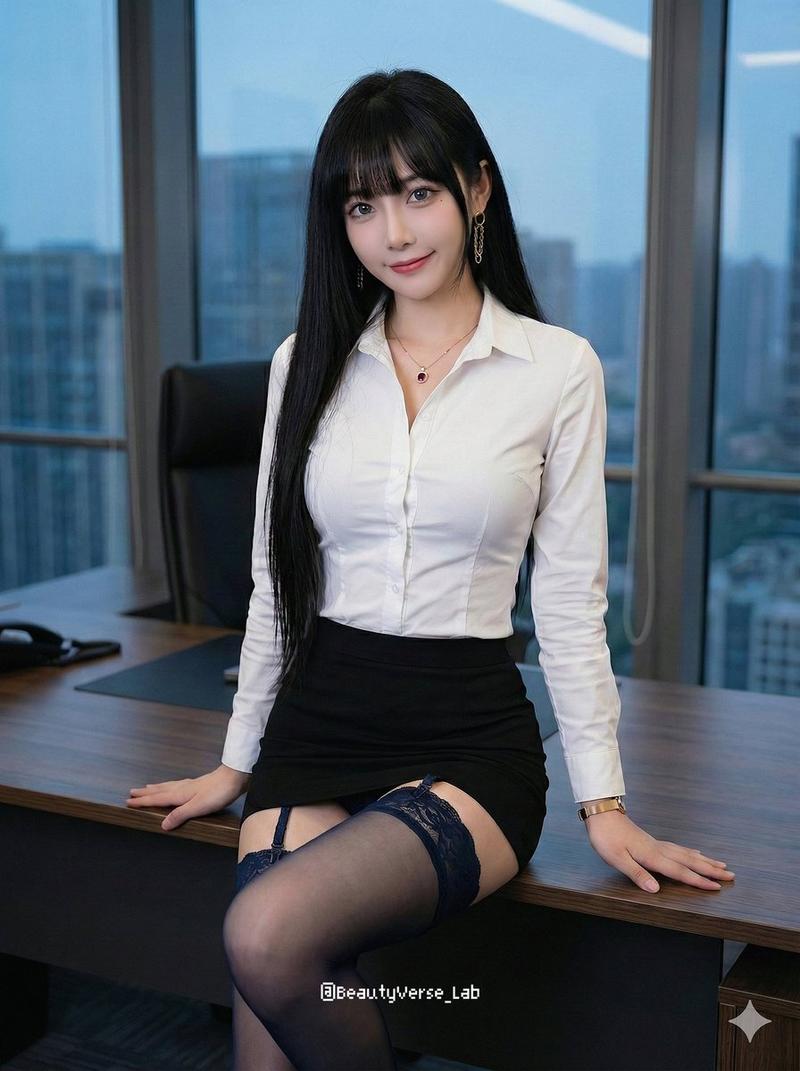
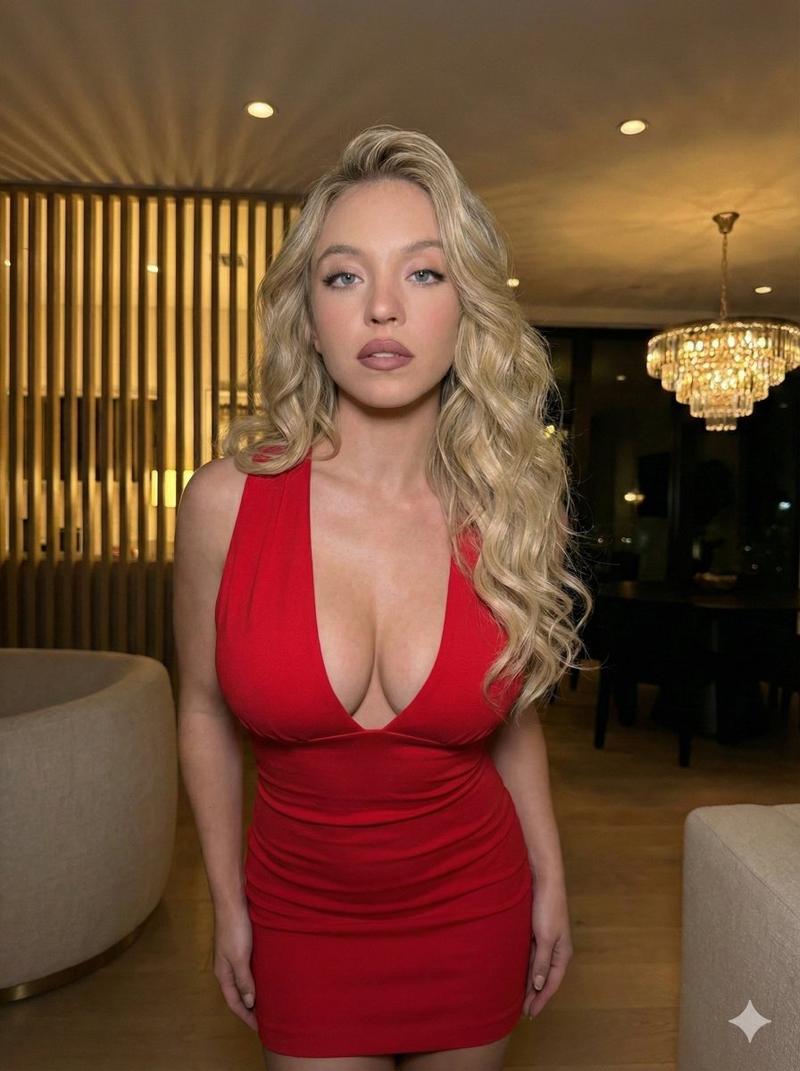
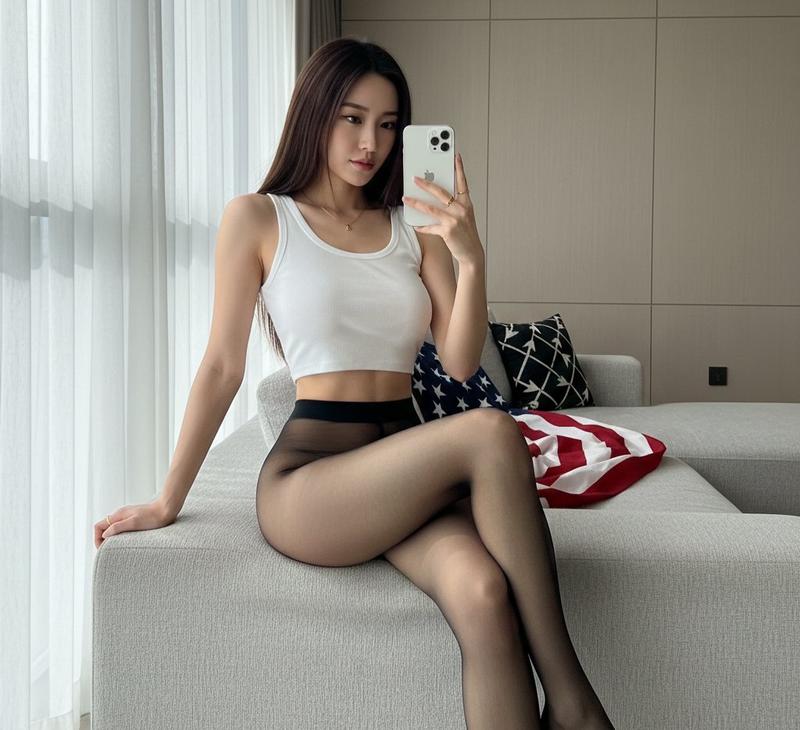
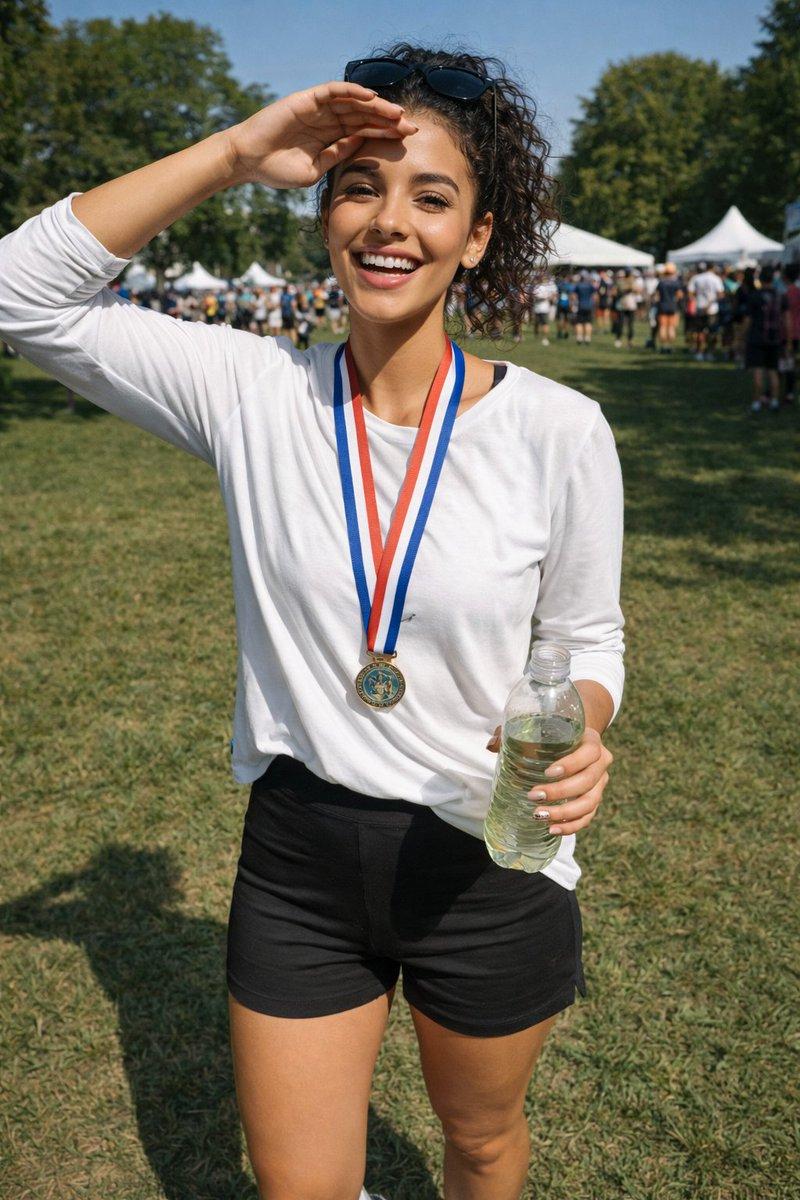
Example images

1. Open @grok 2. Upload your photo 3. Prompt⤵️ A hyper-realistic 3D cartoon ill

Prompt
1. Open @grok

2. Upload your photo

3. Prompt⤵️
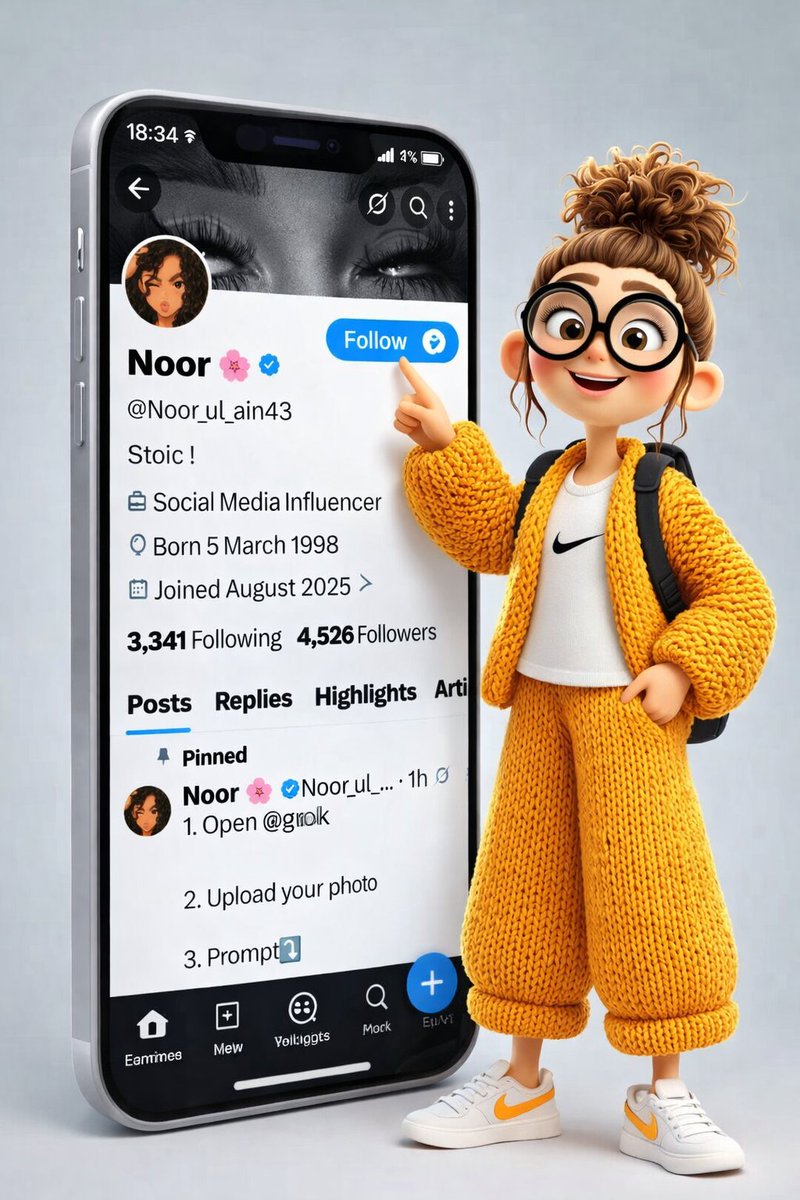
A hyper-realistic 3D cartoon illustration of a stylish girl standing outside a giant modern smartphone. The phone screen clearly displays an X (Twitter) profile interface with the name “Noor 🌸”, username @Noor_ul_ain43, verified blue tick, bio text “Stoic!”, and follower/following counts visible. The “Follow” button is bright blue and clearly readable.
The girl is wearing a cozy oversized mustard-yellow knitted outfit (cardigan and wide pants), white sneakers with yellow accents, and a small backpack. She has round black glasses, soft expressive eyes, and curly hair tied in a messy bun. Her pose is dynamic and engaging — she is smiling and pointing her index finger directly at the “Follow” button on the phone screen, as if encouraging viewers to follow.
The character stands slightly in front and to the side of the phone, creating a strong depth effect. Lighting is soft studio lighting with gentle shadows. Background is minimal and light grey for a clean, premium look. Style is Pixar-quality 3D, ultra-detailed, smooth textures, realistic fabric knitting, sharp UI details, high resolution, cinematic composition
Category
创意图片
Model
Nano Banana Pro
Views11
Source ID
6b2a41b0-4d00-4927-8d2c-e1c98151c500
Published
Feb 2, 2026

Guide

About "1. Open @grok 2. Upload your photo 3. Prompt⤵️ A hyper-realistic 3D cartoon ill"

What is this prompt for?

"1. Open @grok 2. Upload your photo 3. Prompt⤵️ A hyper-realistic 3D cartoon ill" AI image prompt for Nano Banana Pro (创意图片). 创意图片 Copy it on Picva and recreat…

The full copyable prompt and example visuals above are ready for AI image generation or one-click recreate in Picva.

How to use this prompt

  1. Step 1

    Open the prompt detail

    Review the example visuals, category, and full prompt text for "1. Open @grok 2. Upload your photo 3. Prompt⤵️ A hyper-realistic 3D cartoon ill".

  2. Step 2

    Copy the prompt

    Copy the prompt body from this page, or load it directly in Studio.

  3. Step 3

    Pick a model (Nano Banana Pro)

    Prefer Nano Banana Pro. If you switch models, keep subject and composition and tweak style terms.

  4. Step 4

    Generate and export

    Recreate the look in Picva, or export into your workflow for editing and publishing.

FAQ

What is the "1. Open @grok 2. Upload your photo 3. Prompt⤵️ A hyper-realistic 3D cartoon ill" prompt?
It is an AI image-generation prompt for Nano Banana Pro in the 创意图片 category. This page includes the full prompt text, example visuals, and a one-click recreate path in Picva.
How do I use this prompt to generate an image?
Copy the prompt from this page, or use Generate / Studio. Paste it into a compatible image model, or recreate the look in Picva with optional reference images.
Which model is this prompt for?
This page lists Nano Banana Pro. Most descriptive prompts also transfer to nearby image models such as GPT Image, Flux, or Midjourney with light style tweaks.
Can I use the result commercially?
You can usually copy the prompt for creation, but commercial use of the final image depends on the model terms, reference-image rights, and the generated content. Follow the source author and platform rules.