19

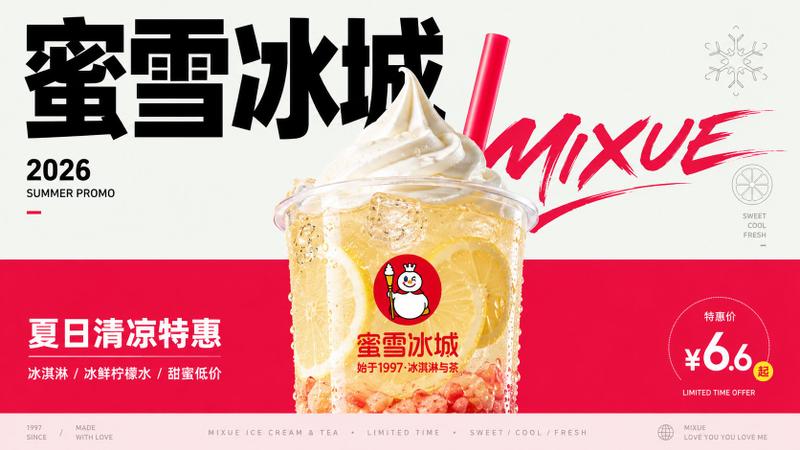
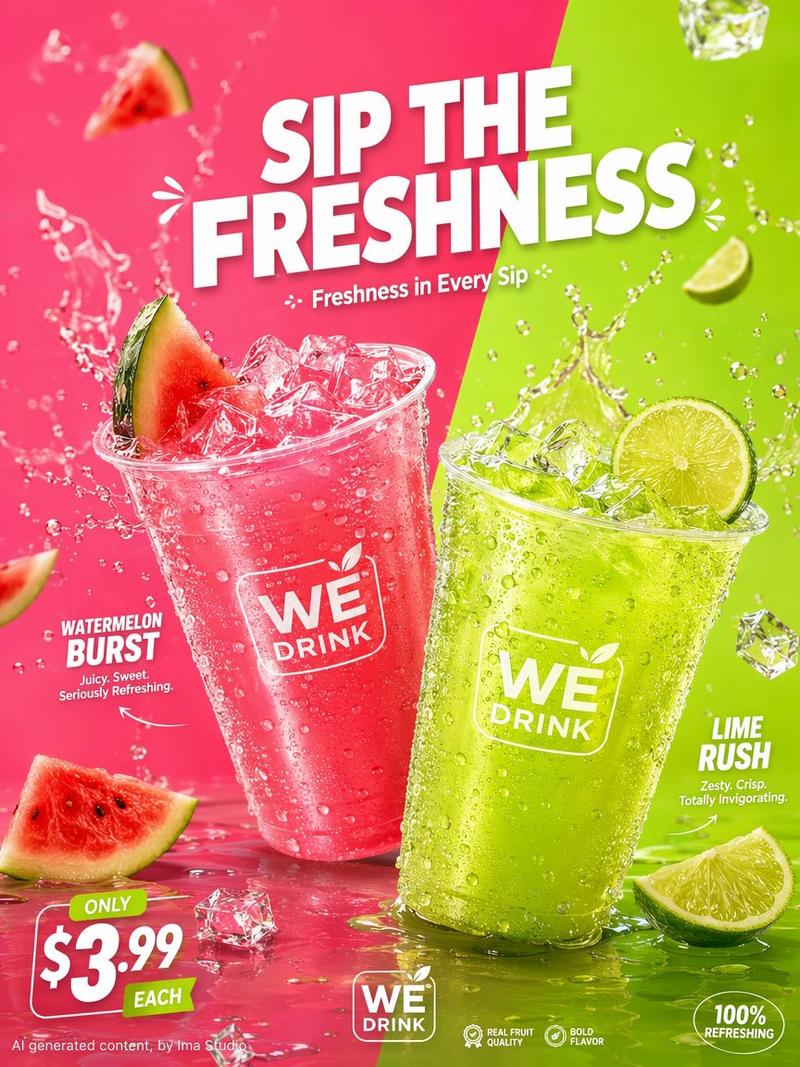
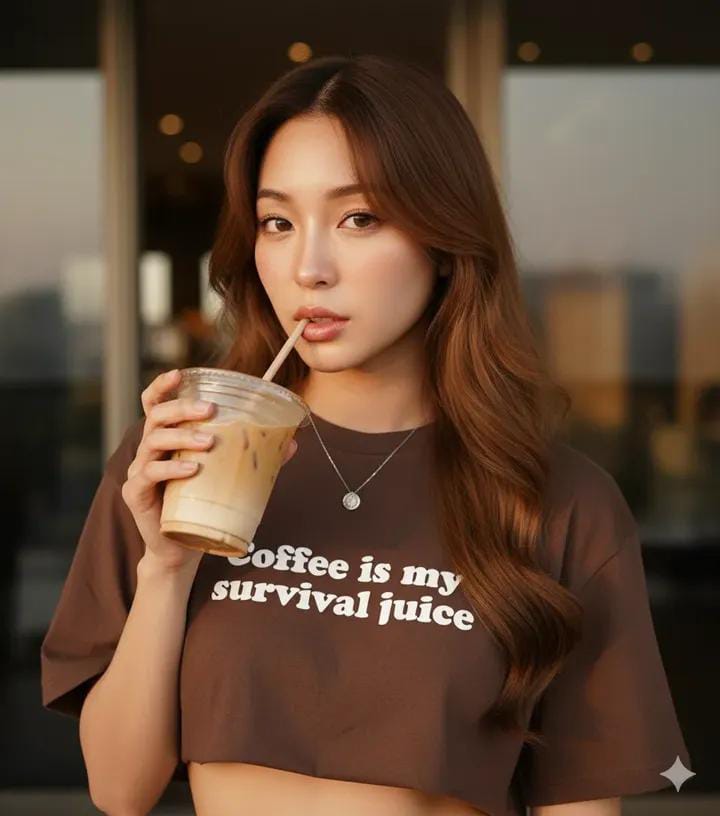
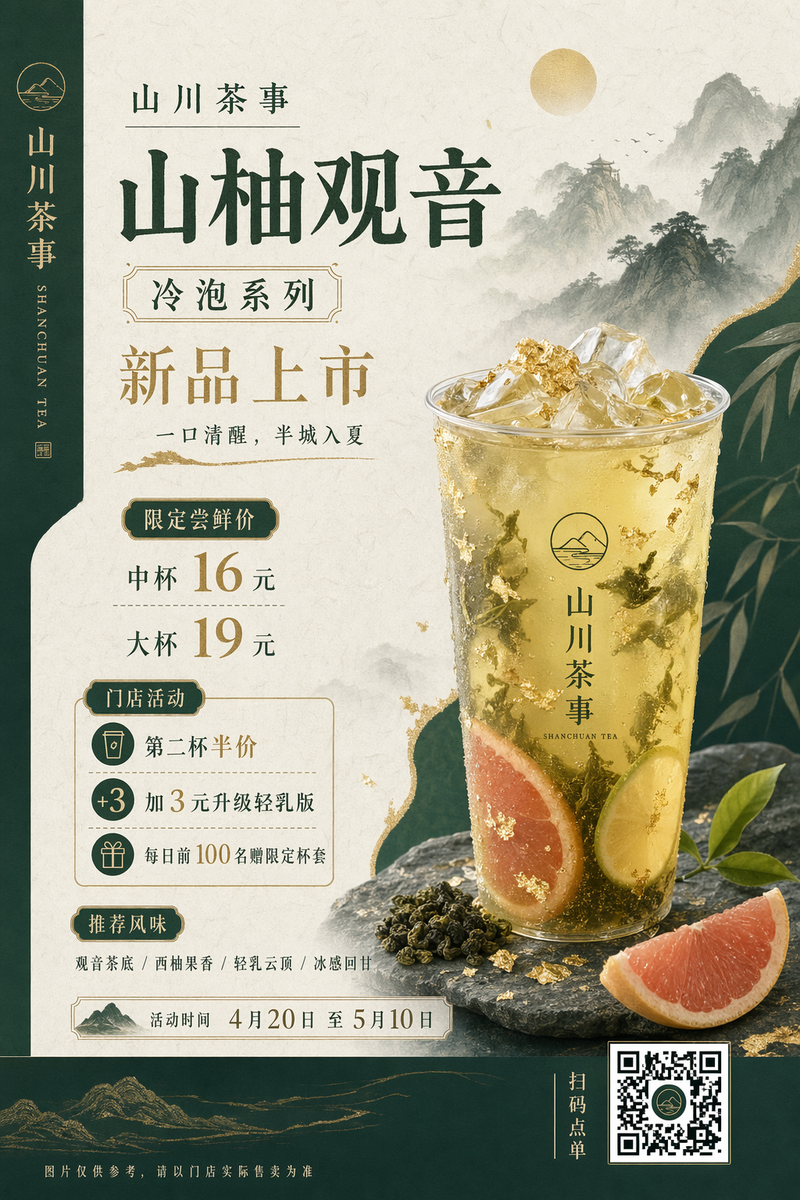
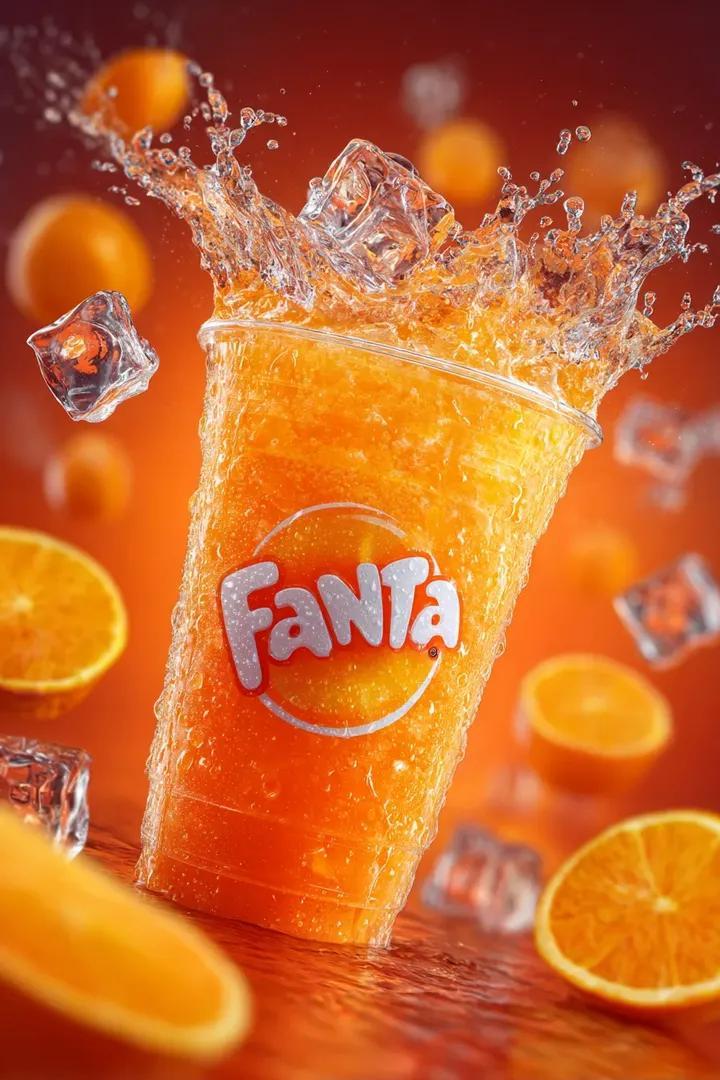
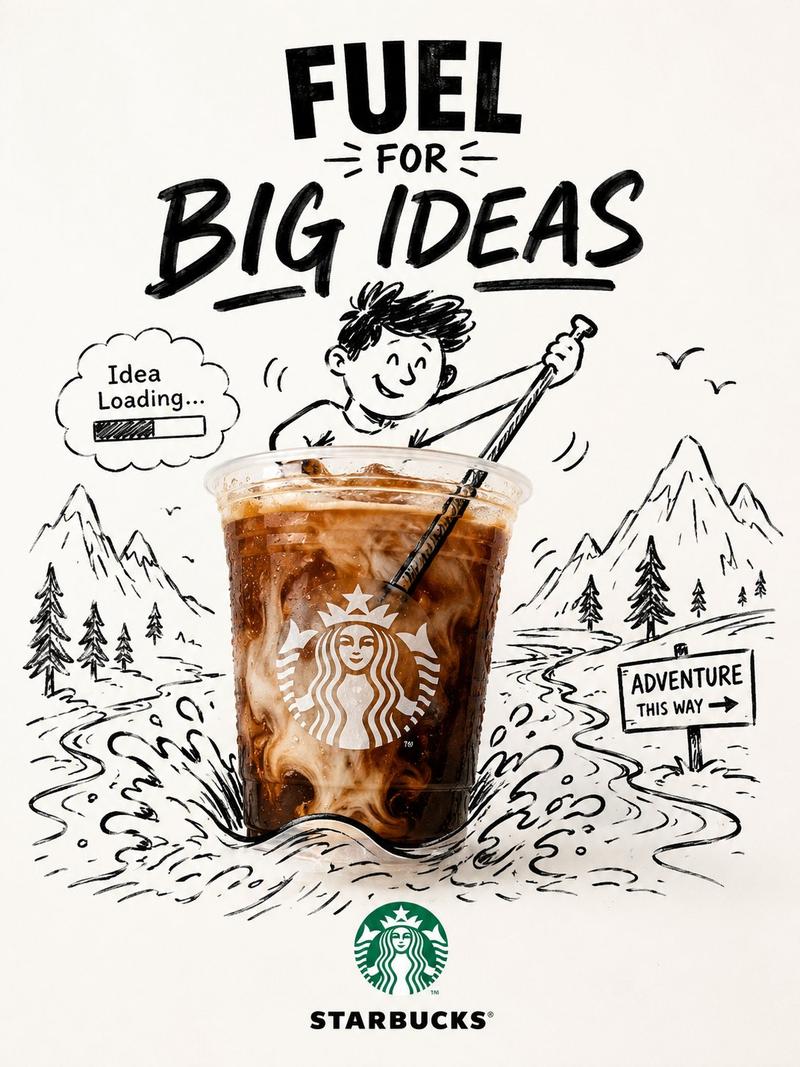
喜茶芝芝莓莓 + 亚洲美女 | 粉桃色渐变背景 [镜头] 极端广角低机位仰拍 人物 镜头从模特下方往上打,前景的手 + 喜茶芝芝莓莓,被极度放大,背景的人物被压
Enlarge

喜茶芝芝莓莓 + 亚洲美女 | 粉桃色渐变背景 [镜头] 极端广角低机位仰拍 人物 镜头从模特下方往上打,前景的手 + 喜茶芝芝莓莓,被极度放大,背景的人物被压

Prompt
喜茶芝芝莓莓 + 亚洲美女 | 粉桃色渐变背景 [镜头] 极端广角低机位仰拍 
人物 镜头从模特下方往上打,前景的手 + 喜茶芝芝莓莓,被极度放大,背景的人物被压缩,瞬间把产品拉成视觉中心,制造 "手要冲出屏幕" 的冲击力。 前后景分层: 前景 (产品 / 手) 100% 清晰锐利,背景 (模特) 做轻微景深虚化,拉开了画面的空间感。 动态姿态配合:模特身体后仰,手臂前伸,配合低机位,既拉长了线条,又强化了 "向前递出产品" 的叙事感,让画面不呆板。 [光影与质感] 统一色调渐变背景:没有多余元素,用柔和粉桃色渐变,既突出了产品,又和人物的服装色调呼应,整体和谐不杂乱。 影棚级柔光 + 硬高光:喜茶芝芝莓莓,同时保留柔和的过渡阴影,既保证了时尚大片的干净质感,又不会让画面发灰。
Category
Products & E-commerce
Model
GPT Image 2
Views283
Source ID
15831
Published
Jun 4, 2026

Guide

About "喜茶芝芝莓莓 + 亚洲美女 | 粉桃色渐变背景 [镜头] 极端广角低机位仰拍 人物 镜头从模特下方往上打,前景的手 + 喜茶芝芝莓莓,被极度放大,背景的人物被压"

What is this prompt for?

"喜茶芝芝莓莓 + 亚洲美女 | 粉桃色渐变背景 [镜头] 极端广角低机位仰拍 人物 镜头从模特下方往上打,前景的手 + 喜茶芝芝莓莓,被极度放大,背景的人物被压" AI image prompt for GPT Image 2 (Products & E-commerce). 喜茶芝芝莓莓 + 亚洲美女 | 粉桃色…

The full copyable prompt and example visuals above are ready for AI image generation or one-click recreate in Picva.

How to use this prompt

  1. Step 1

    Open the prompt detail

    Review the example visuals, category, and full prompt text for "喜茶芝芝莓莓 + 亚洲美女 | 粉桃色渐变背景 [镜头] 极端广角低机位仰拍 人物 镜头从模特下方往上打,前景的手 + 喜茶芝芝莓莓,被极度放大,背景的人物被压".

  2. Step 2

    Copy the prompt

    Copy the prompt body from this page, or load it directly in Studio.

  3. Step 3

    Pick a model (GPT Image 2)

    Prefer GPT Image 2. If you switch models, keep subject and composition and tweak style terms.

  4. Step 4

    Generate and export

    Recreate the look in Picva, or export into your workflow for editing and publishing.

FAQ

What is the "喜茶芝芝莓莓 + 亚洲美女 | 粉桃色渐变背景 [镜头] 极端广角低机位仰拍 人物 镜头从模特下方往上打,前景的手 + 喜茶芝芝莓莓,被极度放大,背景的人物被压" prompt?
It is an AI image-generation prompt for GPT Image 2 in the Products & E-commerce category. This page includes the full prompt text, example visuals, and a one-click recreate path in Picva.
How do I use this prompt to generate an image?
Copy the prompt from this page, or use Generate / Studio. Paste it into a compatible image model, or recreate the look in Picva with optional reference images.
Which model is this prompt for?
This page lists GPT Image 2. Most descriptive prompts also transfer to nearby image models such as GPT Image, Flux, or Midjourney with light style tweaks.
Can I use the result commercially?
You can usually copy the prompt for creation, but commercial use of the final image depends on the model terms, reference-image rights, and the generated content. Follow the source author and platform rules.