16

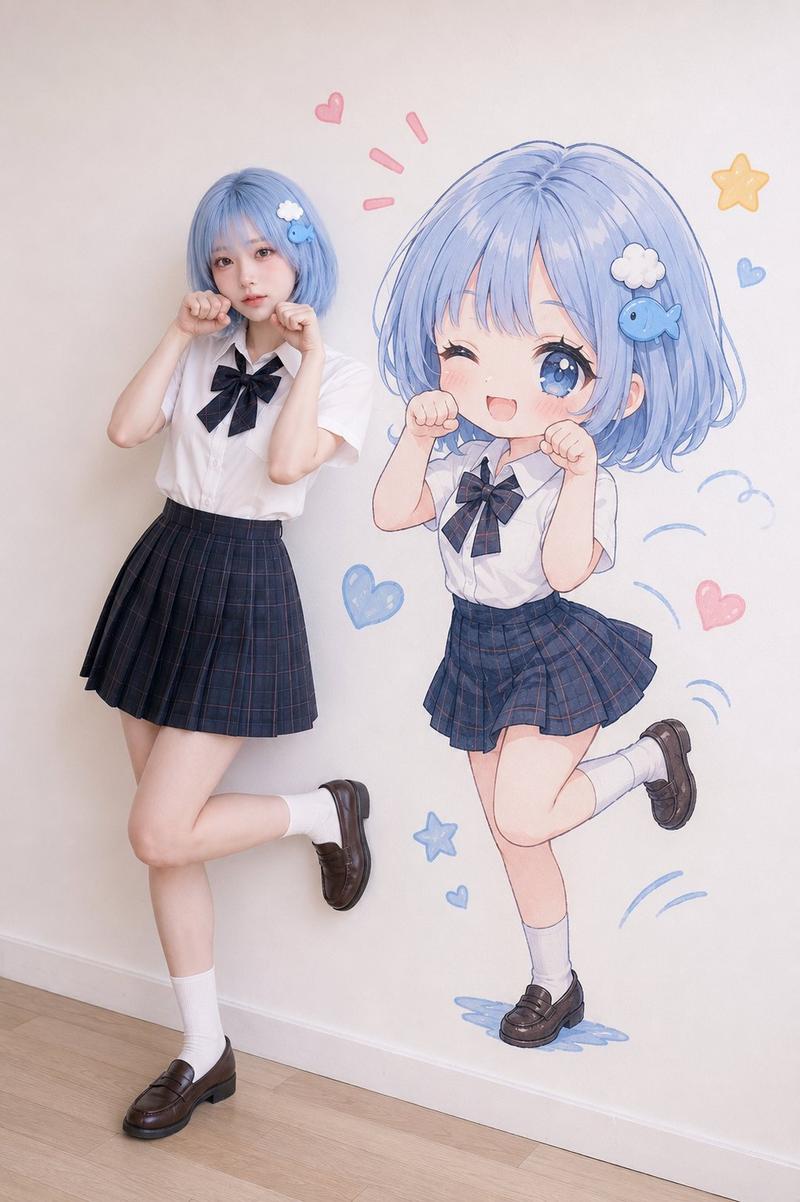
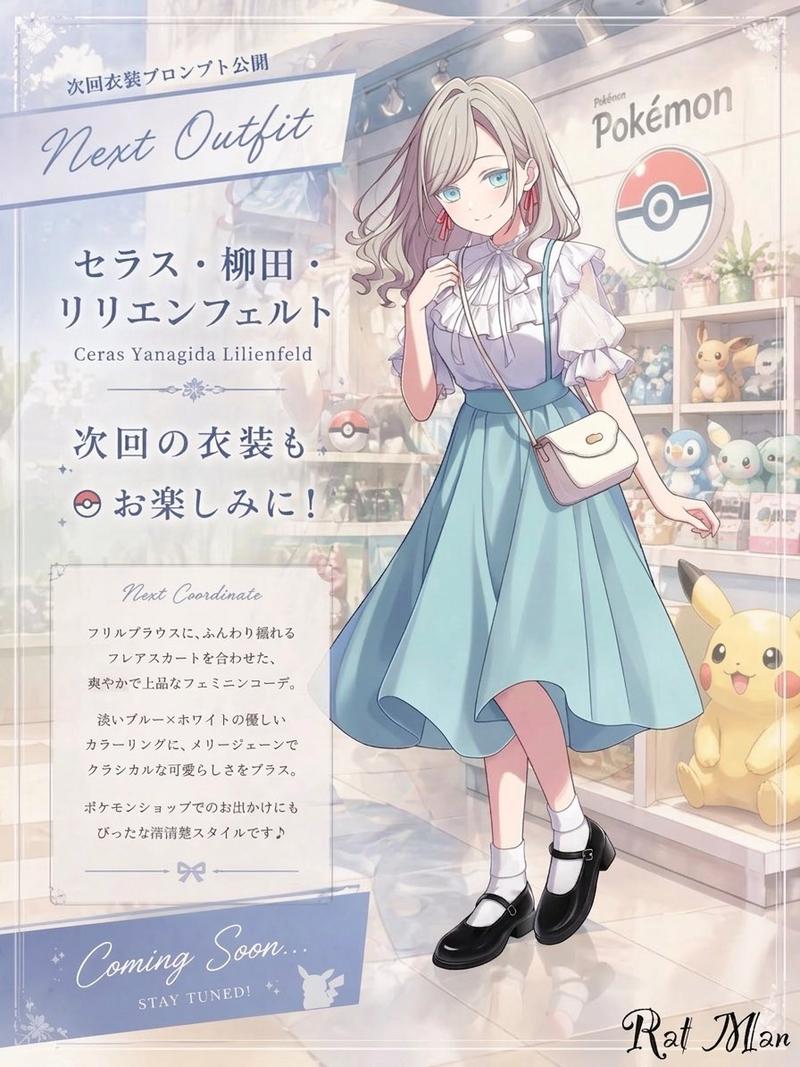
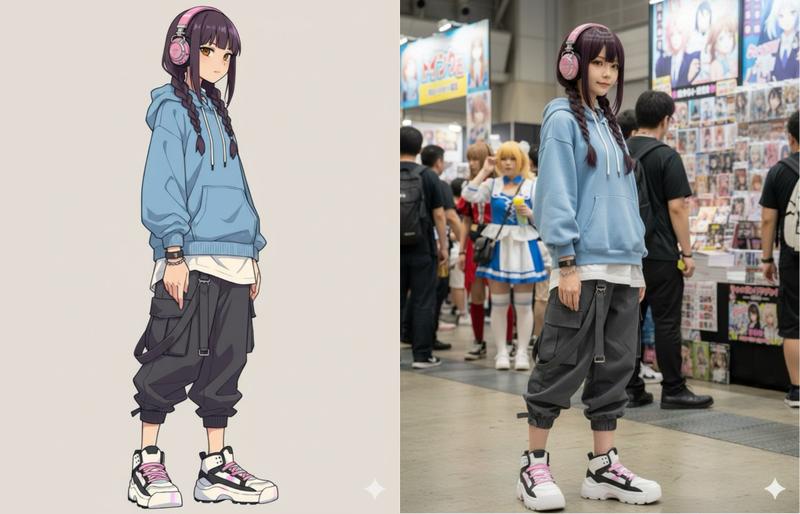
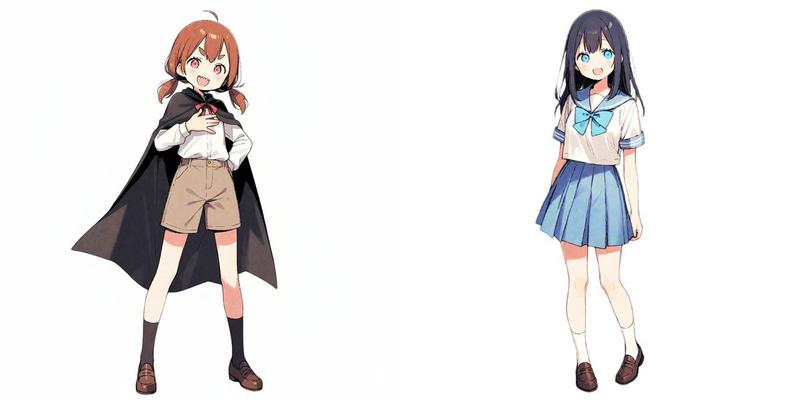
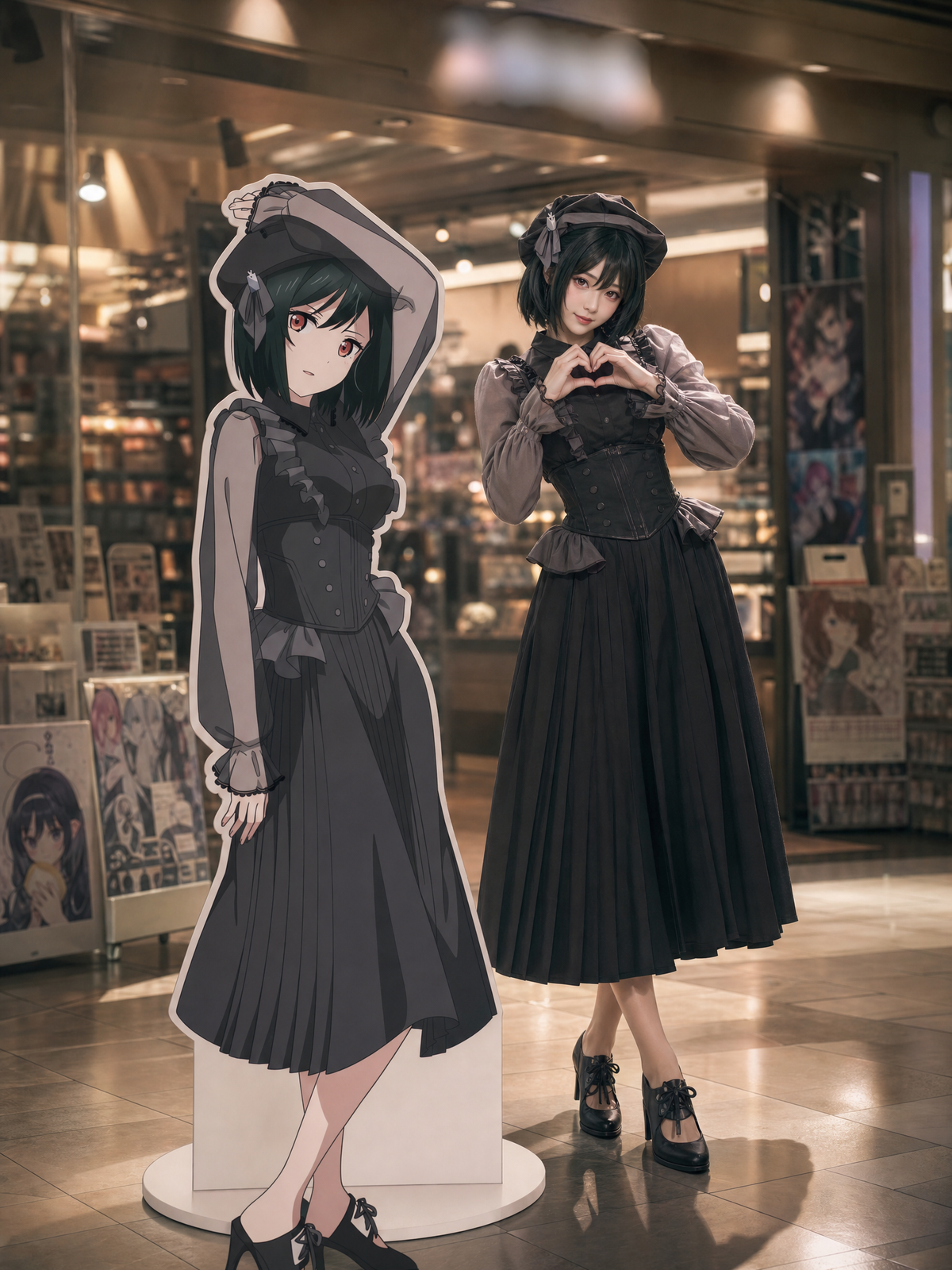
绘制图中角色的立绘等身立牌,放置在购物中心的一家游戏周边店的门口,背景虚化处理。 绘制图中角色在立牌右,歪着头,双手比出心型,展现亲密感。图中角色画风保持不变,
Enlarge

绘制图中角色的立绘等身立牌,放置在购物中心的一家游戏周边店的门口,背景虚化处理。 绘制图中角色在立牌右,歪着头,双手比出心型,展现亲密感。图中角色画风保持不变,

Prompt
绘制图中角色的立绘等身立牌,放置在购物中心的一家游戏周边店的门口,背景虚化处理。
绘制图中角色在立牌右,歪着头,双手比出心型,展现亲密感。图中角色画风保持不变,仿佛穿越到现实,确保光影效果,让图中的动漫画风少女能够完美的和写实背景融合。
所产生的新图片要保持角色发色,发型,服装剪裁,身材,配饰等和图片中一致,看起来就像是现实中真实存在的真人在cosplay一样,亚洲女性五官,脸瘦小精致,瓜子脸,年轻可爱,纯情又超级漂亮。身材苗条性感,有顶级模特的气质和身材,符合现实中的真人比例。
背景,包括立牌是写实画风,拍摄视角大光圈带来的浅景深将背景虚化,使观众的视线牢牢和她的眼神交流。
胶片颗粒感: 后期模拟胶片质感,增加画面的厚重感和颗粒噪点,去除数码味的生硬。电影感、叙事性、私密感、高动态范围。空气中要有轻微的丁达尔效应(体积光),表现出室内的尘埃感和温馨的雾气感,不要出现类似(谷子店)等商店名称,模糊处理。
重点,立牌和背后的人物虽然是一个(图一),但是画风不同,前面的是立牌,后面的是cosplay的真实少女,注意两者区别不要混淆,请仔细检查这一点。
Category
Architecture & Spaces
Model
GPT Image 2
Creator
Yuu Rin
Views490
Source ID
2568
Published
May 5, 2026

Guide

About "绘制图中角色的立绘等身立牌,放置在购物中心的一家游戏周边店的门口,背景虚化处理。 绘制图中角色在立牌右,歪着头,双手比出心型,展现亲密感。图中角色画风保持不变,"

What is this prompt for?

"绘制图中角色的立绘等身立牌,放置在购物中心的一家游戏周边店的门口,背景虚化处理。 绘制图中角色在立牌右,歪着头,双手比出心型,展现亲密感。图中角色画风保持不变," AI image prompt for GPT Image 2 (Architecture & Spaces). 绘制图中角色的立绘等身立牌,放置在购物…

The full copyable prompt and example visuals above are ready for AI image generation or one-click recreate in Picva.

How to use this prompt

  1. Step 1

    Open the prompt detail

    Review the example visuals, category, and full prompt text for "绘制图中角色的立绘等身立牌,放置在购物中心的一家游戏周边店的门口,背景虚化处理。 绘制图中角色在立牌右,歪着头,双手比出心型,展现亲密感。图中角色画风保持不变,".

  2. Step 2

    Copy the prompt

    Copy the prompt body from this page, or load it directly in Studio.

  3. Step 3

    Pick a model (GPT Image 2)

    Prefer GPT Image 2. If you switch models, keep subject and composition and tweak style terms.

  4. Step 4

    Generate and export

    Recreate the look in Picva, or export into your workflow for editing and publishing.

FAQ

What is the "绘制图中角色的立绘等身立牌,放置在购物中心的一家游戏周边店的门口,背景虚化处理。 绘制图中角色在立牌右,歪着头,双手比出心型,展现亲密感。图中角色画风保持不变," prompt?
It is an AI image-generation prompt for GPT Image 2 in the Architecture & Spaces category. This page includes the full prompt text, example visuals, and a one-click recreate path in Picva.
How do I use this prompt to generate an image?
Copy the prompt from this page, or use Generate / Studio. Paste it into a compatible image model, or recreate the look in Picva with optional reference images.
Which model is this prompt for?
This page lists GPT Image 2. Most descriptive prompts also transfer to nearby image models such as GPT Image, Flux, or Midjourney with light style tweaks.
Can I use the result commercially?
You can usually copy the prompt for creation, but commercial use of the final image depends on the model terms, reference-image rights, and the generated content. Follow the source author and platform rules.