19

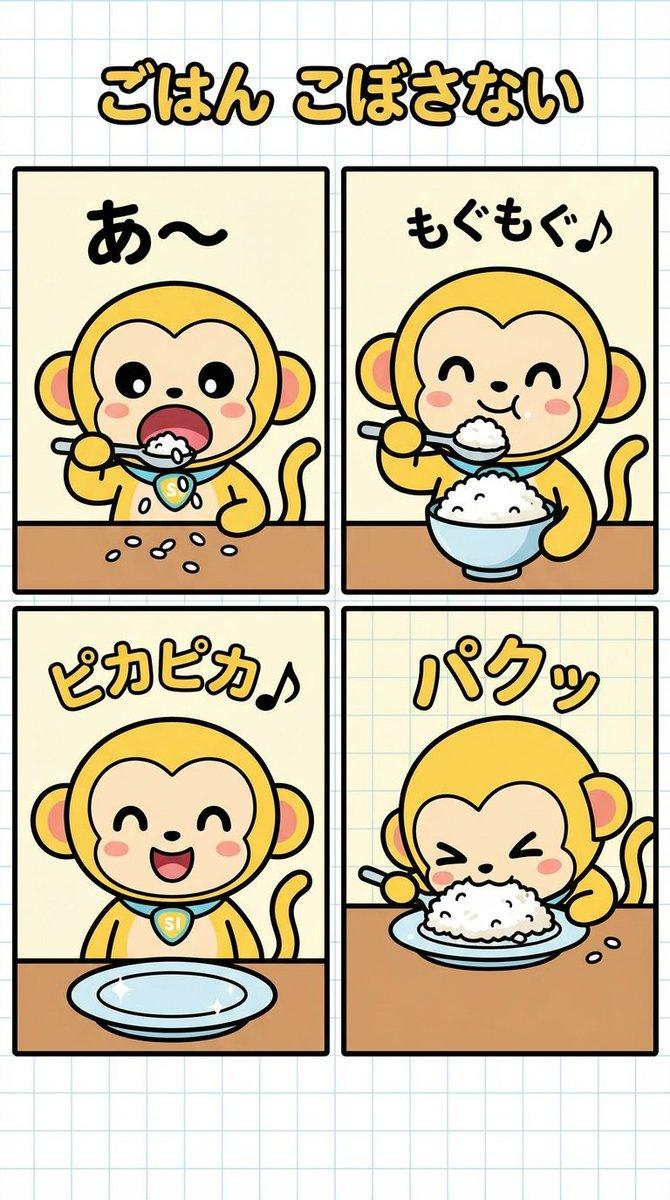
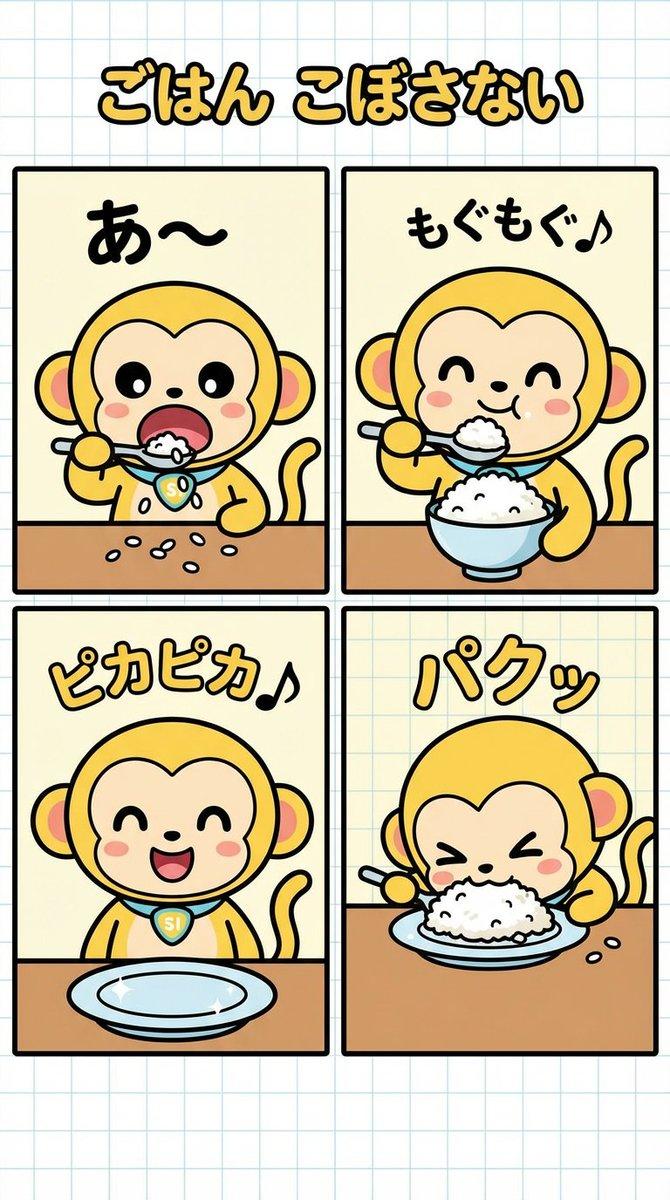
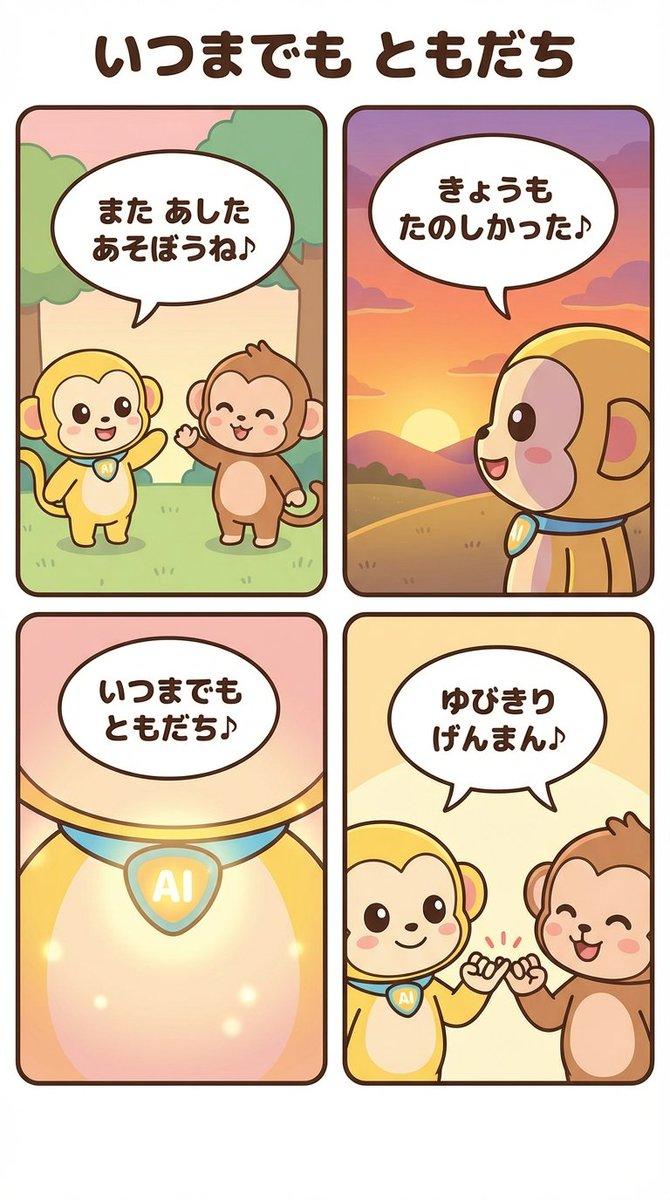
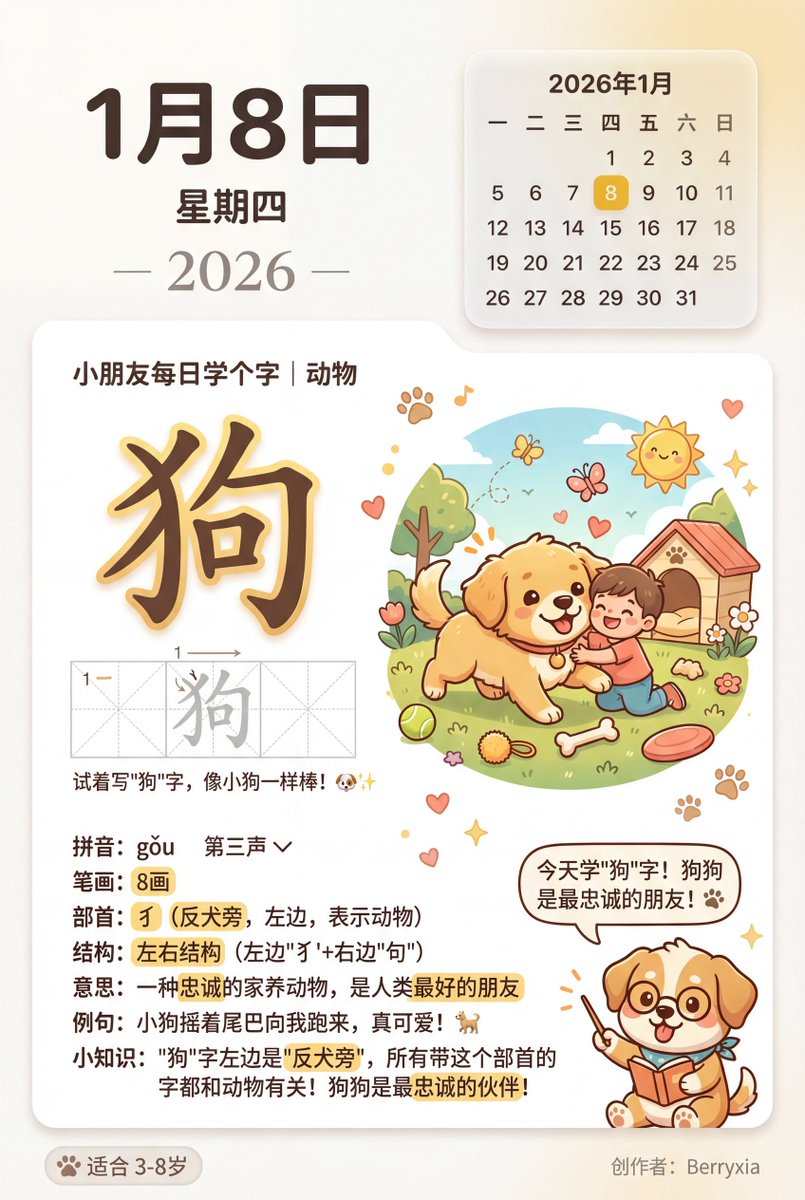
设计一张原创卡通吉祥物 Logo,整体为潮萌、轻复古、可商用的小店品牌视觉风格。画面采用纯白背景,Logo 单独居中展示,不要做成海报拼图。以「品牌名」为核心,
Enlarge

设计一张原创卡通吉祥物 Logo,整体为潮萌、轻复古、可商用的小店品牌视觉风格。画面采用纯白背景,Logo 单独居中展示,不要做成海报拼图。以「品牌名」为核心,

Prompt
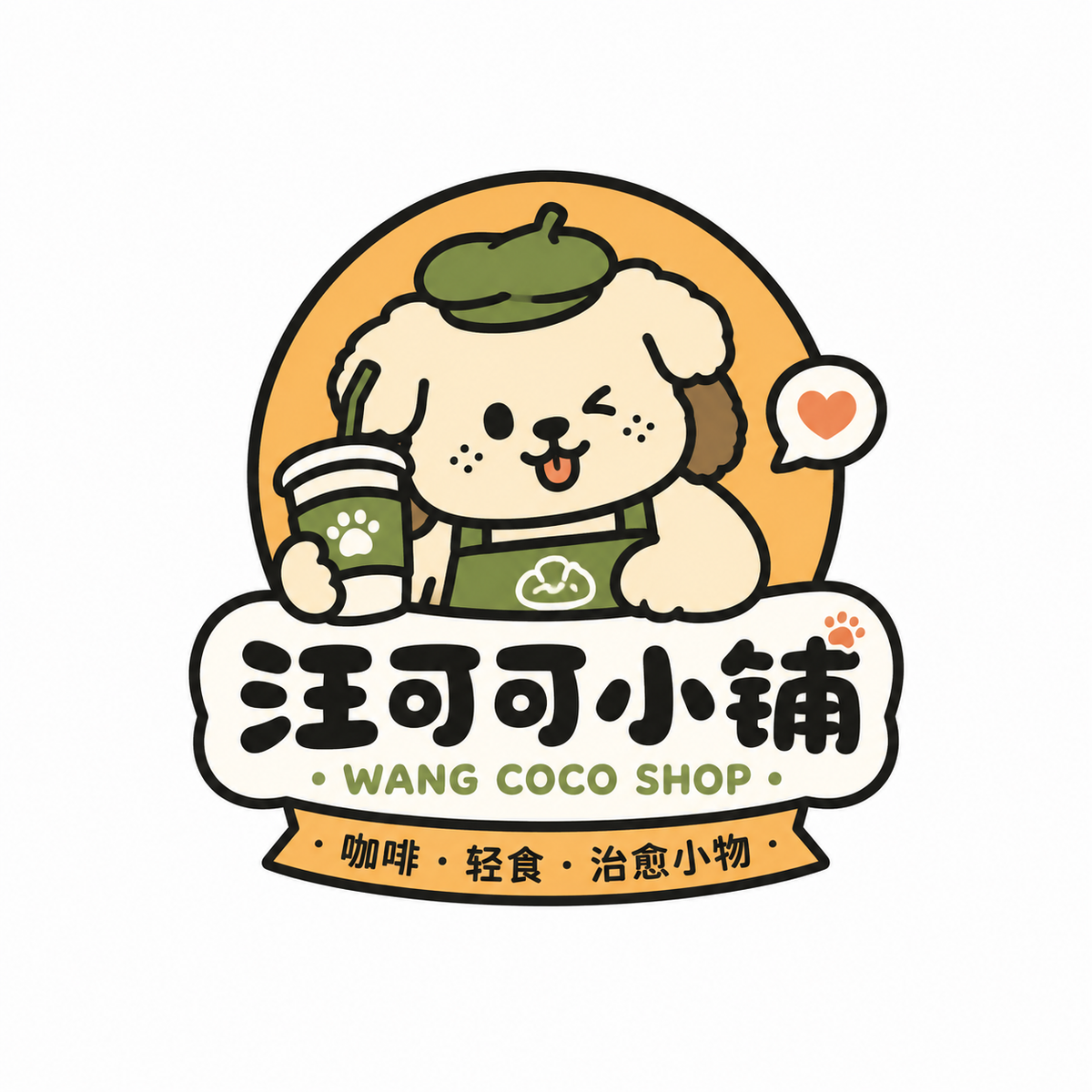
设计一张原创卡通吉祥物 Logo,整体为潮萌、轻复古、可商用的小店品牌视觉风格。画面采用纯白背景,Logo 单独居中展示,不要做成海报拼图。以「品牌名」为核心,围绕一个圆润可爱的动物 / 小怪兽 / 拟人角色展开,角色要有强记忆点,造型简洁、表情生动、轮廓清晰,带一点松弛感和趣味感。

整体风格参考:粗黑描边、扁平色块、高辨识度卡通形象、轻微手作感、贴纸感、小店 IP 感。配色控制在 2–4 种主色内,颜色要明快但不刺眼,可采用奶油色、橙黄、草绿、湖蓝、雾粉、焦糖棕等年轻化配色,不要脏灰,不要过度复杂,不要渐变金属感。

版式要求:图形主体在上,品牌字标在下或与图形自然结合;品牌主标题可以用中文、英文或中英结合;字体要圆润、厚实、有亲和力,可带一点手写感或趣味变形感;可加入一句简短副标题、小标语或品类说明,增强完整度,但文字不要过多。整体比例舒适,图形与文字关系紧凑,有品牌感,适合做门头、包装、贴纸、杯贴、社媒头像。

细节要求:Logo 要原创,不要照搬参考;不要太儿童化,也不要太幼稚;可爱中要带一点设计感和商业感;轮廓干净,识别度高,便于后续延展。输出为高清、干净、清晰的单个 Logo 成品图。
Category
Posters & Typography
Model
GPT Image 2
Views29
Source ID
32094
Published
Jun 22, 2026

Guide

About "设计一张原创卡通吉祥物 Logo,整体为潮萌、轻复古、可商用的小店品牌视觉风格。画面采用纯白背景,Logo 单独居中展示,不要做成海报拼图。以「品牌名」为核心,"

What is this prompt for?

"设计一张原创卡通吉祥物 Logo,整体为潮萌、轻复古、可商用的小店品牌视觉风格。画面采用纯白背景,Logo 单独居中展示,不要做成海报拼图。以「品牌名」为核心," AI image prompt for GPT Image 2 (Posters & Typography). 设计一张原创卡通吉祥物 Logo,整体为…

The full copyable prompt and example visuals above are ready for AI image generation or one-click recreate in Picva.

How to use this prompt

  1. Step 1

    Open the prompt detail

    Review the example visuals, category, and full prompt text for "设计一张原创卡通吉祥物 Logo,整体为潮萌、轻复古、可商用的小店品牌视觉风格。画面采用纯白背景,Logo 单独居中展示,不要做成海报拼图。以「品牌名」为核心,".

  2. Step 2

    Copy the prompt

    Copy the prompt body from this page, or load it directly in Studio.

  3. Step 3

    Pick a model (GPT Image 2)

    Prefer GPT Image 2. If you switch models, keep subject and composition and tweak style terms.

  4. Step 4

    Generate and export

    Recreate the look in Picva, or export into your workflow for editing and publishing.

FAQ

What is the "设计一张原创卡通吉祥物 Logo,整体为潮萌、轻复古、可商用的小店品牌视觉风格。画面采用纯白背景,Logo 单独居中展示,不要做成海报拼图。以「品牌名」为核心," prompt?
It is an AI image-generation prompt for GPT Image 2 in the Posters & Typography category. This page includes the full prompt text, example visuals, and a one-click recreate path in Picva.
How do I use this prompt to generate an image?
Copy the prompt from this page, or use Generate / Studio. Paste it into a compatible image model, or recreate the look in Picva with optional reference images.
Which model is this prompt for?
This page lists GPT Image 2. Most descriptive prompts also transfer to nearby image models such as GPT Image, Flux, or Midjourney with light style tweaks.
Can I use the result commercially?
You can usually copy the prompt for creation, but commercial use of the final image depends on the model terms, reference-image rights, and the generated content. Follow the source author and platform rules.