19

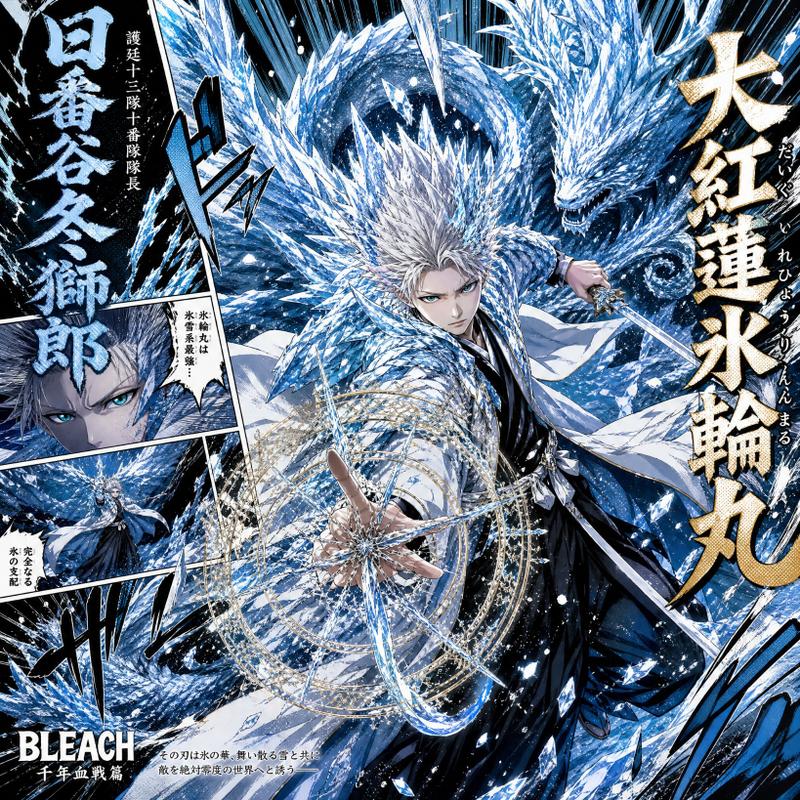
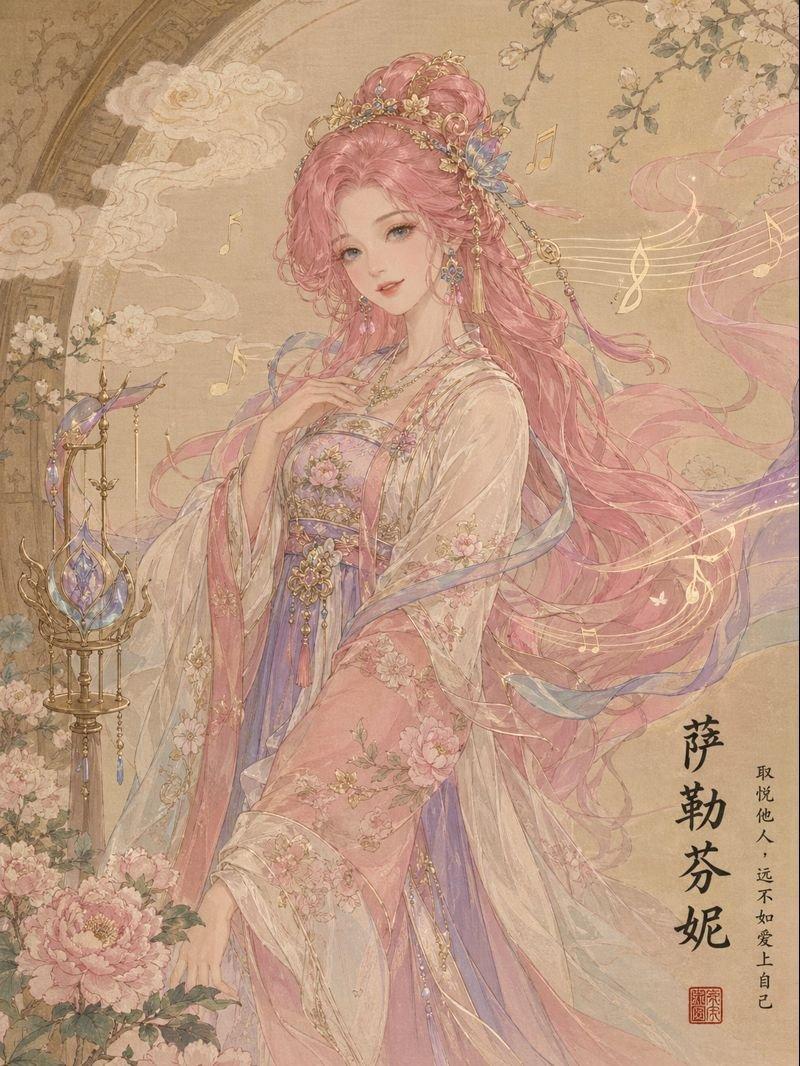
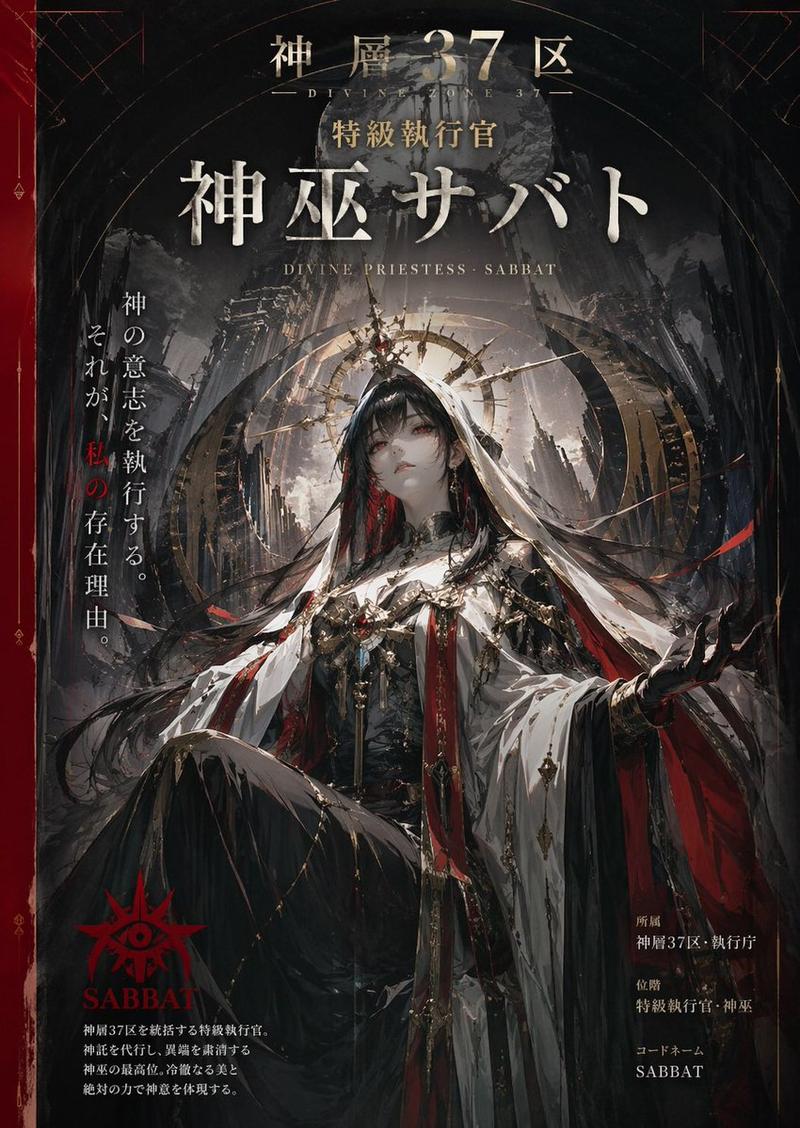
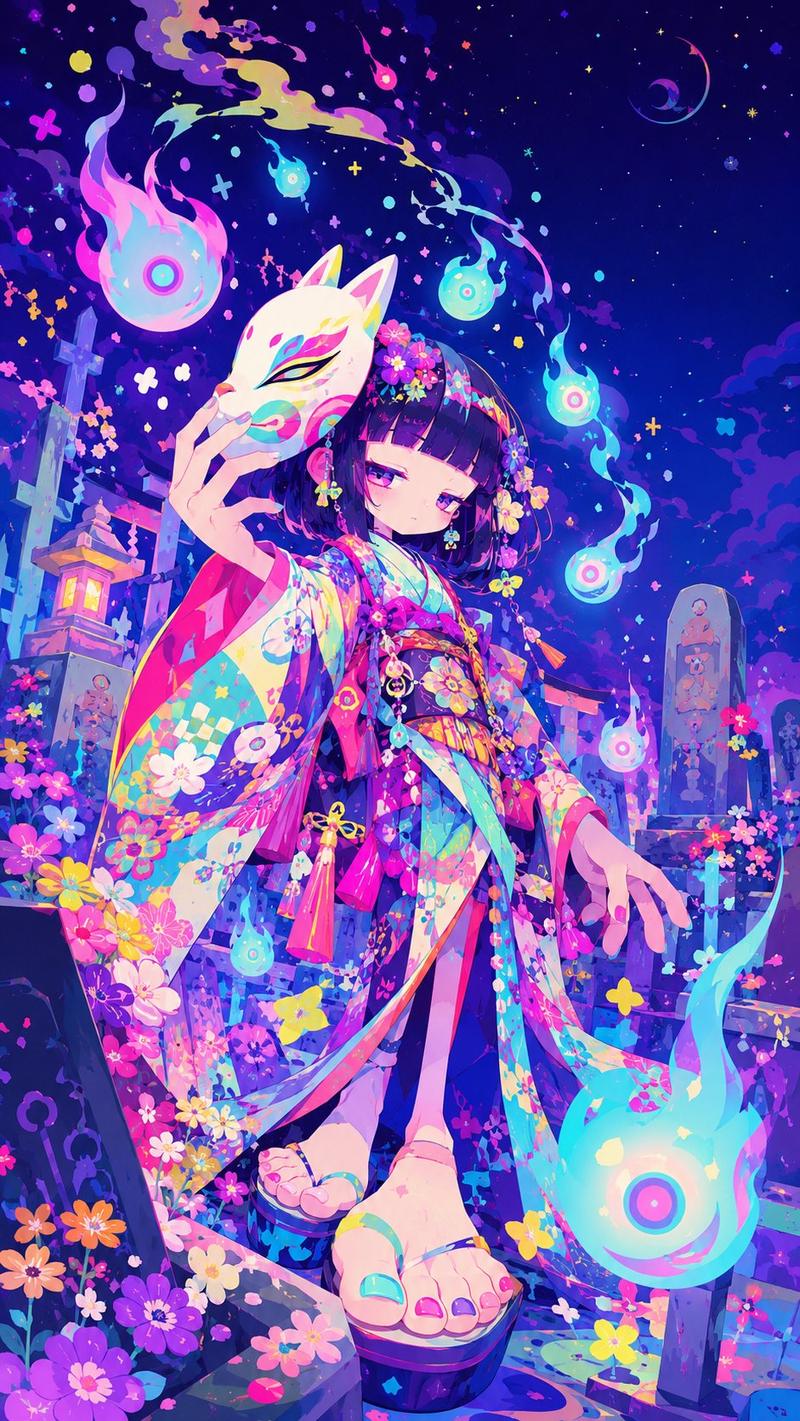
主题:神女游园 生成一张【极繁主义矢量艺术杂志封面海报】,画幅为【竖版 3:4 / 9:16 / 横版 16:9】。 主题为【填写主题,例如:中国神话未来志 /
Enlarge

主题:神女游园 生成一张【极繁主义矢量艺术杂志封面海报】,画幅为【竖版 3:4 / 9:16 / 横版 16:9】。 主题为【填写主题,例如:中国神话未来志 /

Prompt
主题:神女游园
生成一张【极繁主义矢量艺术杂志封面海报】,画幅为【竖版 3:4 / 9:16 / 横版 16:9】。
主题为【填写主题,例如:中国神话未来志 / 山海经都市传说 / 东方神话时装周 / 赛博仙境】。

画面将【中国神话元素】与【现代视觉语言】融合。主体可以包含【神兽、飞天、龙、凤、麒麟、仙山、宫阙、祥云、星辰、月相、浪纹、火焰纹、丝带、符咒、古代器物】等元素,同时加入【现代杂志排版、潮流海报、科技图形、网格线、编号、边框、信息标签、半调网点、印刷颗粒】。

画面风格为极繁主义矢量插画:复杂线条、层层叠加、细节密集、色彩丰富、装饰性强,整体像一张已经完成设计的高级艺术杂志封面。构图饱满但有清晰视觉中心,主视觉突出,周围加入大量辅助图形和细节。

色彩方向为【填写色彩,例如:黑金朱红青绿 / 奶白鎏金宝蓝 / 荧光紫电光蓝 / 复古米黄朱砂红】。整体要高级、时尚、现代,不要廉价国潮,不要普通插画感,不要低质感卡通。

加入完整文字排版:
顶部大标题清晰写:
「【填写顶部英文主标题】」

中部或下方中文主标题写:
「【填写中文主题标题】」

辅助小字可以写:
「【填写副标题 / 日期 / 编号 / 主题短句】」

文字风格要求:顶部标题可以使用朦胧字、边缘网点渐变、印刷颗粒、杂志封面大字排版;中文标题要清楚可读,有书法感或现代字体感。加入少量编号、日期、栏目名、竖排小字、边框和信息块,形成完整杂志版式。

禁止:不要真实品牌 Logo,不要水印,不要二维码,不要乱码,不要英文乱字,不要空白无主题,不要简单平铺元素。
Category
Posters & Typography
Model
GPT Image 2
Views74
Source ID
32733
Published
Jun 23, 2026

Guide

About "主题:神女游园 生成一张【极繁主义矢量艺术杂志封面海报】,画幅为【竖版 3:4 / 9:16 / 横版 16:9】。 主题为【填写主题,例如:中国神话未来志 /"

What is this prompt for?

"主题:神女游园 生成一张【极繁主义矢量艺术杂志封面海报】,画幅为【竖版 3:4 / 9:16 / 横版 16:9】。 主题为【填写主题,例如:中国神话未来志 /" AI image prompt for GPT Image 2 (Posters & Typography). 主题:神女游园 生成一张【极繁主义矢量艺…

The full copyable prompt and example visuals above are ready for AI image generation or one-click recreate in Picva.

How to use this prompt

  1. Step 1

    Open the prompt detail

    Review the example visuals, category, and full prompt text for "主题:神女游园 生成一张【极繁主义矢量艺术杂志封面海报】,画幅为【竖版 3:4 / 9:16 / 横版 16:9】。 主题为【填写主题,例如:中国神话未来志 /".

  2. Step 2

    Copy the prompt

    Copy the prompt body from this page, or load it directly in Studio.

  3. Step 3

    Pick a model (GPT Image 2)

    Prefer GPT Image 2. If you switch models, keep subject and composition and tweak style terms.

  4. Step 4

    Generate and export

    Recreate the look in Picva, or export into your workflow for editing and publishing.

FAQ

What is the "主题:神女游园 生成一张【极繁主义矢量艺术杂志封面海报】,画幅为【竖版 3:4 / 9:16 / 横版 16:9】。 主题为【填写主题,例如:中国神话未来志 /" prompt?
It is an AI image-generation prompt for GPT Image 2 in the Posters & Typography category. This page includes the full prompt text, example visuals, and a one-click recreate path in Picva.
How do I use this prompt to generate an image?
Copy the prompt from this page, or use Generate / Studio. Paste it into a compatible image model, or recreate the look in Picva with optional reference images.
Which model is this prompt for?
This page lists GPT Image 2. Most descriptive prompts also transfer to nearby image models such as GPT Image, Flux, or Midjourney with light style tweaks.
Can I use the result commercially?
You can usually copy the prompt for creation, but commercial use of the final image depends on the model terms, reference-image rights, and the generated content. Follow the source author and platform rules.