17

Turn the uploaded photo into a cute black-and-white hand-drawn doodle illustrati
Enlarge

Turn the uploaded photo into a cute black-and-white hand-drawn doodle illustrati

Prompt
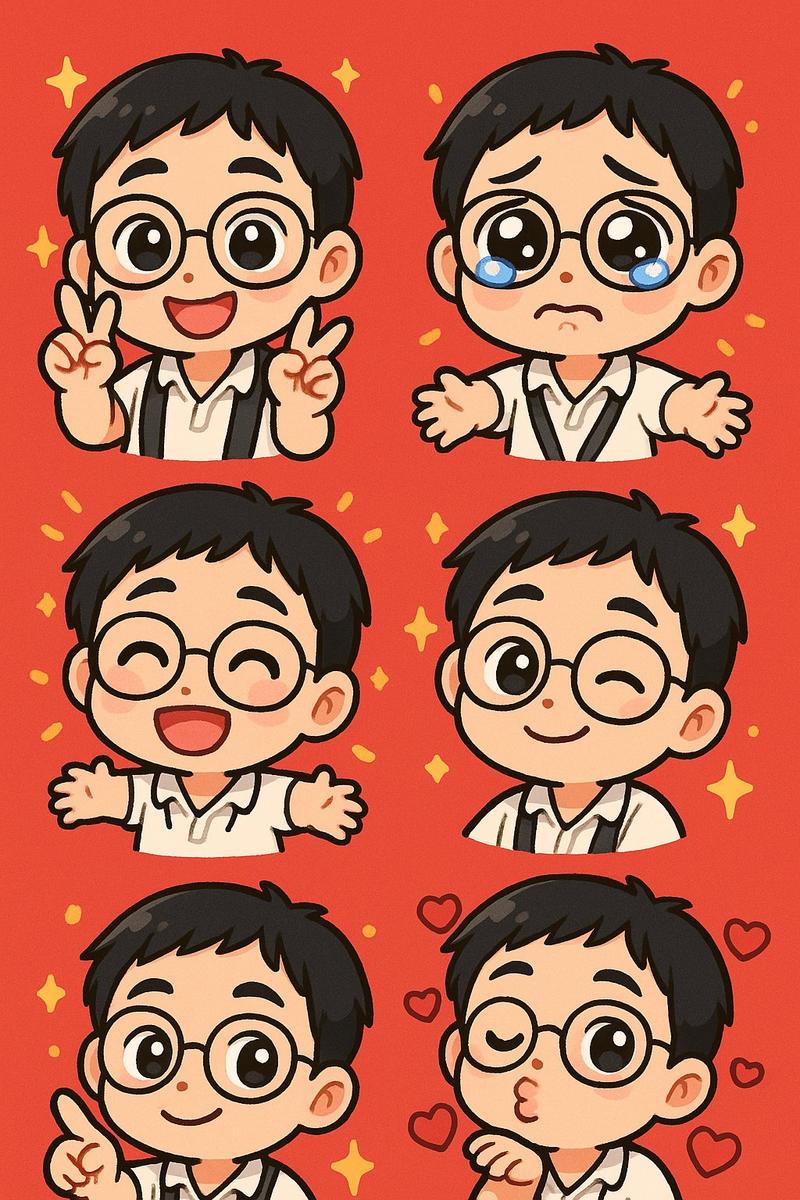
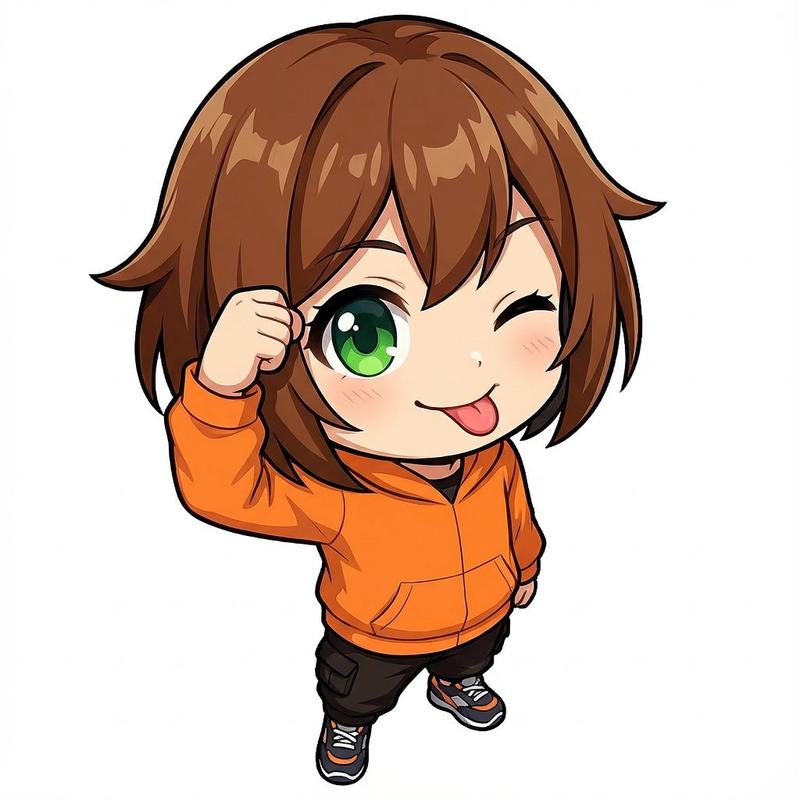
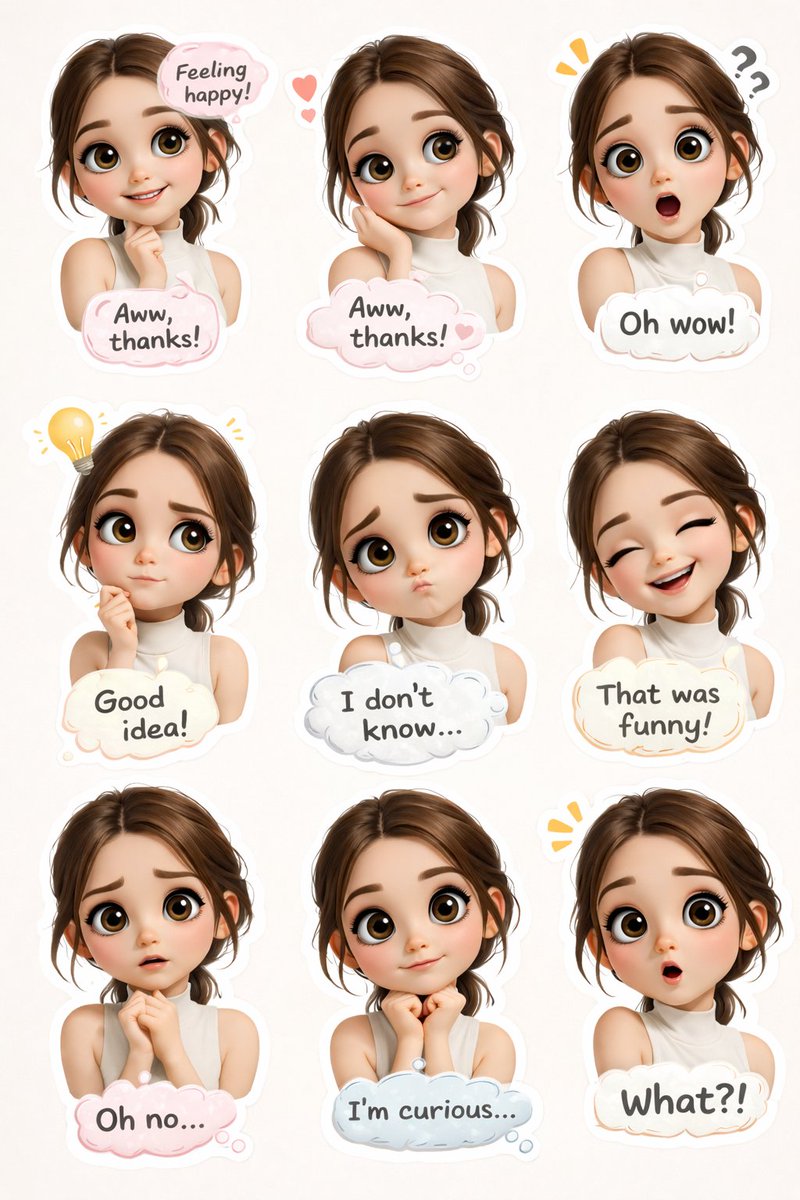
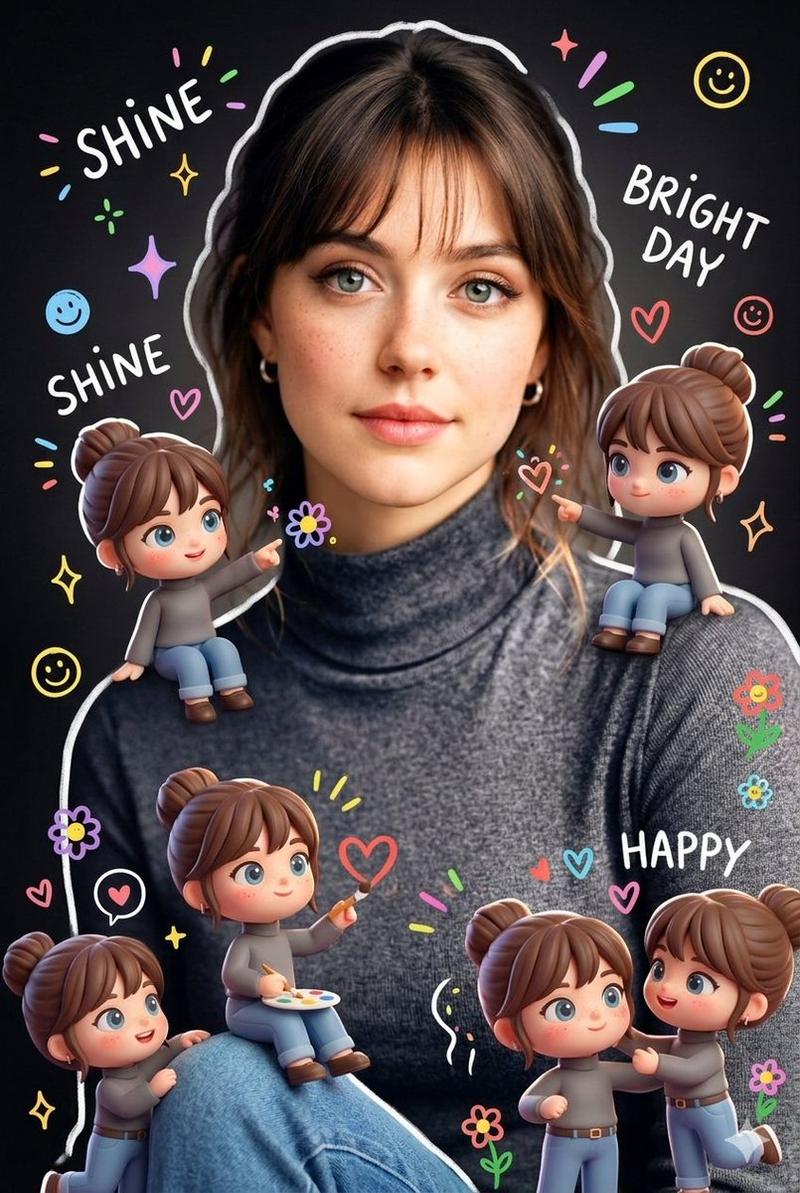
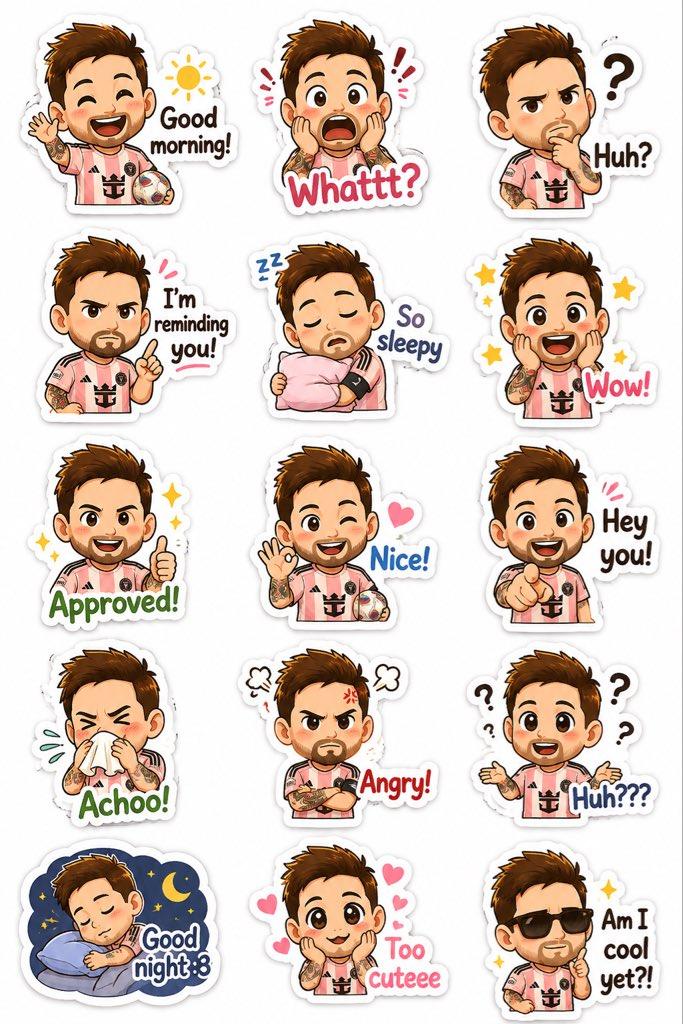
Turn the uploaded photo into a cute black-and-white hand-drawn doodle illustration. Preserve the exact people, poses, expressions, clothing, and composition while transforming everyone into adorable chibi cartoon characters with oversized heads, tiny bodies, round eyes, simple facial features, and playful proportions. Use clean black ink sketch lines on a plain white background, subtle pencil-style hatching, whimsical doodle details, tiny hearts, sparkles, and cute decorative elements floating around the characters. Maintain the family/group interaction and joyful mood. Minimalist manga-inspired line art, cozy scrapbook aesthetic, kawaii character design, children's storybook illustration, charming hand-sketched texture, expressive faces, simple monochrome palette, highly detailed ink drawing, cute sticker-pack style, adorable and heartwarming atmosphere, top-down selfie perspective, masterpiece quality.
Category
Brand & Logos
Model
GPT Image 2
Views40
Source ID
32839
Published
Jun 23, 2026

Guide

About "Turn the uploaded photo into a cute black-and-white hand-drawn doodle illustrati"

What is this prompt for?

"Turn the uploaded photo into a cute black-and-white hand-drawn doodle illustrati" AI image prompt for GPT Image 2 (Brand & Logos). Turn the uploaded photo int…

The full copyable prompt and example visuals above are ready for AI image generation or one-click recreate in Picva.

How to use this prompt

  1. Step 1

    Open the prompt detail

    Review the example visuals, category, and full prompt text for "Turn the uploaded photo into a cute black-and-white hand-drawn doodle illustrati".

  2. Step 2

    Copy the prompt

    Copy the prompt body from this page, or load it directly in Studio.

  3. Step 3

    Pick a model (GPT Image 2)

    Prefer GPT Image 2. If you switch models, keep subject and composition and tweak style terms.

  4. Step 4

    Generate and export

    Recreate the look in Picva, or export into your workflow for editing and publishing.

FAQ

What is the "Turn the uploaded photo into a cute black-and-white hand-drawn doodle illustrati" prompt?
It is an AI image-generation prompt for GPT Image 2 in the Brand & Logos category. This page includes the full prompt text, example visuals, and a one-click recreate path in Picva.
How do I use this prompt to generate an image?
Copy the prompt from this page, or use Generate / Studio. Paste it into a compatible image model, or recreate the look in Picva with optional reference images.
Which model is this prompt for?
This page lists GPT Image 2. Most descriptive prompts also transfer to nearby image models such as GPT Image, Flux, or Midjourney with light style tweaks.
Can I use the result commercially?
You can usually copy the prompt for creation, but commercial use of the final image depends on the model terms, reference-image rights, and the generated content. Follow the source author and platform rules.