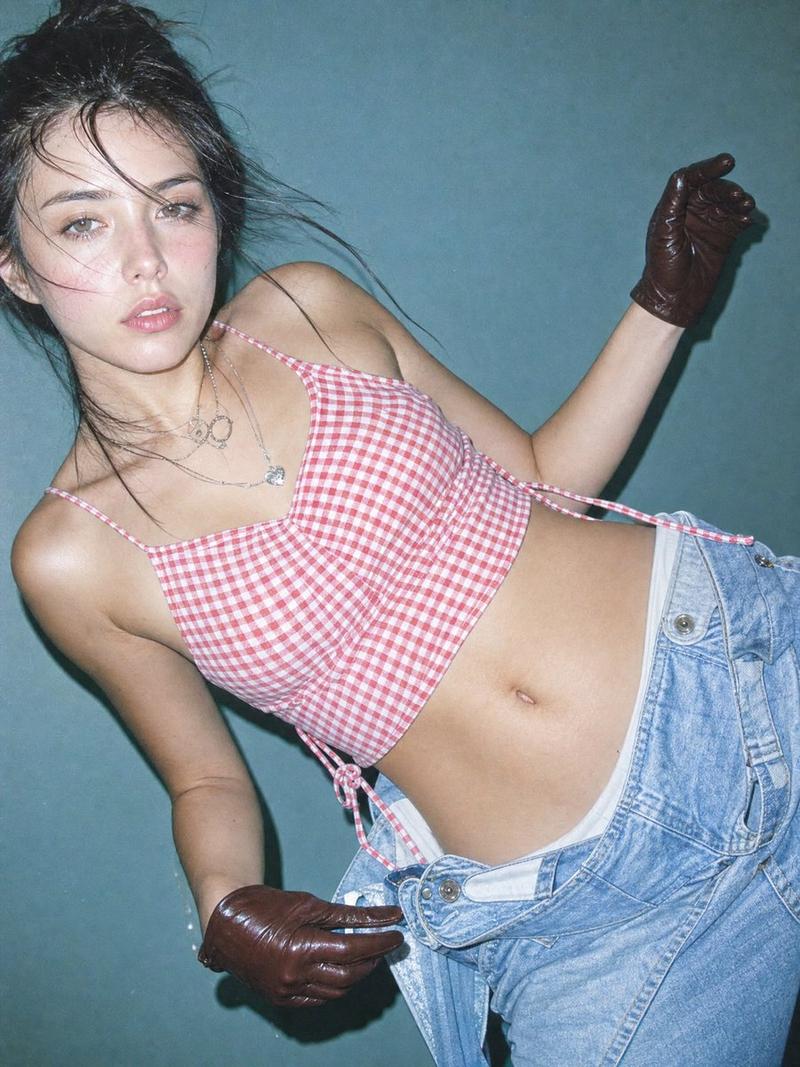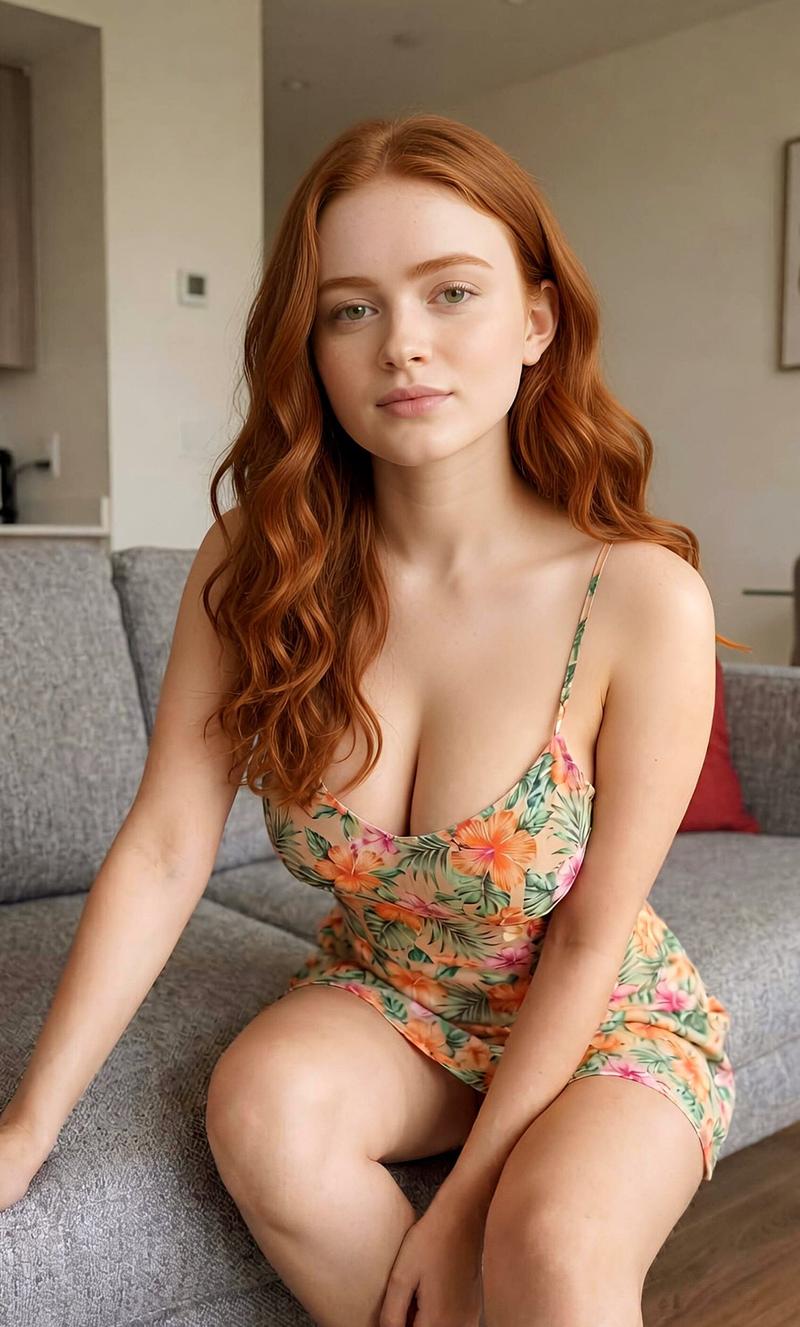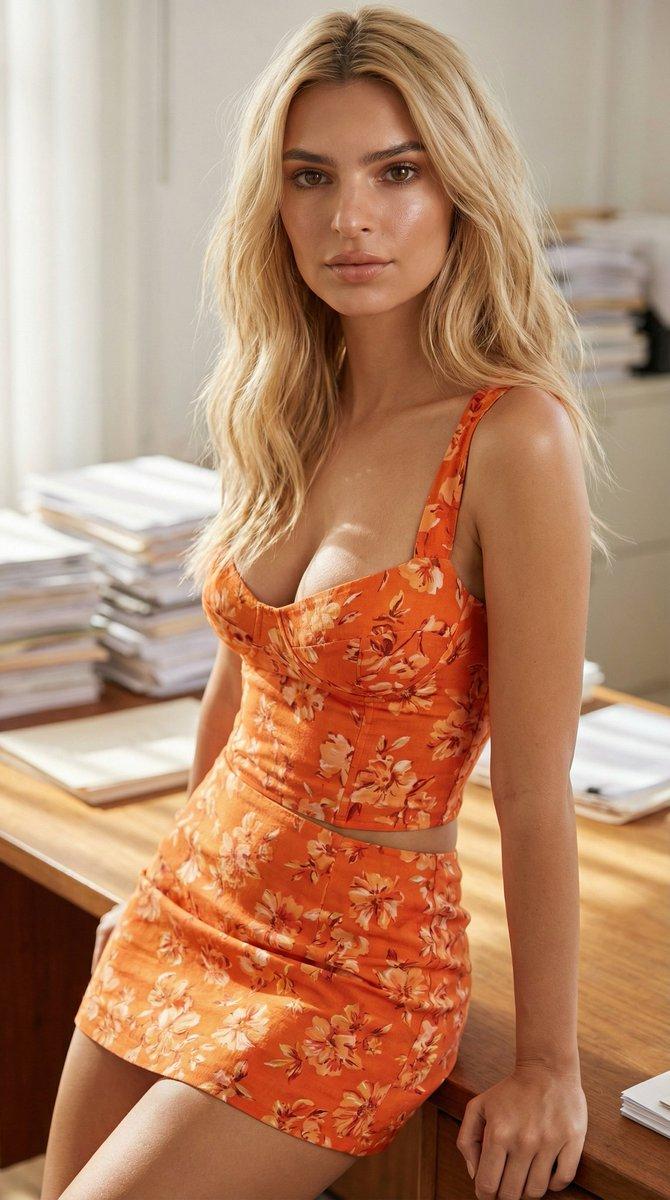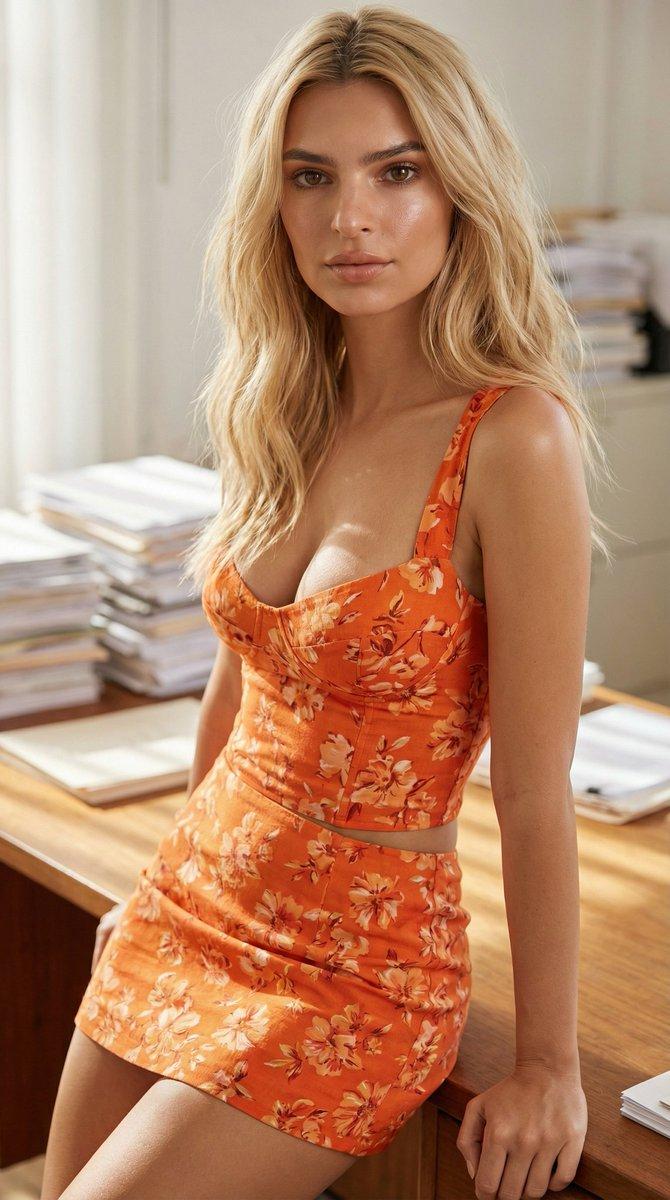
{ "type": "image_prompt", "aspect_ratio": "9:16", "style": [ "ultra realistic so
Prompt
{
 "type": "image_prompt",
 "aspect_ratio": "9:16",

 "style": [
 "ultra realistic social media portrait photography",
 "modern flash photography",
 "clean studio aesthetic",
 "high-end influencer content",
 "photorealistic 8K"
 ],

 "subject": {
 "identity": "hailee steinfeld",

 "appearance": {
 "skin": [
 "fair skin",
 "natural texture",
 "healthy glow",
 "slightly shiny skin"
 ],

 "hair": [
 "long voluminous dark hair",
 "soft glamorous waves",
 "side part",
 "healthy shine"
 ],

 "face": [
 "defined brows",
 "direct eye contact",
 "soft pink glam makeup",
 "playful expression",
 "tongue lightly touching upper lip",
 "glossy nude-pink lips"
 ]
 }
 },

 "wardrobe": {
 "outfit": {
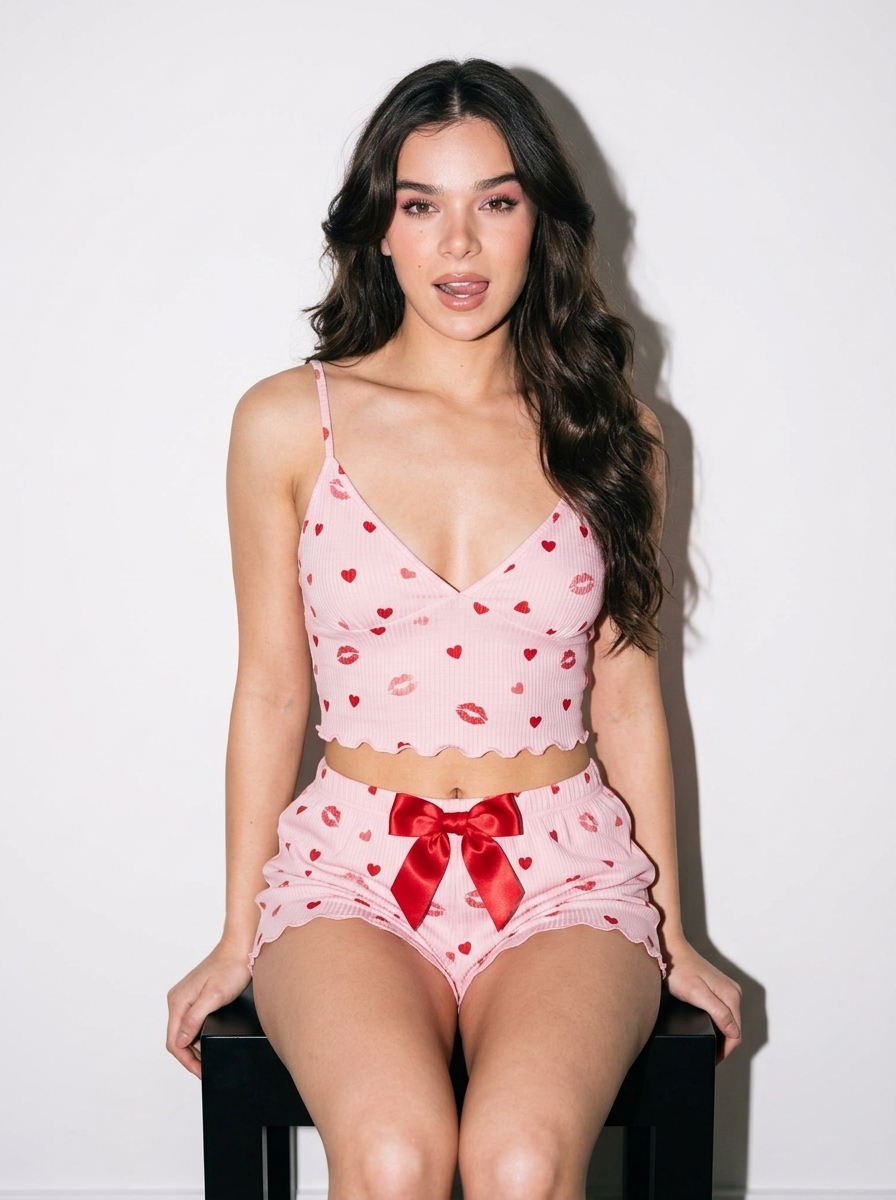
 "type": "pastel pink ribbed knit pajama set",

 "top": {
 "style": "cropped camisole",
 "fit": "fitted",
 "deep V neckline",
 "thin spaghetti straps",

 "details": [
 "visible midriff",
 "scalloped hem",
 "small red hearts",
 "scattered lipstick kiss marks",
 "subtle lipstick stain pattern"
 ]
 },

 "shorts": {
 "matching_pattern": true,
 "large red satin bow",
 "scalloped hem"
 }
 }
 },

 "pose": {
 "seat": "small black cube stool",

 "body": [
 "sitting on edge of stool",
 "torso slightly angled",
 "subtle S-curve posture",
 "relaxed shoulders"
 ],

 "head": [
 "slight tilt",
 "direct eye contact"
 ],

 "arms": [
 "hands resting on stool beside hips"
 ],

 "legs": [
 "relaxed open seated pose"
 ]
 },

 "environment": {
 "background": [
 "plain white wall",
 "minimalist studio interior"
 ]
 },

 "lighting": {
 "type": "direct frontal flash",

 "effects": [
 "bright illumination",
 "crisp catchlights",
 "soft wall shadow",
 "flash-lit social media aesthetic"
 ]
 },

 "camera": {
 "lens": "50mm",

 "angle": [
 "slightly low angle"
 ],

 "framing": [
 "mid-thigh portrait",
 "centered composition"
 ],

 "focus": [
 "sharp eyes",
 "sharp fabric texture",
 "sharp hair detail"
 ]
 },

 "color_grading": {
 "style": [
 "warm pink tones",
 "clean whites",
 "soft pastel palette"
 ]
 },

 "negative_prompt": [
 "anime",
 "cartoon",
 "CGI",
 "plastic skin",
 "overprocessed skin",
 "low resolution",
 "motion blur",
 "extra fingers",
 "deformed anatomy",
 "cluttered background"
 ]
}- Category
- Brand & Logos
- Model
- Nano Banana 2
- Creator
- Walter Santos w.photograph
- Source ID
- 33137
- Published
- Jun 23, 2026
Views587