15

为 argument name="brand name" default="Coca-Cola" 创作一则 4:5 竖版的高端概念饮料广告。画面中央是一个正对镜
Enlarge

为 argument name="brand name" default="Coca-Cola" 创作一则 4:5 竖版的高端概念饮料广告。画面中央是一个正对镜

Prompt
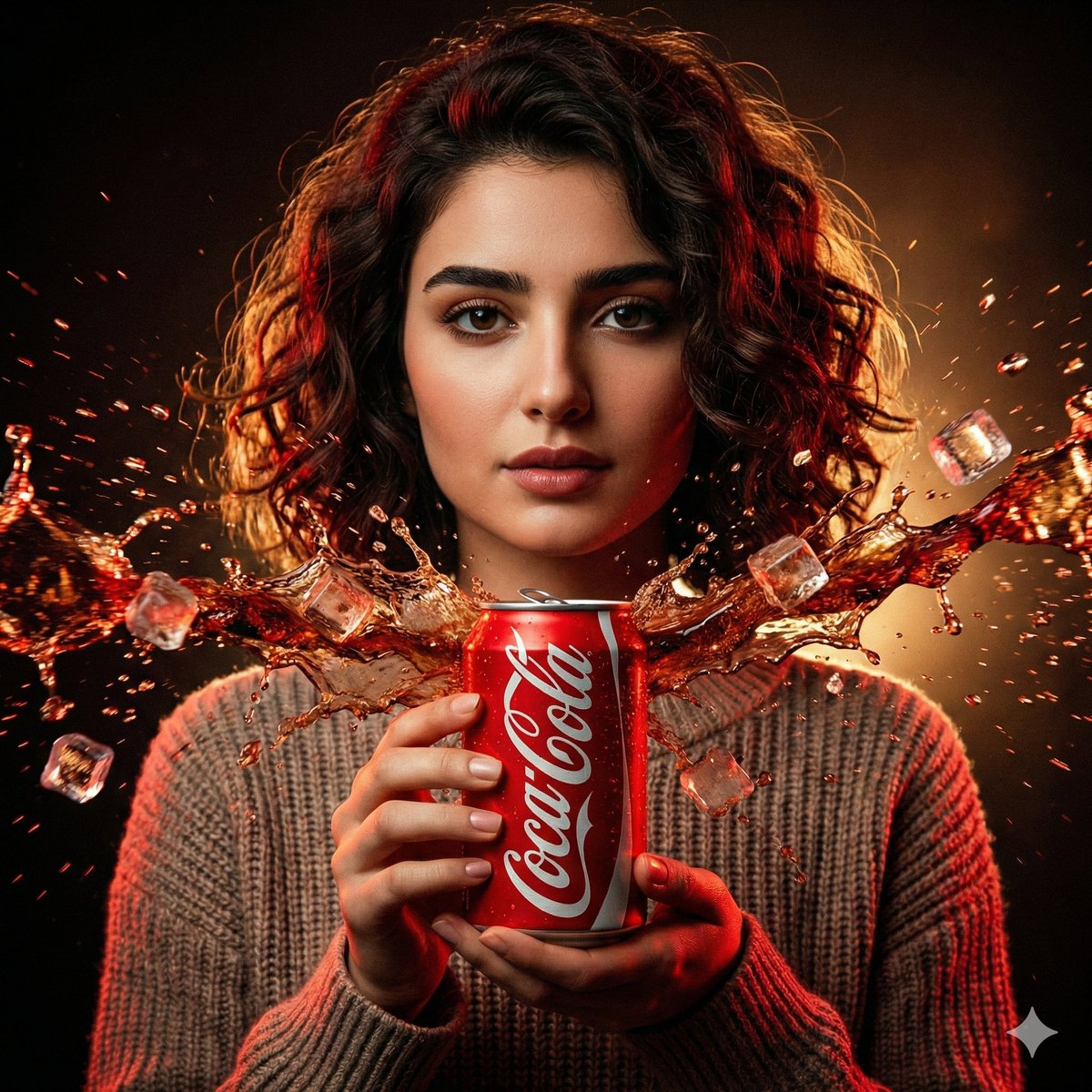
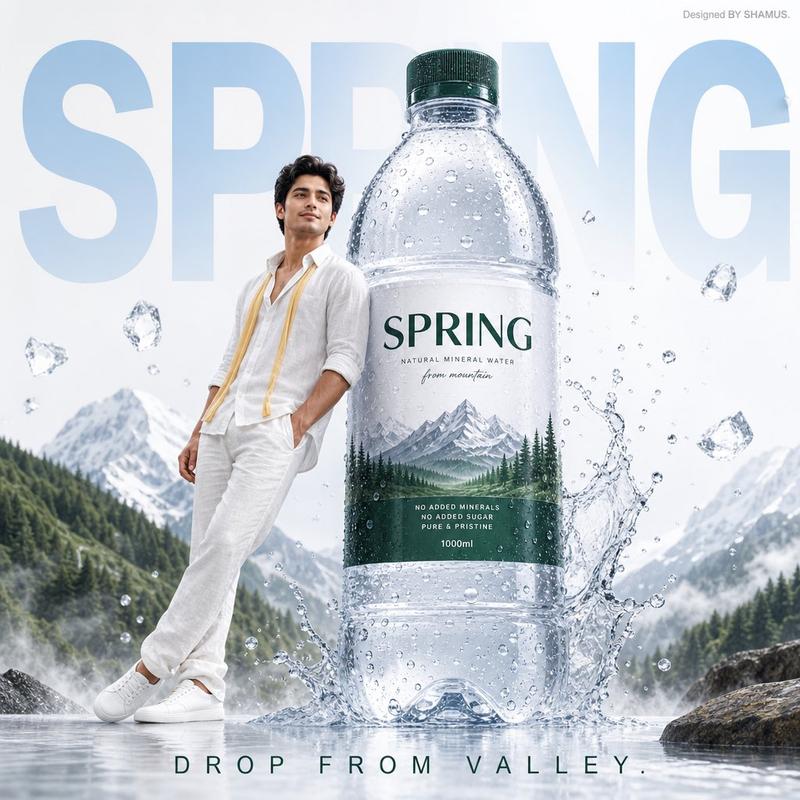
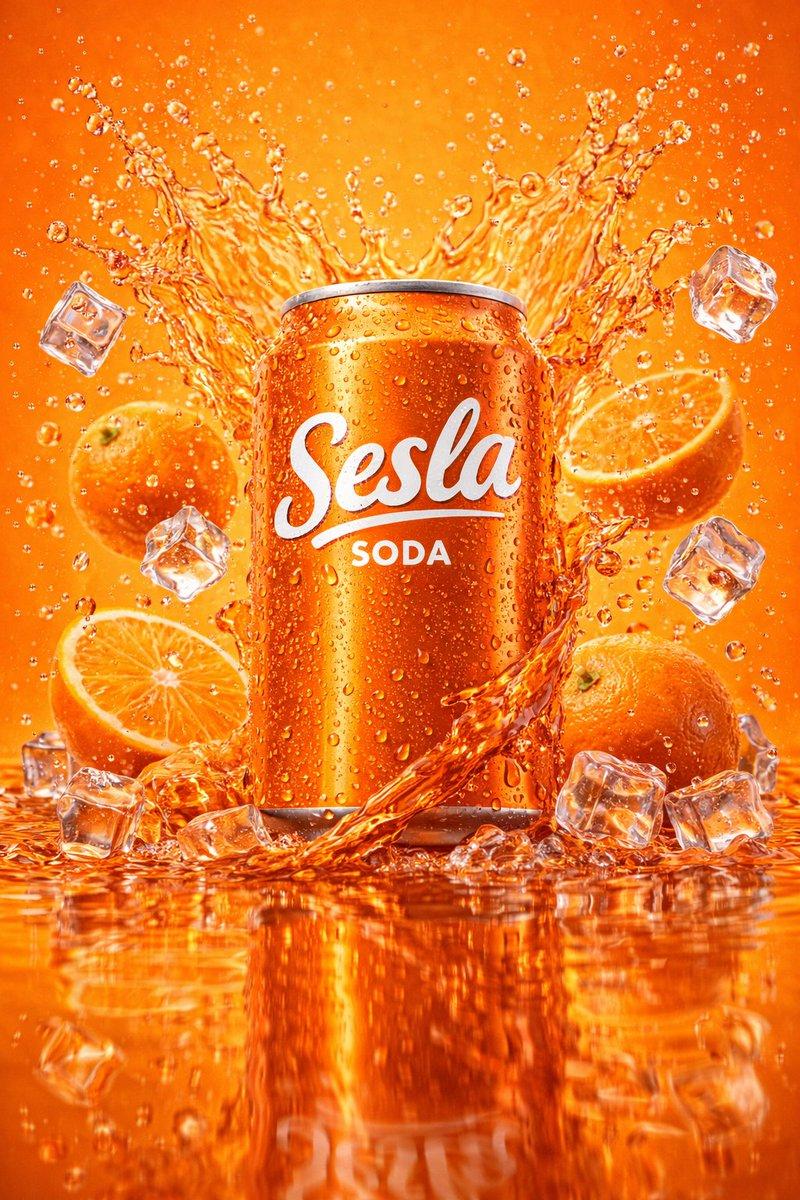
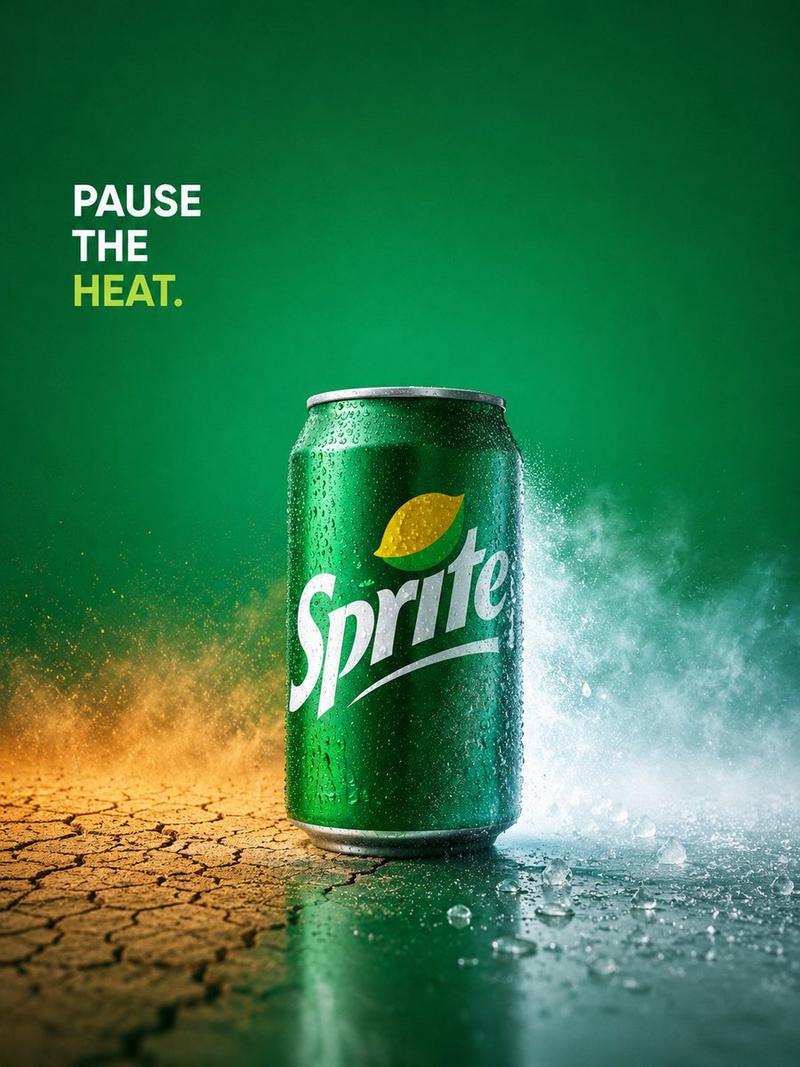
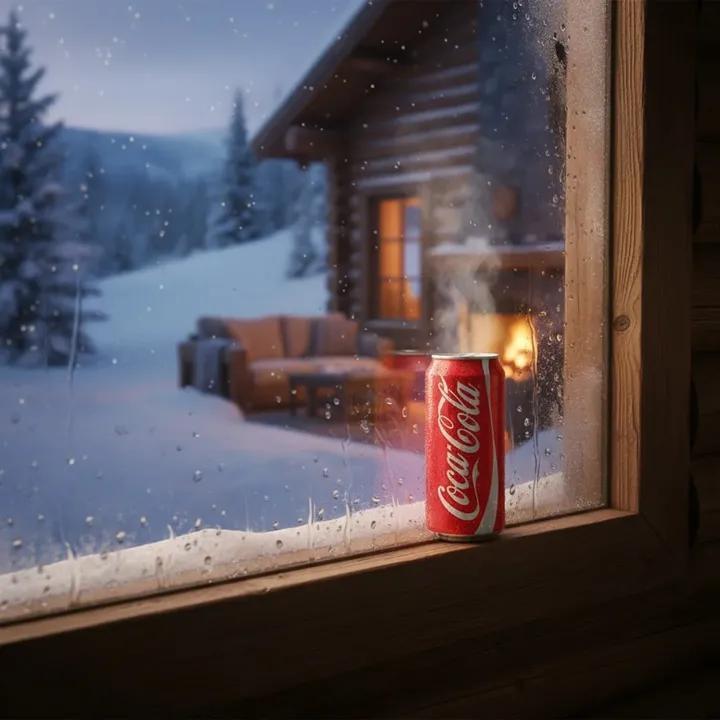
为 argument name="brand name" default="Coca-Cola" 创作一则 4:5 竖版的高端概念饮料广告。画面中央是一个正对镜头的冰镇红色铝制汽水罐,罐身布满逼真的冷凝水珠,顶部可见银色拉环和罐沿,罐身印有经典的白色手写体 Logo;包含较小的罐身文字"ORIGINAL TASTE"。背景为饱和度均匀的红色摄影棚背景,采用奢华商业照明,并带有柔和的产品投影。一条大型金属拉链横跨画面并在罐身中部环绕,拉链齿细节清晰,拉链头位于罐身前方;拉链将场景打开,呈现出两个对比鲜明的世界:左侧是平静水面地平线上温暖的橙色日落,远处有微小的城市天际线剪影;右侧是冷色调的蓝色雪山景观,伴有挂霜的松树和山脉。拉链缝隙应像波浪一样自然弯曲,直观地暗示罐内蕴含着神奇的世界。添加极简的白色广告文案:顶部居中书写 argument name="top slogan" default="open happiness",其中"happiness"加粗;底部居中书写 argument name="bottom slogan" default="real magic is inside",其中"inside"加粗;在其下方放置一个小型的白色 Coca-Cola Logo。采用超写实快消品 (FMCG) 产品摄影风格,具备清晰的微距细节、光泽反射、平衡的红-橙-蓝色彩对比、Apple 级的极简构图、戛纳国际创意节风格,无额外物体,无人物,无水印。
Category
Posters & Typography
Model
GPT Image 2
Views137
Source ID
7066
Published
May 19, 2026

Guide

About "为 argument name="brand name" default="Coca-Cola" 创作一则 4:5 竖版的高端概念饮料广告。画面中央是一个正对镜"

What is this prompt for?

"为 argument name="brand name" default="Coca-Cola" 创作一则 4:5 竖版的高端概念饮料广告。画面中央是一个正对镜" AI image prompt for GPT Image 2 (Posters & Typography). 为 argument name="bra…

The full copyable prompt and example visuals above are ready for AI image generation or one-click recreate in Picva.

How to use this prompt

  1. Step 1

    Open the prompt detail

    Review the example visuals, category, and full prompt text for "为 argument name="brand name" default="Coca-Cola" 创作一则 4:5 竖版的高端概念饮料广告。画面中央是一个正对镜".

  2. Step 2

    Copy the prompt

    Copy the prompt body from this page, or load it directly in Studio.

  3. Step 3

    Pick a model (GPT Image 2)

    Prefer GPT Image 2. If you switch models, keep subject and composition and tweak style terms.

  4. Step 4

    Generate and export

    Recreate the look in Picva, or export into your workflow for editing and publishing.

FAQ

What is the "为 argument name="brand name" default="Coca-Cola" 创作一则 4:5 竖版的高端概念饮料广告。画面中央是一个正对镜" prompt?
It is an AI image-generation prompt for GPT Image 2 in the Posters & Typography category. This page includes the full prompt text, example visuals, and a one-click recreate path in Picva.
How do I use this prompt to generate an image?
Copy the prompt from this page, or use Generate / Studio. Paste it into a compatible image model, or recreate the look in Picva with optional reference images.
Which model is this prompt for?
This page lists GPT Image 2. Most descriptive prompts also transfer to nearby image models such as GPT Image, Flux, or Midjourney with light style tweaks.
Can I use the result commercially?
You can usually copy the prompt for creation, but commercial use of the final image depends on the model terms, reference-image rights, and the generated content. Follow the source author and platform rules.