16

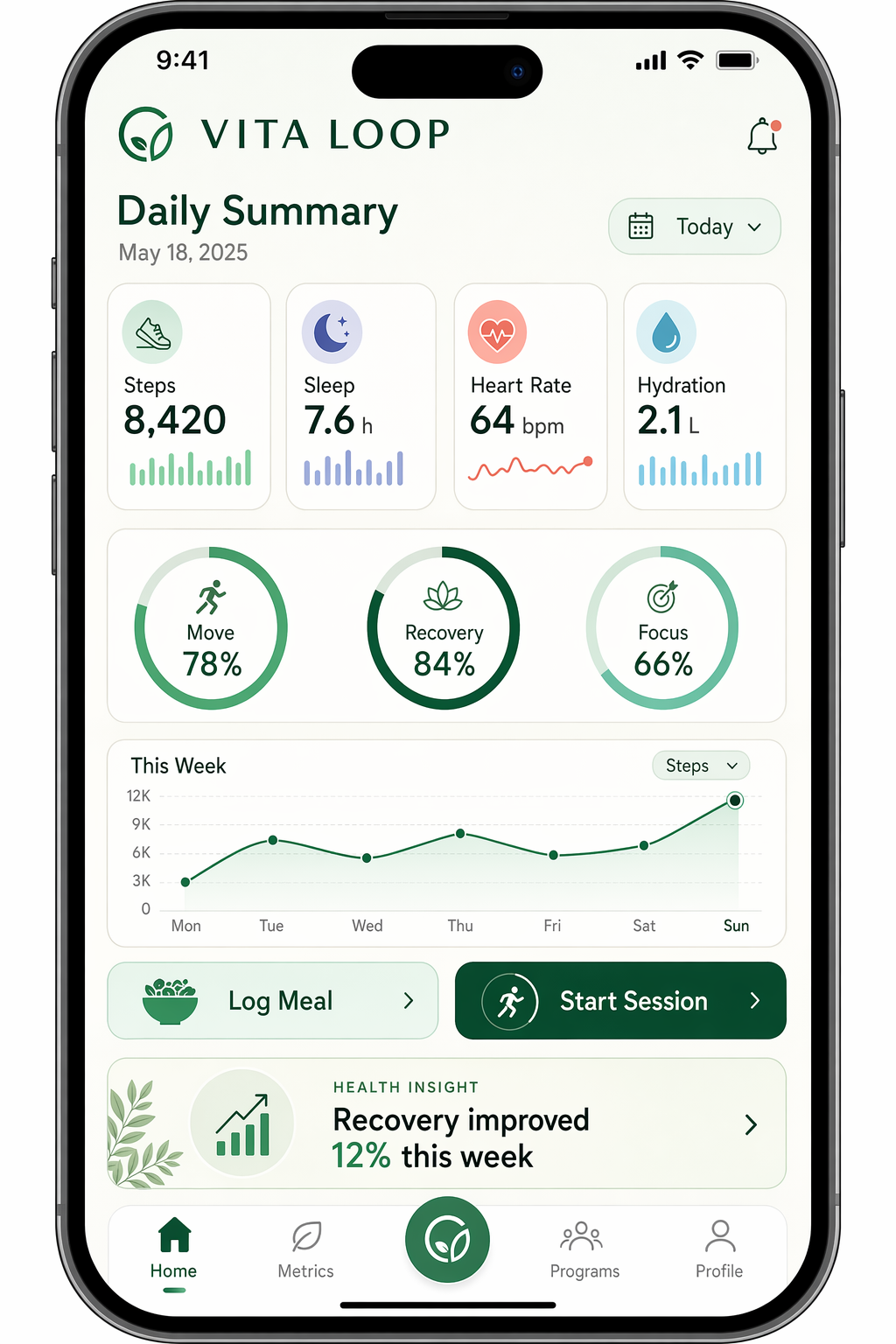
Health Tracker App Mockup
Enlarge

Health Tracker App Mockup

Prompt
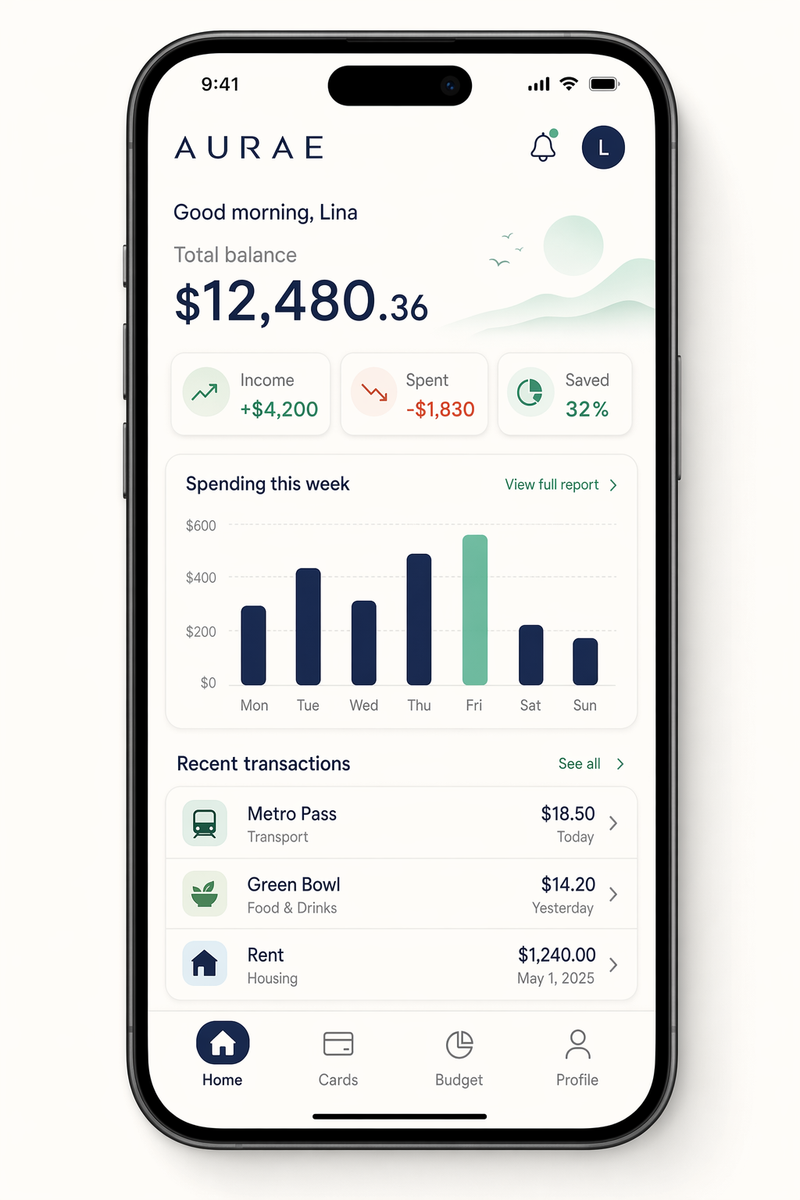
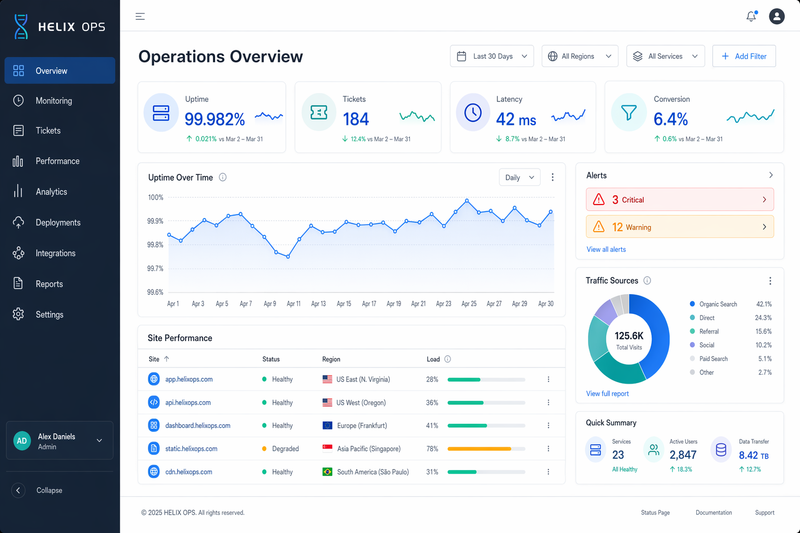
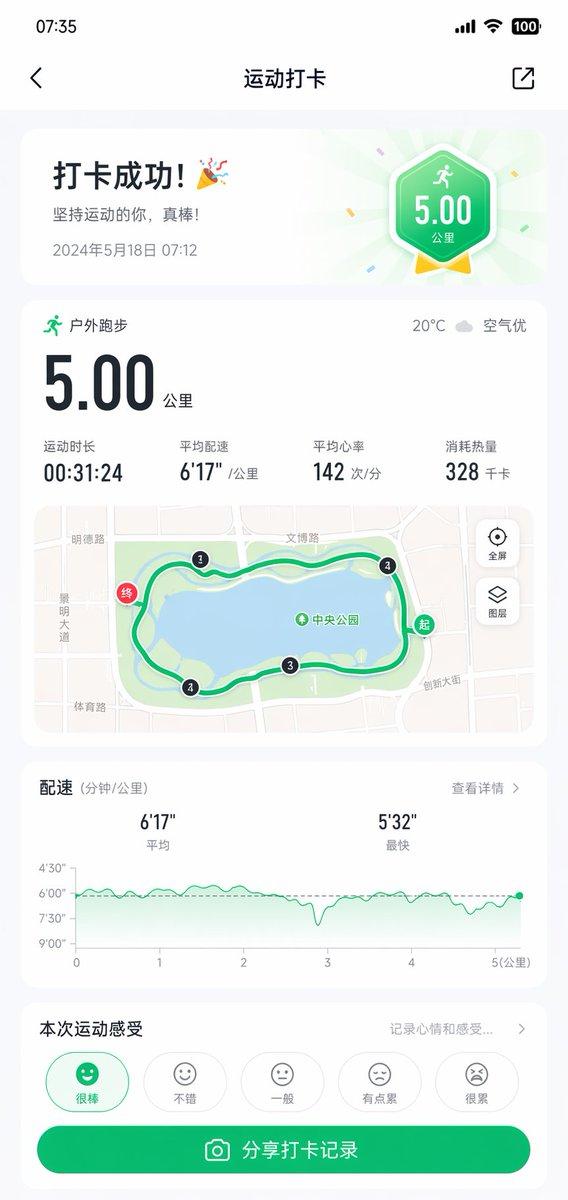
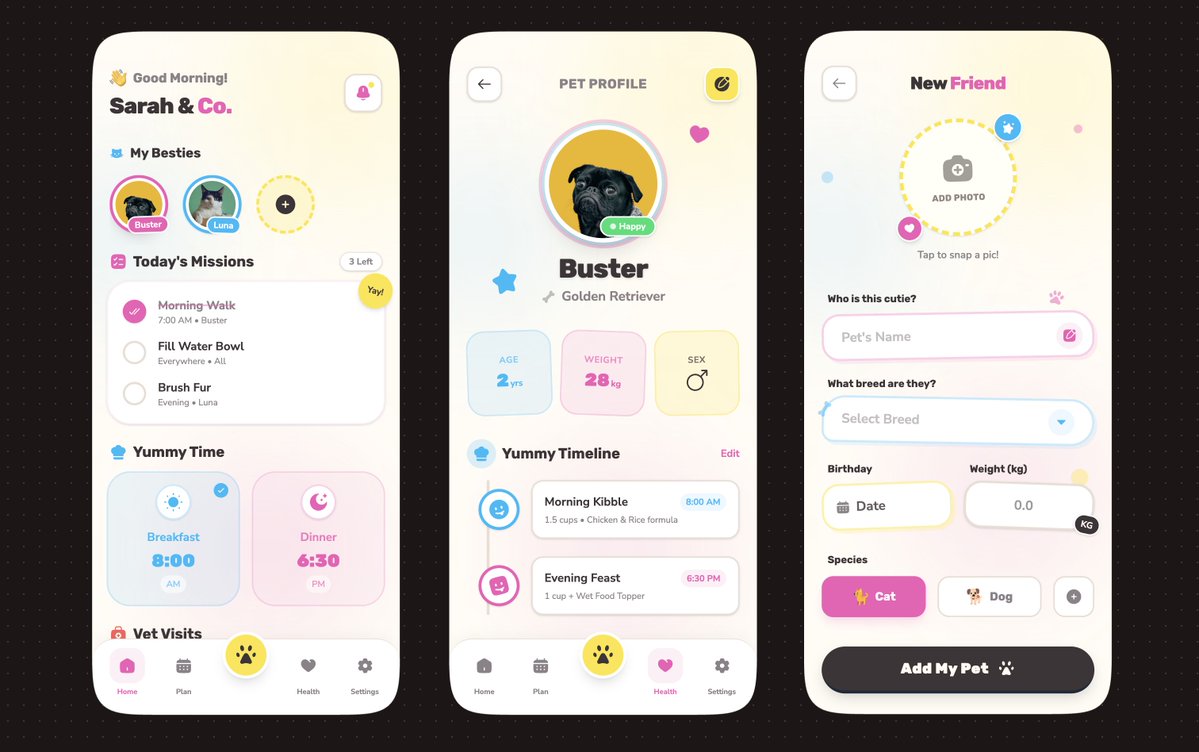
Create a refined mobile health tracking app screen for a fictional wellness product named VITA LOOP, displayed on a tall smartphone with a bright editorial UI aesthetic. Use a palette of soft mint, deep forest green, cream, coral, and cool gray. Compose a daily overview screen with clean cards, circular progress rings, miniature charts, and a tidy bottom navigation. Include crisp in-image text: "VITA LOOP", "Daily Summary", "Steps 8,420", "Sleep 7.6 h", "Heart Rate 64 bpm", and "Hydration 2.1 L". Add three progress rings labeled "Move 78%", "Recovery 84%", and "Focus 66%". Show a weekly chart labeled "Mon Tue Wed Thu Fri Sat Sun" and two buttons reading "Log Meal" and "Start Session". Add a health insight card with the text "Recovery improved 12% this week". The result should feel production-ready, medically clean, carefully spaced, sharply rendered, and optimized for crisp typography and accurate labels.
Category
UI & Interfaces
Model
GPT Image 2
Creator
wuyoscar
Views4
Source ID
106

Guide

About "Health Tracker App Mockup"

What is this prompt for?

"Health Tracker App Mockup" AI image prompt for GPT Image 2 (UI & Interfaces). Create a refined mobile health tracking app screen for a fictional wellness prod…

The full copyable prompt and example visuals above are ready for AI image generation or one-click recreate in Picva.

How to use this prompt

  1. Step 1

    Open the prompt detail

    Review the example visuals, category, and full prompt text for "Health Tracker App Mockup".

  2. Step 2

    Copy the prompt

    Copy the prompt body from this page, or load it directly in Studio.

  3. Step 3

    Pick a model (GPT Image 2)

    Prefer GPT Image 2. If you switch models, keep subject and composition and tweak style terms.

  4. Step 4

    Generate and export

    Recreate the look in Picva, or export into your workflow for editing and publishing.

FAQ

What is the "Health Tracker App Mockup" prompt?
It is an AI image-generation prompt for GPT Image 2 in the UI & Interfaces category. This page includes the full prompt text, example visuals, and a one-click recreate path in Picva.
How do I use this prompt to generate an image?
Copy the prompt from this page, or use Generate / Studio. Paste it into a compatible image model, or recreate the look in Picva with optional reference images.
Which model is this prompt for?
This page lists GPT Image 2. Most descriptive prompts also transfer to nearby image models such as GPT Image, Flux, or Midjourney with light style tweaks.
Can I use the result commercially?
You can usually copy the prompt for creation, but commercial use of the final image depends on the model terms, reference-image rights, and the generated content. Follow the source author and platform rules.