17

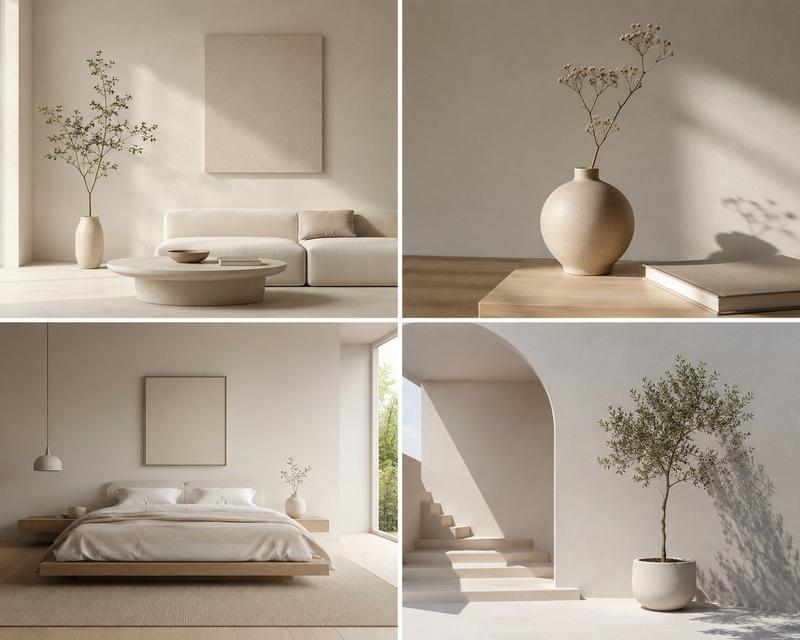
Japanese Minimalist Living Room
Enlarge

Japanese Minimalist Living Room

Prompt
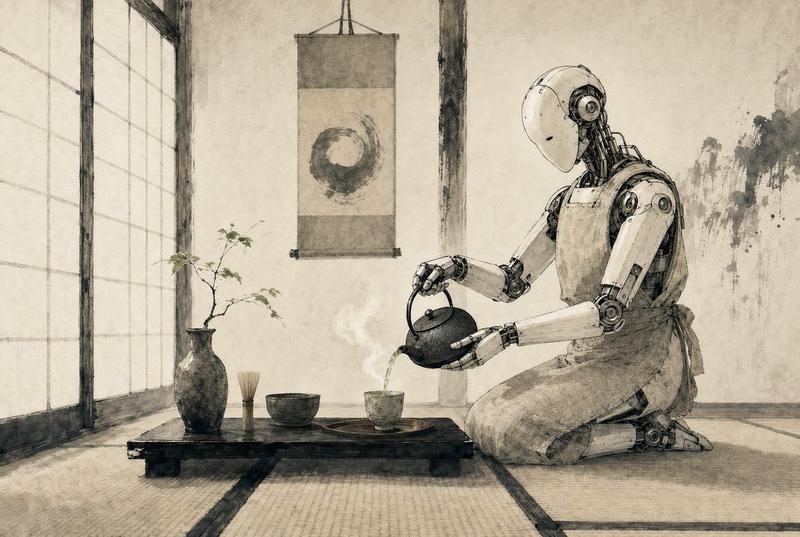
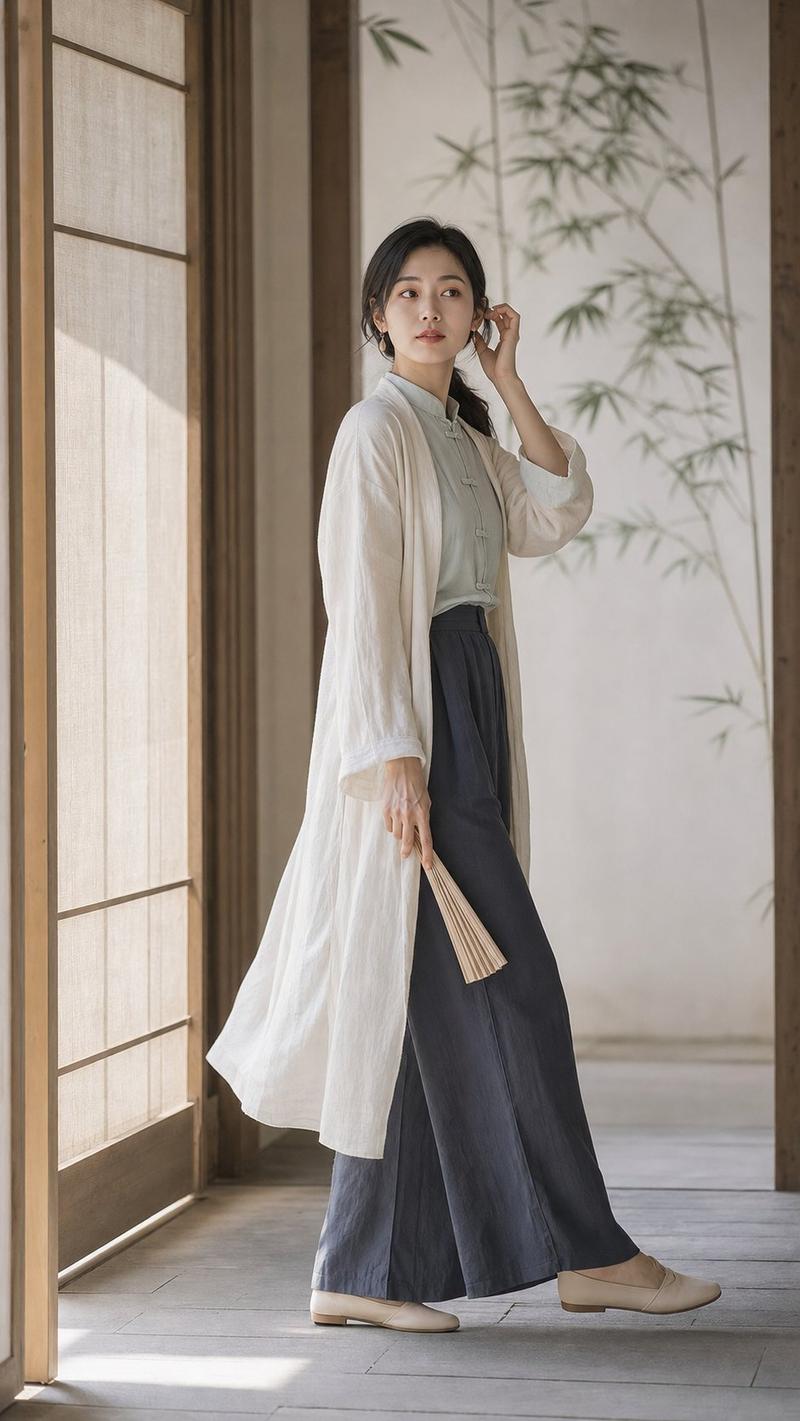
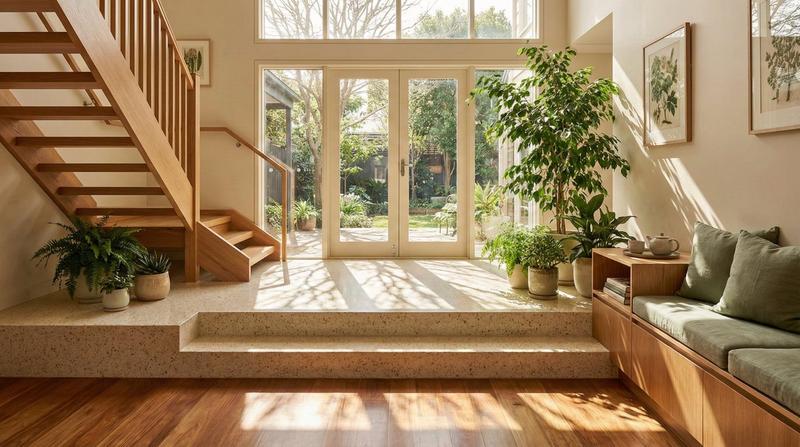
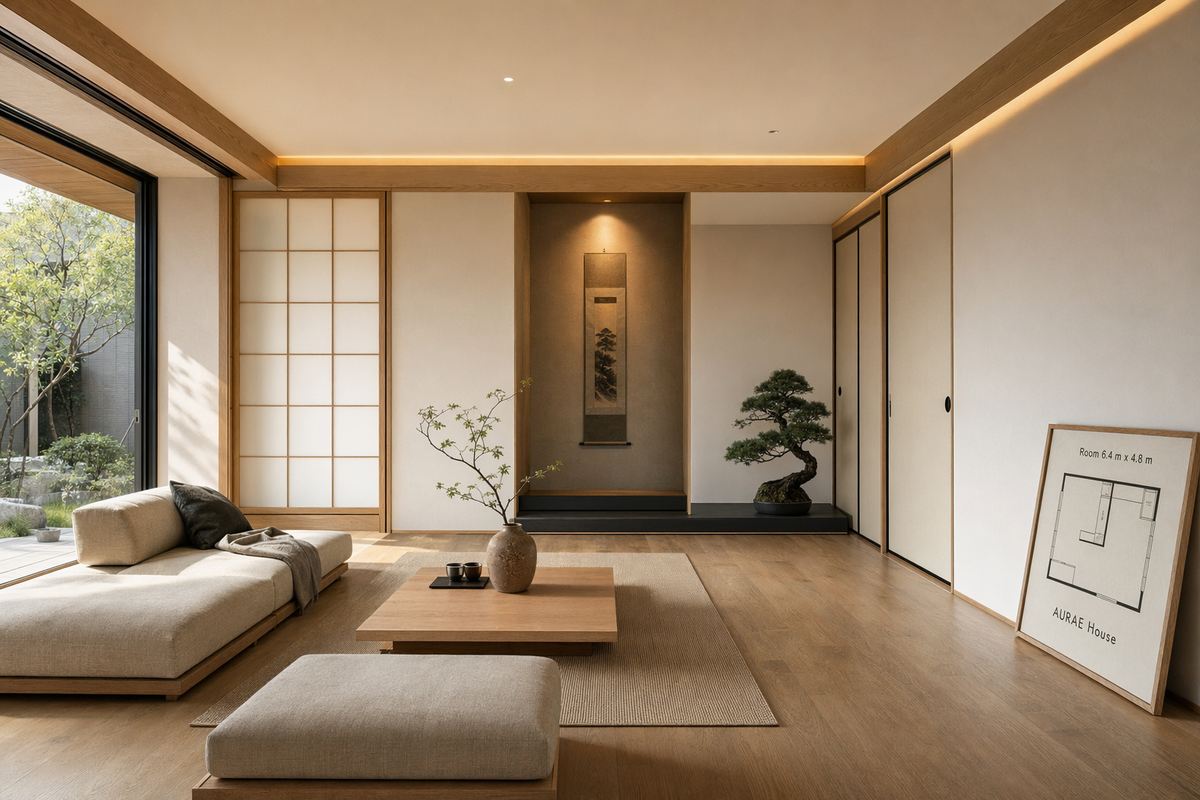
Render a serene Japanese minimalist living room interior in photorealistic architectural visualization style, viewed from eye level with a 28 mm lens feel. The space should feature light oak flooring, shoji-inspired sliding panels, low modular seating, a recessed tokonoma niche, linen textures, and soft morning light entering from the left. Use a restrained palette of warm beige, pale oak, charcoal, muted moss green, and rice-paper white. Include subtle in-image text on a small framed floor plan board that reads "Room 6.4 m x 4.8 m" and "AURAE House". Add a low tea table, one ceramic vase, a bonsai-like plant, and indirect cove lighting at 3000 K. Composition should be calm and balanced with strong negative space, realistic shadows, accurate material behavior, and magazine-quality interior rendering. Prioritize photorealism, architectural detail, crisp edges, and tasteful minimalism rather than stylized fantasy.
Category
Architecture & Spaces
Model
GPT Image 2
Creator
wuyoscar
Views2
Source ID
117

Guide

About "Japanese Minimalist Living Room"

What is this prompt for?

"Japanese Minimalist Living Room" AI image prompt for GPT Image 2 (Architecture & Spaces). Render a serene Japanese minimalist living room interior in photorea…

The full copyable prompt and example visuals above are ready for AI image generation or one-click recreate in Picva.

How to use this prompt

  1. Step 1

    Open the prompt detail

    Review the example visuals, category, and full prompt text for "Japanese Minimalist Living Room".

  2. Step 2

    Copy the prompt

    Copy the prompt body from this page, or load it directly in Studio.

  3. Step 3

    Pick a model (GPT Image 2)

    Prefer GPT Image 2. If you switch models, keep subject and composition and tweak style terms.

  4. Step 4

    Generate and export

    Recreate the look in Picva, or export into your workflow for editing and publishing.

FAQ

What is the "Japanese Minimalist Living Room" prompt?
It is an AI image-generation prompt for GPT Image 2 in the Architecture & Spaces category. This page includes the full prompt text, example visuals, and a one-click recreate path in Picva.
How do I use this prompt to generate an image?
Copy the prompt from this page, or use Generate / Studio. Paste it into a compatible image model, or recreate the look in Picva with optional reference images.
Which model is this prompt for?
This page lists GPT Image 2. Most descriptive prompts also transfer to nearby image models such as GPT Image, Flux, or Midjourney with light style tweaks.
Can I use the result commercially?
You can usually copy the prompt for creation, but commercial use of the final image depends on the model terms, reference-image rights, and the generated content. Follow the source author and platform rules.