18

Chibi Style: The Starry Bakery
Enlarge

Chibi Style: The Starry Bakery

Prompt
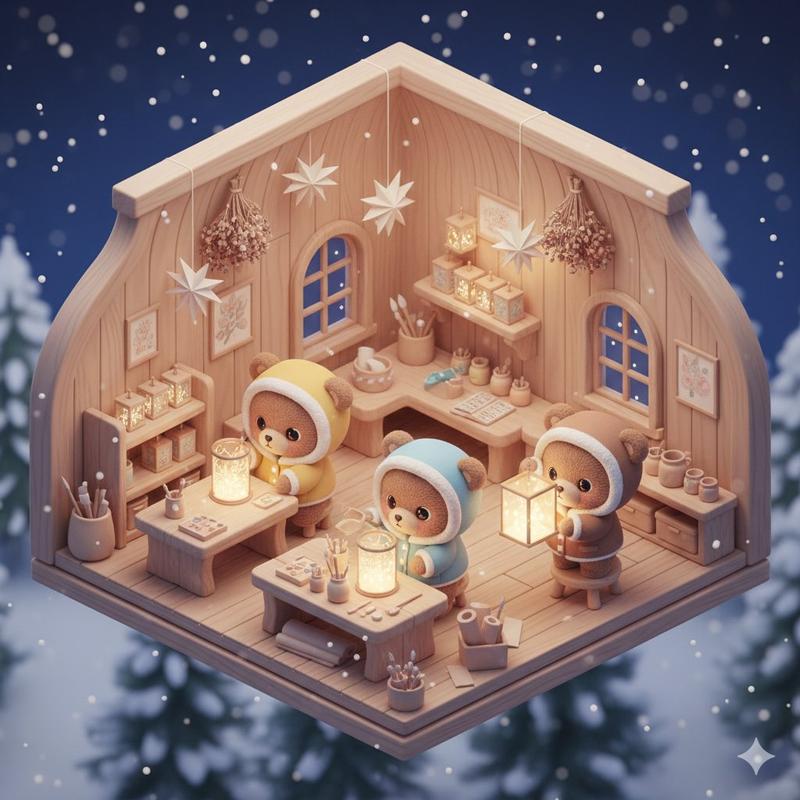
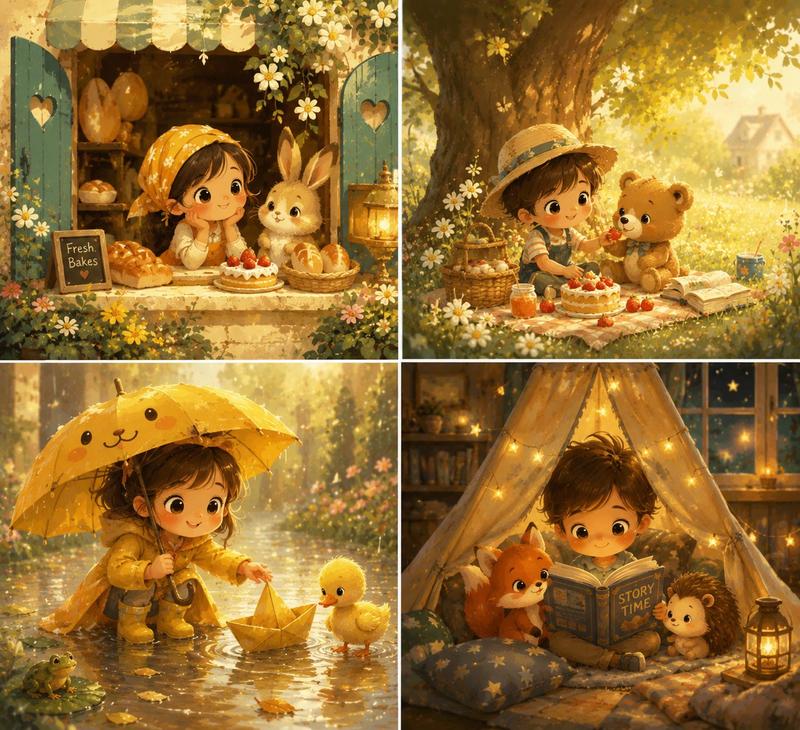
A hyper-cute 'Q-style' or chibi illustration of a tiny, magical bakery run by a group of small forest animals. The characters have oversized heads, large twinkling eyes, and tiny limbs, dressed in miniature baker hats and aprons. They are decorating giant, glowing cupcakes that look like planets. The color palette is 'Pastel Rainbow': mint, strawberry pink, lavender, and lemon. The line art is soft and rounded, in a dark chocolate brown rather than black. The background is a cozy, rounded kitchen with jars of sparkling stardust and windows looking out onto a crescent moon. The lighting is warm and sparkly, with many small 'twinkle' effects and soft white glows around the pastries. The mood is sugary-sweet, whimsical, and extremely comforting, designed for a sticker set or a children's book.
Category
Illustration & Art
Model
GPT Image 2
Creator
wuyoscar
Views6
Source ID
142

Guide

About "Chibi Style: The Starry Bakery"

What is this prompt for?

"Chibi Style: The Starry Bakery" AI image prompt for GPT Image 2 (Illustration & Art). A hyper-cute 'Q-style' or chibi illustration of a tiny, magical bakery r…

The full copyable prompt and example visuals above are ready for AI image generation or one-click recreate in Picva.

How to use this prompt

  1. Step 1

    Open the prompt detail

    Review the example visuals, category, and full prompt text for "Chibi Style: The Starry Bakery".

  2. Step 2

    Copy the prompt

    Copy the prompt body from this page, or load it directly in Studio.

  3. Step 3

    Pick a model (GPT Image 2)

    Prefer GPT Image 2. If you switch models, keep subject and composition and tweak style terms.

  4. Step 4

    Generate and export

    Recreate the look in Picva, or export into your workflow for editing and publishing.

FAQ

What is the "Chibi Style: The Starry Bakery" prompt?
It is an AI image-generation prompt for GPT Image 2 in the Illustration & Art category. This page includes the full prompt text, example visuals, and a one-click recreate path in Picva.
How do I use this prompt to generate an image?
Copy the prompt from this page, or use Generate / Studio. Paste it into a compatible image model, or recreate the look in Picva with optional reference images.
Which model is this prompt for?
This page lists GPT Image 2. Most descriptive prompts also transfer to nearby image models such as GPT Image, Flux, or Midjourney with light style tweaks.
Can I use the result commercially?
You can usually copy the prompt for creation, but commercial use of the final image depends on the model terms, reference-image rights, and the generated content. Follow the source author and platform rules.