18

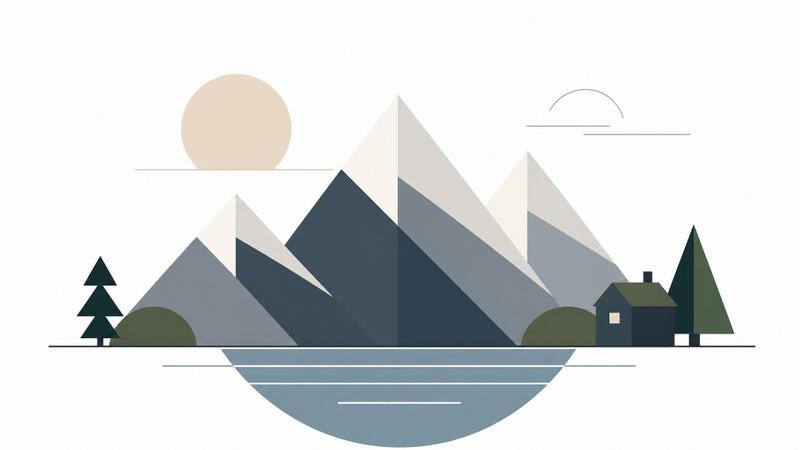
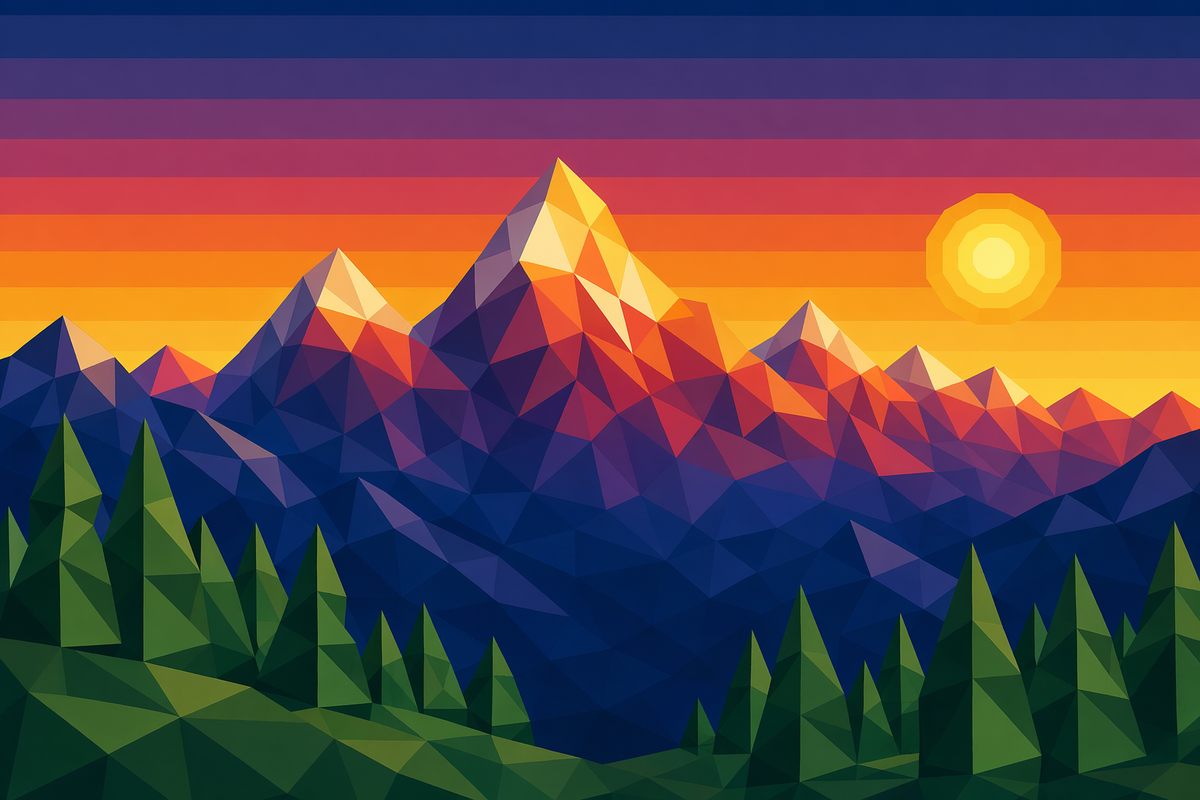
Low-Poly Geometric: Alpine Sunset
Enlarge

Low-Poly Geometric: Alpine Sunset

Prompt
A stylized landscape illustration composed entirely of sharp, flat-shaded geometric polygons. The subject is a range of snow-capped mountains at sunset. Every surface is a triangle or quadrilateral, with no curves or gradients. The lighting is calculated by the angle of the polygons, creating distinct facets of light and shadow. The color palette transitions from 'Deep Indigo' in the valleys to 'Fiery Crimson' and 'Gold' on the mountain peaks. In the foreground, a low-poly pine forest is represented by simple green tetrahedrons. The sky is a series of horizontal bands of color, with a low-poly sun made of concentric yellow circles. The overall look is reminiscent of early 3D video game aesthetics but with a modern, high-resolution finish. The mood is clean, digital, and strangely peaceful in its mathematical simplicity.
Category
Illustration & Art
Model
GPT Image 2
Creator
wuyoscar
Views1
Source ID
143

Guide

About "Low-Poly Geometric: Alpine Sunset"

What is this prompt for?

"Low-Poly Geometric: Alpine Sunset" AI image prompt for GPT Image 2 (Illustration & Art). A stylized landscape illustration composed entirely of sharp, flat-sh…

The full copyable prompt and example visuals above are ready for AI image generation or one-click recreate in Picva.

How to use this prompt

  1. Step 1

    Open the prompt detail

    Review the example visuals, category, and full prompt text for "Low-Poly Geometric: Alpine Sunset".

  2. Step 2

    Copy the prompt

    Copy the prompt body from this page, or load it directly in Studio.

  3. Step 3

    Pick a model (GPT Image 2)

    Prefer GPT Image 2. If you switch models, keep subject and composition and tweak style terms.

  4. Step 4

    Generate and export

    Recreate the look in Picva, or export into your workflow for editing and publishing.

FAQ

What is the "Low-Poly Geometric: Alpine Sunset" prompt?
It is an AI image-generation prompt for GPT Image 2 in the Illustration & Art category. This page includes the full prompt text, example visuals, and a one-click recreate path in Picva.
How do I use this prompt to generate an image?
Copy the prompt from this page, or use Generate / Studio. Paste it into a compatible image model, or recreate the look in Picva with optional reference images.
Which model is this prompt for?
This page lists GPT Image 2. Most descriptive prompts also transfer to nearby image models such as GPT Image, Flux, or Midjourney with light style tweaks.
Can I use the result commercially?
You can usually copy the prompt for creation, but commercial use of the final image depends on the model terms, reference-image rights, and the generated content. Follow the source author and platform rules.