16

Dreamscape: The Floating Garden
Enlarge

Dreamscape: The Floating Garden

Prompt
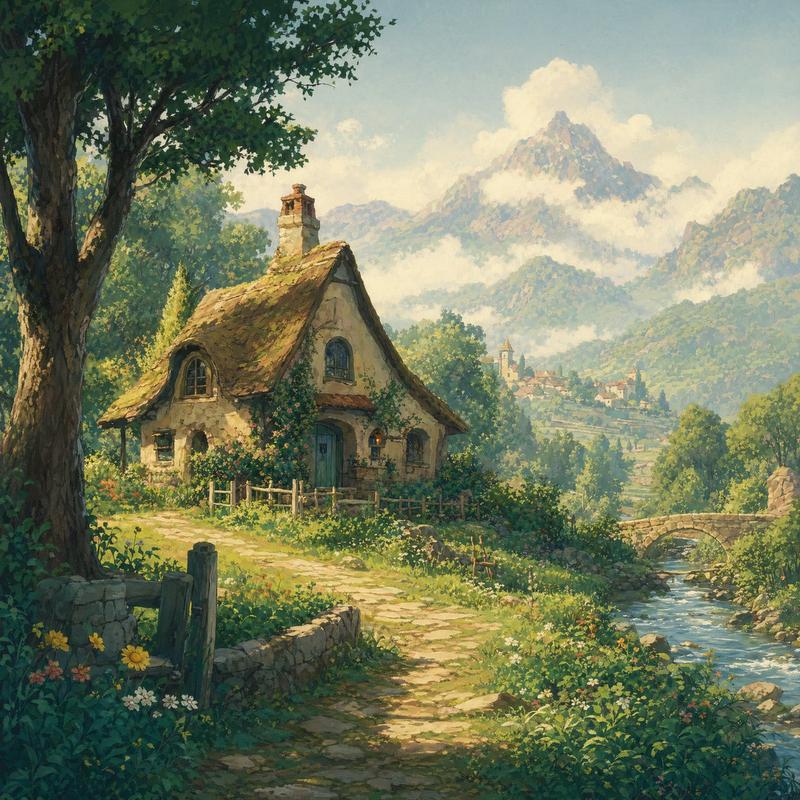
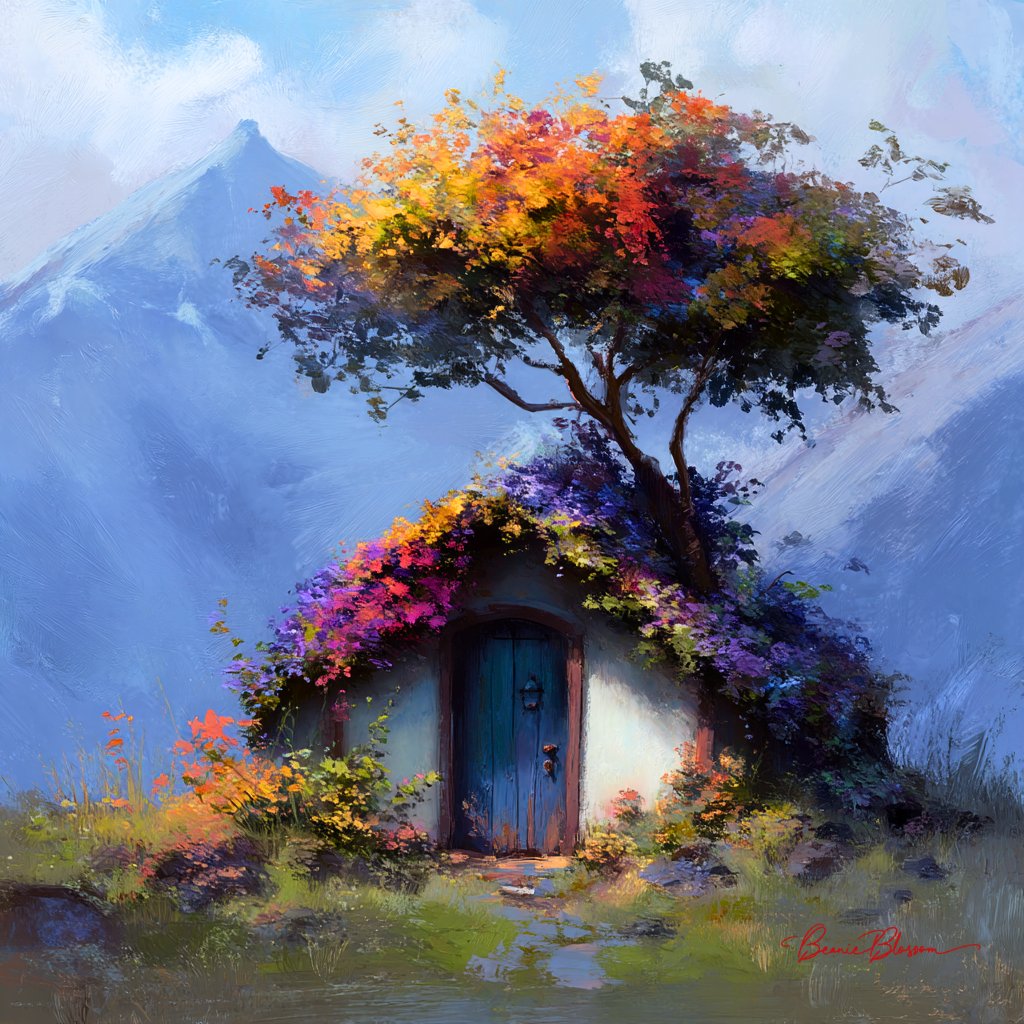
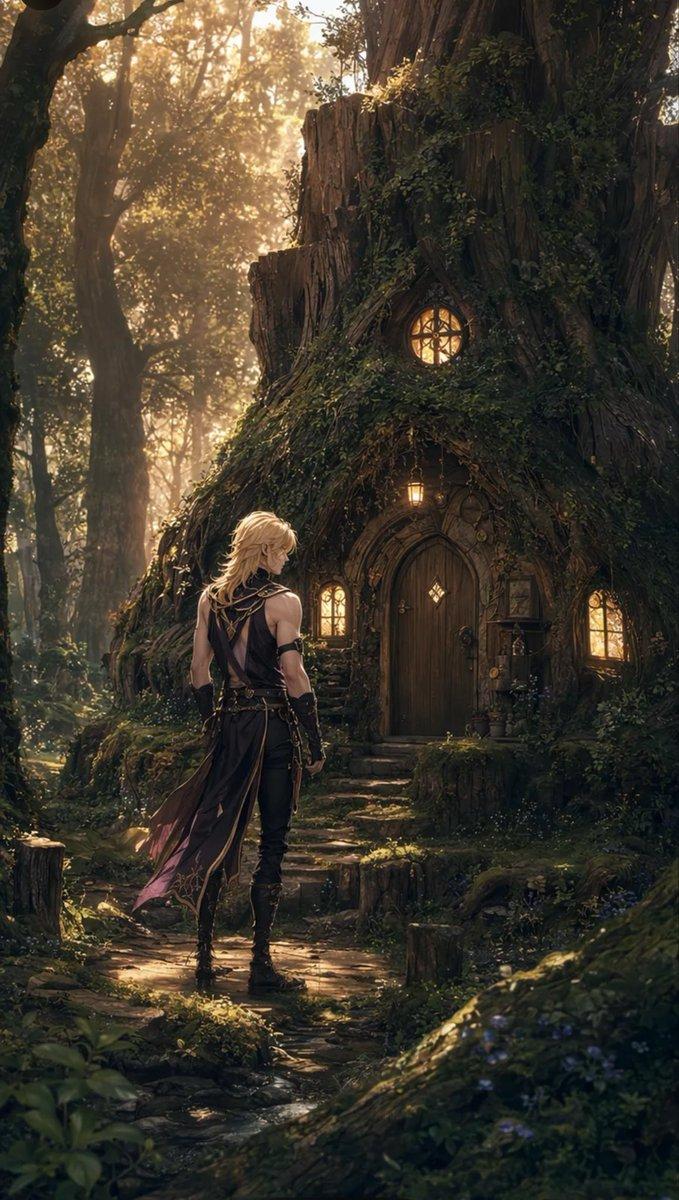
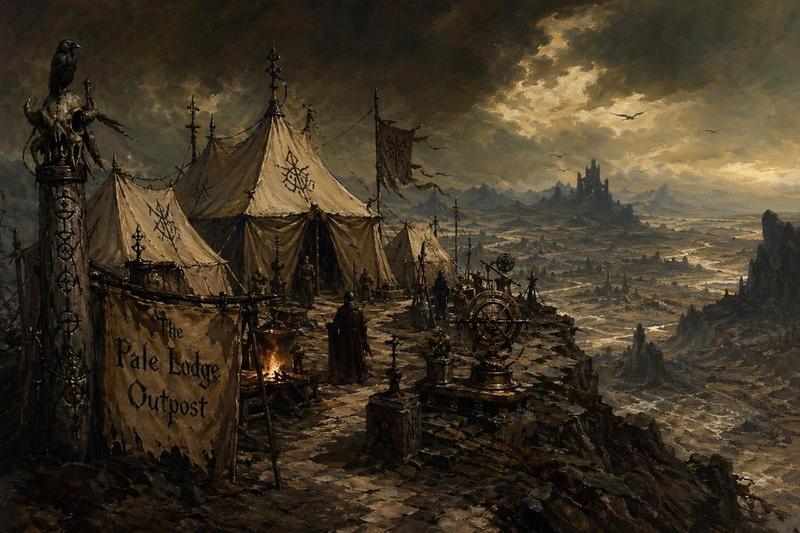
A lush, hand-painted cinematic frame in the lineage of Hayao Miyazaki's dreamlike animation. The scene features a series of small, grassy islands floating in a sea of puffy, white cumulus clouds under a brilliant turquoise sky. Ancient stone ruins covered in vibrant 'Emerald Green' moss sit among flowering fruit trees. A gentle wind is visible through the swaying of long grass and the flight of white birds. The lighting is the bright, optimistic clarity of a summer morning, with soft, painted shadows and a gentle glow on every surface. The color palette is rich and natural: cerulean, spring green, and blossom pink. The composition is open and airy, with a sense of infinite wonder and peace. The textures have a soft, gouache-like quality, with every leaf and blade of grass feeling alive and cared for. It is a world of pure imagination and environmental harmony.
Category
Scenes & Storytelling
Model
GPT Image 2
Creator
wuyoscar
Views2
Source ID
149

Guide

About "Dreamscape: The Floating Garden"

What is this prompt for?

"Dreamscape: The Floating Garden" AI image prompt for GPT Image 2 (Scenes & Storytelling). A lush, hand-painted cinematic frame in the lineage of Hayao Miyazak…

The full copyable prompt and example visuals above are ready for AI image generation or one-click recreate in Picva.

How to use this prompt

  1. Step 1

    Open the prompt detail

    Review the example visuals, category, and full prompt text for "Dreamscape: The Floating Garden".

  2. Step 2

    Copy the prompt

    Copy the prompt body from this page, or load it directly in Studio.

  3. Step 3

    Pick a model (GPT Image 2)

    Prefer GPT Image 2. If you switch models, keep subject and composition and tweak style terms.

  4. Step 4

    Generate and export

    Recreate the look in Picva, or export into your workflow for editing and publishing.

FAQ

What is the "Dreamscape: The Floating Garden" prompt?
It is an AI image-generation prompt for GPT Image 2 in the Scenes & Storytelling category. This page includes the full prompt text, example visuals, and a one-click recreate path in Picva.
How do I use this prompt to generate an image?
Copy the prompt from this page, or use Generate / Studio. Paste it into a compatible image model, or recreate the look in Picva with optional reference images.
Which model is this prompt for?
This page lists GPT Image 2. Most descriptive prompts also transfer to nearby image models such as GPT Image, Flux, or Midjourney with light style tweaks.
Can I use the result commercially?
You can usually copy the prompt for creation, but commercial use of the final image depends on the model terms, reference-image rights, and the generated content. Follow the source author and platform rules.