15

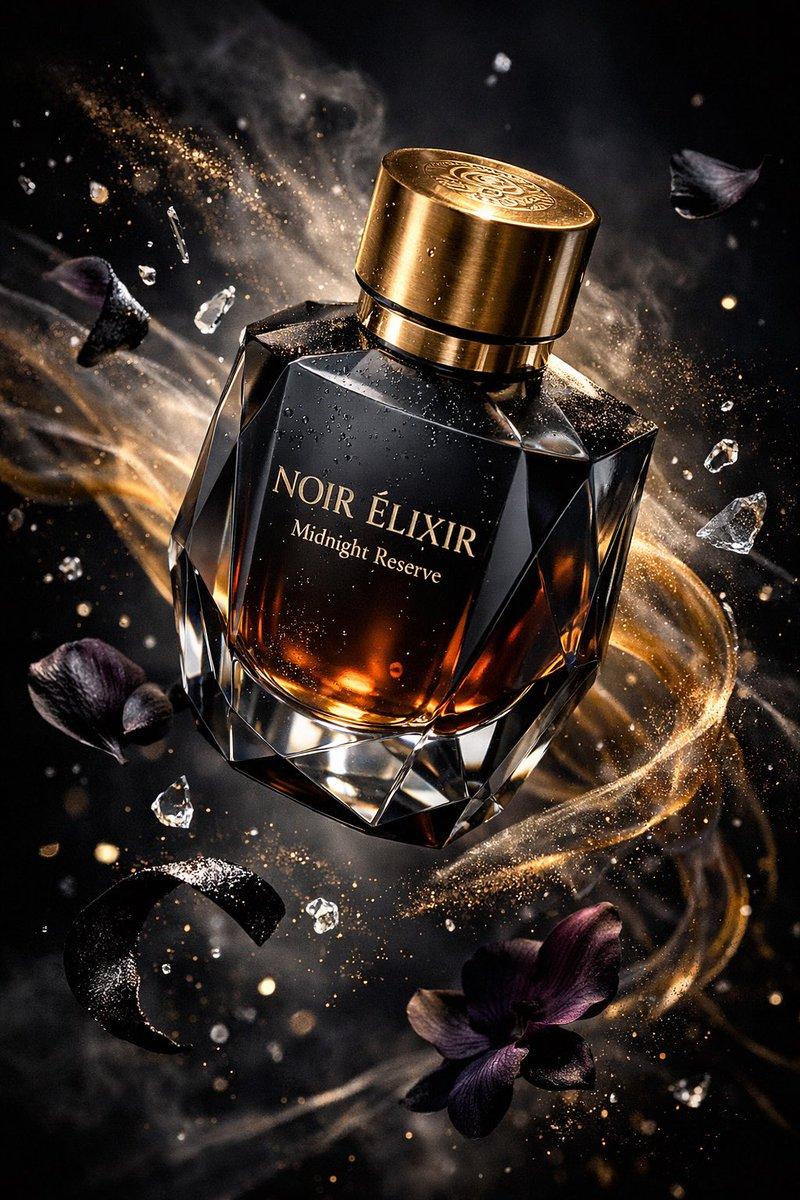
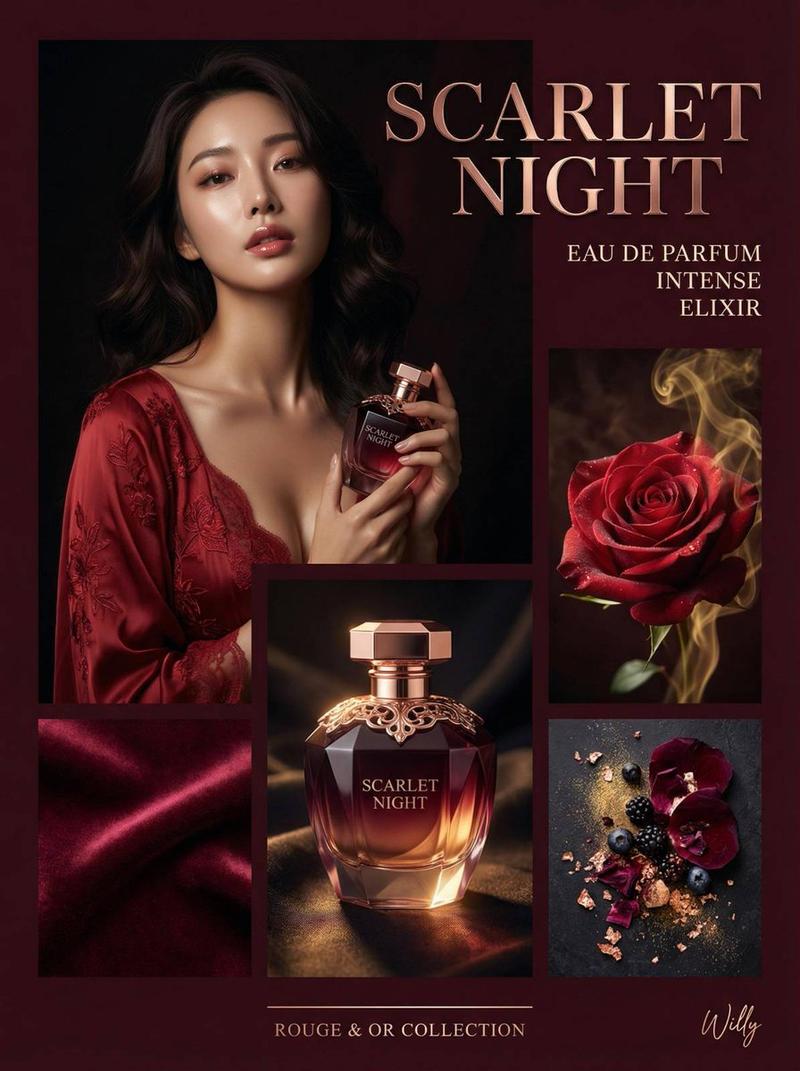
Fragrance evening ritual vanity
Enlarge

Fragrance evening ritual vanity

Prompt
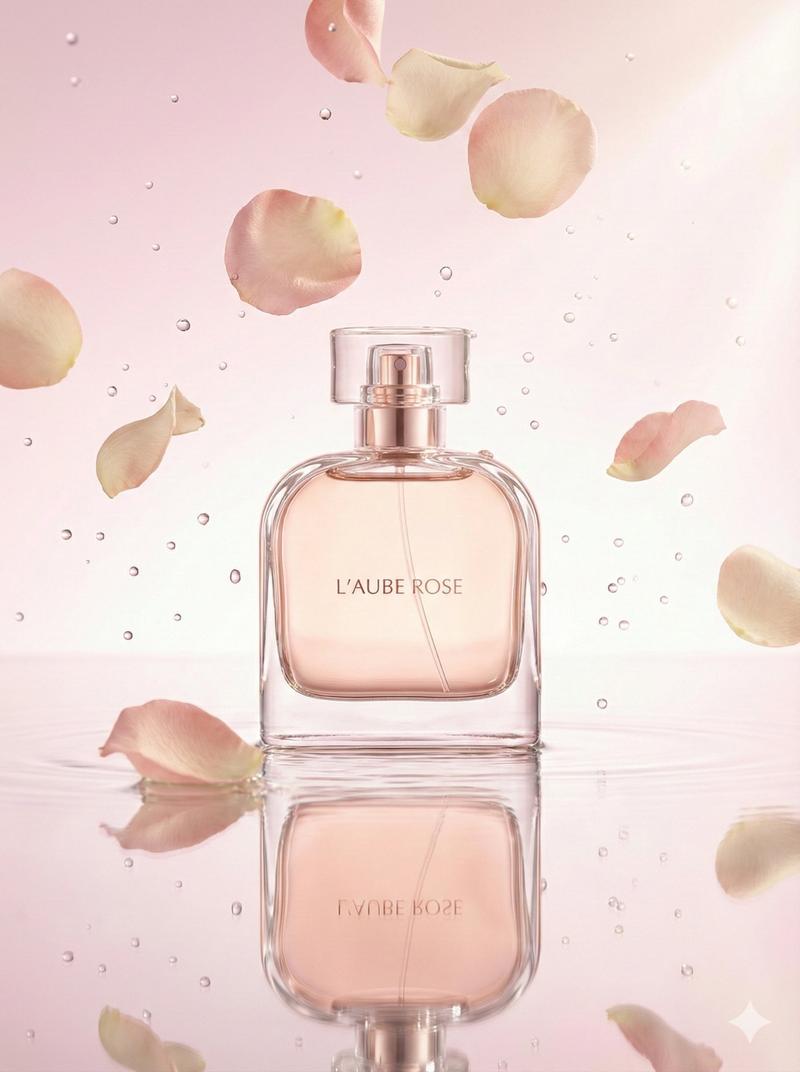
Create a portrait-oriented premium beauty and lifestyle editorial image for a boutique fragrance evening ritual. Scene: a warm marble vanity beside a softly lit bedroom window at blue hour, with two sculptural perfume bottles, a silk ribbon, pearl hair pins, a small handwritten note, a crystal glass of sparkling water, and a few dewy white flowers. Styling should feel quiet-luxury, feminine, modern, and aspirational, but natural rather than overproduced. Use a palette of champagne gold, warm ivory, dusty rose, soft lavender shadows, and clear glass highlights. Lighting: candle glow mixed with cool evening window light, glossy reflections on marble, shallow depth of field, premium product-photography realism. Composition: vertical magazine still life, elegant negative space, no brand logos, no real-person likeness, no clutter, no text except a tiny tasteful note reading "EVENING RITUAL".
Category
Photography & Realism
Model
GPT Image 2
Creator
wuyoscar
Views3
Source ID
154

Guide

About "Fragrance evening ritual vanity"

What is this prompt for?

"Fragrance evening ritual vanity" AI image prompt for GPT Image 2 (Photography & Realism). Create a portrait-oriented premium beauty and lifestyle editorial im…

The full copyable prompt and example visuals above are ready for AI image generation or one-click recreate in Picva.

How to use this prompt

  1. Step 1

    Open the prompt detail

    Review the example visuals, category, and full prompt text for "Fragrance evening ritual vanity".

  2. Step 2

    Copy the prompt

    Copy the prompt body from this page, or load it directly in Studio.

  3. Step 3

    Pick a model (GPT Image 2)

    Prefer GPT Image 2. If you switch models, keep subject and composition and tweak style terms.

  4. Step 4

    Generate and export

    Recreate the look in Picva, or export into your workflow for editing and publishing.

FAQ

What is the "Fragrance evening ritual vanity" prompt?
It is an AI image-generation prompt for GPT Image 2 in the Photography & Realism category. This page includes the full prompt text, example visuals, and a one-click recreate path in Picva.
How do I use this prompt to generate an image?
Copy the prompt from this page, or use Generate / Studio. Paste it into a compatible image model, or recreate the look in Picva with optional reference images.
Which model is this prompt for?
This page lists GPT Image 2. Most descriptive prompts also transfer to nearby image models such as GPT Image, Flux, or Midjourney with light style tweaks.
Can I use the result commercially?
You can usually copy the prompt for creation, but commercial use of the final image depends on the model terms, reference-image rights, and the generated content. Follow the source author and platform rules.