16

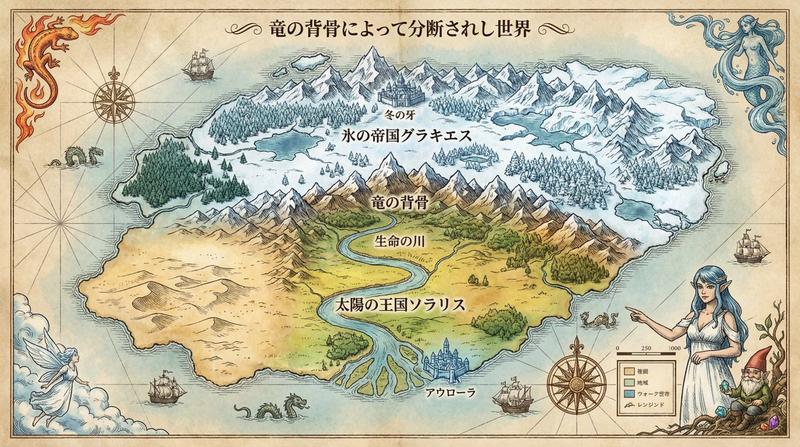
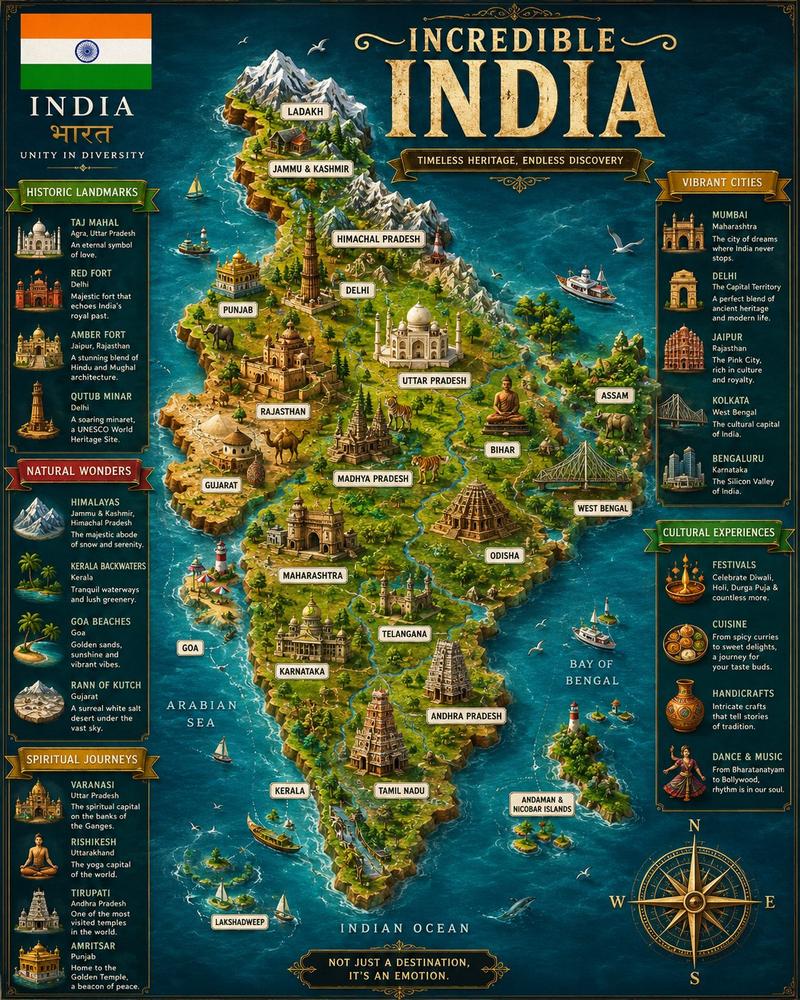
Huashan 5A scenic wayfinding map
Enlarge

Huashan 5A scenic wayfinding map

Prompt
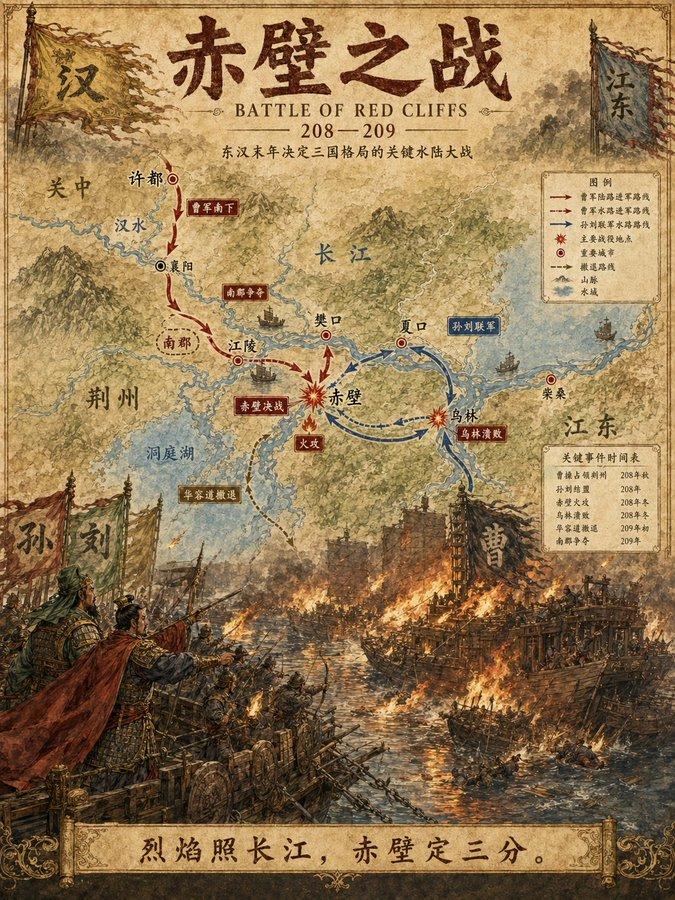
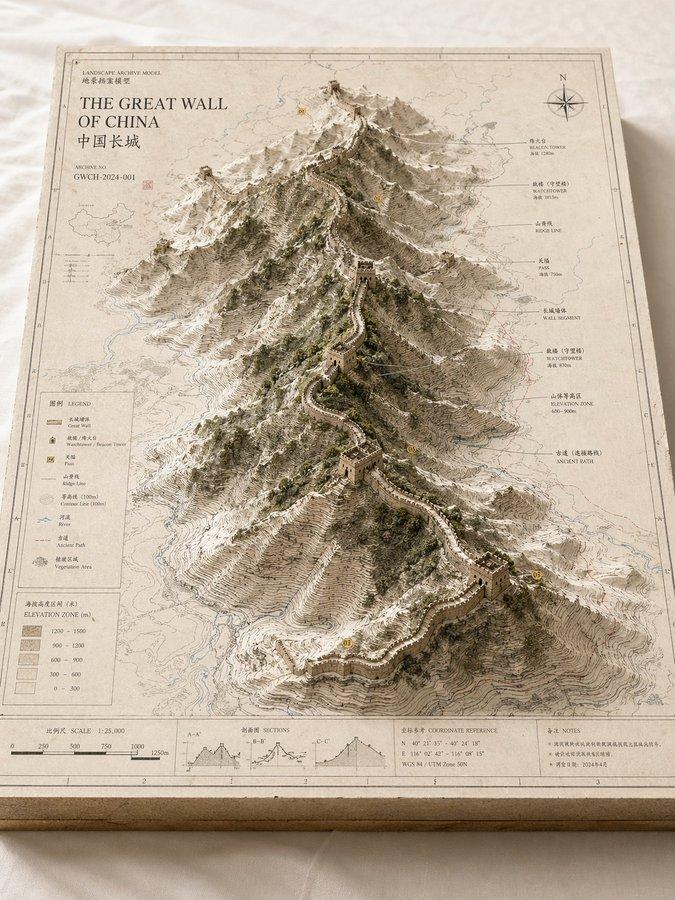
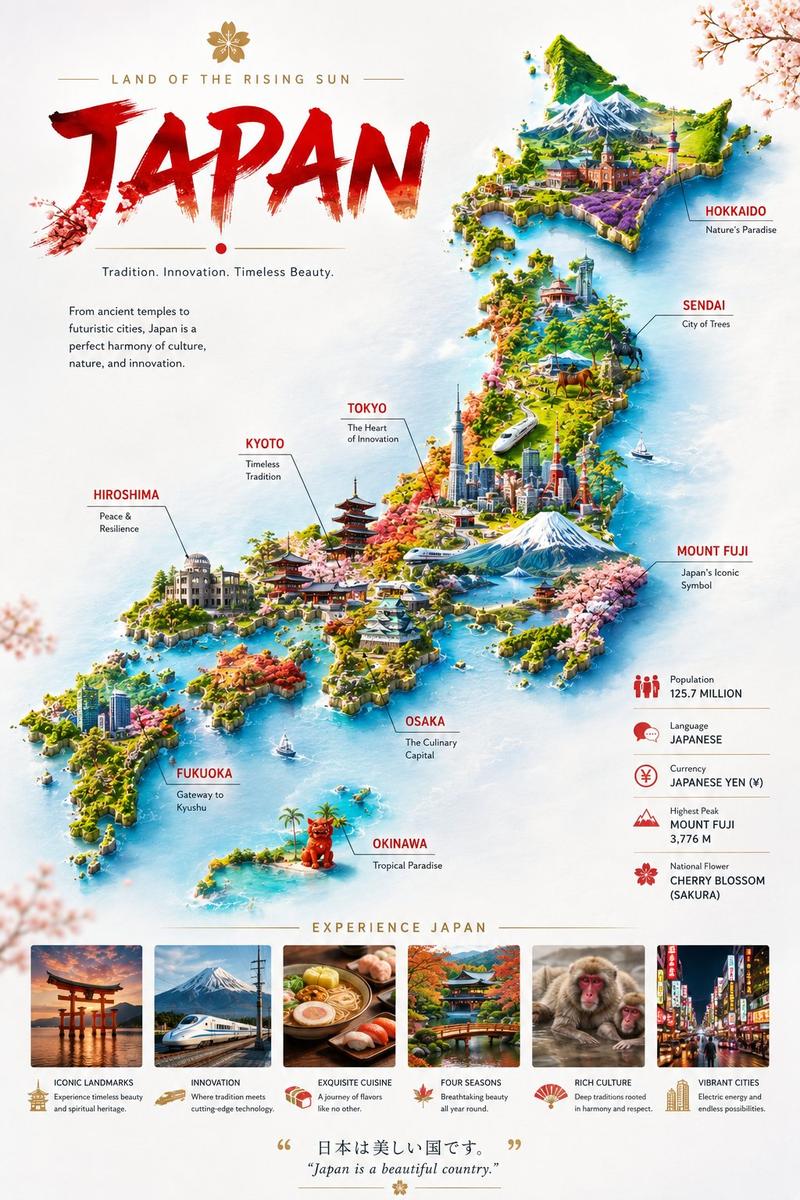
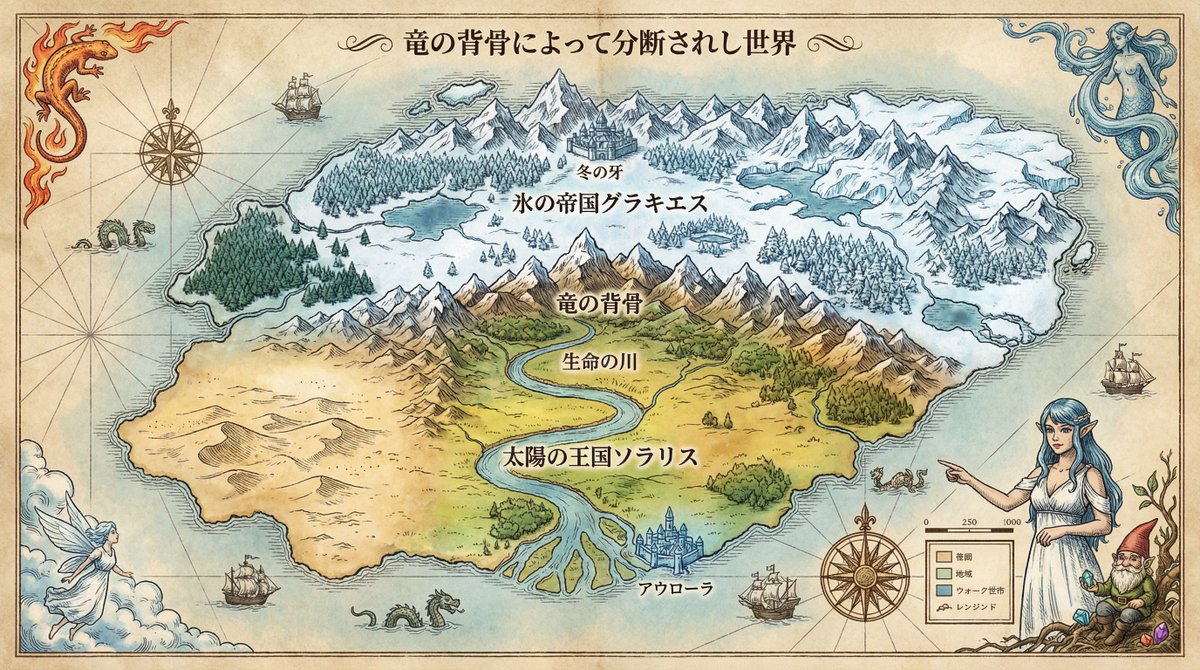
Design a polished Chinese 5A scenic-area visitor navigation map for Huashan, titled with crisp Chinese text "华山游览导览图" and subtitle "国家5A级旅游景区". Landscape 3:2 orientation (1536×1024), premium illustrated map style for a visitor center brochure. Show dramatic mountain ridges, cable car routes, trail paths, scenic nodes, and safety icons. Include readable labels: "北峰", "西峰", "南峰", "东峰", "中峰", "游客中心", "索道", "栈道", "观景台", "卫生间", "急救点". Add a small legend, route colors, elevation hints, north arrow, and a compact note "请量力而行 注意安全". Palette: ink-wash mountain gray, pine green, sunrise gold, cinnabar red route marks, and clean black Chinese typography. Make it practical, beautiful, culturally Chinese, and suitable for a tourism wayfinding panel; no fake official seals, no sponsor logos.
Category
Charts & Infographics
Model
GPT Image 2
Creator
wuyoscar
Views2
Source ID
156

Guide

About "Huashan 5A scenic wayfinding map"

What is this prompt for?

"Huashan 5A scenic wayfinding map" AI image prompt for GPT Image 2 (Charts & Infographics). Design a polished Chinese 5A scenic-area visitor navigation map for…

The full copyable prompt and example visuals above are ready for AI image generation or one-click recreate in Picva.

How to use this prompt

  1. Step 1

    Open the prompt detail

    Review the example visuals, category, and full prompt text for "Huashan 5A scenic wayfinding map".

  2. Step 2

    Copy the prompt

    Copy the prompt body from this page, or load it directly in Studio.

  3. Step 3

    Pick a model (GPT Image 2)

    Prefer GPT Image 2. If you switch models, keep subject and composition and tweak style terms.

  4. Step 4

    Generate and export

    Recreate the look in Picva, or export into your workflow for editing and publishing.

FAQ

What is the "Huashan 5A scenic wayfinding map" prompt?
It is an AI image-generation prompt for GPT Image 2 in the Charts & Infographics category. This page includes the full prompt text, example visuals, and a one-click recreate path in Picva.
How do I use this prompt to generate an image?
Copy the prompt from this page, or use Generate / Studio. Paste it into a compatible image model, or recreate the look in Picva with optional reference images.
Which model is this prompt for?
This page lists GPT Image 2. Most descriptive prompts also transfer to nearby image models such as GPT Image, Flux, or Midjourney with light style tweaks.
Can I use the result commercially?
You can usually copy the prompt for creation, but commercial use of the final image depends on the model terms, reference-image rights, and the generated content. Follow the source author and platform rules.