17

像极了某位老师 GPT- image 2 prompt 创建一幅逼真的 3:4 全身肖像,描绘一位异常美丽的成年东亚女性,大约二十五岁左右,站在...
Enlarge

像极了某位老师 GPT- image 2 prompt 创建一幅逼真的 3:4 全身肖像,描绘一位异常美丽的成年东亚女性,大约二十五岁左右,站在...

Prompt
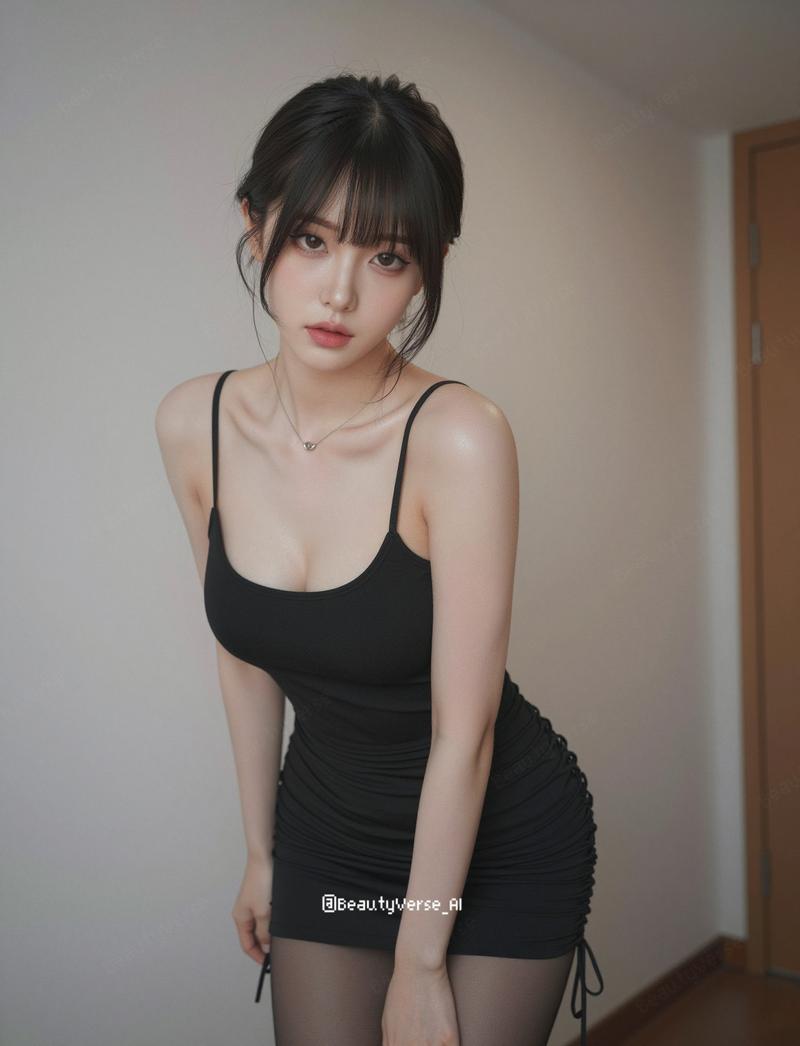
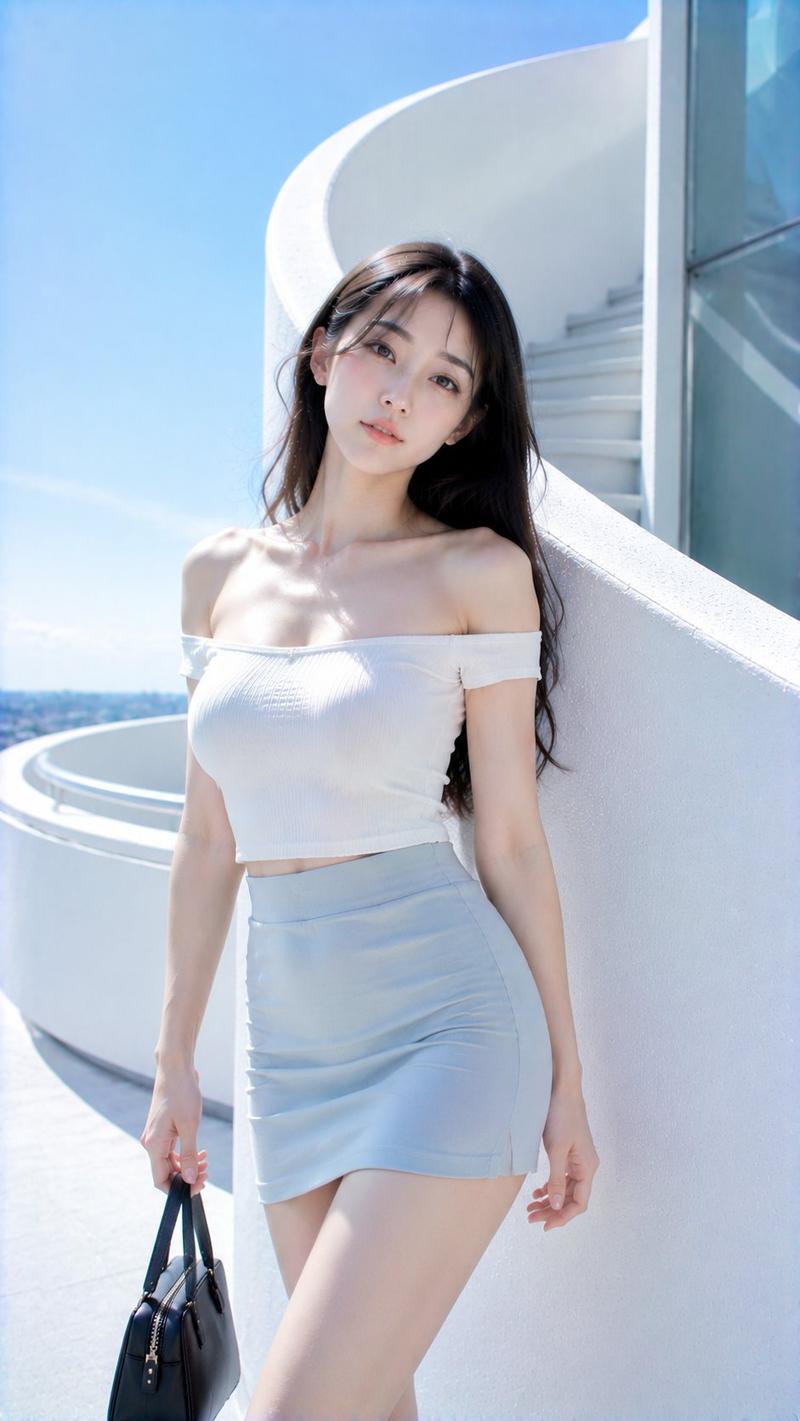
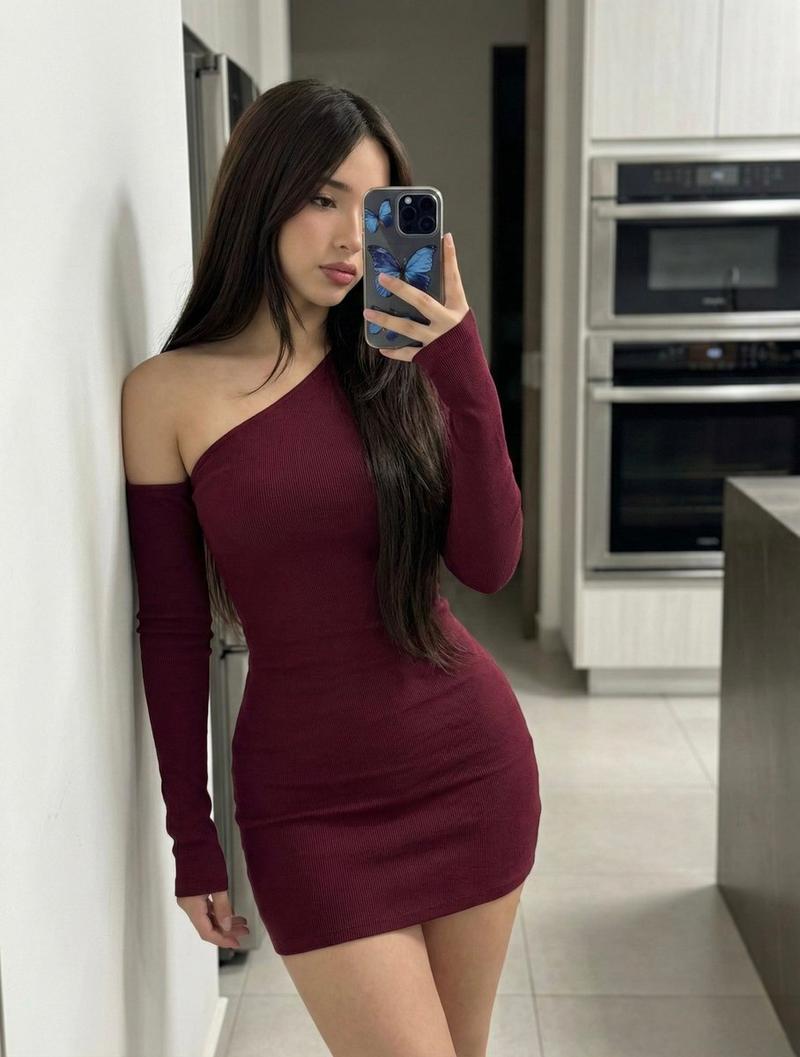
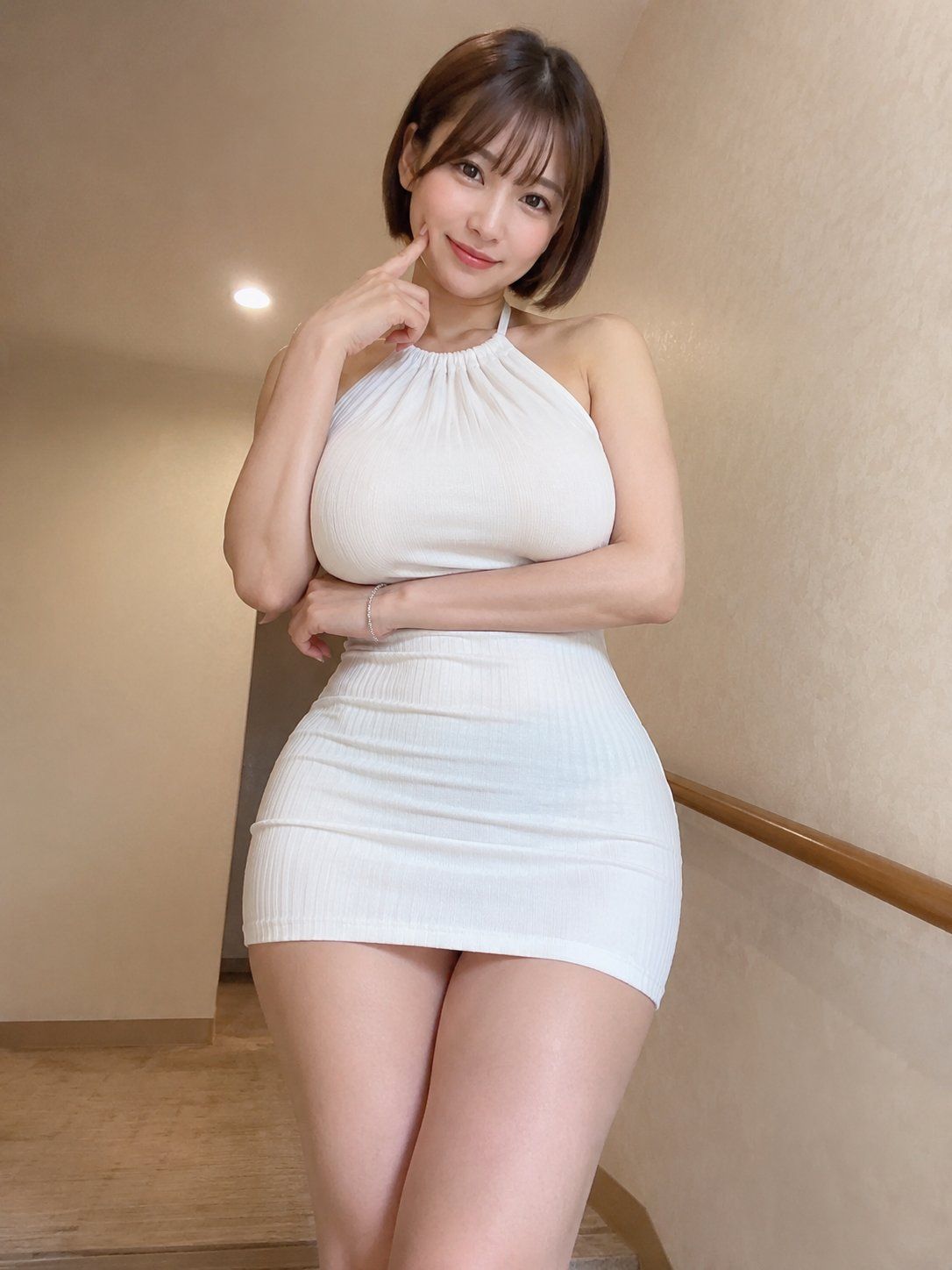
像极了某位老师 GPT- image 2 prompt 创建一幅逼真的 3:4 全身肖像,描绘一位异常美丽的成年东亚女性,大约二十五岁左右,站在一个安静的现代走廊里,走廊有温暖的米色墙壁、简约的木质扶手和柔和的天花板灯光。
Category
创意图片
Model
GPT Image 2
Views3
Source ID
2078469472008945840
Published
Jul 19, 2026

Guide

About "像极了某位老师 GPT- image 2 prompt 创建一幅逼真的 3:4 全身肖像,描绘一位异常美丽的成年东亚女性,大约二十五岁左右,站在..."

What is this prompt for?

"像极了某位老师 GPT- image 2 prompt 创建一幅逼真的 3:4 全身肖像,描绘一位异常美丽的成年东亚女性,大约二十五岁左右,站在..." AI image prompt for GPT Image 2 (创意图片). Saved from X post by @johnAGI168. 像极了某位老师…

The full copyable prompt and example visuals above are ready for AI image generation or one-click recreate in Picva.

How to use this prompt

  1. Step 1

    Open the prompt detail

    Review the example visuals, category, and full prompt text for "像极了某位老师 GPT- image 2 prompt 创建一幅逼真的 3:4 全身肖像,描绘一位异常美丽的成年东亚女性,大约二十五岁左右,站在...".

  2. Step 2

    Copy the prompt

    Copy the prompt body from this page, or load it directly in Studio.

  3. Step 3

    Pick a model (GPT Image 2)

    Prefer GPT Image 2. If you switch models, keep subject and composition and tweak style terms.

  4. Step 4

    Generate and export

    Recreate the look in Picva, or export into your workflow for editing and publishing.

FAQ

What is the "像极了某位老师 GPT- image 2 prompt 创建一幅逼真的 3:4 全身肖像,描绘一位异常美丽的成年东亚女性,大约二十五岁左右,站在..." prompt?
It is an AI image-generation prompt for GPT Image 2 in the 创意图片 category. This page includes the full prompt text, example visuals, and a one-click recreate path in Picva.
How do I use this prompt to generate an image?
Copy the prompt from this page, or use Generate / Studio. Paste it into a compatible image model, or recreate the look in Picva with optional reference images.
Which model is this prompt for?
This page lists GPT Image 2. Most descriptive prompts also transfer to nearby image models such as GPT Image, Flux, or Midjourney with light style tweaks.
Can I use the result commercially?
You can usually copy the prompt for creation, but commercial use of the final image depends on the model terms, reference-image rights, and the generated content. Follow the source author and platform rules.