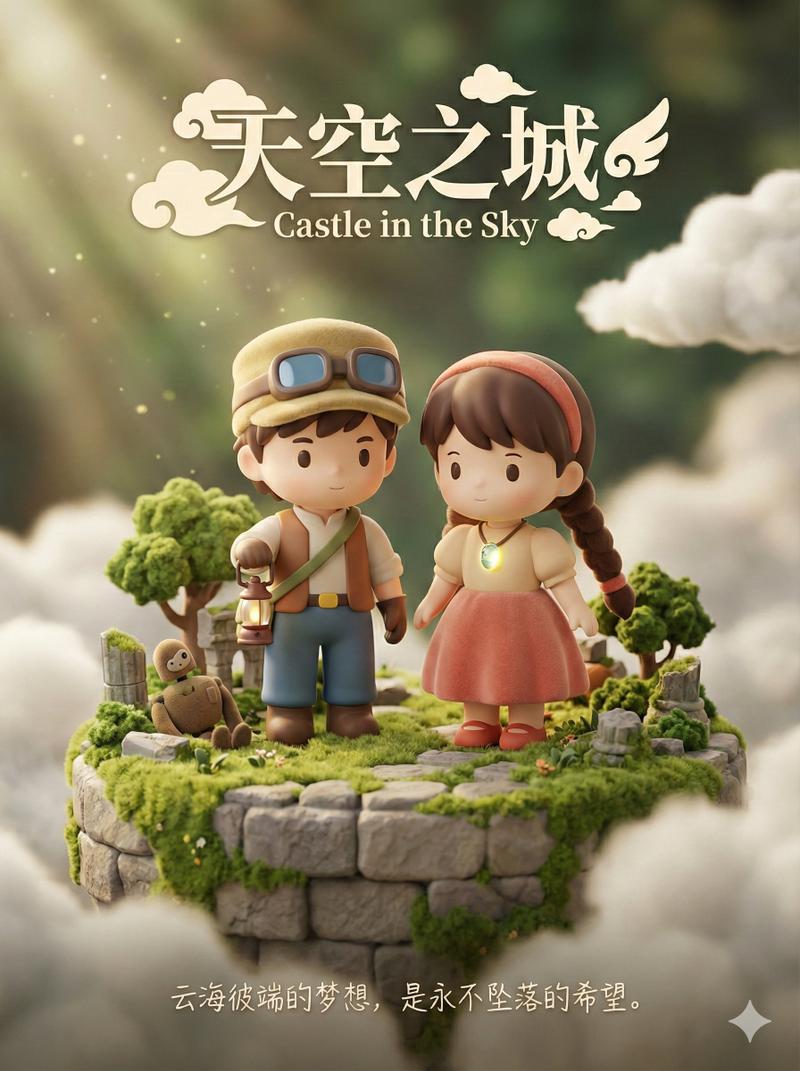
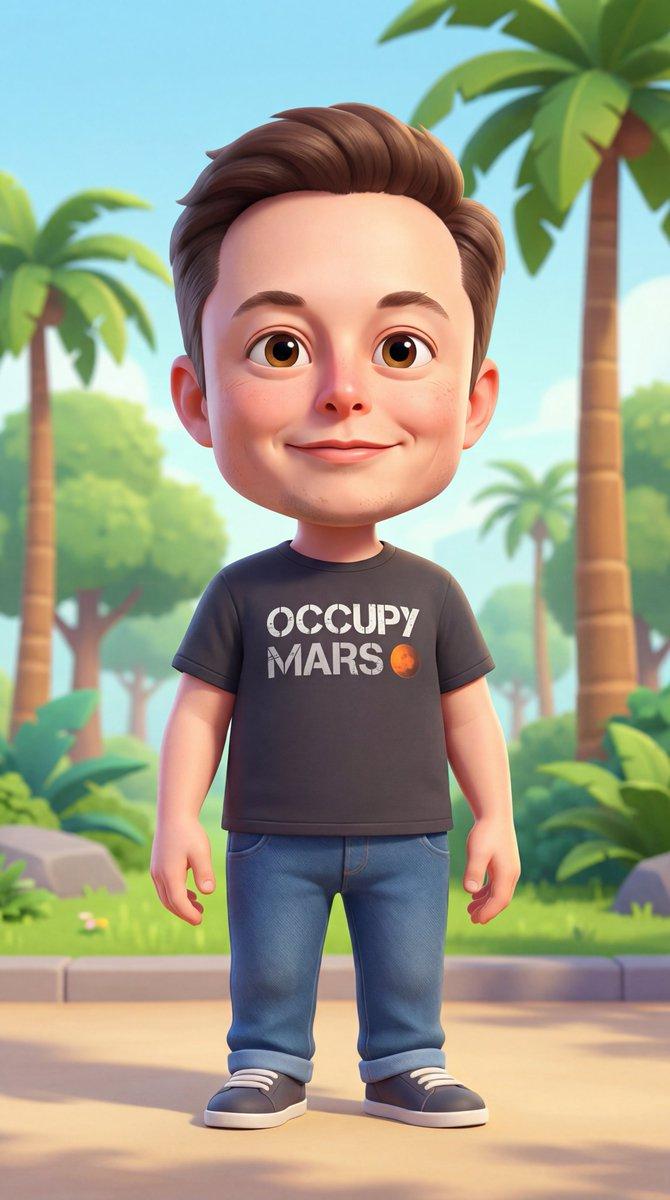
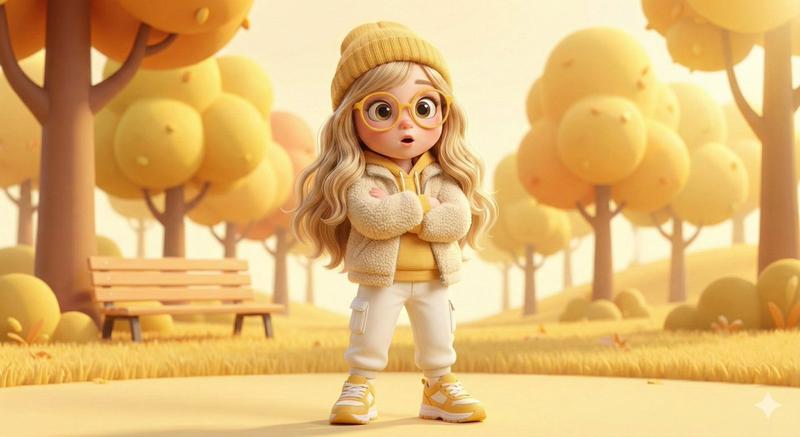
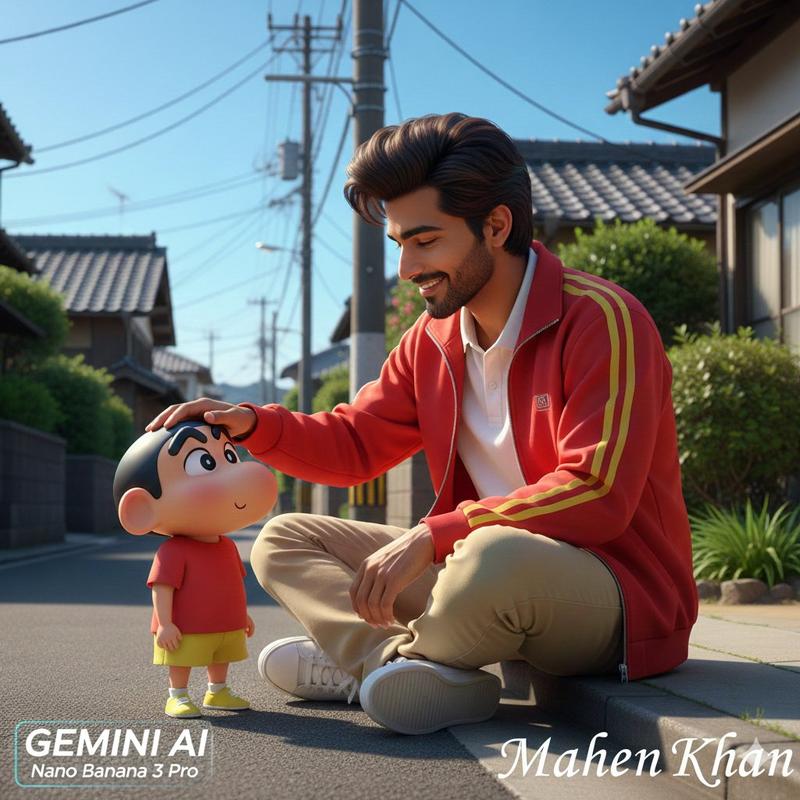
3D Q版风格角色转换
Prompt
把照片变成 3D Q版风格
工具:Sora 或 GPT-4o
提示词(需要上传一张照片):
将场景中的角色转化为3D Q版风格,同时保持原本的场景布置和服装造型不变。 https://t.co/vUnjE9ymEu
- Category
- Illustration & Art
- Model
- Unknown
- Creator
- 宝玉
- Source ID
- 3d-chibi-style-character-transformation
Views5
17

把照片变成 3D Q版风格 工具:Sora 或 GPT-4o 提示词(需要上传一张照片): 将场景中的角色转化为3D Q版风格,同时保持原本的场景布置和服装造型不变。 https://t.co/vUnjE9ymEu
Guide
"3D Q版风格角色转换" AI image prompt for Unknown (Illustration & Art). 把照片变成 3D Q版风格 工具:Sora 或 GPT-4o 提示词(需要上传一张照片): 将场景中的角色转化为3D Q版风格,同时保持原本的场景布置和服装造型不变。 https://t.c…
The full copyable prompt and example visuals above are ready for AI image generation or one-click recreate in Picva.
Step 1
Review the example visuals, category, and full prompt text for "3D Q版风格角色转换".
Step 2
Copy the prompt body from this page, or load it directly in Studio.
Step 3
Prefer Unknown. If you switch models, keep subject and composition and tweak style terms.
Step 4
Recreate the look in Picva, or export into your workflow for editing and publishing.