16

夜色石阶上的AI捕捉
Enlarge

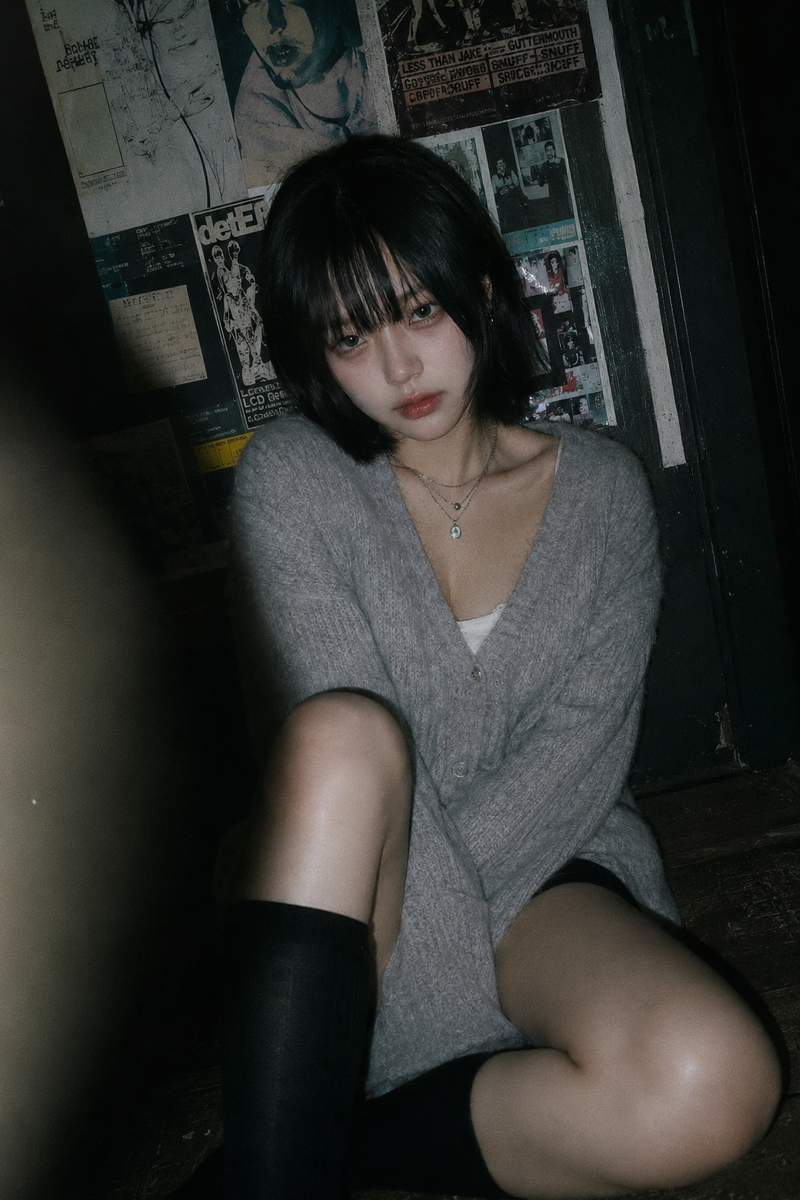
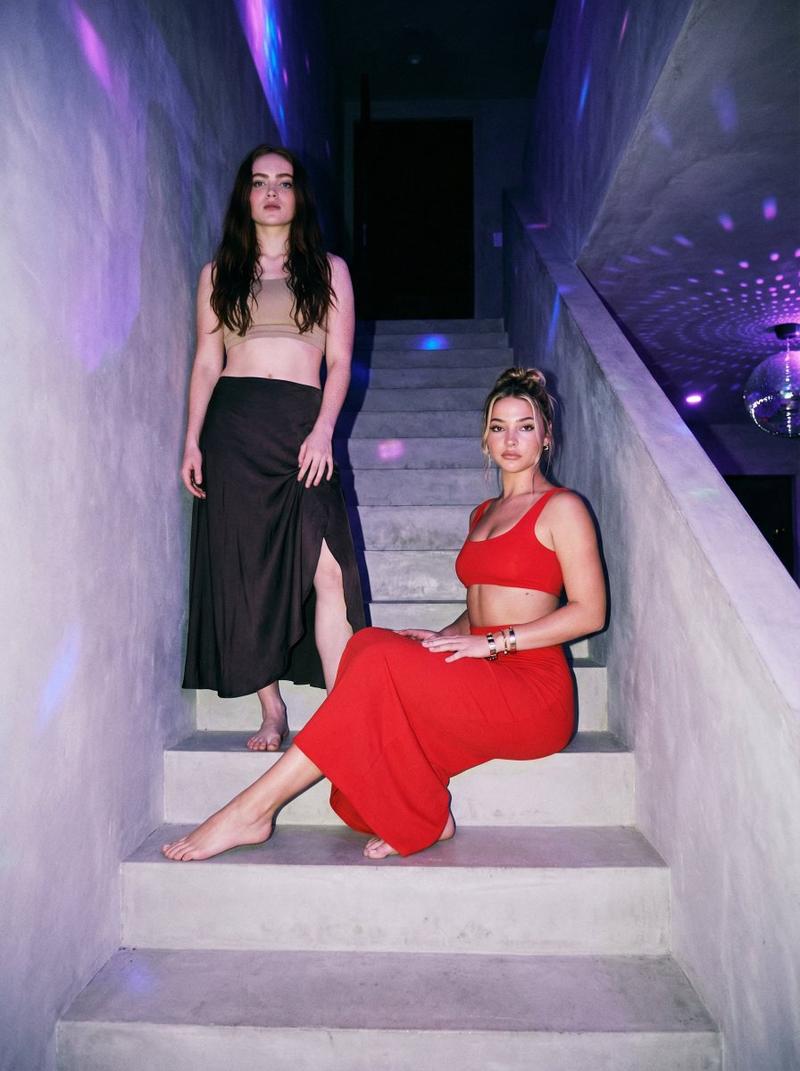
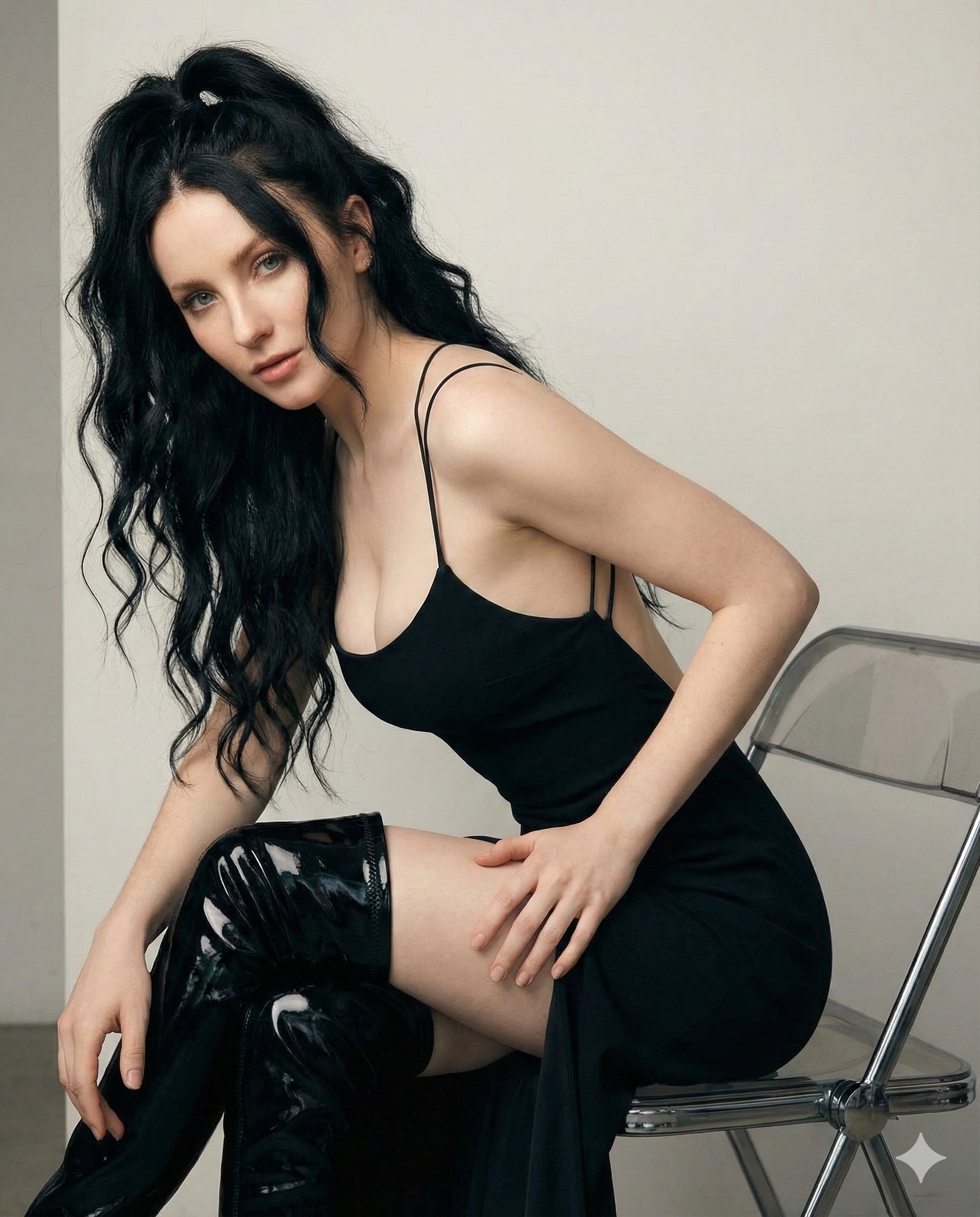
夜色石阶上的AI捕捉

Prompt
Grok AI
Prompt:
{
"scene": {
"environment": "ancient stone steps at night",
"mood": "moody, quiet, atmospheric",
"lighting": "soft on-camera flash creating a nostalgic 90s-film glow",
"tones": "rich, gothic romanticism with soft grunge elegance",
"background": "old stone walls with faint textures and subtle shadows"
},
"subject": {
"identity": "facial features must remain 100% unchanged from the reference photo",
"appearance": {
"age": "young adult woman",
"hair": "long, wavy hair cascading naturally over shoulders",
"makeup": "sultry, matte dark red lips, defined eyes"
},
"pose": "sitting in a relaxed, introspective position on the steps",
"wardrobe": {
"dress": "deep burgundy cutout dress",
"tights": "sheer black lace tights",
"shoes": "chunky black platform boots",
"accessories": {
"bag": "small black bag resting beside her"
}
}
},
"aesthetic": {
"style": "intimate street-photography",
"themes": [
"cinematic loneliness",
"soft grunge elegance",
"gothic romanticism"
],
"visual_texture": "soft flash highlights, subtle deep shadows, delicate stone texture"
},
"requirements": {
"realism": "highly detailed, editorial-quality clarity",
"identity_accuracy": "subject\'s facial identity must remain exactly as in the reference",
"color_palette": "deep burgundy, blacks, muted stone tones, rich nighttime contrast"
}
}
Category
Photography & Realism
Model
Unknown
Creator
Melisa♡
Views0
Source ID
ai-capture-on-ancient-stone-steps-at-night

Guide

About "夜色石阶上的AI捕捉"

What is this prompt for?

"夜色石阶上的AI捕捉" AI image prompt for Unknown (Photography & Realism). Grok AI Prompt: { "scene": { "environment": "ancient stone steps at night", "mood": "moody, q…

The full copyable prompt and example visuals above are ready for AI image generation or one-click recreate in Picva.

How to use this prompt

  1. Step 1

    Open the prompt detail

    Review the example visuals, category, and full prompt text for "夜色石阶上的AI捕捉".

  2. Step 2

    Copy the prompt

    Copy the prompt body from this page, or load it directly in Studio.

  3. Step 3

    Pick a model (Unknown)

    Prefer Unknown. If you switch models, keep subject and composition and tweak style terms.

  4. Step 4

    Generate and export

    Recreate the look in Picva, or export into your workflow for editing and publishing.

FAQ

What is the "夜色石阶上的AI捕捉" prompt?
It is an AI image-generation prompt for Unknown in the Photography & Realism category. This page includes the full prompt text, example visuals, and a one-click recreate path in Picva.
How do I use this prompt to generate an image?
Copy the prompt from this page, or use Generate / Studio. Paste it into a compatible image model, or recreate the look in Picva with optional reference images.
Which model is this prompt for?
This page lists Unknown. Most descriptive prompts also transfer to nearby image models such as GPT Image, Flux, or Midjourney with light style tweaks.
Can I use the result commercially?
You can usually copy the prompt for creation, but commercial use of the final image depends on the model terms, reference-image rights, and the generated content. Follow the source author and platform rules.