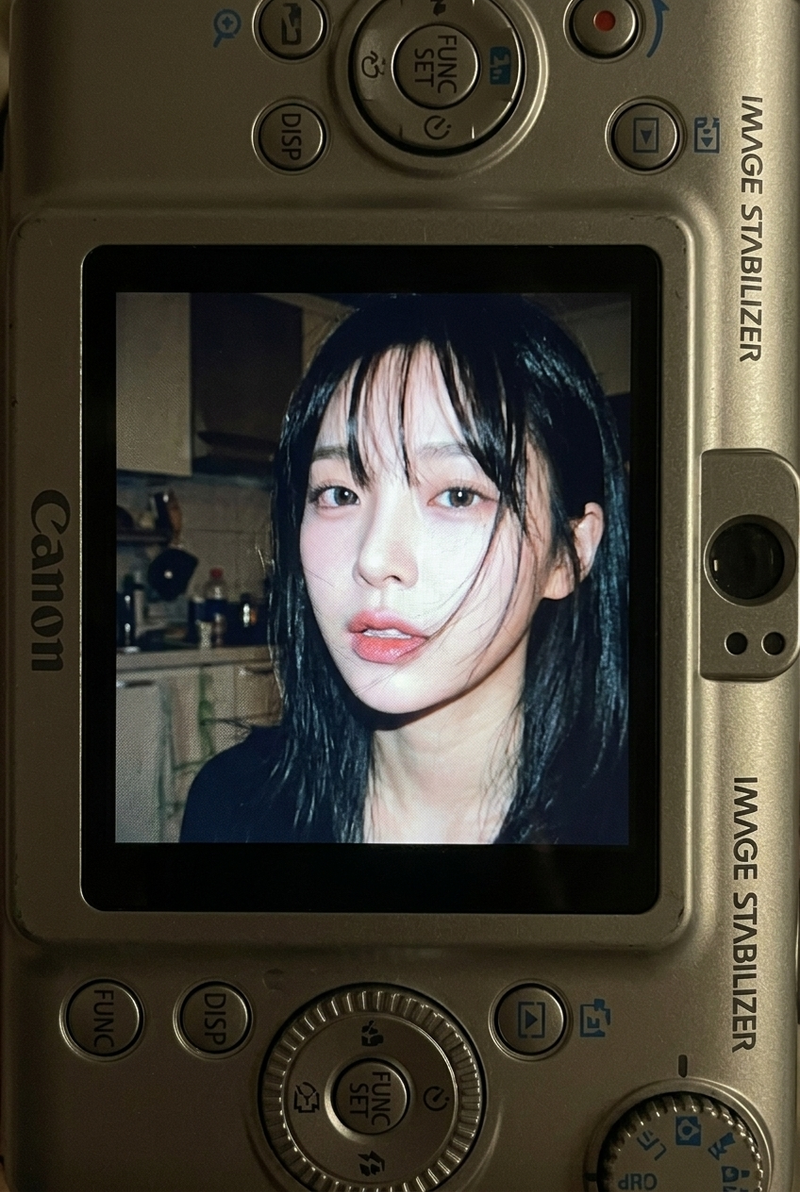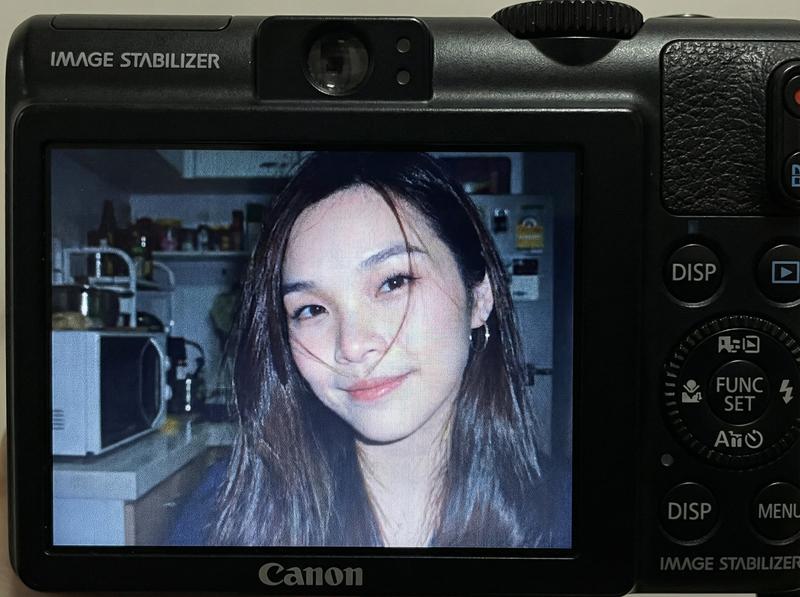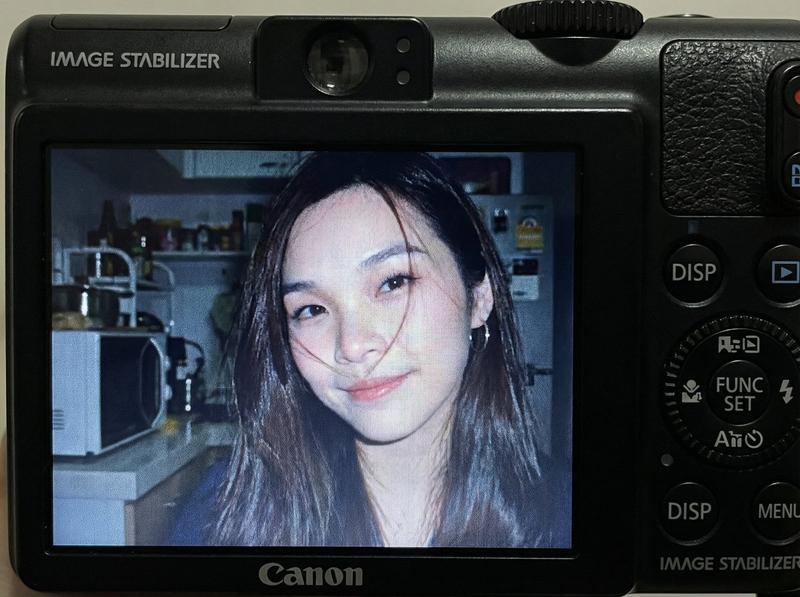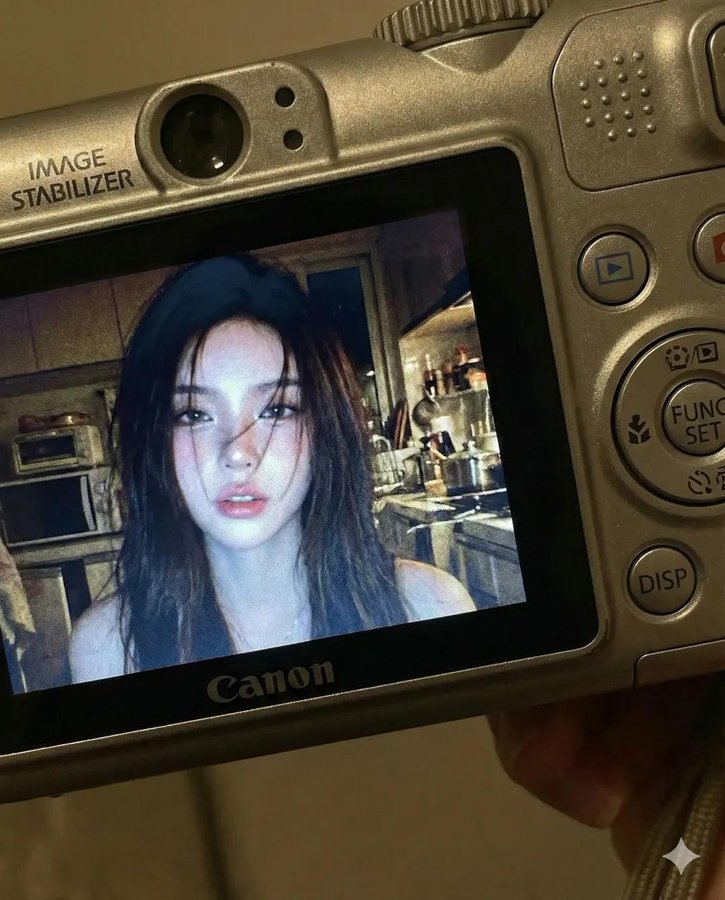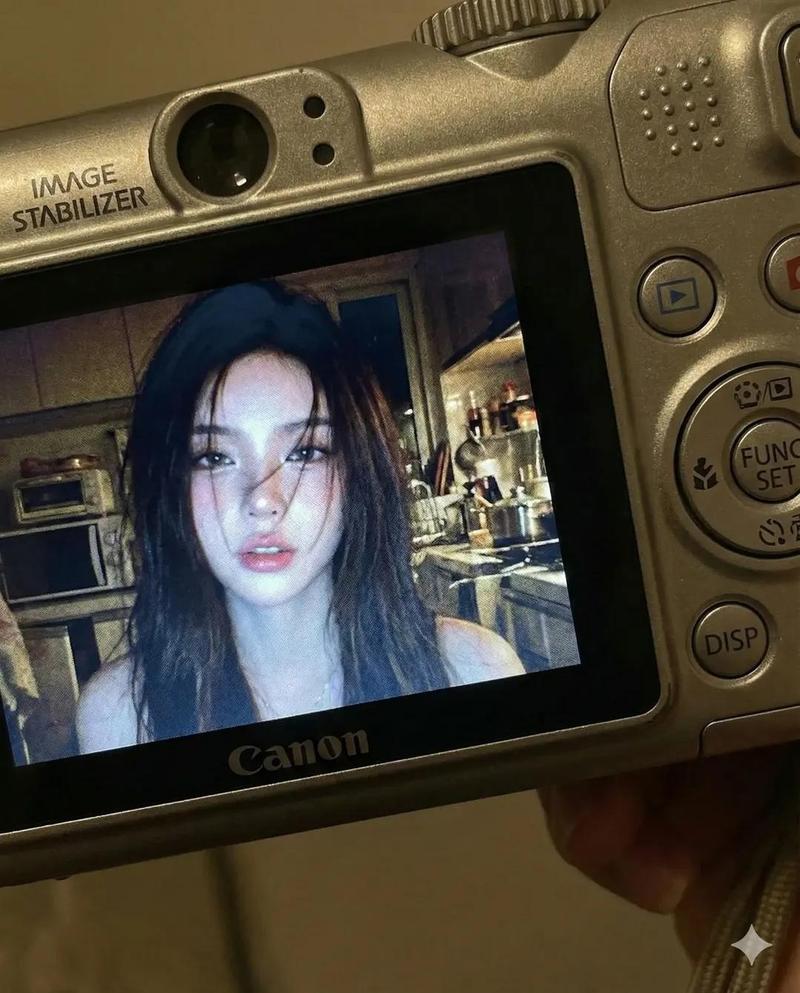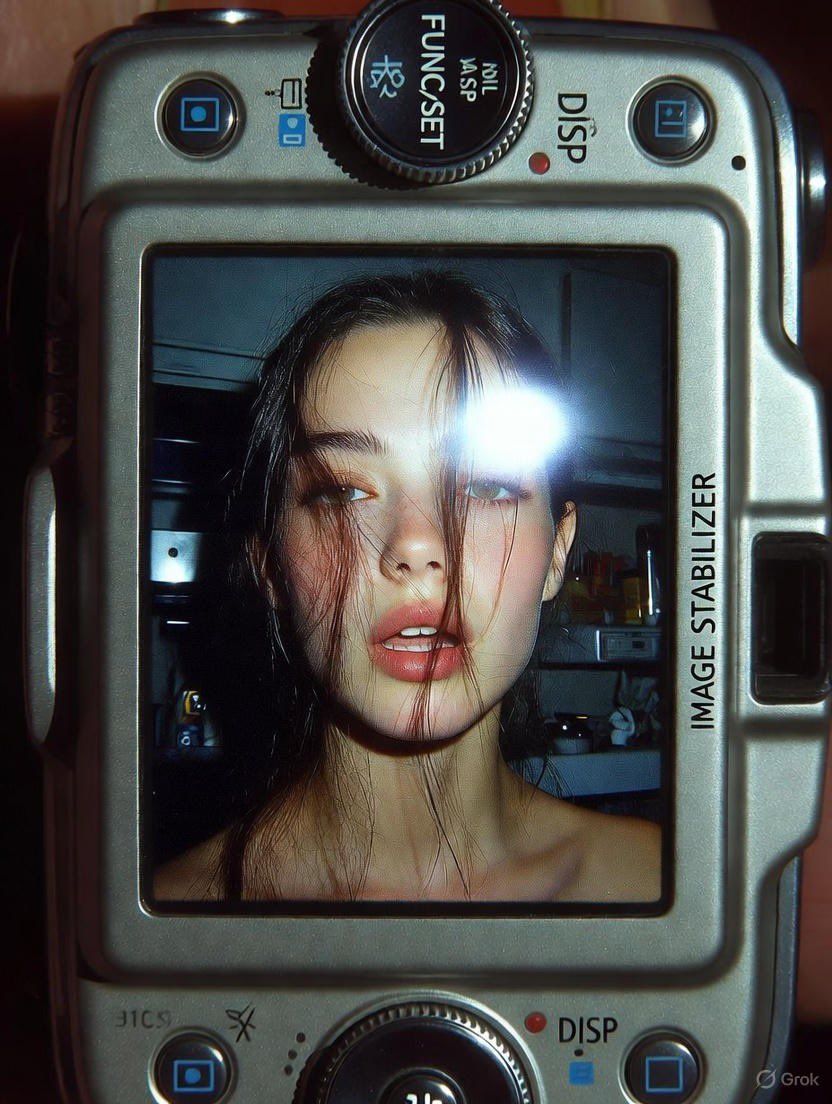
AI重构摄影:复古相机界面捕捉
Prompt
Grok AI
Prompt
{
 "kson_version": "1.0",
 "image_reference": {
 "source": "attached_photo",
 "weight": 0.85,
 "feature_mapping": "face_structure, eye_shape, lip_shape"
 },
 "composition": {
 "type": "Macro close-up",
 "subject_anchor": "LCD Screen of Compact Camera",
 "aspect_ratio": "4:5",
 "framing": "Camera body framing the digital display"
 },
 "content": {
 "camera_device": {
 "brand_aesthetic": "Canon PowerShot / IXY Digital style",
 "texture": "Brushed metal, matte plastic",
 "visible_controls": [
 "FUNC/SET wheel",
 "DISP button",
 "Tactile dials"
 ],
 "labels": "IMAGE STABILIZER (printed on side)"
 },
 "screen_display": {
 "subject": "Young woman (based on reference)",
 "hair": "Long dark, loose strands falling over face",
 "expression": "Soft, slightly parted lips, candid, raw",
 "lighting_internal": "Harsh direct built-in flash, sharp specular highlights on skin",
 "background_internal": "Dim cluttered kitchen, out-of-focus appliances, metallic reflection, dark depth"
 }
 },
 "atmosphere": {
 "mood": "Nostalgic, early 2000s, Y2K, candid, personal",
 "lighting_external": "Screen glow illuminating camera buttons, dark surroundings",
 "color_palette": "Cool undertones, muted digital colors, flash-white highlights"
 },
 "technical_specs": {
 "lens_emulation": "Macro lens (capturing the device)",
 "screen_emulation": "Visible pixel grid, subtle LCD noise, low dynamic range",
 "focal_length": "35mm equivalent (inside screen)",
 "aperture": "f/2.8",
 "iso": "400",
 "shutter": "1/60s"
 },
 "negative_prompt": [
 "modern smartphone",
 "high definition 4k screen",
 "vector graphics",
 "text overlay on screen",
 "studio lighting",
 "bokeh inside screen"
 ]
}- Category
- Photography & Realism
- Model
- Unknown
- Creator
- Melisa♡
- Source ID
- ai-refactored-photography-capturing-retro-camera-interface
Views0