16

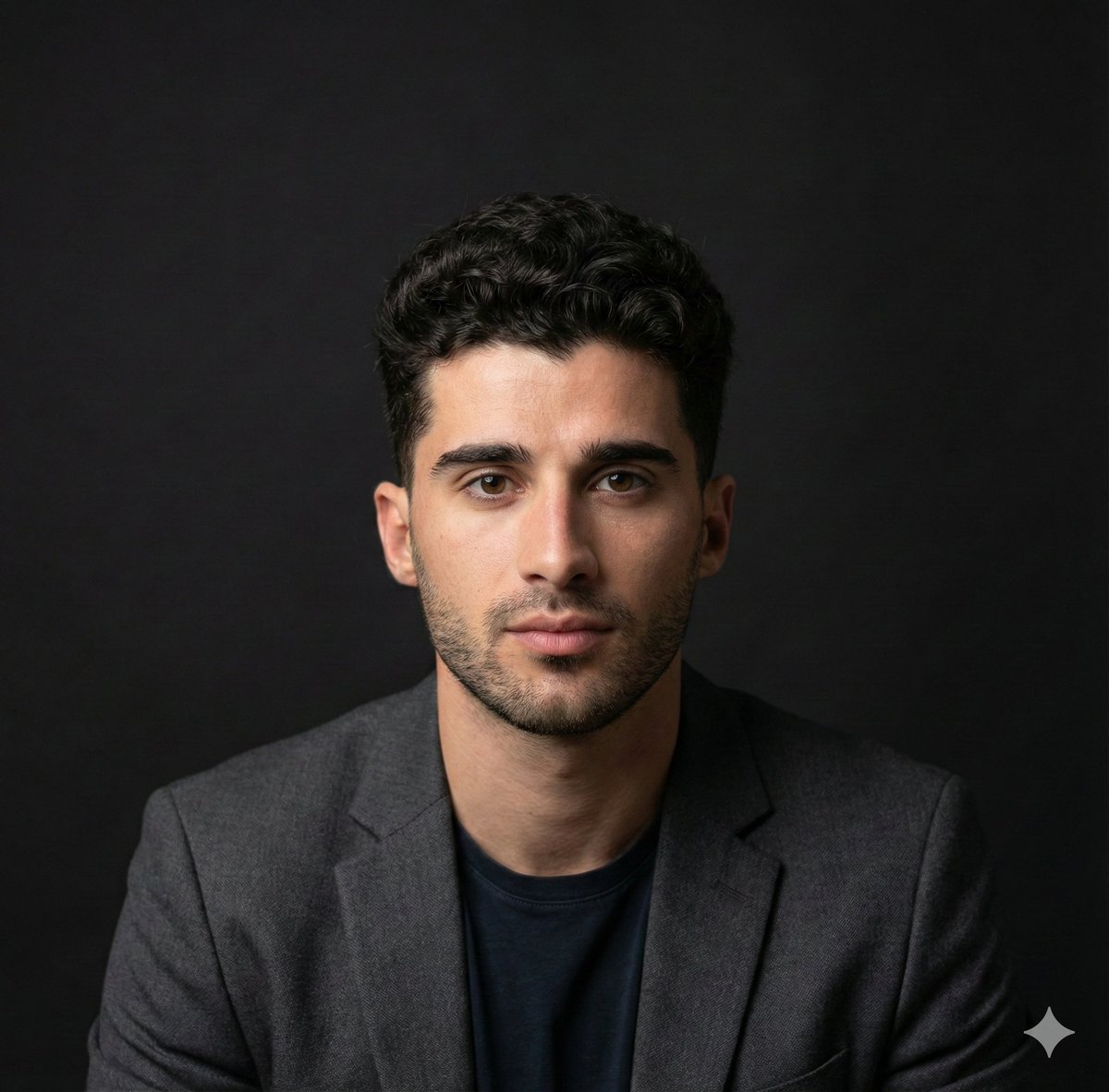
黑白人像摄影
Enlarge

黑白人像摄影

Prompt
1. Open ChatGPT/Gemini AI
2. Upload your picture
3. Enter the Prompt—
"A dramatic black-and-white fine art portrait of the person in the uploaded picture (preserve face 100%), captured in a close-up, three-quarter profile. Soft directional lighting sculpts the face and upper body, creating deep shadows and a cinematic chiaroscuro effect.
The subject wears a simple unbranded T-shirt in a randomly chosen solid color: [red/ yellow/ black/ white/ teal/ maroon].
Only the T-shirt color is visible — all other elements remain strictly monochromatic black-and-white. Natural fabric folds are clearly visible, with realistic texture and contrast.
The subject’s expression is [EMOTION: calm / introspective / confident / serene / melancholic], with relaxed features and a gentle gaze directed [TOWARDS THE CAMERA / AWAY / DOWNWARD].
Skin texture appears natural and detailed, with smooth tonal transitions. Styling is minimal, emphasizing light, form, and emotion rather than fashion. A dark, unobtrusive background fades into black, creating a timeless studio portrait aesthetic.
High-contrast monochrome tones with selective color isolation on the T-shirt only, subtle film grain, shallow depth of field, classic fine-art photography style. Ultra-high resolution, professional studio quality, intimate, elegant, emotionally evocative."
#Yash #YassBoss
Category
Photography & Realism
Model
Unknown
Views0
Source ID
black-and-white-portrait-photography

Guide

About "黑白人像摄影"

What is this prompt for?

"黑白人像摄影" AI image prompt for Unknown (Photography & Realism). 1. Open ChatGPT/Gemini AI 2. Upload your picture 3. Enter the Prompt— "A dramatic black-and-white…

The full copyable prompt and example visuals above are ready for AI image generation or one-click recreate in Picva.

How to use this prompt

  1. Step 1

    Open the prompt detail

    Review the example visuals, category, and full prompt text for "黑白人像摄影".

  2. Step 2

    Copy the prompt

    Copy the prompt body from this page, or load it directly in Studio.

  3. Step 3

    Pick a model (Unknown)

    Prefer Unknown. If you switch models, keep subject and composition and tweak style terms.

  4. Step 4

    Generate and export

    Recreate the look in Picva, or export into your workflow for editing and publishing.

FAQ

What is the "黑白人像摄影" prompt?
It is an AI image-generation prompt for Unknown in the Photography & Realism category. This page includes the full prompt text, example visuals, and a one-click recreate path in Picva.
How do I use this prompt to generate an image?
Copy the prompt from this page, or use Generate / Studio. Paste it into a compatible image model, or recreate the look in Picva with optional reference images.
Which model is this prompt for?
This page lists Unknown. Most descriptive prompts also transfer to nearby image models such as GPT Image, Flux, or Midjourney with light style tweaks.
Can I use the result commercially?
You can usually copy the prompt for creation, but commercial use of the final image depends on the model terms, reference-image rights, and the generated content. Follow the source author and platform rules.