15

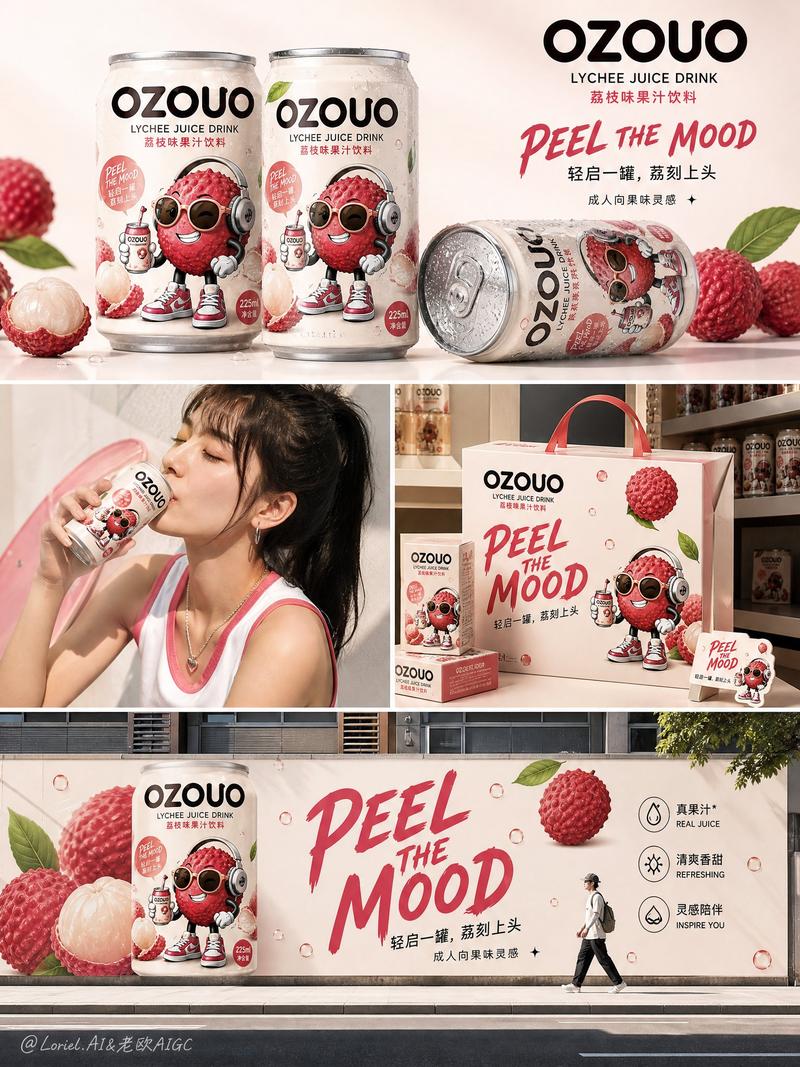
NANO BANANA PRO的卡通饮料
Enlarge

NANO BANANA PRO的卡通饮料

Prompt
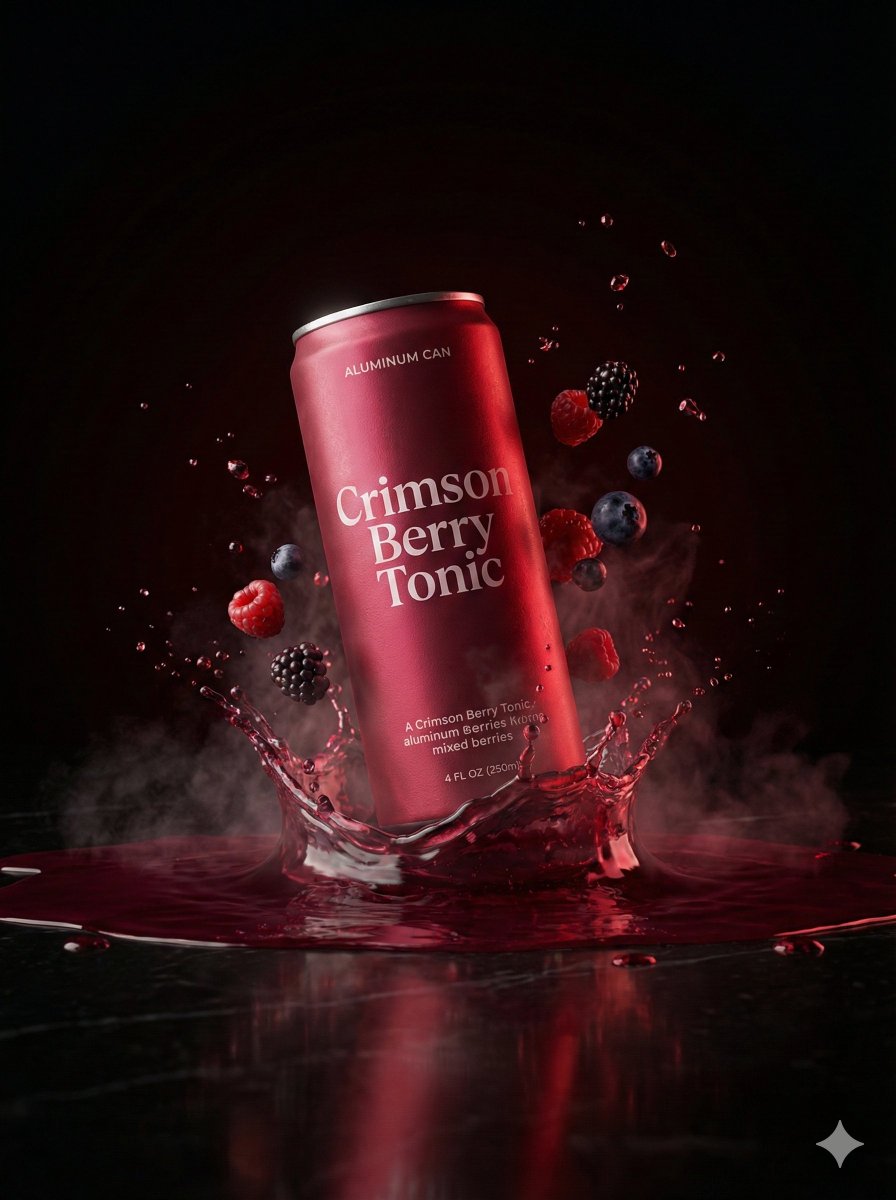
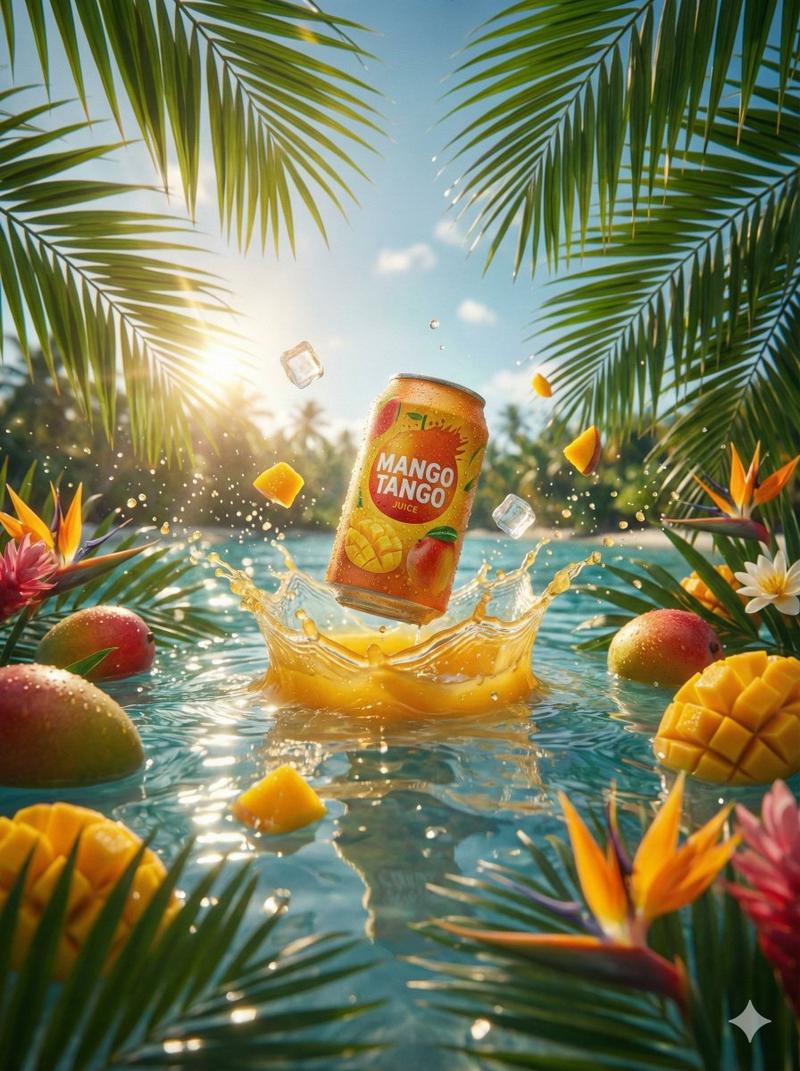
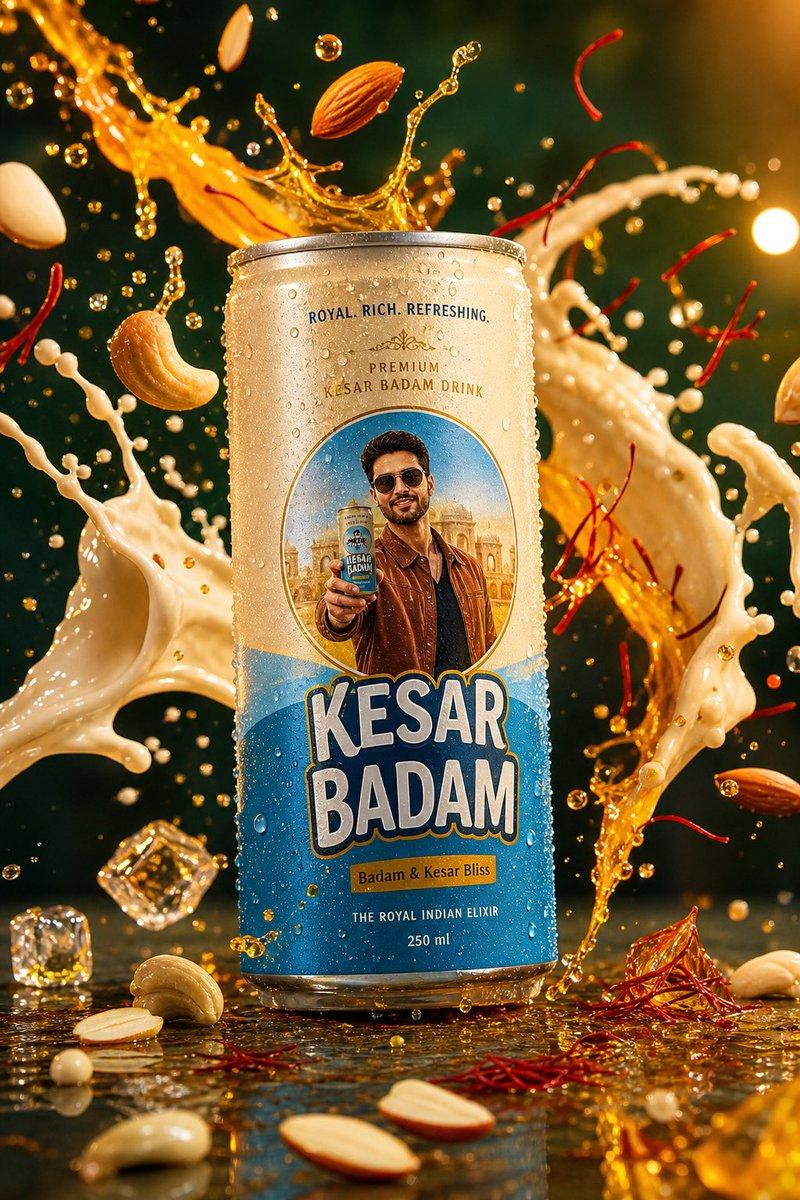
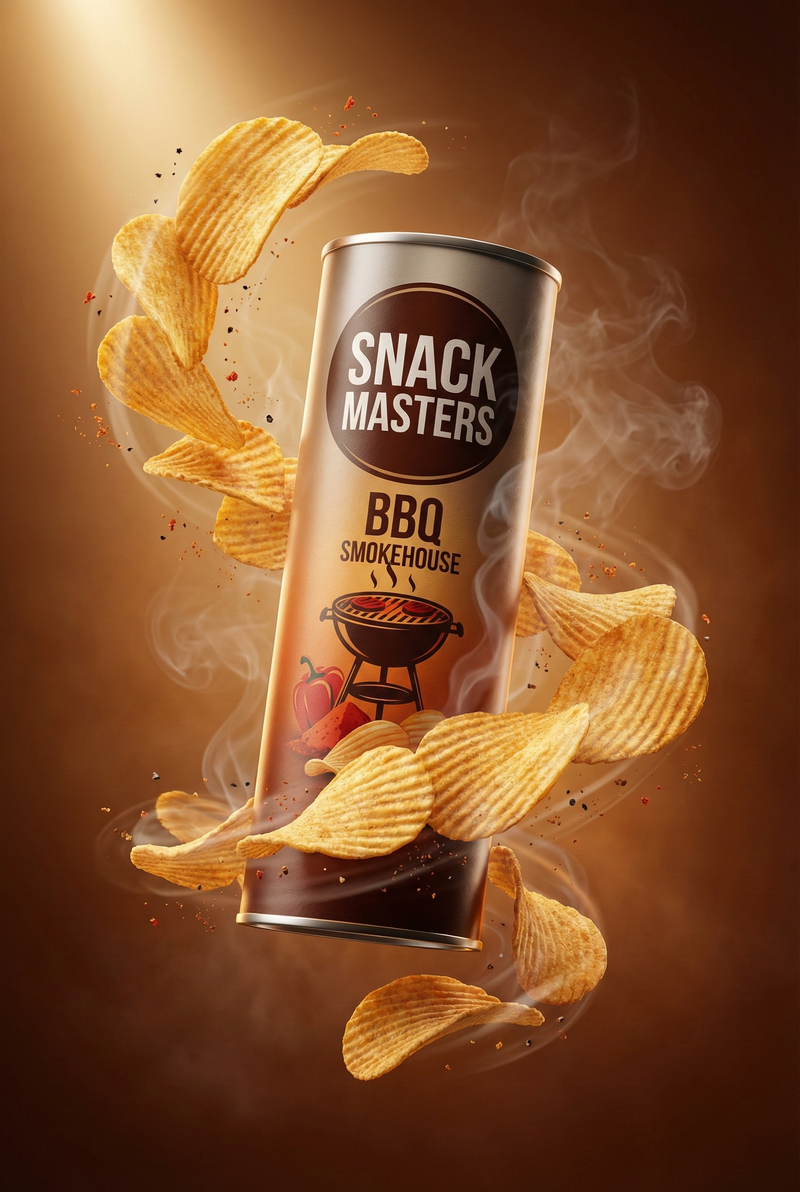
Cartoon Drinks by NANO BANANA PRO on @BasedLabsAI 🥤🍌
Prompt👇🏻 https://t.co/I58rvL6QZI
“A hyper-realistic 250ml sleek aluminum flavored edition can in high resolution, with a 3D animated [FIGURE] character integrated on the front center, depicted in a dynamic pose. The can preserves its metallic texture, logo, and typography (without the character name), with a matching color blending with [INGREDIENT] at the base. The ingredients are scattered artfully around the base of the can - whole fruits, sliced pieces, and juice splashes. The can has condensation, surrounded by fragmented ice and water splashes. The background is a dark misty setting with professional studio lighting, soft shadows, and reflections, captured at a 3/4 view from the front, slightly tilted upward, for a premium series appearance. 1080x1080 dimension picture.”
Category
Illustration & Art
Model
Nano Banana Pro
Creator
TechieSA
Views0
Source ID
cartoon-drinks-by-nano-banana-pro

Guide

About "NANO BANANA PRO的卡通饮料"

What is this prompt for?

"NANO BANANA PRO的卡通饮料" AI image prompt for Nano Banana Pro (Illustration & Art). Cartoon Drinks by NANO BANANA PRO on @BasedLabsAI 🥤🍌 Prompt👇🏻 https://t.co…

The full copyable prompt and example visuals above are ready for AI image generation or one-click recreate in Picva.

How to use this prompt

  1. Step 1

    Open the prompt detail

    Review the example visuals, category, and full prompt text for "NANO BANANA PRO的卡通饮料".

  2. Step 2

    Copy the prompt

    Copy the prompt body from this page, or load it directly in Studio.

  3. Step 3

    Pick a model (Nano Banana Pro)

    Prefer Nano Banana Pro. If you switch models, keep subject and composition and tweak style terms.

  4. Step 4

    Generate and export

    Recreate the look in Picva, or export into your workflow for editing and publishing.

FAQ

What is the "NANO BANANA PRO的卡通饮料" prompt?
It is an AI image-generation prompt for Nano Banana Pro in the Illustration & Art category. This page includes the full prompt text, example visuals, and a one-click recreate path in Picva.
How do I use this prompt to generate an image?
Copy the prompt from this page, or use Generate / Studio. Paste it into a compatible image model, or recreate the look in Picva with optional reference images.
Which model is this prompt for?
This page lists Nano Banana Pro. Most descriptive prompts also transfer to nearby image models such as GPT Image, Flux, or Midjourney with light style tweaks.
Can I use the result commercially?
You can usually copy the prompt for creation, but commercial use of the final image depends on the model terms, reference-image rights, and the generated content. Follow the source author and platform rules.