19

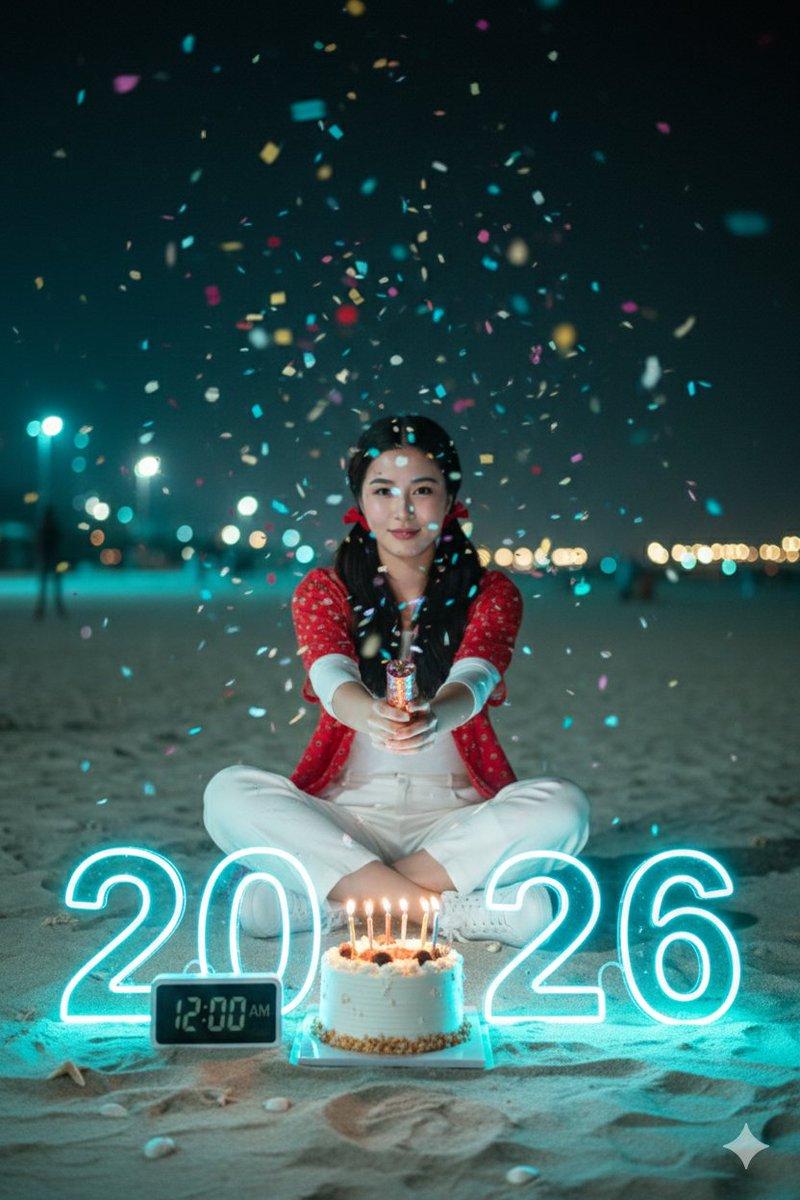
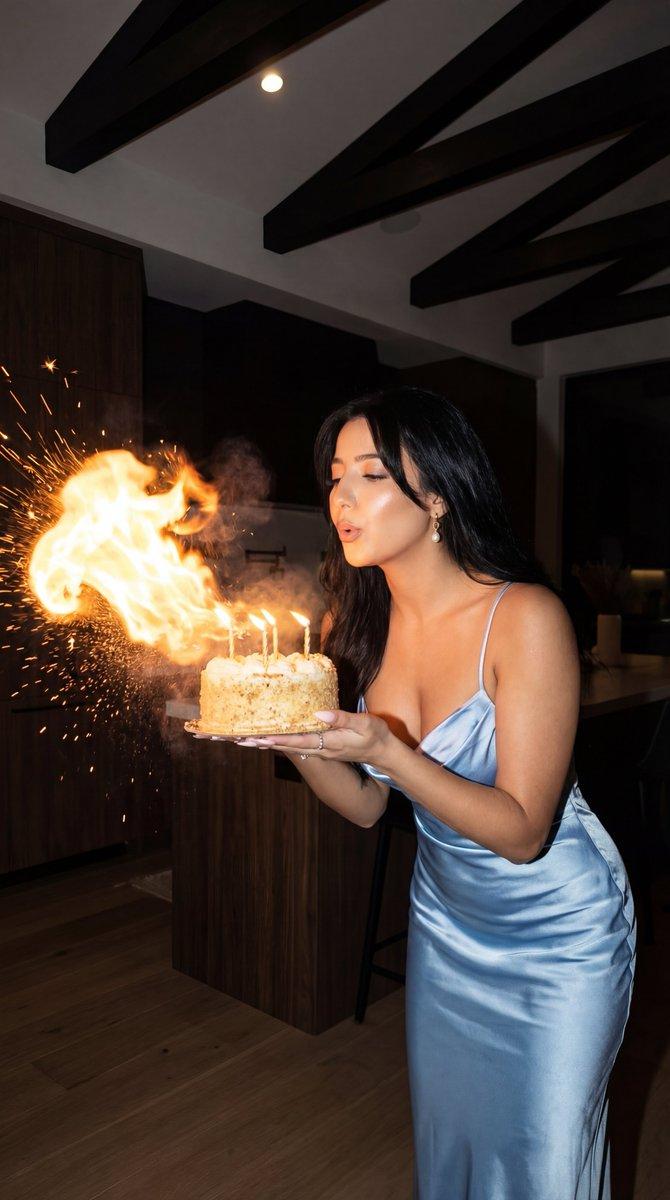
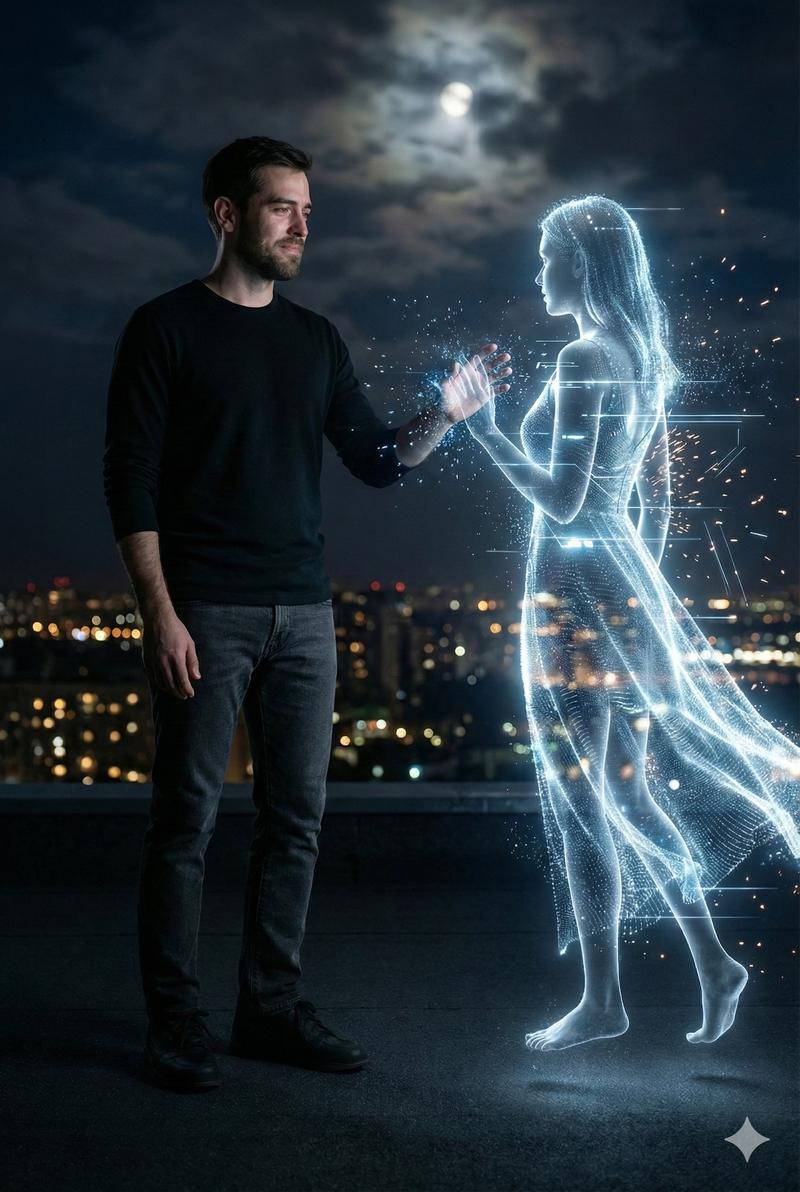
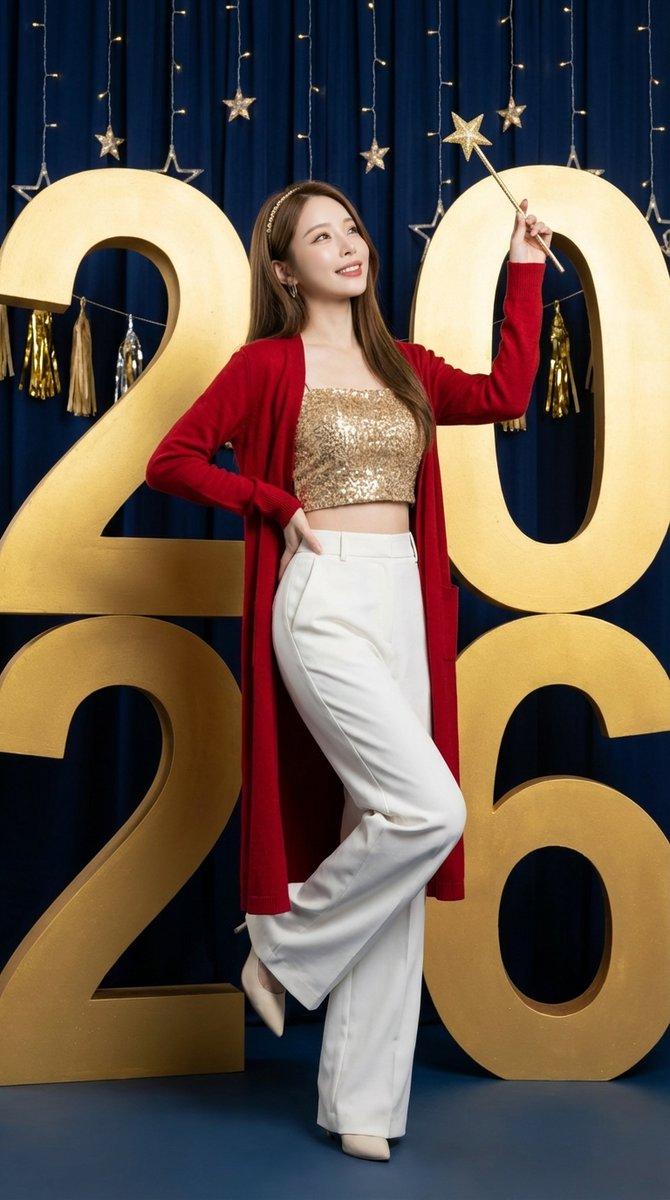
Gemini Nano Banana Pro 细节丰富的铅笔和墨水素描
Enlarge

Gemini Nano Banana Pro 细节丰富的铅笔和墨水素描

Prompt
Gemini Nano Banana Pro
Prompt:
{
 "prompt": "Use the uploaded image as the primary reference for composition, proportions, pose, objects, and overall layout. Preserve the original identity and facial features accurately. Convert the image into a refined pencil and ink sketch illustration. Use clean hand-drawn line work, controlled cross-hatching, and soft shading to define form and depth. Keep facial features, eyes, and hands sharp and expressive while allowing background details to remain minimal and lightly sketched. Overall look should feel like a professional hand-drawn illustration—elegant, timeless, and artistic (not cartoon).",
 "negative_prompt": "identity change, face mismatch, cartoon, anime, messy scribbles, heavy black fills, low quality, blur, noise, distorted anatomy, extra limbs, text, watermark, logo",
 "style": "pencil and ink sketch illustration",
 "mood": "classic, artistic, calm",
 "lighting": "illustrative light shading",
 "texture": "paper grain, pencil strokes",
 "render_quality": "ultra high resolution, hand-drawn quality",
 "reference_strength": 0.9
}
Category
Illustration & Art
Model
Nano Banana Pro
Views0
Source ID
detail-rich-pencil-and-ink-sketch-of-gemini-nano-banana-pro

Guide

About "Gemini Nano Banana Pro 细节丰富的铅笔和墨水素描"

What is this prompt for?

"Gemini Nano Banana Pro 细节丰富的铅笔和墨水素描" AI image prompt for Nano Banana Pro (Illustration & Art). Gemini Nano Banana Pro Prompt: { "prompt": "Use the uploaded im…

The full copyable prompt and example visuals above are ready for AI image generation or one-click recreate in Picva.

How to use this prompt

  1. Step 1

    Open the prompt detail

    Review the example visuals, category, and full prompt text for "Gemini Nano Banana Pro 细节丰富的铅笔和墨水素描".

  2. Step 2

    Copy the prompt

    Copy the prompt body from this page, or load it directly in Studio.

  3. Step 3

    Pick a model (Nano Banana Pro)

    Prefer Nano Banana Pro. If you switch models, keep subject and composition and tweak style terms.

  4. Step 4

    Generate and export

    Recreate the look in Picva, or export into your workflow for editing and publishing.

FAQ

What is the "Gemini Nano Banana Pro 细节丰富的铅笔和墨水素描" prompt?
It is an AI image-generation prompt for Nano Banana Pro in the Illustration & Art category. This page includes the full prompt text, example visuals, and a one-click recreate path in Picva.
How do I use this prompt to generate an image?
Copy the prompt from this page, or use Generate / Studio. Paste it into a compatible image model, or recreate the look in Picva with optional reference images.
Which model is this prompt for?
This page lists Nano Banana Pro. Most descriptive prompts also transfer to nearby image models such as GPT Image, Flux, or Midjourney with light style tweaks.
Can I use the result commercially?
You can usually copy the prompt for creation, but commercial use of the final image depends on the model terms, reference-image rights, and the generated content. Follow the source author and platform rules.