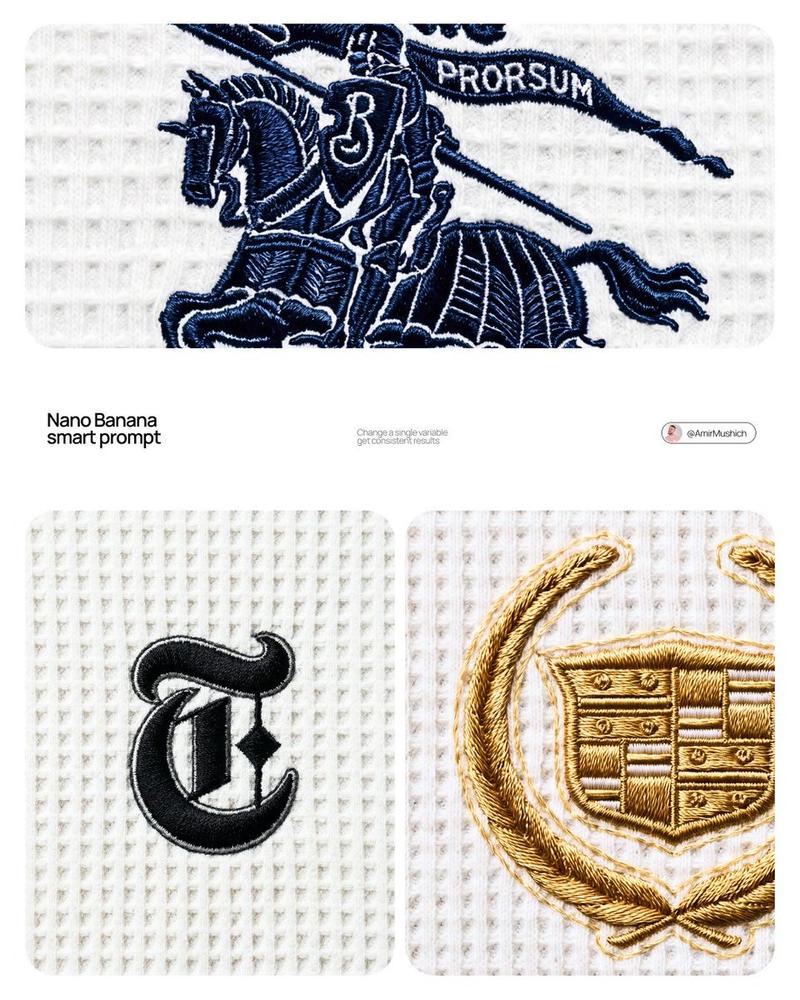
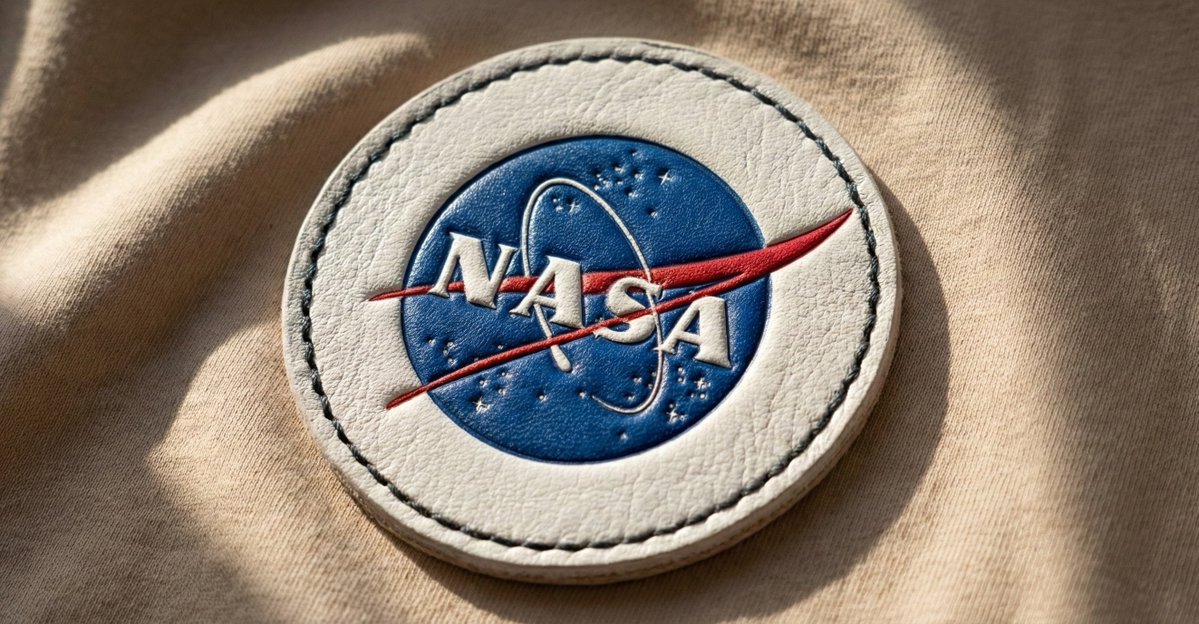
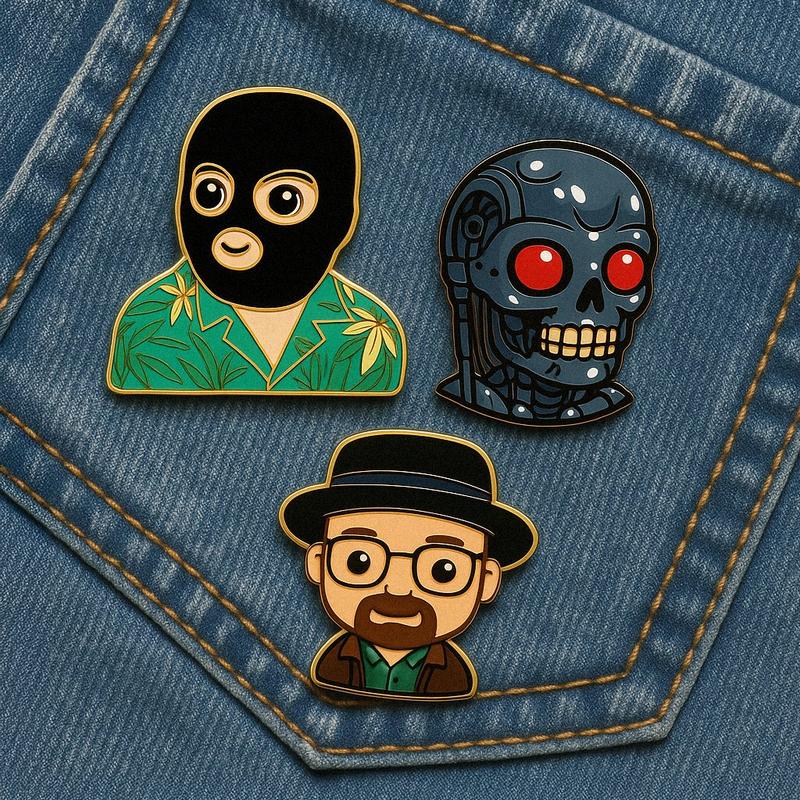
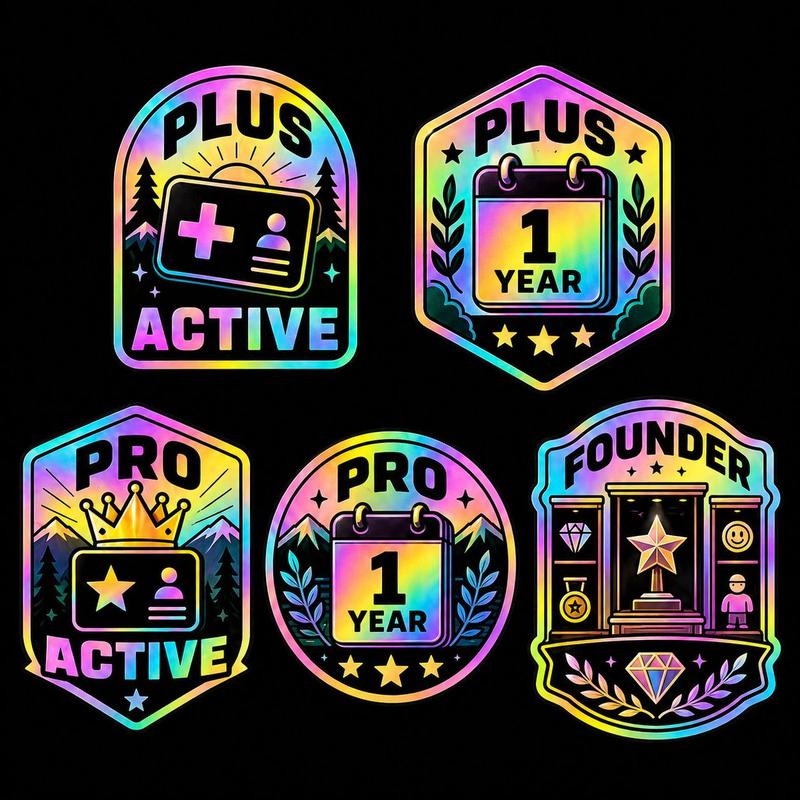
刺绣风格
Prompt
{\n "title": "Adaptive Embroidered Brooch Prompt Generator",\n "version": "2.0",\n "description": "Generate a prompt for an embroidered brooch based on text description or uploaded image.",\n "inputs": {\n "reference_mode": {\n "type": "select",\n "label": "Reference Source",\n "options": ["describe manually", "use uploaded image", "combine both"],\n "default": "describe manually"\n },\n "theme_text": {\n "type": "text",\n "label": "Describe the Theme or Motif",\n "placeholder": "e.g. an owl in a forest, biomechanical skull, dancing figures"\n },\n "image_reference_description": {\n "type": "text",\n "label": "Describe what\'s in the uploaded image (if using image mode)",\n "placeholder": "e.g. a mechanical skull with succulents growing from it"\n },\n "shape": {\n "type": "select",\n "label": "Brooch Shape",\n "options": ["circular", "oval", "square", "irregular"],\n "default": "oval"\n },\n "style": {\n "type": "select",\n "label": "Embroidery Style",\n "options": [\n "traditional", \n "folkloric", \n "surreal", \n "biomech-organic fusion", \n "modern minimal"\n ],\n "default": "traditional"\n },\n "color_palette": {\n "type": "select",\n "label": "Color Palette",\n "options": [\n "earth tones and muted greens",\n "pastel shades",\n "neon surreal",\n "rusted metal and white florals",\n "monochrome with silver threads"\n ],\n "default": "earth tones and muted greens"\n }\n },\n "prompt_template": "{final_theme} hand-embroidered brooch, {style} style, crafted with intricate threadwork and metallic accents, soft wool and silk embroidery, fine beadwork outlining the {shape} shape, natural color palette ({color_palette}), macro shot on neutral linen or stone background, ultra-detailed artisan aesthetic, realistic embroidery textures, soft atmospheric lighting --ar 1:1 --style raw --v 6 --q 2",\n "logic": {\n "final_theme": {\n "if": "reference_mode == \'describe manually\'",\n "value": "{theme_text}"\n },\n "final_theme_alt": {\n "if": "reference_mode == \'use uploaded image\'",\n "value": "{image_reference_description}"\n },\n "final_theme_combined": {\n "if": "reference_mode == \'combine both\'",\n "value": "{theme_text} and elements from: {image_reference_description}"\n }\n }\n}- Category
- Creative Use Cases
- Model
- Unknown
- Creator
- firatbilal
- Source ID
- embroidery-style
Views0