12

金属标志
Enlarge

金属标志

Prompt
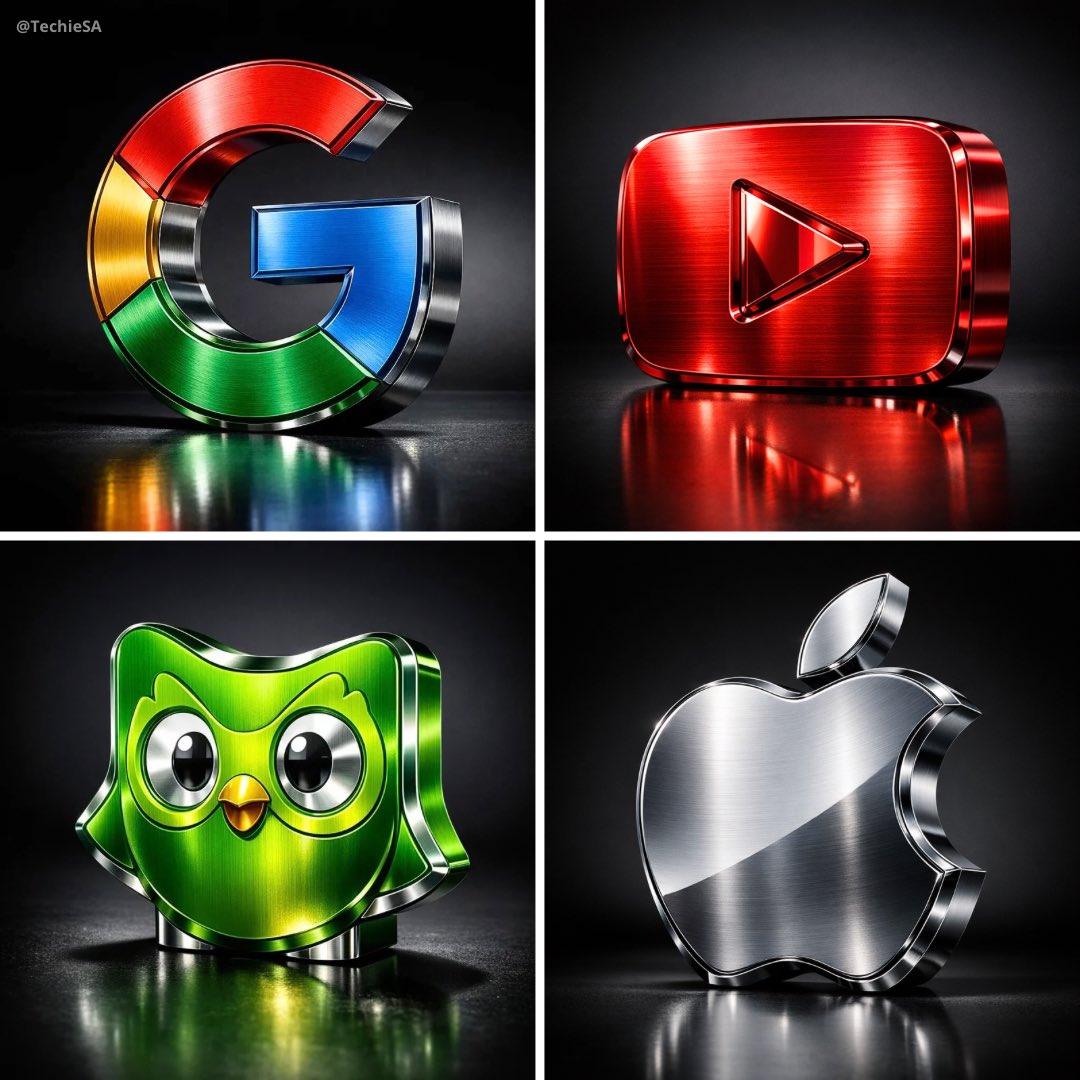
Metallic Logos by GPT-1.5 Image on @BasedLabsAI ⚙️✨
Prompt👇🏻 https://t.co/d7Nl1J8svr
“A hyper-realistic 3D render of a metallic sculpture shaped as the official [BRAND] logo. The sculpture is crafted from richly brushed metal in [BRAND]'s signature color(s), with subtle gradients and a mirror-polished surface that reflects its surroundings with precise clarity. The form features beveled edges, embossed contours, and smooth curvature that give it depth and dimension. Positioned upright on a matte reflective black floor, against a seamless black-to-charcoal gradient studio backdrop. Shot from a slightly low-angle, front-side perspective to emphasize its geometric presence and premium finish. Soft overhead and lateral lighting casts crisp-edged shadows and highlights. Captured in ultra-high resolution with macro depth of field, Canon EOS R5, 85mm f/1.4 lens simulation. —no-human —no-text —no-blur —no-distortion —no-lowres —no-overexposure. 1080x1080 dimension.”
Category
Illustration & Art
Model
Unknown
Creator
TechieSA
Views0
Source ID
metallic-logo

Guide

About "金属标志"

What is this prompt for?

"金属标志" AI image prompt for Unknown (Illustration & Art). Metallic Logos by GPT-1.5 Image on @BasedLabsAI ⚙️✨ Prompt👇🏻 https://t.co/d7Nl1J8svr “A hyper-realis…

The full copyable prompt and example visuals above are ready for AI image generation or one-click recreate in Picva.

How to use this prompt

  1. Step 1

    Open the prompt detail

    Review the example visuals, category, and full prompt text for "金属标志".

  2. Step 2

    Copy the prompt

    Copy the prompt body from this page, or load it directly in Studio.

  3. Step 3

    Pick a model (Unknown)

    Prefer Unknown. If you switch models, keep subject and composition and tweak style terms.

  4. Step 4

    Generate and export

    Recreate the look in Picva, or export into your workflow for editing and publishing.

FAQ

What is the "金属标志" prompt?
It is an AI image-generation prompt for Unknown in the Illustration & Art category. This page includes the full prompt text, example visuals, and a one-click recreate path in Picva.
How do I use this prompt to generate an image?
Copy the prompt from this page, or use Generate / Studio. Paste it into a compatible image model, or recreate the look in Picva with optional reference images.
Which model is this prompt for?
This page lists Unknown. Most descriptive prompts also transfer to nearby image models such as GPT Image, Flux, or Midjourney with light style tweaks.
Can I use the result commercially?
You can usually copy the prompt for creation, but commercial use of the final image depends on the model terms, reference-image rights, and the generated content. Follow the source author and platform rules.