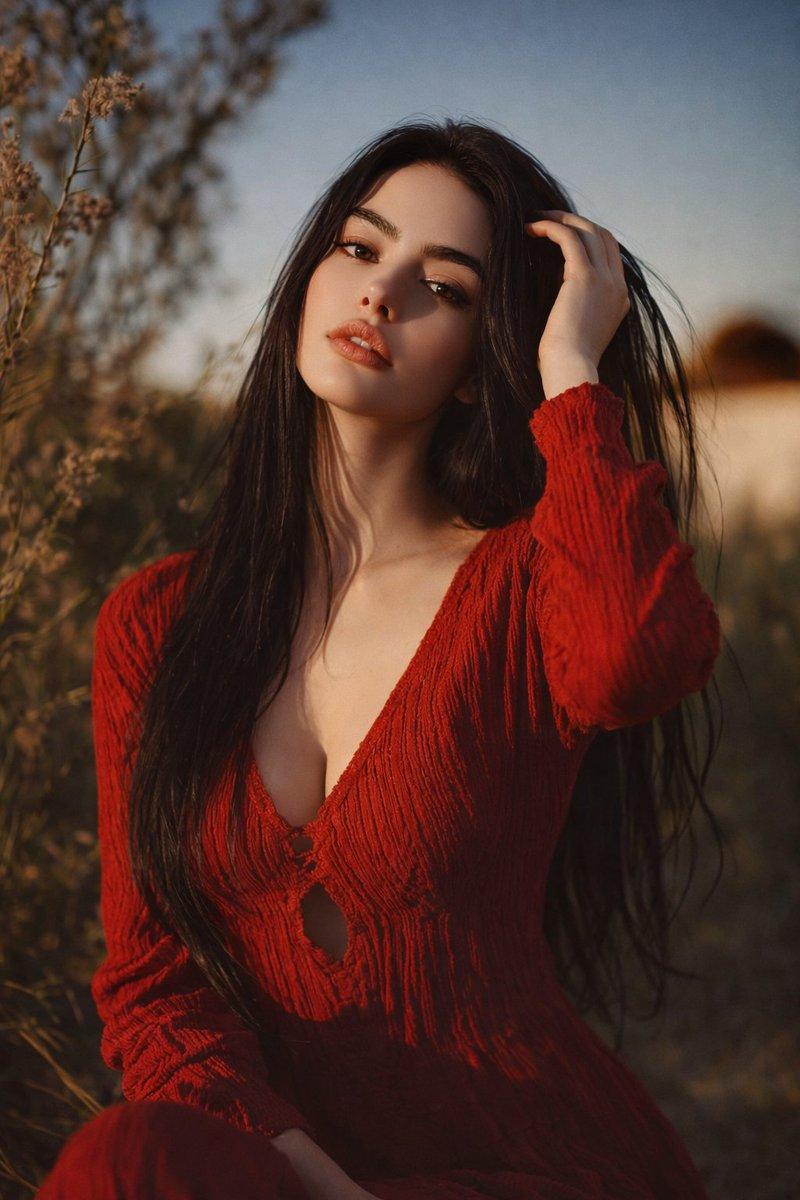
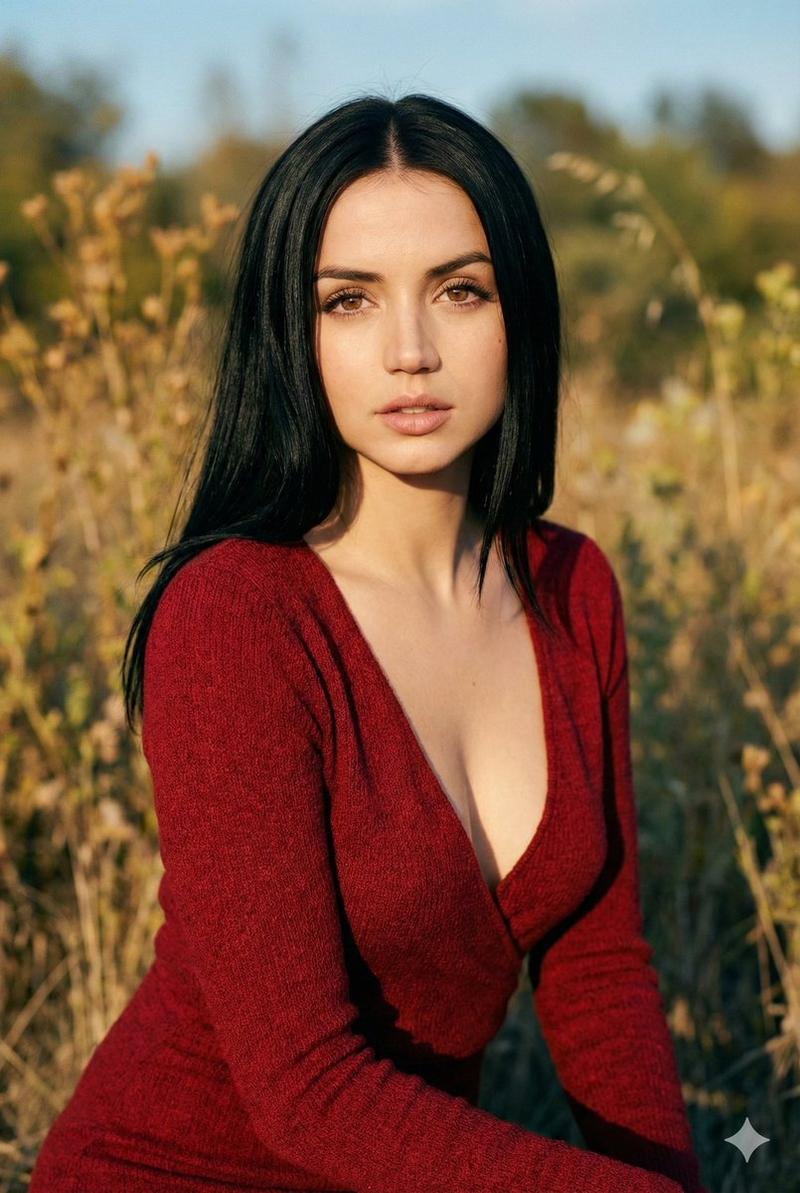
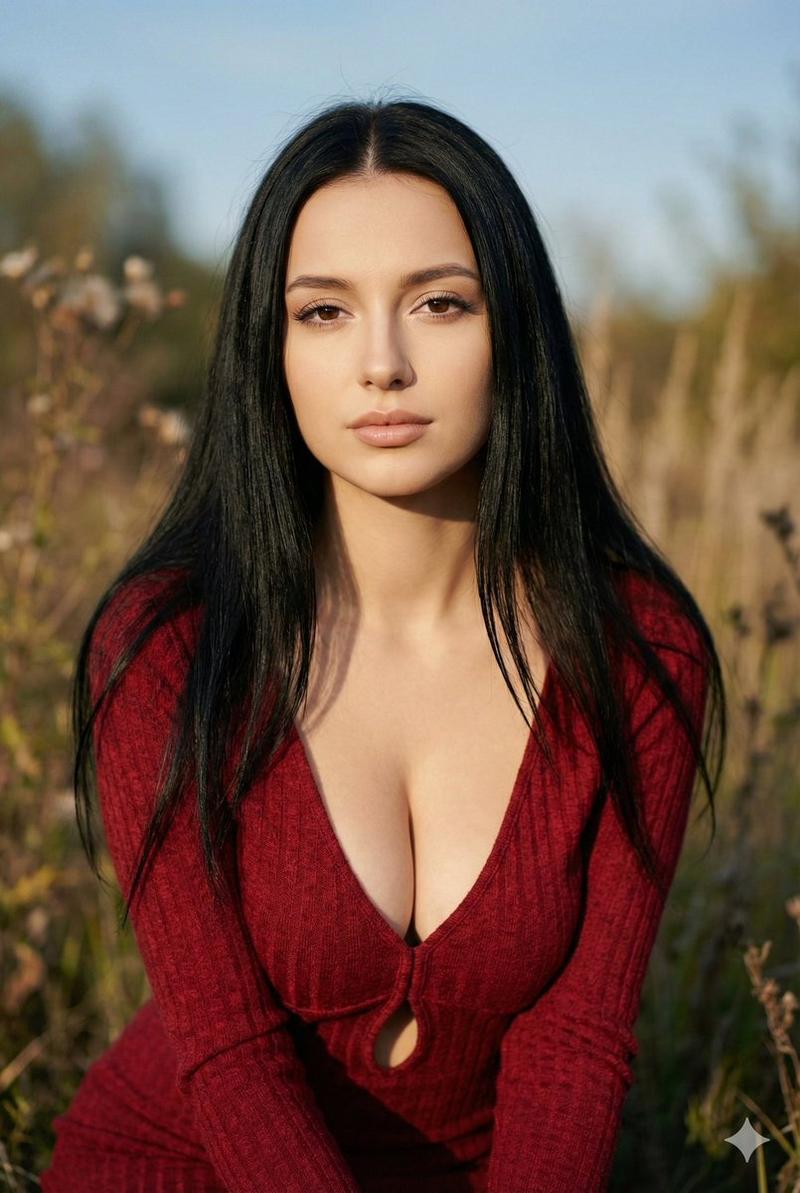
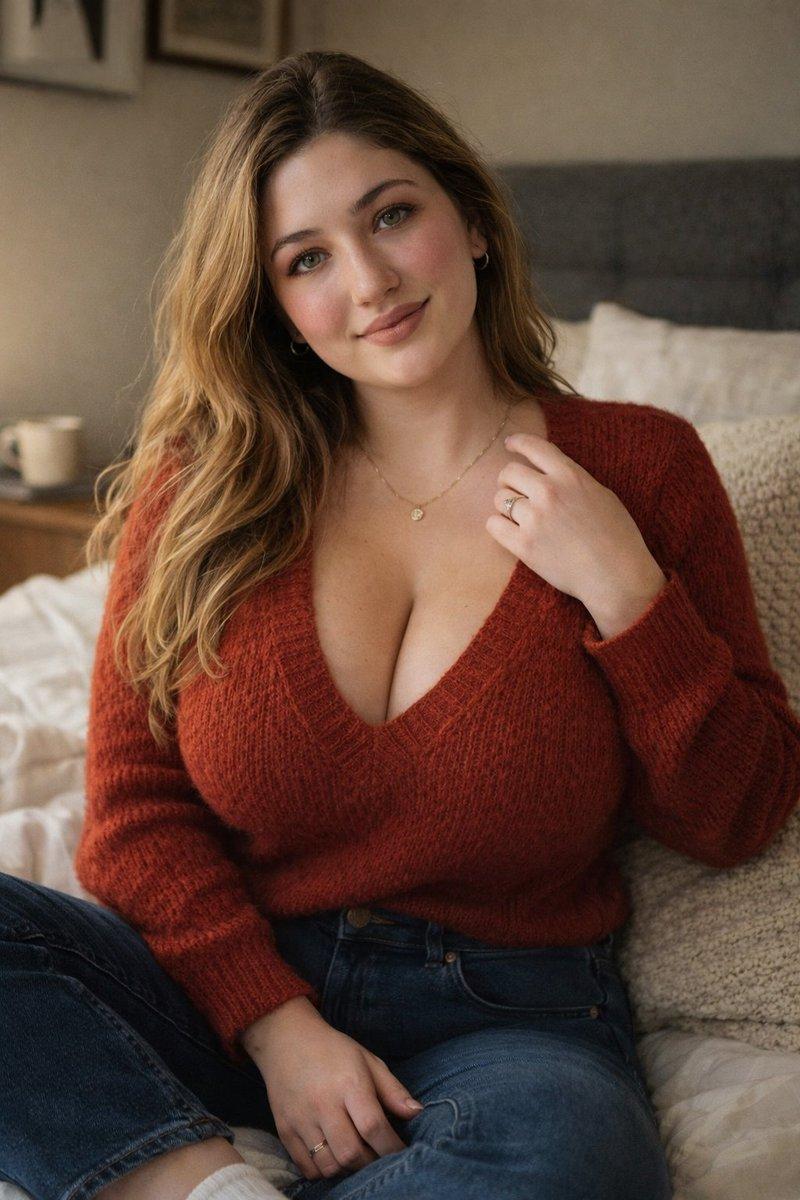
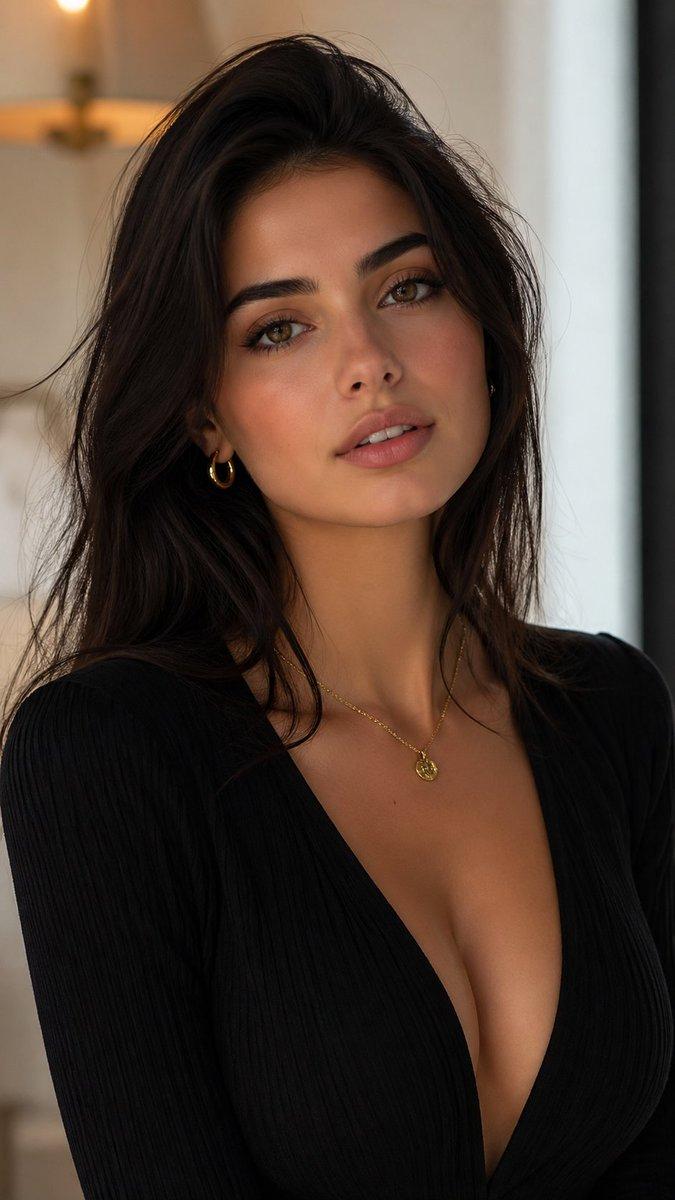
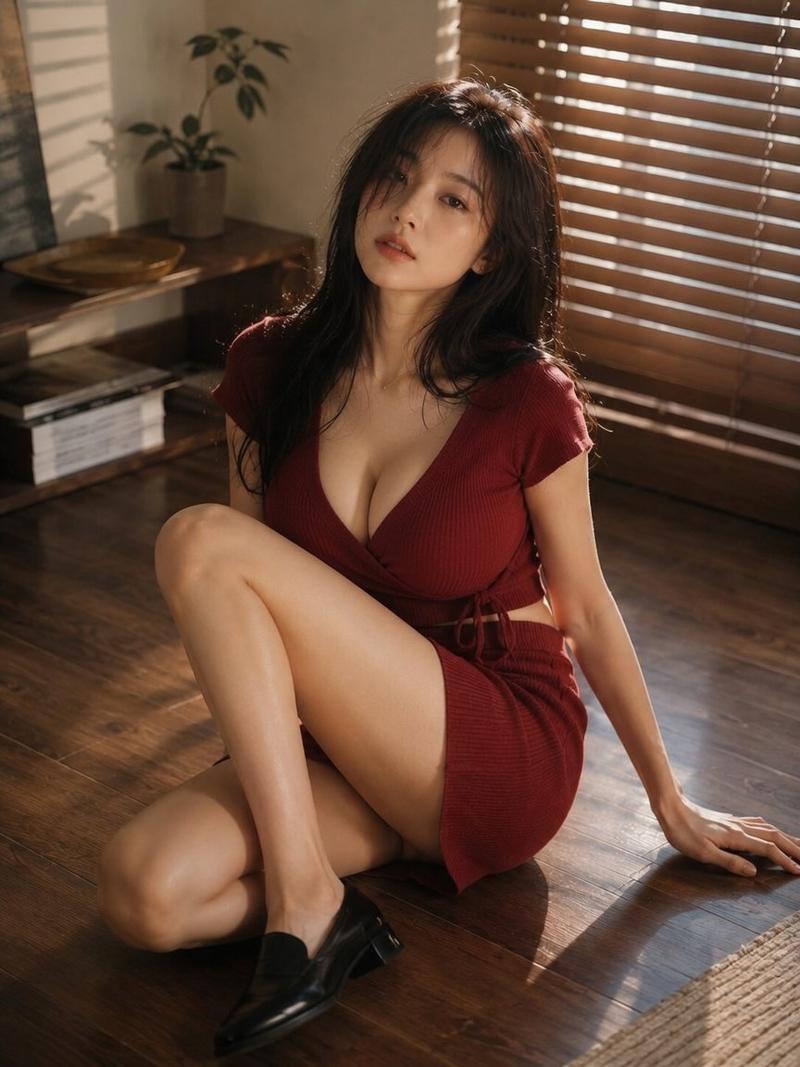
自然主义户外人像摄影
Prompt
Next level realism
Created by using ChatGPT image 1.5
Prompt :
{
 "task": "image_analysis_to_generation_prompt",
 "resolution": "8K UHD",
 "orientation": "vertical portrait",
 "image_type": "outdoor portrait photograph",
 "subject": {
 "gender": "female",
 "age_appearance": "young adult",
 "skin_tone": "light to fair",
 "facial_features": {
 "face_shape": "oval",
 "eyes": {
 "size": "medium",
 "shape": "almond",
 "color": "dark brown",
 "gaze_direction": "looking directly at camera",
 "eyelashes": "long and defined"
 },
 "eyebrows": {
 "thickness": "medium",
 "shape": "natural with soft arch",
 "color": "dark"
 },
 "nose": {
 "size": "medium",
 "shape": "straight"
 },
 "lips": {
 "fullness": "full",
 "color": "natural nude-pink",
 "expression": "slightly parted, neutral"
 },
 "makeup": {
 "foundation": "smooth, even complexion",
 "blush": "subtle",
 "eye_makeup": "light eyeliner, natural eyeshadow",
 "lip_product": "natural-toned lipstick or gloss"
 }
 },
 "hair": {
 "color": "black",
 "length": "long",
 "texture": "straight with slight natural flow",
 "parting": "center part",
 "hair_position": "loose, falling over shoulders and chest"
 },
 "pose": {
 "body_position": "seated or slightly leaned forward",
 "head_position": "upright with slight tilt",
 "shoulders": "relaxed",
 "hands": "not clearly visible in frame"
 },
 "expression": "calm, soft, serious, slightly intense"
 },
 "clothing": {
 "outfit_type": "dress",
 "dress_color": "deep red",
 "fabric_texture": "textured knit or crinkled fabric",
 "neckline": "deep V-neck",
 "design_details": {
 "front": "small central opening below neckline",
 "fit": "form-fitting on upper body",
 "sleeves": "long sleeves"
 }
 },
 "lighting": {
 "type": "natural sunlight",
 "time_of_day": "golden hour",
 "light_direction": "side/front lighting",
 "light_quality": "soft but warm",
 "shadows": "gentle shadows on face and neck"
 },
 "environment": {
 "location": "outdoor natural setting",
 "background_elements": [
 "dry plants or tall grass",
 "blurred foliage",
 "open sky"
 ],
 "background_style": "shallow depth of field, strong background blur (bokeh)",
 "color_palette": [
 "warm browns",
 "golden yellows",
 "muted greens",
 "soft blue sky"
 ]
 },
 "camera_details": {
 "framing": "medium close-up portrait",
 "angle": "eye-level",
 "focus": "sharp focus on face",
 "depth_of_field": "shallow",
 "lens_effect": "natural background blur"
 },
 "overall_style": {
 "mood": "warm, cinematic, natural",
 "aesthetic": "soft realism",
 "edit_style": "lightly enhanced, natural skin texture preserved",
 "contrast": "moderate",
 "color_grading": "warm tones, golden highlights"
 },
 "negative_prompt": [
 "extra limbs",
 "distorted face",
 "over-smoothing skin",
 "plastic skin",
 "exaggerated makeup",
 "harsh lighting",
 "cartoon style",
 "anime style",
 "low resolution",
 "noise",
 "blurred face",
 "text",
 "logo",
 "watermark"
 ]
}- Category
- Photography & Realism
- Model
- GPT Image
- Creator
- ShaHid WaNii
- Source ID
- naturalistic-outdoor-portrait-photography
Views3