7

新卡通风格
Enlarge

新卡通风格

Prompt
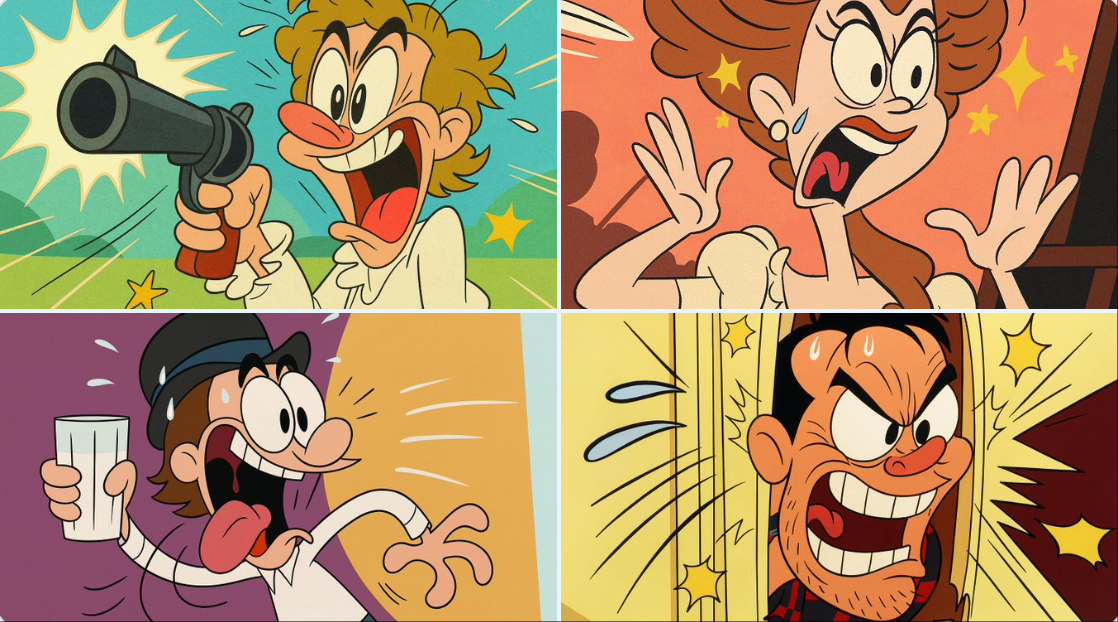
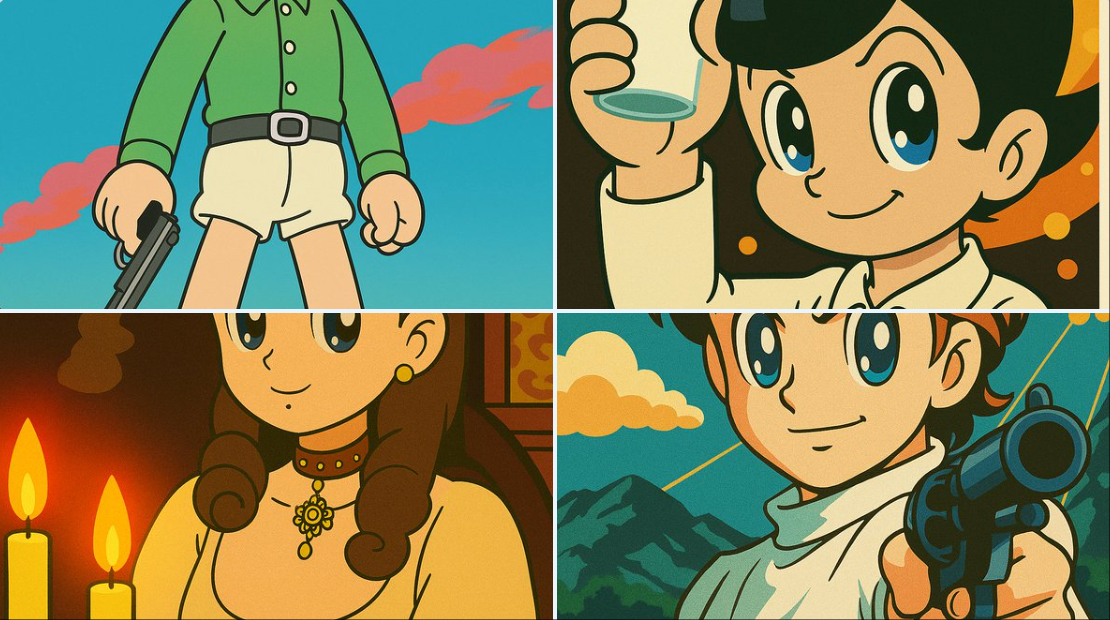
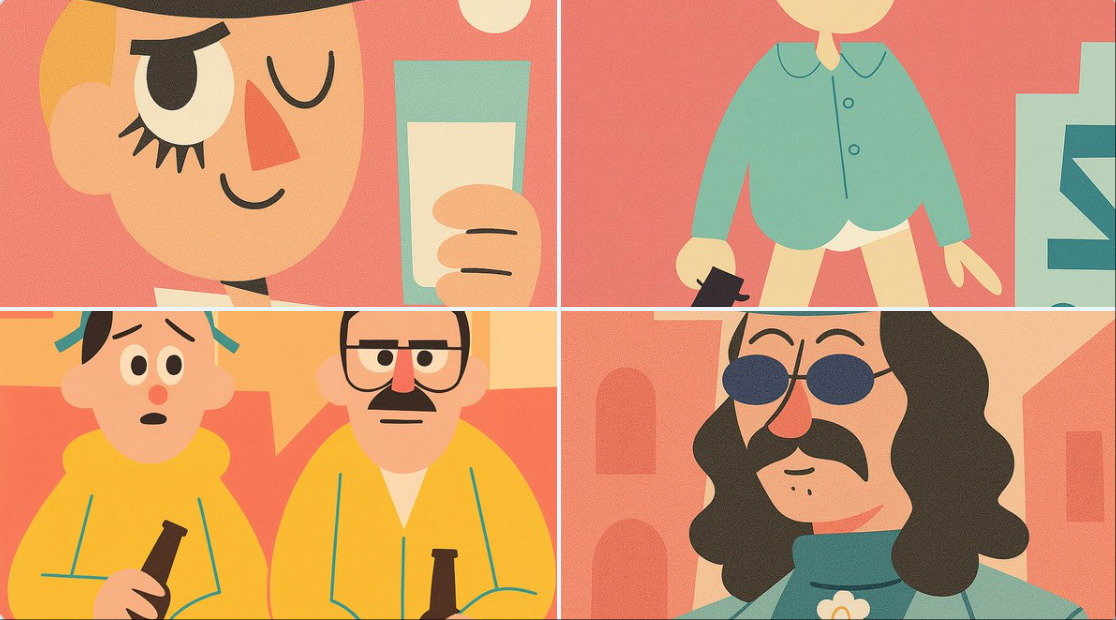
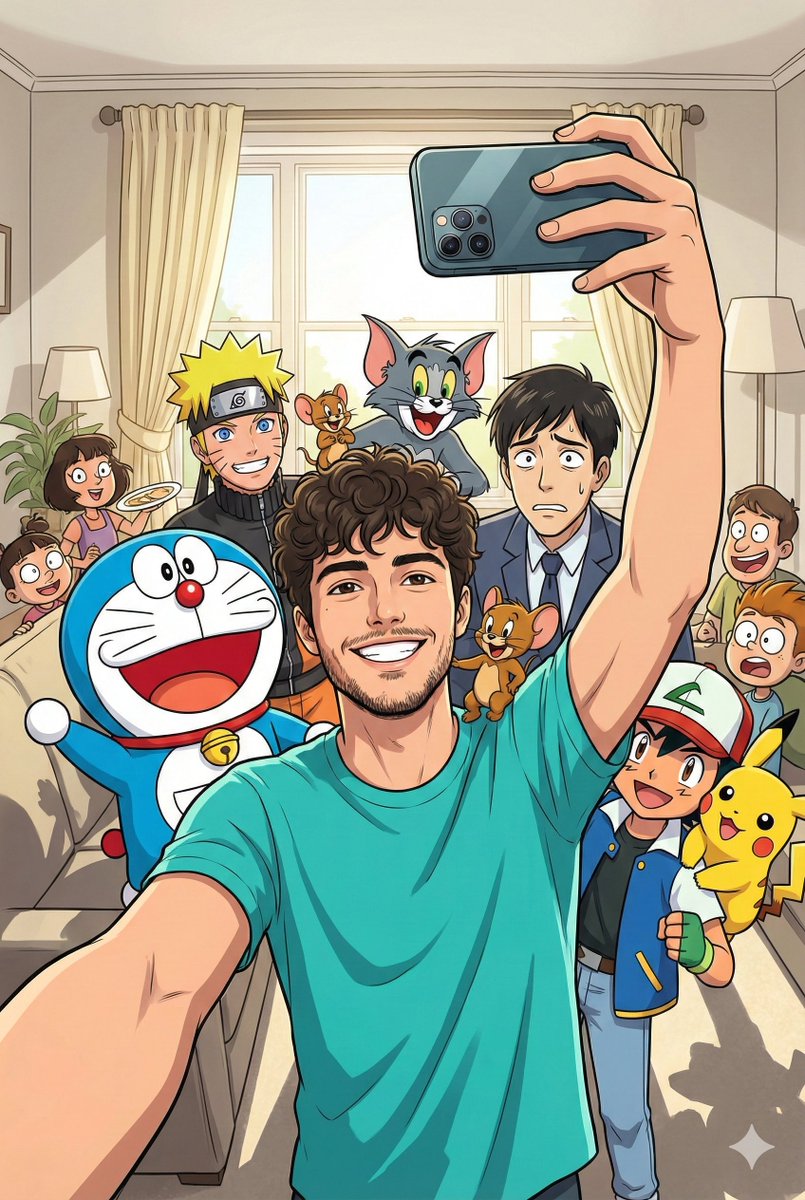
Transform this image into a classic Tex Avery / Looney Tunes cartoon style. Use bold, clean outlines and exaggerated character features — huge eyes, stretched limbs, and over-the-top facial expressions. Emphasize slapstick comedy and visual humor. Colors should be vibrant and flat, with high contrast. Backgrounds should be simple, painted with soft gradients or flat colors, keeping focus on the character's action. Add motion lines, expressive effects (like sweat drops, stars, impact bursts), and a dynamic pose typical of 1940s Warner Bros. animation. The final result should look like a freeze frame from a mid-century animated short — full of cartoon energy and absurd charm.
将此图像转换为经典的 Tex Avery / Looney Tunes 卡通风格。使用大胆、干净的轮廓和夸张的角色特征 - 大眼睛、伸展的四肢和夸张的面部表情。强调滑稽喜剧和视觉幽默。颜色应鲜艳、平坦,具有高对比度。背景应该简单,用柔和的渐变或单调的颜色绘制,保持对角色动作的关注。添加运动线条、富有表现力的效果(如汗珠、星星、冲击爆发)和 1940 年代华纳兄弟动画的典型动态姿势。最终结果应该看起来像上世纪中叶动画短片的定格——充满卡通能量和荒诞的魅力。
Category
Illustration & Art
Model
Unknown
Views0
Source ID
new-cartoon-style

Guide

About "新卡通风格"

What is this prompt for?

"新卡通风格" AI image prompt for Unknown (Illustration & Art). Transform this image into a classic Tex Avery / Looney Tunes cartoon style. Use bold, clean outlines…

The full copyable prompt and example visuals above are ready for AI image generation or one-click recreate in Picva.

How to use this prompt

  1. Step 1

    Open the prompt detail

    Review the example visuals, category, and full prompt text for "新卡通风格".

  2. Step 2

    Copy the prompt

    Copy the prompt body from this page, or load it directly in Studio.

  3. Step 3

    Pick a model (Unknown)

    Prefer Unknown. If you switch models, keep subject and composition and tweak style terms.

  4. Step 4

    Generate and export

    Recreate the look in Picva, or export into your workflow for editing and publishing.

FAQ

What is the "新卡通风格" prompt?
It is an AI image-generation prompt for Unknown in the Illustration & Art category. This page includes the full prompt text, example visuals, and a one-click recreate path in Picva.
How do I use this prompt to generate an image?
Copy the prompt from this page, or use Generate / Studio. Paste it into a compatible image model, or recreate the look in Picva with optional reference images.
Which model is this prompt for?
This page lists Unknown. Most descriptive prompts also transfer to nearby image models such as GPT Image, Flux, or Midjourney with light style tweaks.
Can I use the result commercially?
You can usually copy the prompt for creation, but commercial use of the final image depends on the model terms, reference-image rights, and the generated content. Follow the source author and platform rules.