12

新纳米香蕉Pro提示
Enlarge

新纳米香蕉Pro提示

Prompt
New Nano Banana Pro prompt
{
 "image_parameters": {
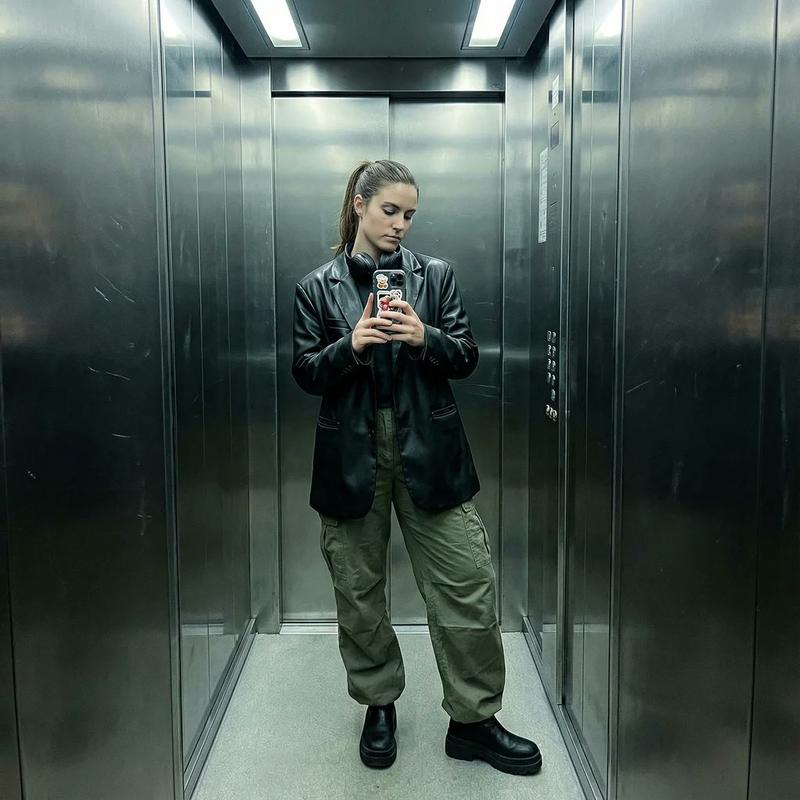
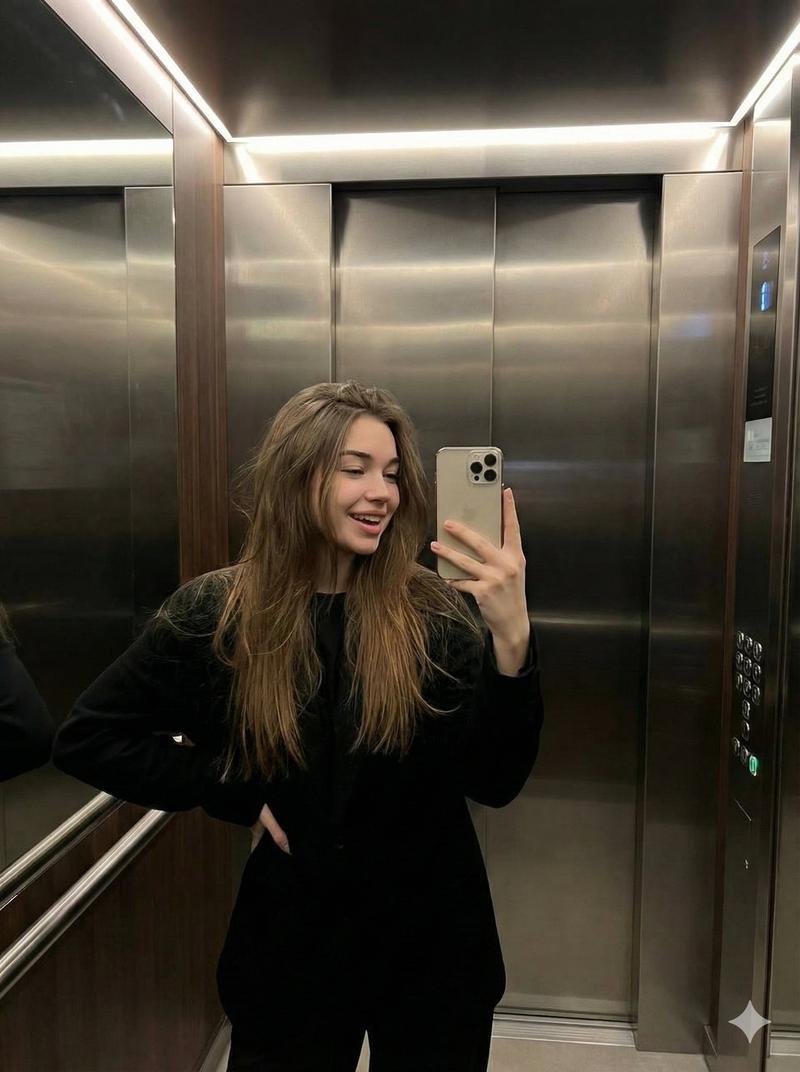
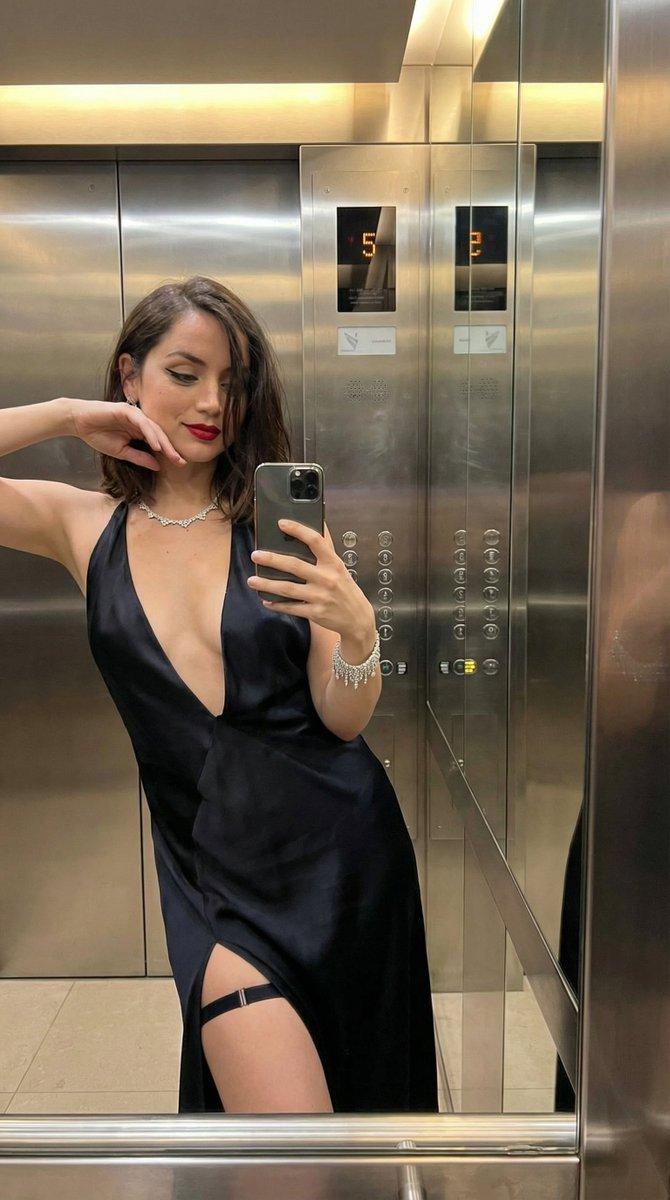
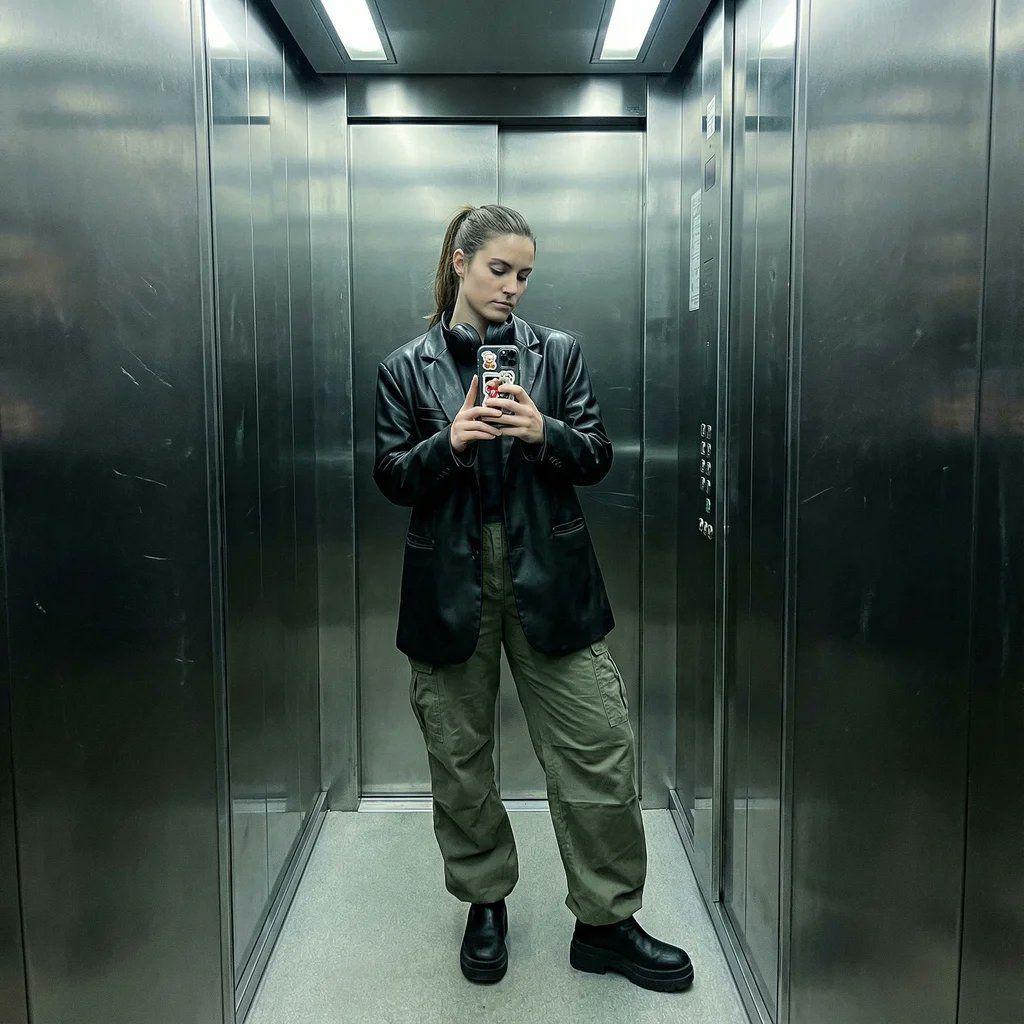
 "style": "Smartphone mirror selfie",
 "type": "Outfit check / POV",
 "quality": "Sharp digital noise, slightly desaturated",
 "tone": "Cool, edgy, modern, industrial",
 "lighting_and_atmosphere": "Overhead fluorescent elevator lighting, unflattering but gritty. Reflections on metallic walls."
 },
 "subject": {
 "constraints": {
 "facial_identity": "Match reference image exactly 100%",
 "face_edits": "None allowed"
 },
 "expression": [
 "Cool/Neutral",
 "Looking at phone screen",
 "Obscured by phone",
 "Sassy tilt"
 ],
 "pose": {
 "body_position": "Standing casually, hip cocked to one side.",
 "action": "Holding phone up to mirror, maybe one hand in pocket or adjusting hair.",
 "details": "Full body or 3/4 shot."
 },
 "clothing": {
 "style": "Streetwear or Night-out chic",
 "top": "Leather jacket or oversized blazer",
 "bottom": "Baggy cargo pants or mini skirt with patterned tights",
 "shoes": "Chunky platform boots or sneakers"
 },
 "accessories": [
 "Phone case with stickers",
 "Over-ear headphones around neck",
 "Beanie or cap"
 ]
 },
 "environment": {
 "setting": "Inside a metal elevator",
 "background": [
 "Reflective metal walls",
 "Elevator buttons panel",
 "Dirty mirror texture",
 "Infinite reflection if multiple mirrors"
 ]
 }
}
Category
Characters & People
Model
Nano Banana Pro
Views0
Source ID
new-nano-banana-pro-prompt

Guide

About "新纳米香蕉Pro提示"

What is this prompt for?

"新纳米香蕉Pro提示" AI image prompt for Nano Banana Pro (Characters & People). New Nano Banana Pro prompt { "image_parameters": { "style": "Smartphone mirror selfie",…

The full copyable prompt and example visuals above are ready for AI image generation or one-click recreate in Picva.

How to use this prompt

  1. Step 1

    Open the prompt detail

    Review the example visuals, category, and full prompt text for "新纳米香蕉Pro提示".

  2. Step 2

    Copy the prompt

    Copy the prompt body from this page, or load it directly in Studio.

  3. Step 3

    Pick a model (Nano Banana Pro)

    Prefer Nano Banana Pro. If you switch models, keep subject and composition and tweak style terms.

  4. Step 4

    Generate and export

    Recreate the look in Picva, or export into your workflow for editing and publishing.

FAQ

What is the "新纳米香蕉Pro提示" prompt?
It is an AI image-generation prompt for Nano Banana Pro in the Characters & People category. This page includes the full prompt text, example visuals, and a one-click recreate path in Picva.
How do I use this prompt to generate an image?
Copy the prompt from this page, or use Generate / Studio. Paste it into a compatible image model, or recreate the look in Picva with optional reference images.
Which model is this prompt for?
This page lists Nano Banana Pro. Most descriptive prompts also transfer to nearby image models such as GPT Image, Flux, or Midjourney with light style tweaks.
Can I use the result commercially?
You can usually copy the prompt for creation, but commercial use of the final image depends on the model terms, reference-image rights, and the generated content. Follow the source author and platform rules.