11

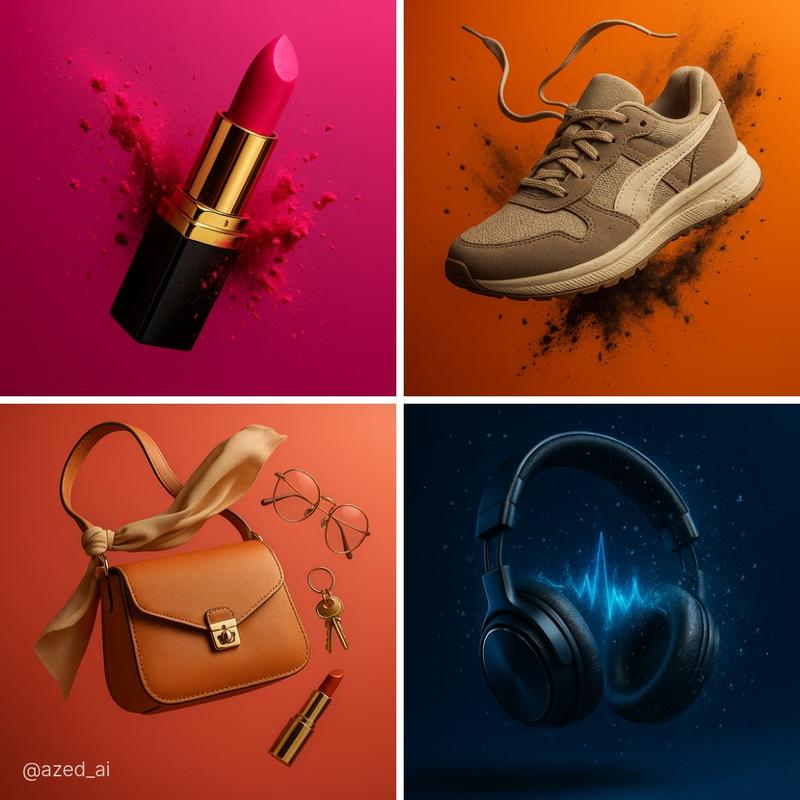
超现实的高冲击力的图像
Enlarge

超现实的高冲击力的图像

Prompt
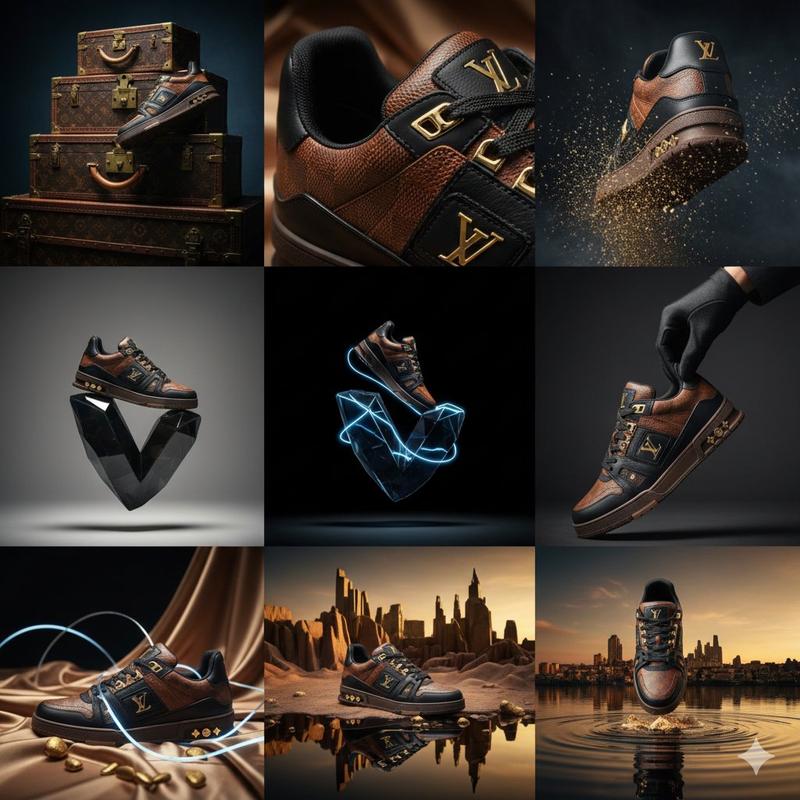
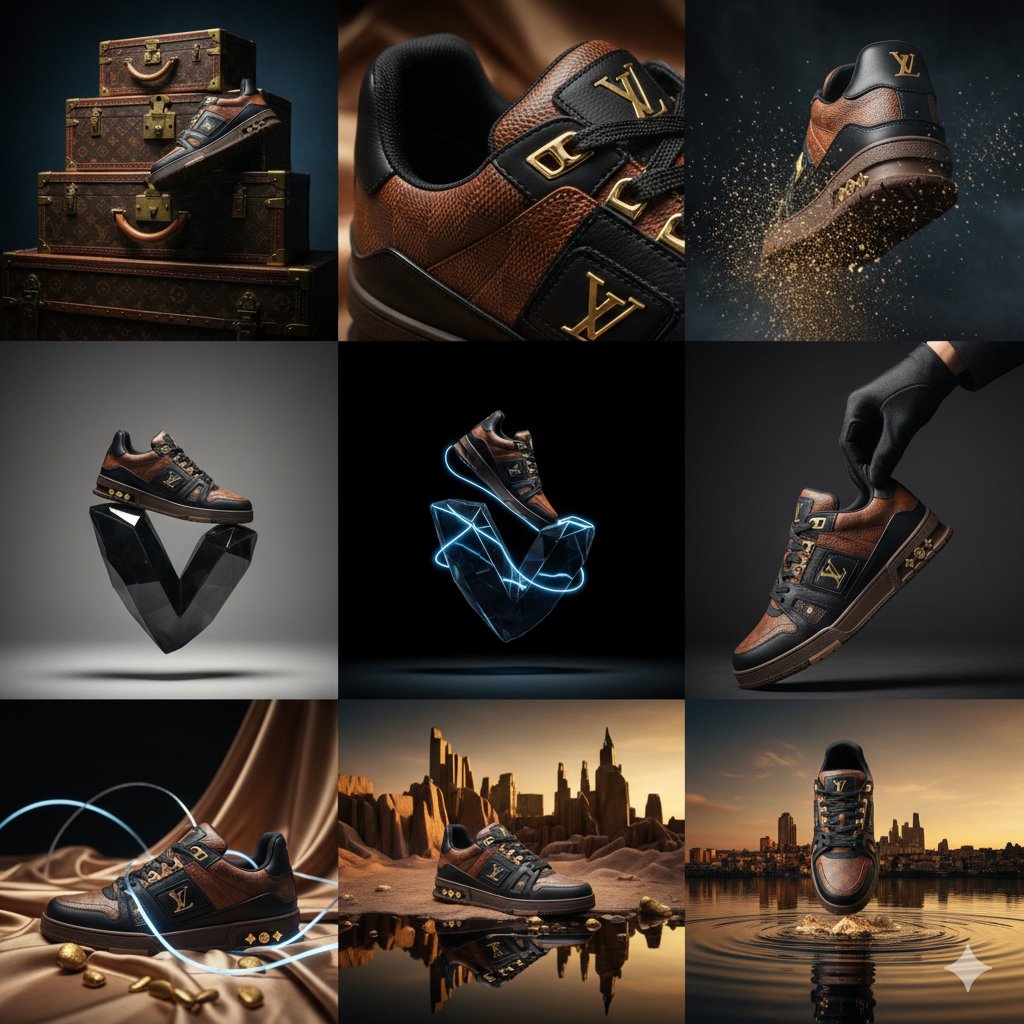
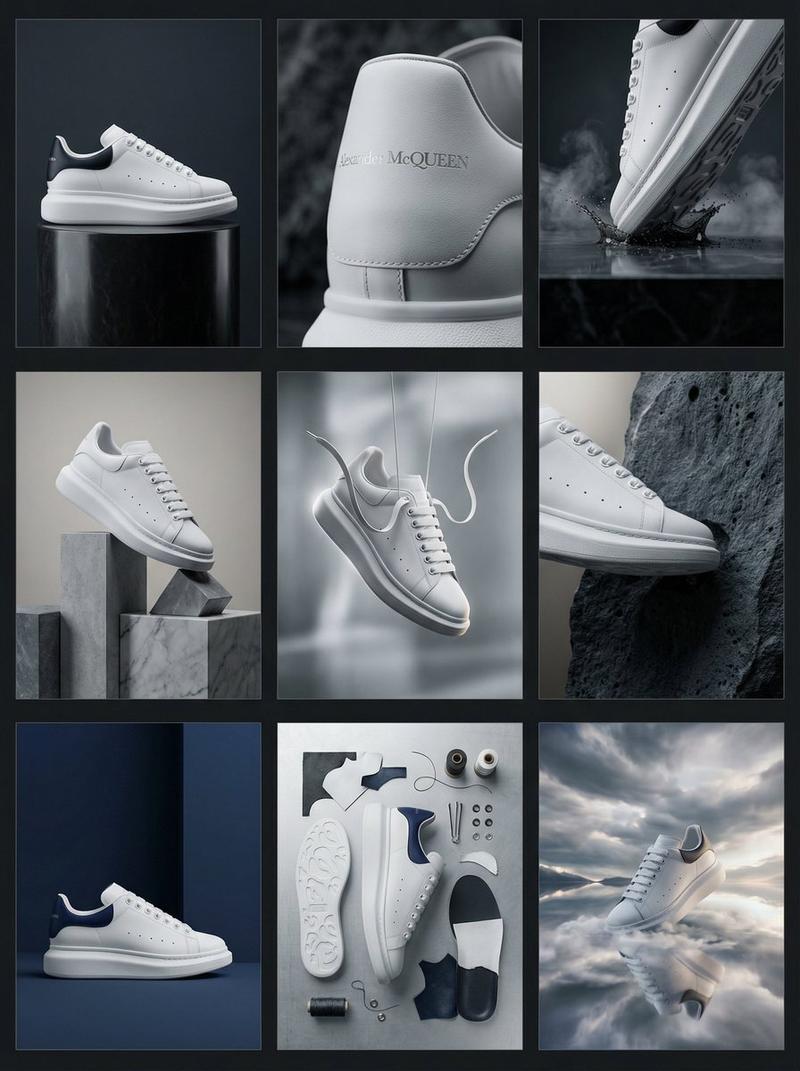
Create a hyperrealistic, high-impact image of a [subject] suspended mid-air, captured at the peak of an explosive moment. Surround it with dynamic [particles/splashes/fragments] that enhance motion and energy. macro-level detail, bold rim lighting, and a vibrant [background color] to emphasize form, texture, and contrast, cinematic, modern, and visually striking. perfect for premium product campaigns.
创建一个超现实的、高冲击力的图像,展示一个[主题]在空中悬停,捕捉到爆炸性时刻的巅峰。用动态的[粒子/飞溅/碎片]围绕它,增强运动感和能量。宏观细节,大胆的边缘照明,以及充满活力的[背景颜色],以强调形状、质感和对比度,电影般的、现代的、视觉上引人注目。非常适合高端产品活动。
Category
Products & E-commerce
Model
Unknown
Views3
Source ID
surreal-high-impact-image

Guide

About "超现实的高冲击力的图像"

What is this prompt for?

"超现实的高冲击力的图像" AI image prompt for Unknown (Products & E-commerce). Create a hyperrealistic, high-impact image of a [subject] suspended mid-air, captured at the…

The full copyable prompt and example visuals above are ready for AI image generation or one-click recreate in Picva.

How to use this prompt

  1. Step 1

    Open the prompt detail

    Review the example visuals, category, and full prompt text for "超现实的高冲击力的图像".

  2. Step 2

    Copy the prompt

    Copy the prompt body from this page, or load it directly in Studio.

  3. Step 3

    Pick a model (Unknown)

    Prefer Unknown. If you switch models, keep subject and composition and tweak style terms.

  4. Step 4

    Generate and export

    Recreate the look in Picva, or export into your workflow for editing and publishing.

FAQ

What is the "超现实的高冲击力的图像" prompt?
It is an AI image-generation prompt for Unknown in the Products & E-commerce category. This page includes the full prompt text, example visuals, and a one-click recreate path in Picva.
How do I use this prompt to generate an image?
Copy the prompt from this page, or use Generate / Studio. Paste it into a compatible image model, or recreate the look in Picva with optional reference images.
Which model is this prompt for?
This page lists Unknown. Most descriptive prompts also transfer to nearby image models such as GPT Image, Flux, or Midjourney with light style tweaks.
Can I use the result commercially?
You can usually copy the prompt for creation, but commercial use of the final image depends on the model terms, reference-image rights, and the generated content. Follow the source author and platform rules.