16

Gemini Nano Banana Pro 测试
Enlarge

Gemini Nano Banana Pro 测试

Prompt
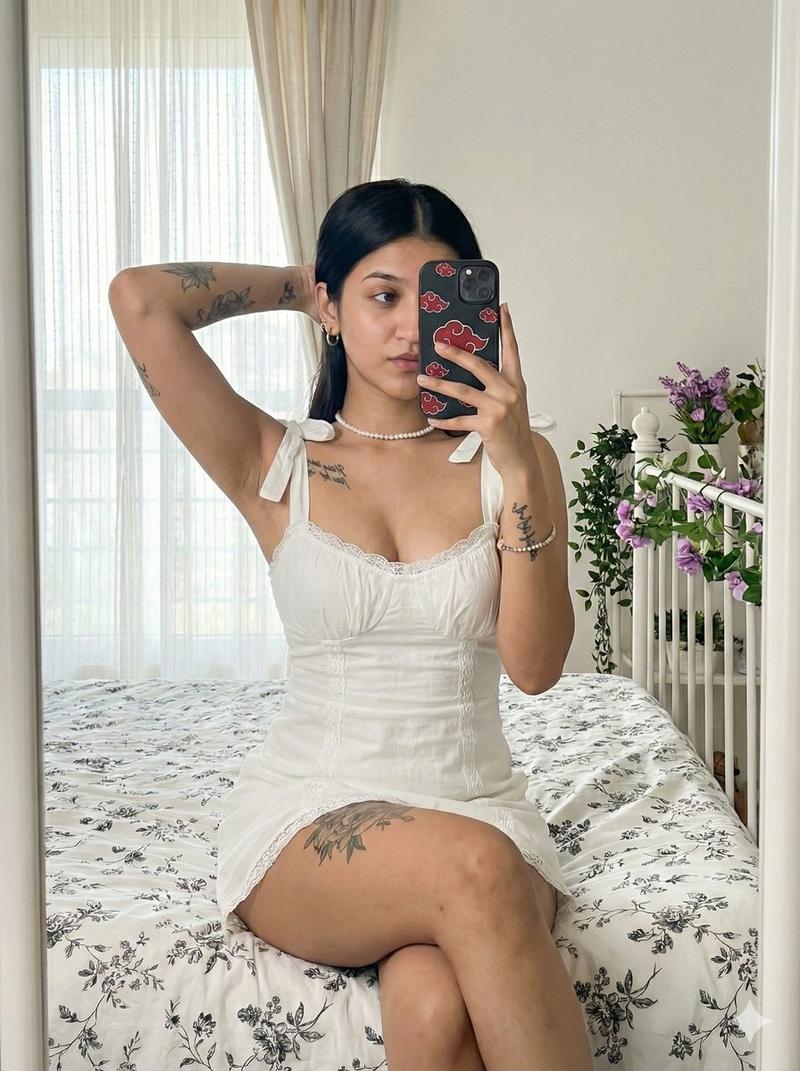
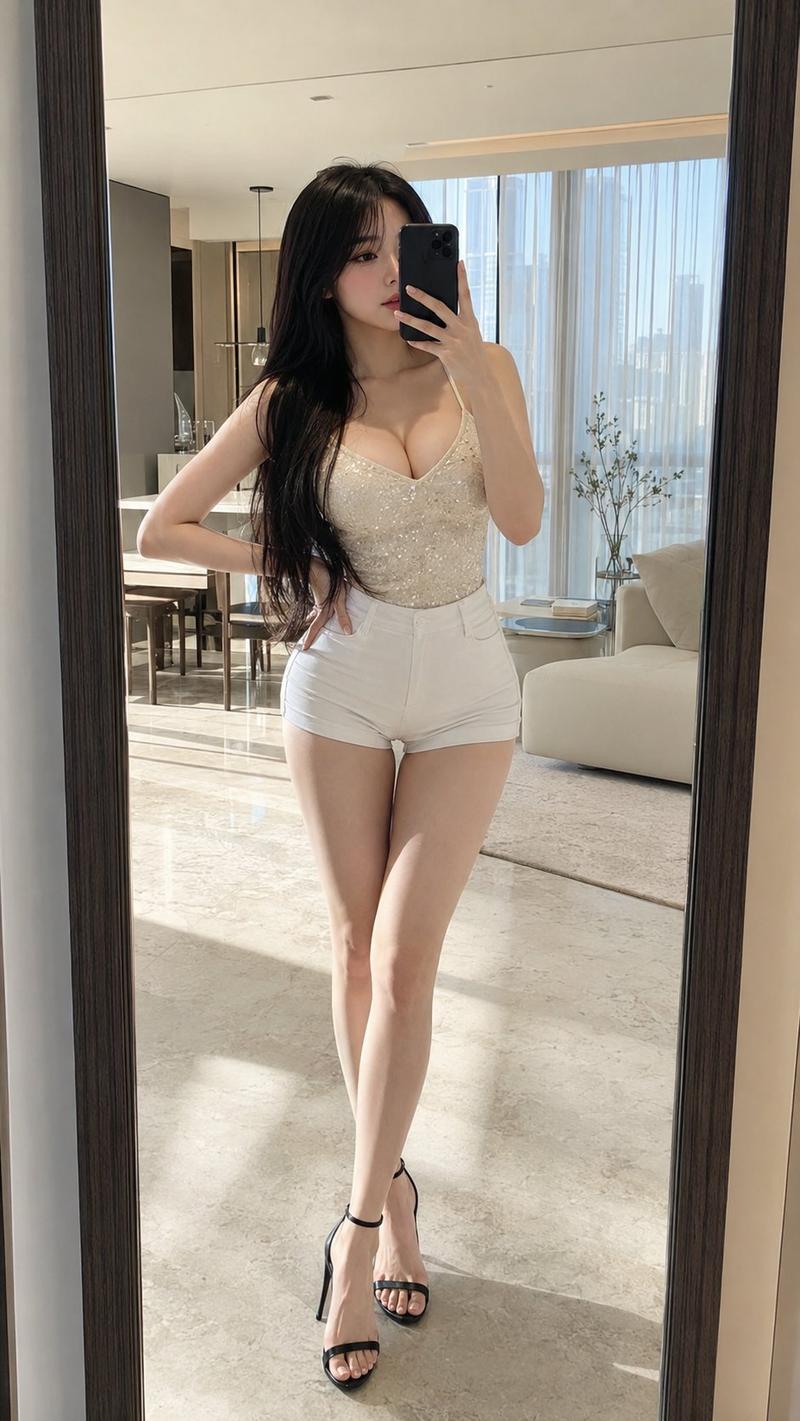
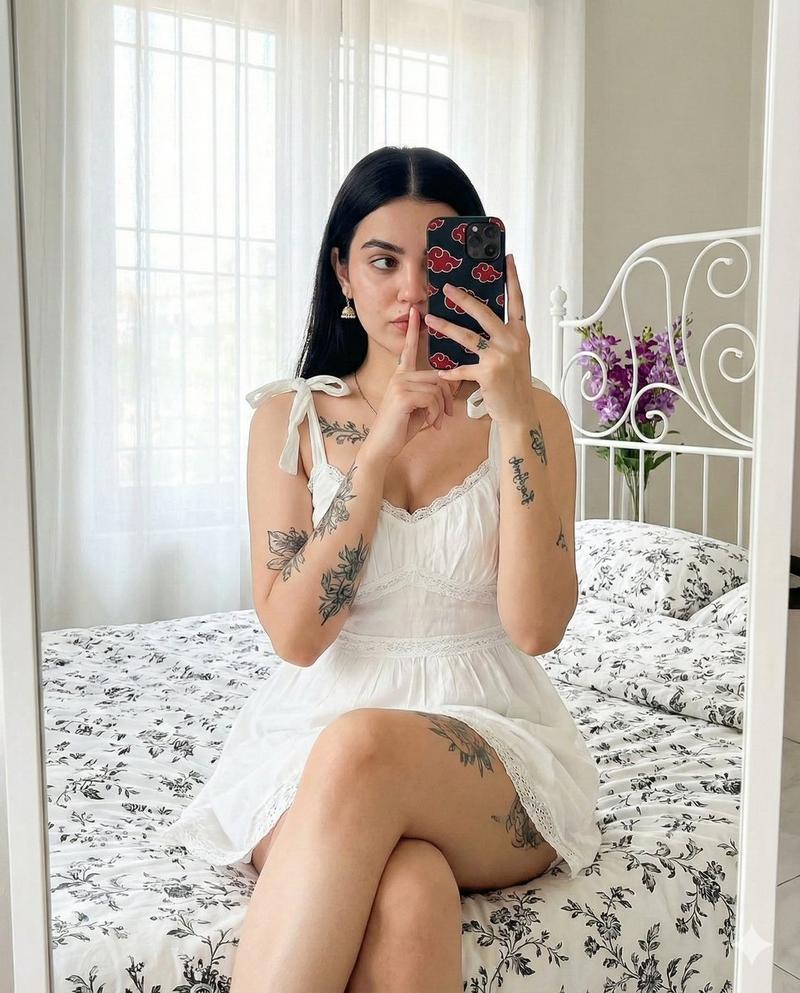
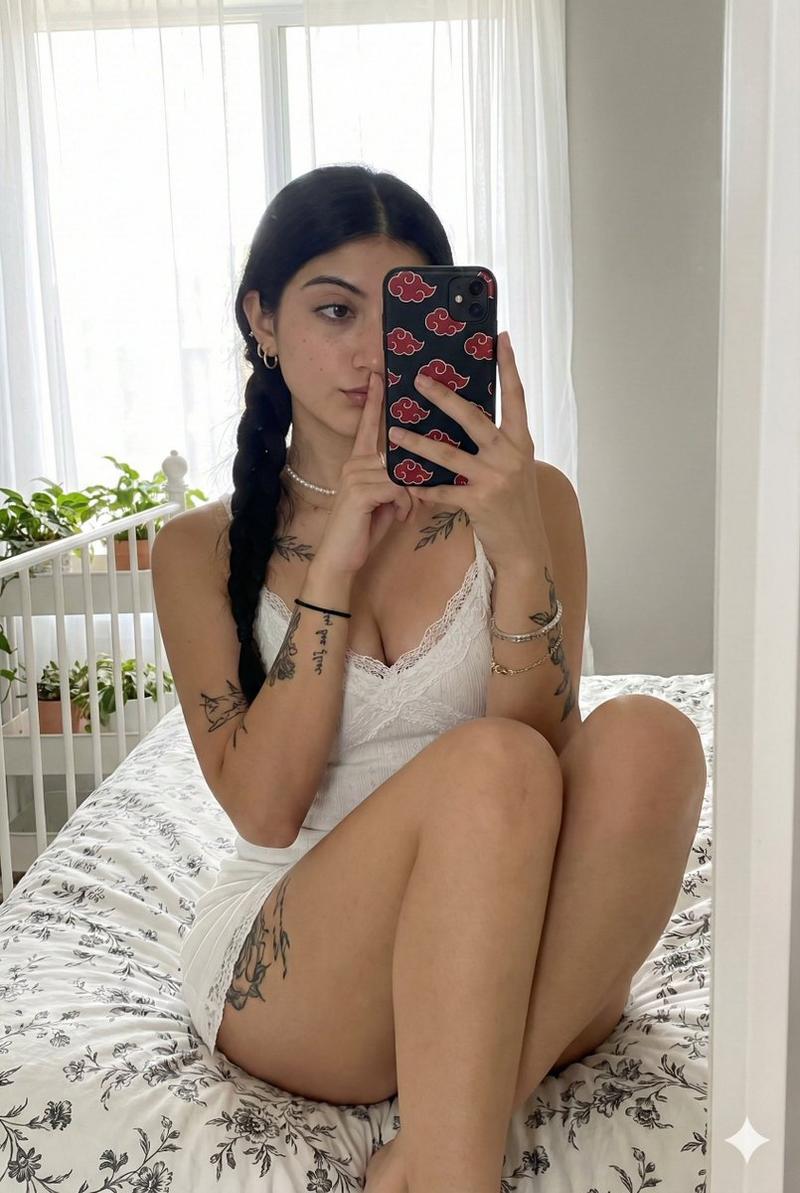
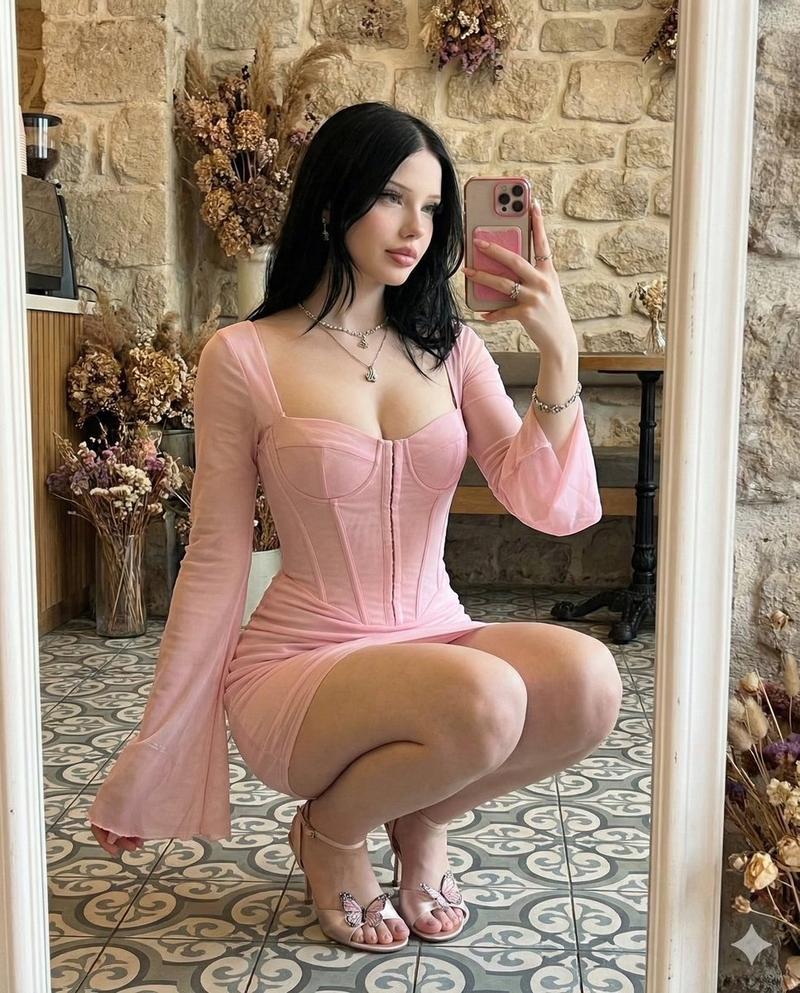
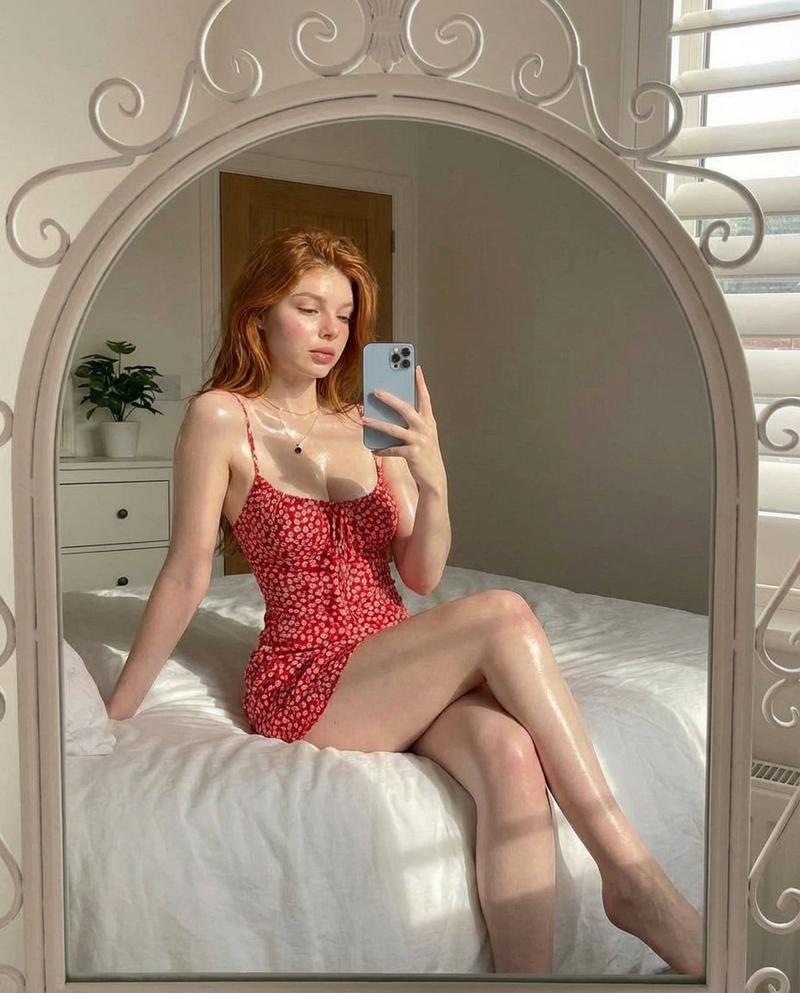
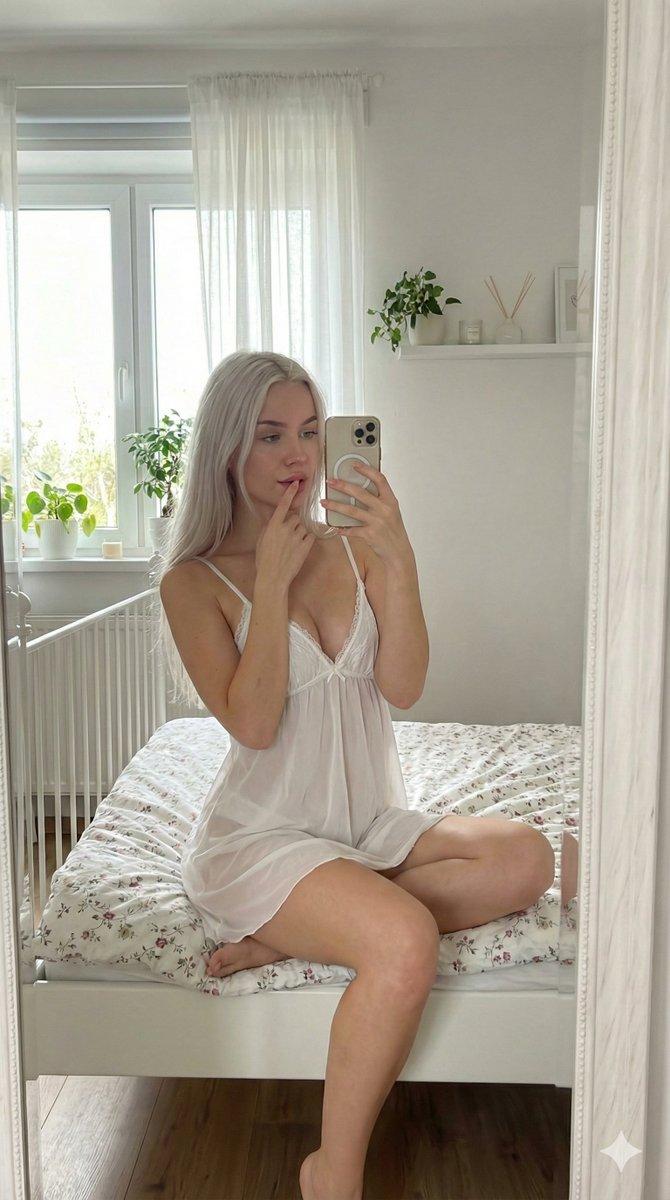
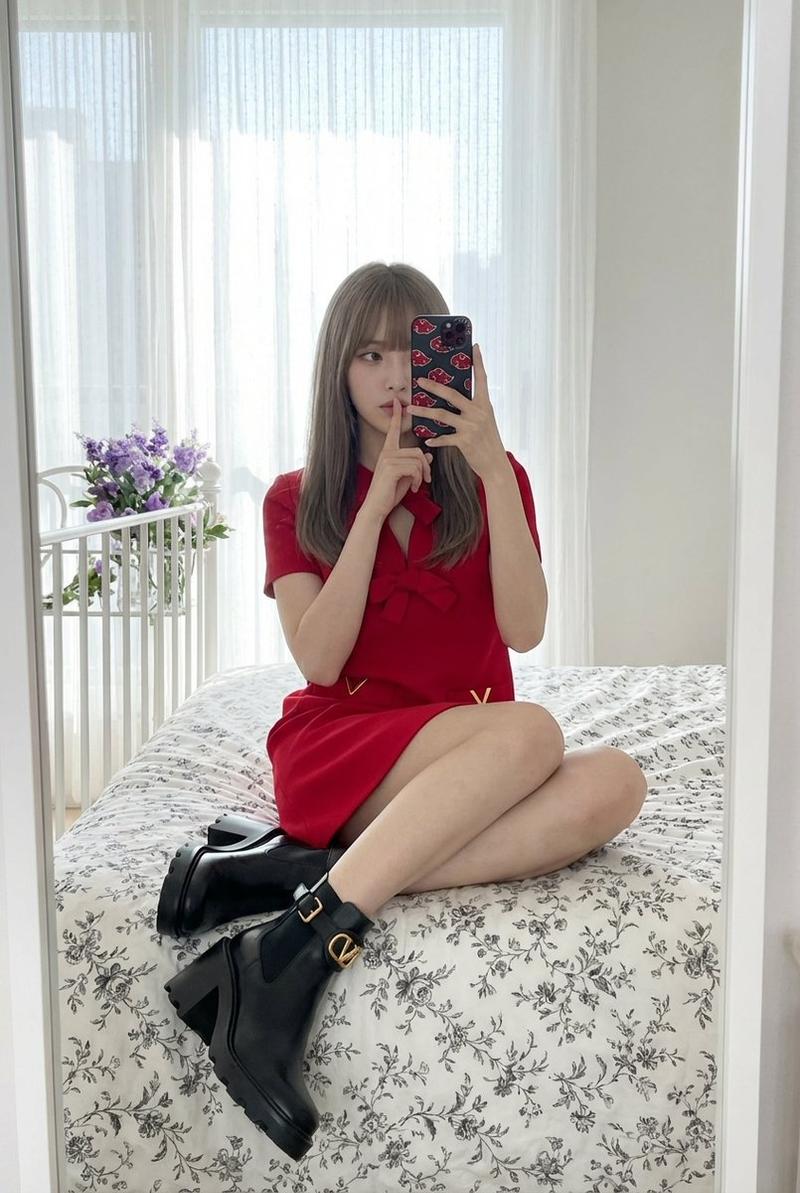
Testing out Gemini Nano Banana Pro
The realistic look this model achieves is insane 🤯
​Check this out 👇
Prompt; {
"A high-resolution full-body mirror selfie of a young woman sitting cross-legged (comfortable pose) on a white bed with black floral print bedding. She has long, straight black hair parted in the middle. She is wearing a white, strappy mini dress with lace trim and bow-tied straps. She is holding a black smartphone with a red cloud pattern case (Akatsuki) in her right hand, covering part of her face, while her left index finger is pressed to her lips in a \'shh\' gesture. Visible tattoos on both forearms, upper chest, and right thigh. The background shows a large mirror reflecting a bright window with sheer white curtains and a white metal bed frame with purple flowers. Soft, natural, bright lighting, 8k, ultra-realistic, skin texture.",
"negative_prompt": "blurred, low quality, distorted face, extra limbs, deformed hands, bad anatomy, unnatural lighting, cartoon, anime, illustration, painting, text, watermark, multiple people, standing, legs extended, shoes, dark room, harsh shadows",
"width": 1024,
"height": 1792,
"steps": 30,
"cfg_scale": 7.5,
"sampler_name": "Euler a",
"scheduler": "Karras",
"denoising_strength": 0.75,
"sd_model_checkpoint": "v1-5-pruned-emaonly.safetensors"
}
Category
Illustration & Art
Model
Nano Banana Pro
Views1
Source ID
testing-out-gemini-nano-banana-pro

Guide

About "Gemini Nano Banana Pro 测试"

What is this prompt for?

"Gemini Nano Banana Pro 测试" AI image prompt for Nano Banana Pro (Illustration & Art). Testing out Gemini Nano Banana Pro The realistic look this model achieves…

The full copyable prompt and example visuals above are ready for AI image generation or one-click recreate in Picva.

How to use this prompt

  1. Step 1

    Open the prompt detail

    Review the example visuals, category, and full prompt text for "Gemini Nano Banana Pro 测试".

  2. Step 2

    Copy the prompt

    Copy the prompt body from this page, or load it directly in Studio.

  3. Step 3

    Pick a model (Nano Banana Pro)

    Prefer Nano Banana Pro. If you switch models, keep subject and composition and tweak style terms.

  4. Step 4

    Generate and export

    Recreate the look in Picva, or export into your workflow for editing and publishing.

FAQ

What is the "Gemini Nano Banana Pro 测试" prompt?
It is an AI image-generation prompt for Nano Banana Pro in the Illustration & Art category. This page includes the full prompt text, example visuals, and a one-click recreate path in Picva.
How do I use this prompt to generate an image?
Copy the prompt from this page, or use Generate / Studio. Paste it into a compatible image model, or recreate the look in Picva with optional reference images.
Which model is this prompt for?
This page lists Nano Banana Pro. Most descriptive prompts also transfer to nearby image models such as GPT Image, Flux, or Midjourney with light style tweaks.
Can I use the result commercially?
You can usually copy the prompt for creation, but commercial use of the final image depends on the model terms, reference-image rights, and the generated content. Follow the source author and platform rules.