18

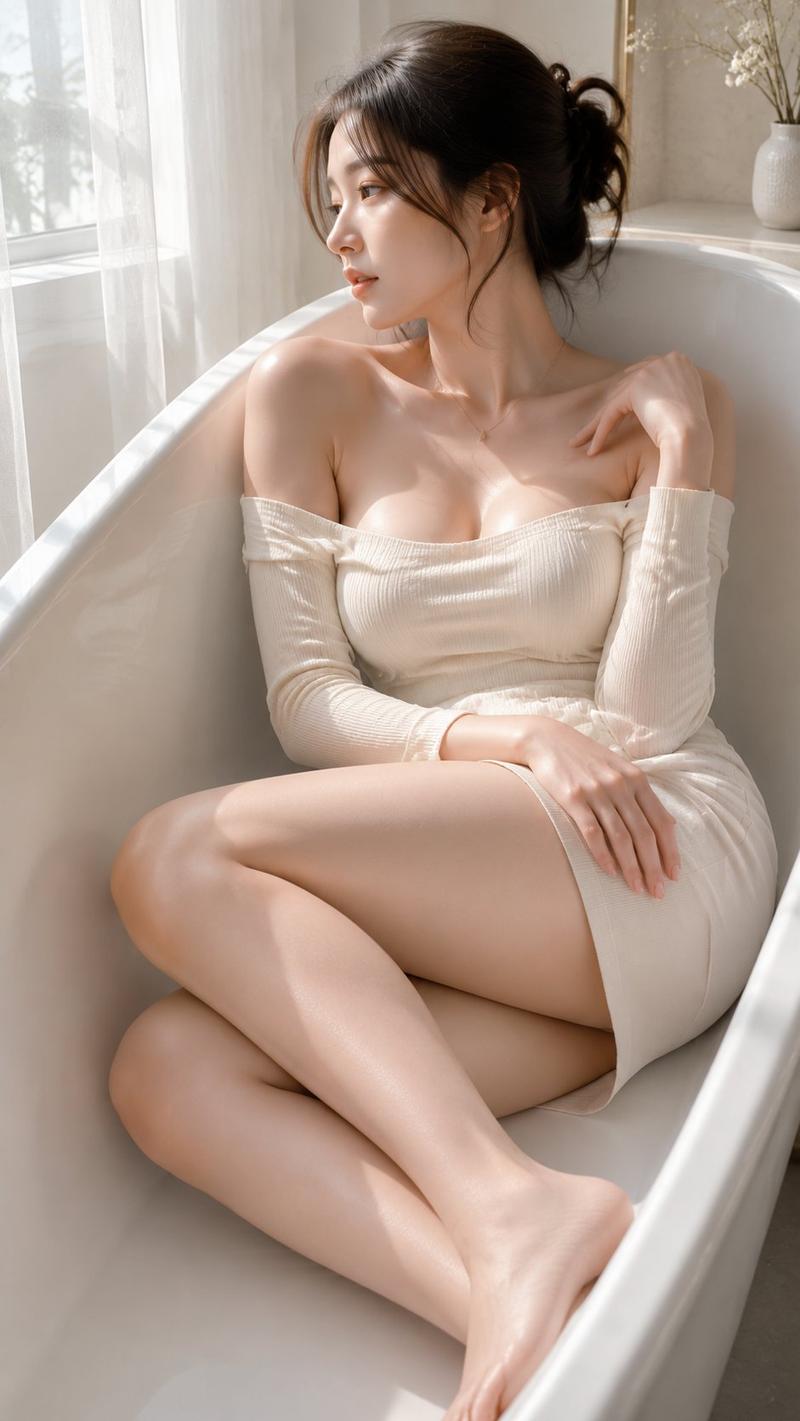
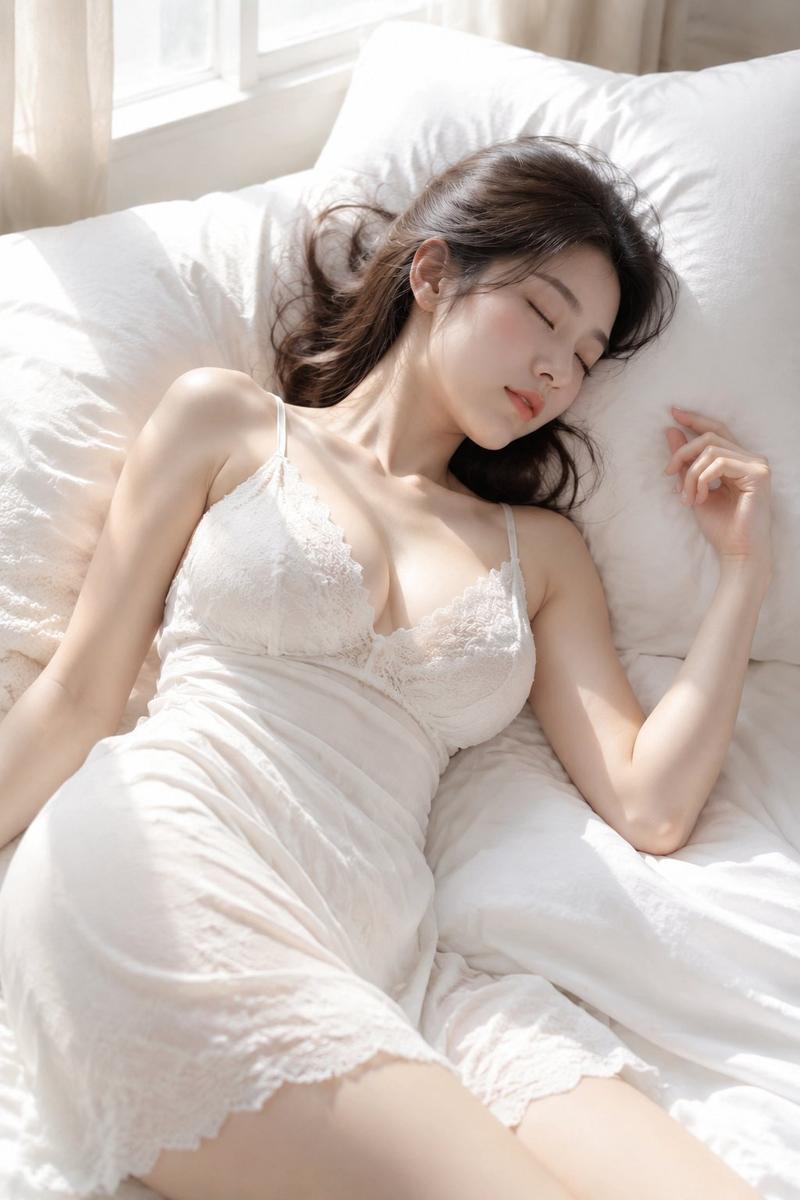
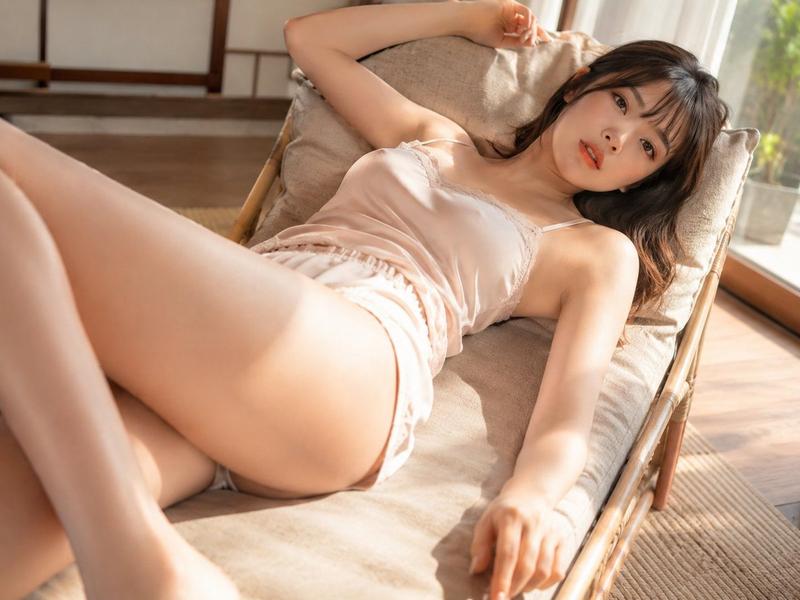
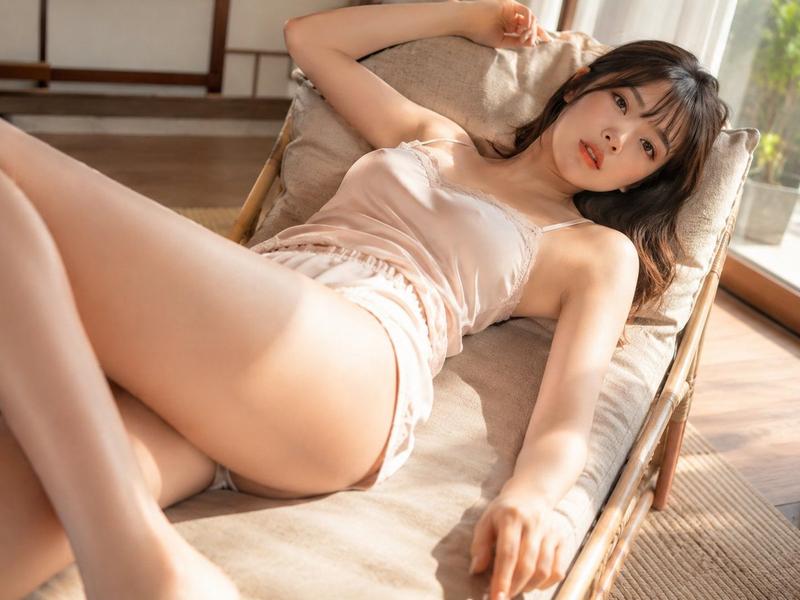
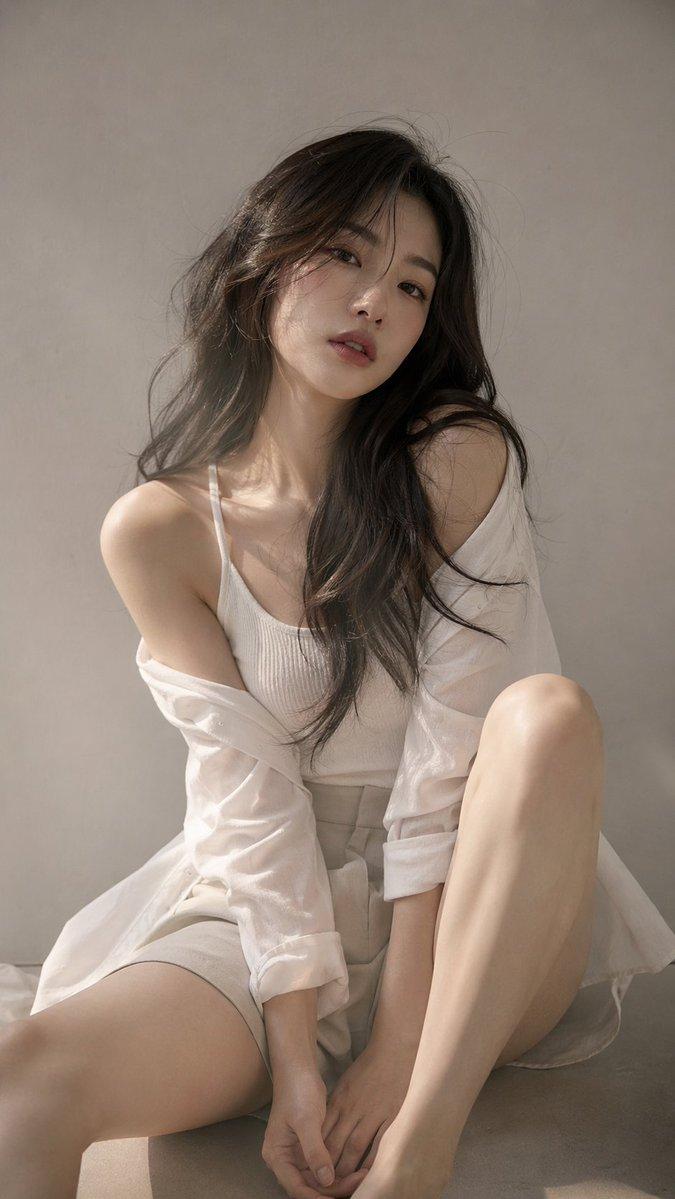
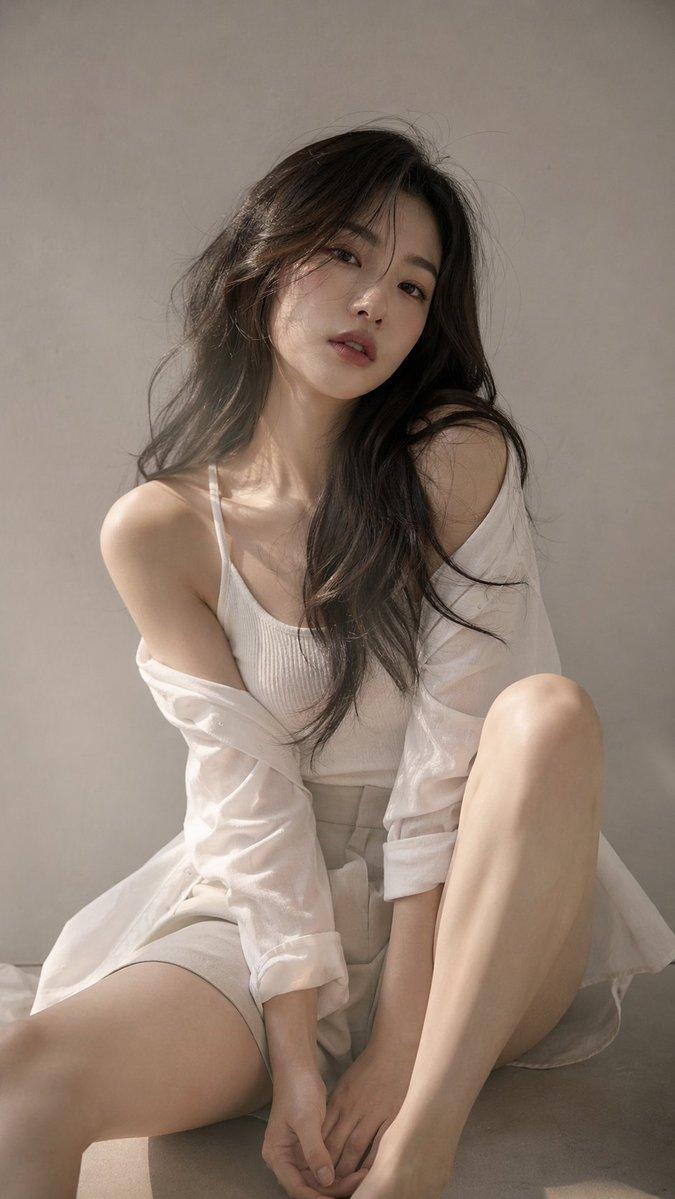
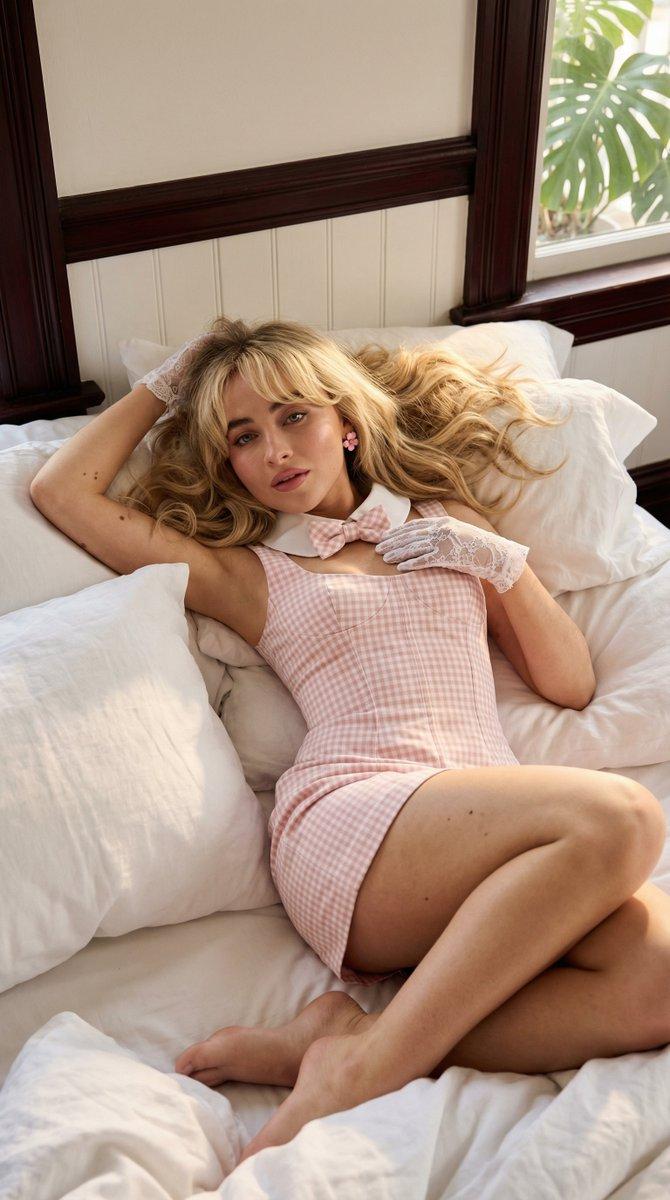
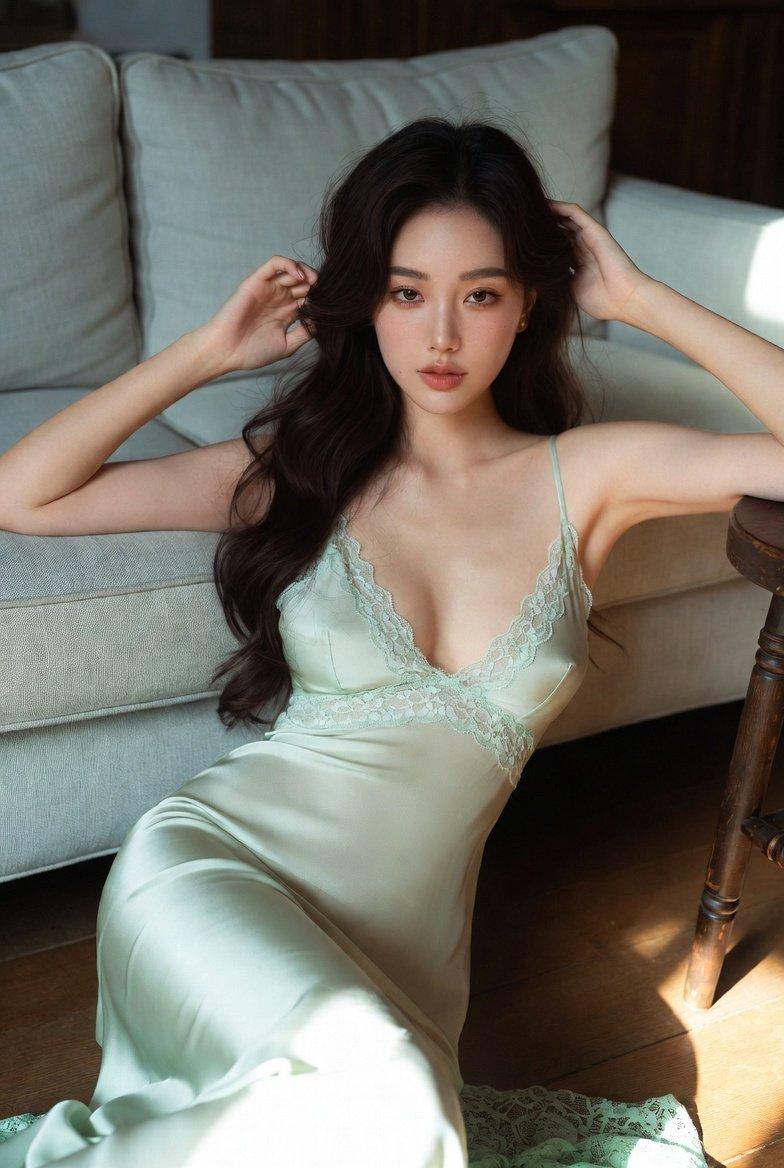
照片级写实躺姿肖像
Enlarge

照片级写实躺姿肖像

Prompt
A highly detailed, photorealistic portrait of a {argument name="subject description" default="beautiful young Asian woman"} reclining gracefully on a {argument name="furniture" default="white modern sofa"}. She is wearing a {argument name="clothing" default="short white silk slip dress"} with thin straps, her {argument name="hair style" default="long wavy dark brown hair"} cascading softly over a white pillow. Her pose is relaxed and intimate, with one arm raised elegantly above her head and the other hand resting gently on her stomach, as she gazes directly at the camera with a soft, alluring expression. The scene is illuminated by {argument name="lighting style" default="soft natural sunlight streaming through a window"}, casting gentle, diffused shadows across her flawless skin and the pristine white upholstery. The aesthetic is bright, minimalist, and ethereal, captured with an 85mm lens for a cinematic, shallow depth of field and soft, glowing highlights.
Category
Posters & Typography
Model
GPT Image 2
Creator
Andy Chow
Views13
Source ID
13448
Published
Apr 19, 2026

Guide

About "照片级写实躺姿肖像"

What is this prompt for?

"照片级写实躺姿肖像" AI image prompt for GPT Image 2 (Posters & Typography). 生成一张高质量、照片级写实风格的女性在柔和自然光下于沙发上放松的图像。 Copy it on Picva and recreate the look in one click.

The full copyable prompt and example visuals above are ready for AI image generation or one-click recreate in Picva.

How to use this prompt

  1. Step 1

    Open the prompt detail

    Review the example visuals, category, and full prompt text for "照片级写实躺姿肖像".

  2. Step 2

    Copy the prompt

    Copy the prompt body from this page, or load it directly in Studio.

  3. Step 3

    Pick a model (GPT Image 2)

    Prefer GPT Image 2. If you switch models, keep subject and composition and tweak style terms.

  4. Step 4

    Generate and export

    Recreate the look in Picva, or export into your workflow for editing and publishing.

FAQ

What is the "照片级写实躺姿肖像" prompt?
It is an AI image-generation prompt for GPT Image 2 in the Posters & Typography category. This page includes the full prompt text, example visuals, and a one-click recreate path in Picva.
How do I use this prompt to generate an image?
Copy the prompt from this page, or use Generate / Studio. Paste it into a compatible image model, or recreate the look in Picva with optional reference images.
Which model is this prompt for?
This page lists GPT Image 2. Most descriptive prompts also transfer to nearby image models such as GPT Image, Flux, or Midjourney with light style tweaks.
Can I use the result commercially?
You can usually copy the prompt for creation, but commercial use of the final image depends on the model terms, reference-image rights, and the generated content. Follow the source author and platform rules.