19

Ligne Claire 郊区景观
Enlarge

Ligne Claire 郊区景观

Prompt
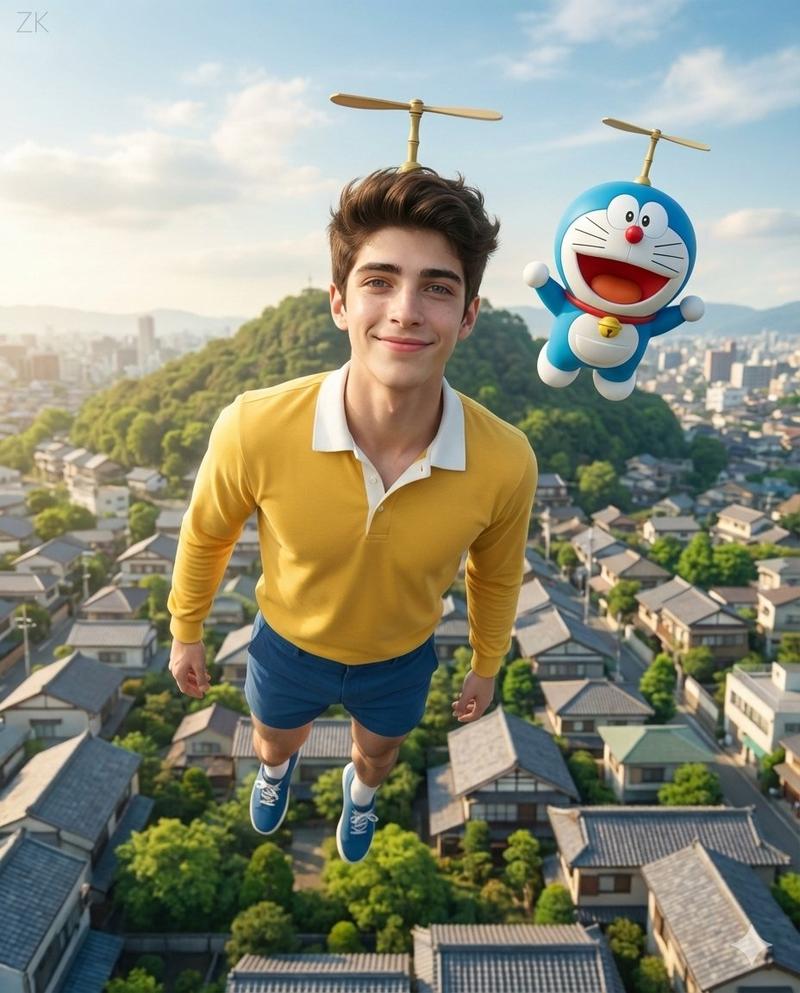
A detailed {argument name="art style" default="ligne claire comic illustration"} of a sprawling {argument name="setting" default="suburban neighborhood"} viewed from an elevated rooftop perspective during {argument name="time of day" default="sunset"}. The scene features densely packed houses with varied roof colors including muted blues, reds, and browns, interspersed with lush green trees and foliage. Utility poles with crisscrossing power lines cut through the midground. A winding dirt road is visible on the right side. The sky is a smooth gradient of warm orange, pink, and light blue, with a bright round sun sitting low on the horizon behind stylized, fluffy clouds. The artwork uses flat colors, distinct black outlines, and a nostalgic, peaceful atmosphere reminiscent of classic anime background art.
Category
Posters & Typography
Model
GPT Image 2
Creator
Kai
Views3
Source ID
13449
Published
Apr 20, 2026

Guide

About "Ligne Claire 郊区景观"

What is this prompt for?

"Ligne Claire 郊区景观" AI image prompt for GPT Image 2 (Posters & Typography). 生成一幅细节丰富的漫画风格郊区景观插画,支持自定义时间与场景设置。 Copy it on Picva and recreate the look in one cli…

The full copyable prompt and example visuals above are ready for AI image generation or one-click recreate in Picva.

How to use this prompt

  1. Step 1

    Open the prompt detail

    Review the example visuals, category, and full prompt text for "Ligne Claire 郊区景观".

  2. Step 2

    Copy the prompt

    Copy the prompt body from this page, or load it directly in Studio.

  3. Step 3

    Pick a model (GPT Image 2)

    Prefer GPT Image 2. If you switch models, keep subject and composition and tweak style terms.

  4. Step 4

    Generate and export

    Recreate the look in Picva, or export into your workflow for editing and publishing.

FAQ

What is the "Ligne Claire 郊区景观" prompt?
It is an AI image-generation prompt for GPT Image 2 in the Posters & Typography category. This page includes the full prompt text, example visuals, and a one-click recreate path in Picva.
How do I use this prompt to generate an image?
Copy the prompt from this page, or use Generate / Studio. Paste it into a compatible image model, or recreate the look in Picva with optional reference images.
Which model is this prompt for?
This page lists GPT Image 2. Most descriptive prompts also transfer to nearby image models such as GPT Image, Flux, or Midjourney with light style tweaks.
Can I use the result commercially?
You can usually copy the prompt for creation, but commercial use of the final image depends on the model terms, reference-image rights, and the generated content. Follow the source author and platform rules.