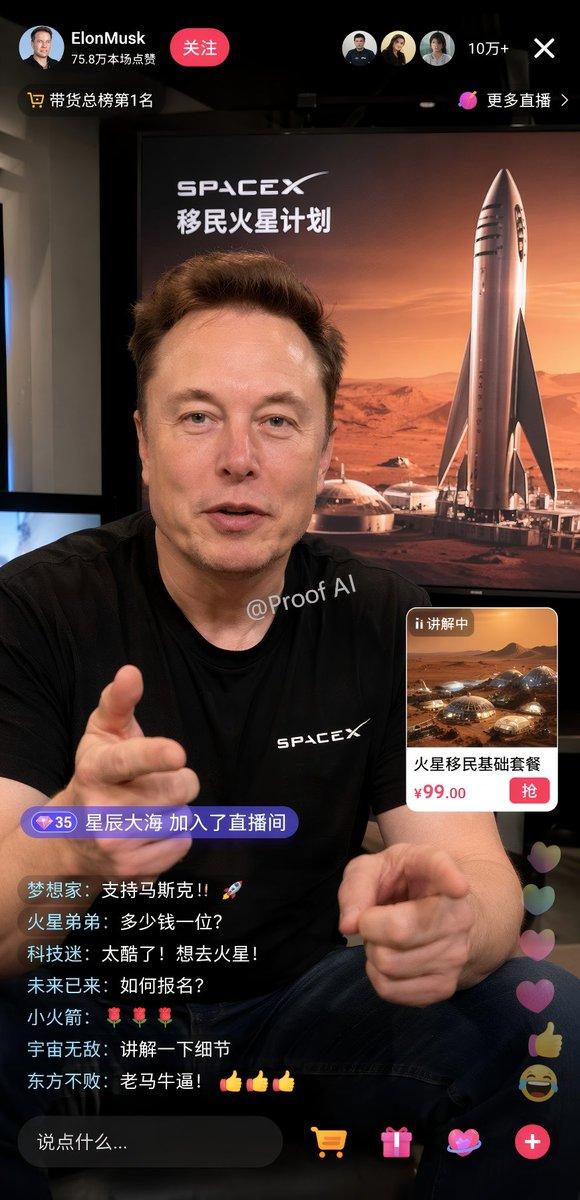
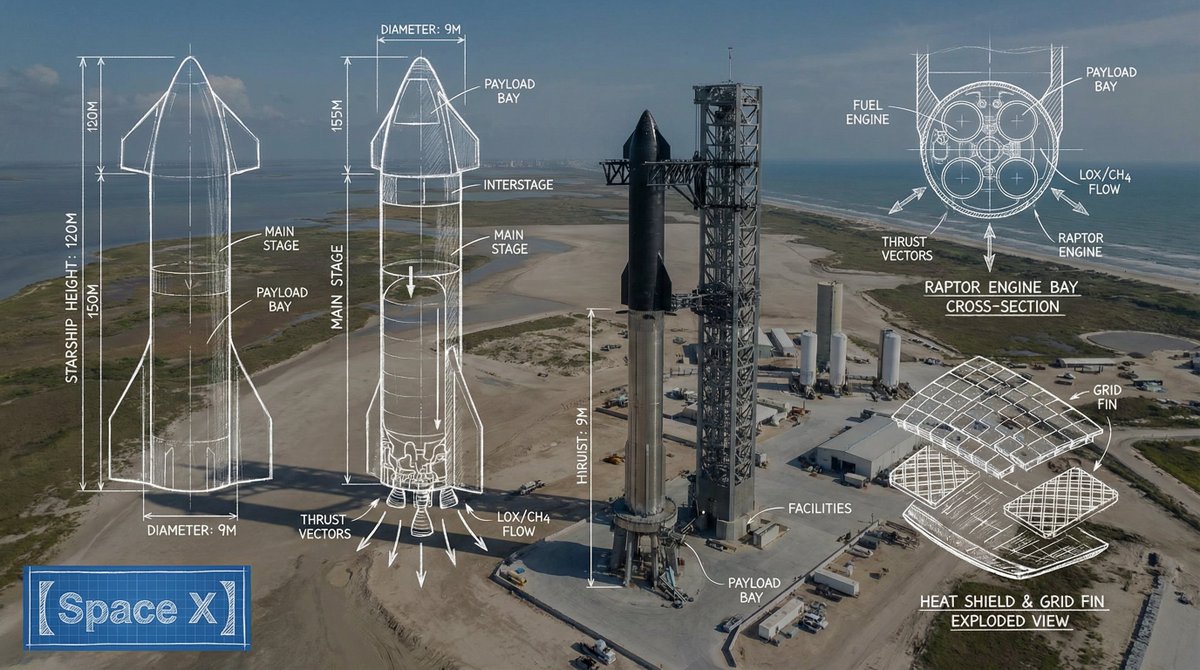
火星自拍社交媒体模拟图
Prompt
{
  "type": "social media app interface mockup",
  "platform_style": "Xiaohongshu",
  "layout": {
    "header": {
      "logo": "red pill with '小红书'",
      "tabs": ["关注 v", "发现", "附近"],
      "active_tab": "发现",
      "icons": 1,
      "icon_types": ["search"]
    },
    "user_profile": {
      "avatar": "portrait of Elon Musk",
      "name": "{argument name=\"user name\" default=\"Elon Musk\"}",
      "verified_badge": "blue checkmark",
      "subtitle": "科技公司创始人/工程师",
      "action_buttons": 3,
      "button_labels": ["关注", "share icon", "ellipsis icon"]
    },
    "post_content": {
      "text": "{argument name=\"post text\" default=\"在火星上看到第一缕阳光。这是人类文明的下一步。星舰 + 星链 + 可持续能源,让生命成为多行星物种。未来已来!🚀\"}",
      "image": {
        "description": "{argument name=\"image subject\" default=\"Elon Musk taking a selfie on Mars\"}",
        "clothing": "black jacket with SPACEX logo",
        "background": "{argument name=\"background elements\" default=\"Starship rocket, geodesic habitat domes, solar panel arrays, Martian landscape at sunrise\"}",
        "watermark": "@Proof AI",
        "location_overlay": {
          "icon": "bar chart",
          "text": "{argument name=\"location tag\" default=\"火星 · 乌托邦平原 >\"}"
        }
      },
      "pagination_dots": 5
    },
    "footer": {
      "comment_input": "说点什么...",
      "interaction_stats": 3,
      "stats_details": [
        {"icon": "heart", "count": "12.8万"},
        {"icon": "star", "count": "2.6万"},
        {"icon": "speech bubble", "count": "1.5万"}
      ],
      "metadata": "昨天 23:42 美国",
      "feedback_button": "不喜欢"
    }
  }
}- Category
- Charts & Infographics
- Model
- GPT Image 2
- Creator
- Proof · AI Productivity
- Source ID
- 13503
- Published
- Apr 19, 2026
Views1