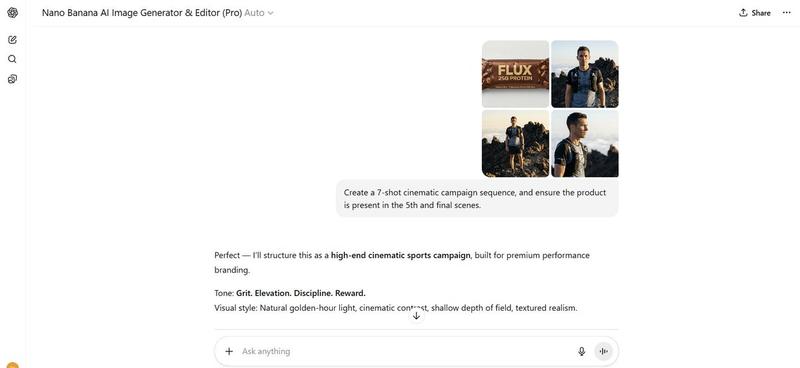
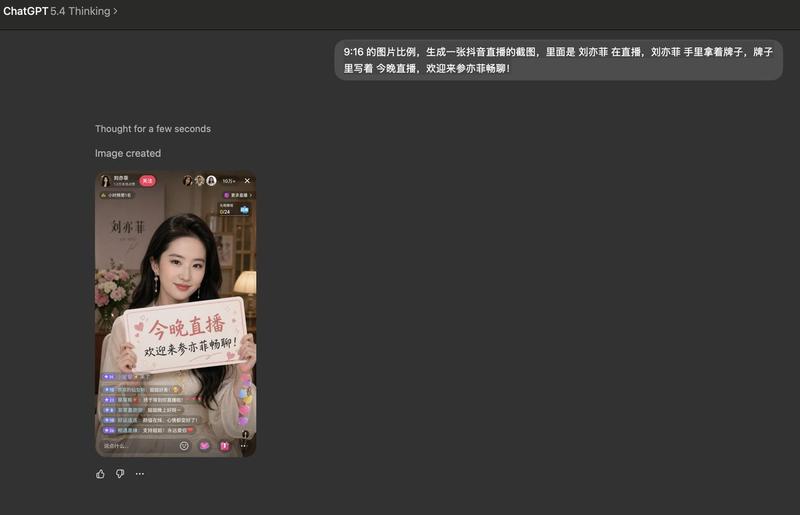
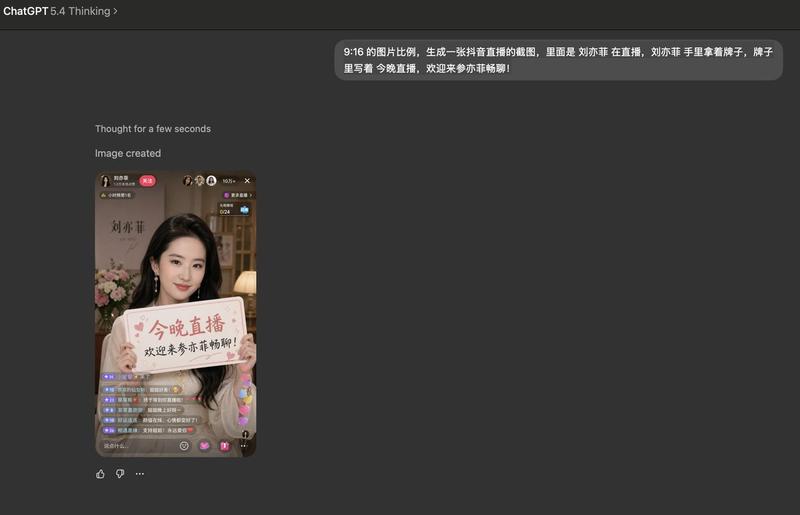
网站首页截图生成
Prompt
Screenshot of the {argument name="website" default="Yahoo"} homepage.- Category
- UI & Interfaces
- Model
- GPT Image 2
- Creator
- Patrick
- Source ID
- 13584
- Published
- Apr 13, 2026
Views6
18
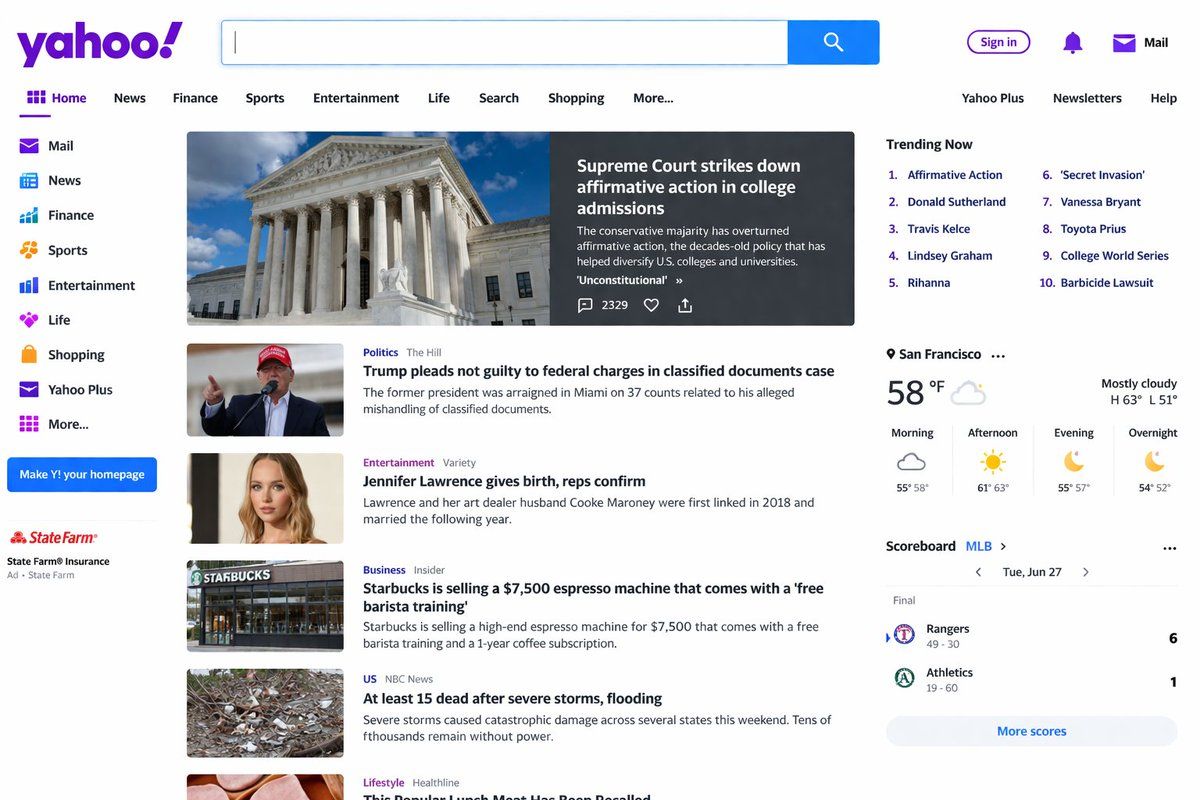
Screenshot of the {argument name="website" default="Yahoo"} homepage.Guide
"网站首页截图生成" AI image prompt for GPT Image 2 (UI & Interfaces). 一个旨在通过生成特定网站首页的逼真截图来测试文本渲染效果的提示词。 Copy it on Picva and recreate the look in one click.
The full copyable prompt and example visuals above are ready for AI image generation or one-click recreate in Picva.
Step 1
Review the example visuals, category, and full prompt text for "网站首页截图生成".
Step 2
Copy the prompt body from this page, or load it directly in Studio.
Step 3
Prefer GPT Image 2. If you switch models, keep subject and composition and tweak style terms.
Step 4
Recreate the look in Picva, or export into your workflow for editing and publishing.