20

阿尔卑斯草甸中的写实风动漫猫娘
Enlarge

阿尔卑斯草甸中的写实风动漫猫娘

Prompt
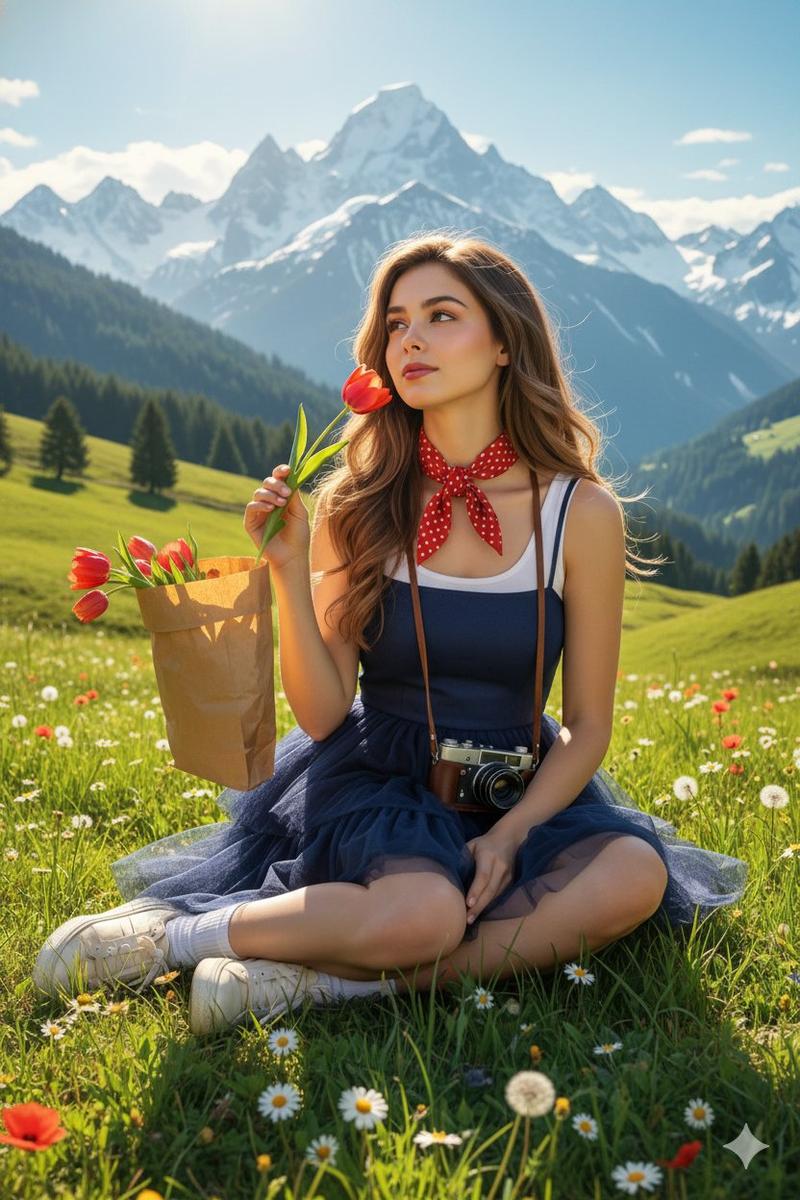
A cute anthropomorphic cat-girl with white fur, {argument name="hair color" default="short green hair"}, a prominent ahoge, and large {argument name="eye color" default="green"} anime eyes. She has fluffy green cat ears and a long white tail. She is wearing a loose, oversized {argument name="outfit" default="green off-the-shoulder tunic"} and sitting peacefully on the ground with her legs tucked to the side and paws resting gently in front of her. The setting is a lush {argument name="setting" default="alpine meadow filled with small white and yellow wildflowers"}. In the background, there is a sweeping valley, pine forests, and majestic snow-capped mountains under a bright blue sky with fluffy clouds. The art style blends an anime character design with a highly realistic, {argument name="style" default="photographic landscape"} featuring bright, natural sunlight.
Category
Charts & Infographics
Model
GPT Image 2
Creator
とらの
Views1
Source ID
13618
Published
Apr 13, 2026

Guide

About "阿尔卑斯草甸中的写实风动漫猫娘"

What is this prompt for?

"阿尔卑斯草甸中的写实风动漫猫娘" AI image prompt for GPT Image 2 (Charts & Infographics). 生成一张 2.5D 插画,描绘一个拟人化的动漫角色坐在一片细节丰富、照片级逼真的自然景观中。 Copy it on Picva and recreate the loo…

The full copyable prompt and example visuals above are ready for AI image generation or one-click recreate in Picva.

How to use this prompt

  1. Step 1

    Open the prompt detail

    Review the example visuals, category, and full prompt text for "阿尔卑斯草甸中的写实风动漫猫娘".

  2. Step 2

    Copy the prompt

    Copy the prompt body from this page, or load it directly in Studio.

  3. Step 3

    Pick a model (GPT Image 2)

    Prefer GPT Image 2. If you switch models, keep subject and composition and tweak style terms.

  4. Step 4

    Generate and export

    Recreate the look in Picva, or export into your workflow for editing and publishing.

FAQ

What is the "阿尔卑斯草甸中的写实风动漫猫娘" prompt?
It is an AI image-generation prompt for GPT Image 2 in the Charts & Infographics category. This page includes the full prompt text, example visuals, and a one-click recreate path in Picva.
How do I use this prompt to generate an image?
Copy the prompt from this page, or use Generate / Studio. Paste it into a compatible image model, or recreate the look in Picva with optional reference images.
Which model is this prompt for?
This page lists GPT Image 2. Most descriptive prompts also transfer to nearby image models such as GPT Image, Flux, or Midjourney with light style tweaks.
Can I use the result commercially?
You can usually copy the prompt for creation, but commercial use of the final image depends on the model terms, reference-image rights, and the generated content. Follow the source author and platform rules.